Hi @wisemanleo , as per my other post to you, you can pass this key/variable and value in the headers:
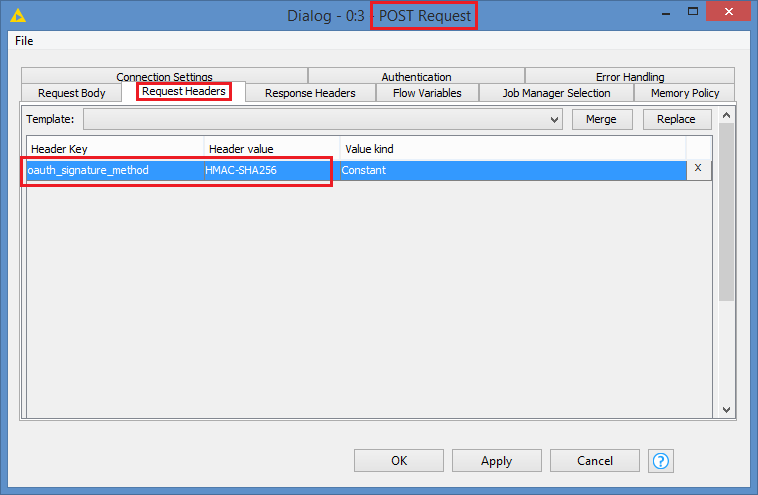
oauth_signature_method="HMAC-SHA256"
I’m not sure how to pass the headers in the HTTP Retriever (it seems to read the headers from a or multiple columns from your table, but I don’t know what the format of the data should be), but from a POST Request node, you would be able to add the headers as the key/variable name and the value:
The way to use OAuth is done in 2 steps. First is to submit your Consumer key and Consumer secret to your OAuth URL, which should return you a Token. You then use that token in your POST request. Note that requesting a token for OAuth is done via a POST request, meaning that you can also do this via a POST Request node. The Palladian OAuth node is a wrapper node that helps to facilitate, sort of customizing the POST/GET request for OAuth - it actually looks like a copy of the HTTP Retriever 
When you are doing your POST requests in Postman, you generate the token first, is that correct? And then submit your POST requests, is that correct?
EDIT: One thing about the Palladian OAuth is that it defaults to a GET Request. I would not send a Consumer secret, which is basically your Consumer password, over a GET Request. It will be caught in the server’s access logs since it will be converted to a query string if it’s a GET Request (meaning the secret/password will appear in the URL)
That’s not to say not to use it. Just make sure you are not sending any Consumer secret over GET, but rather POST