Hi @bsartorelli,
I will try my best to answer your questions:
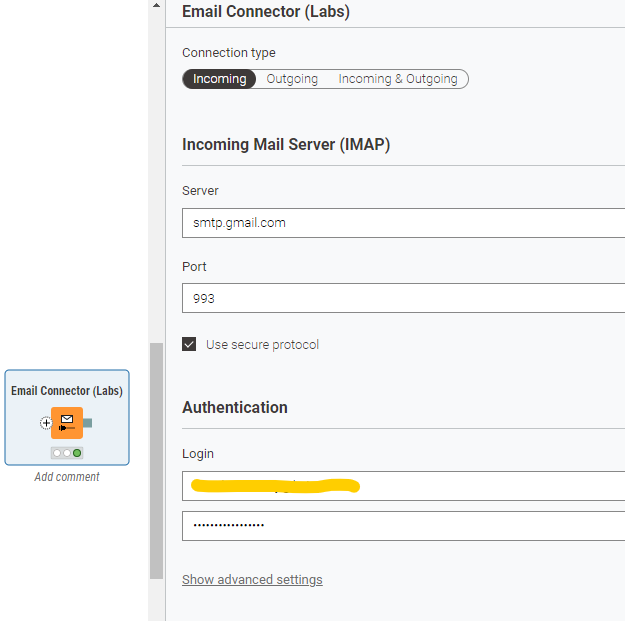
- Instead of using your regular password, try creating and using an app password to connect to your Gmail account. You can find more details about this here.
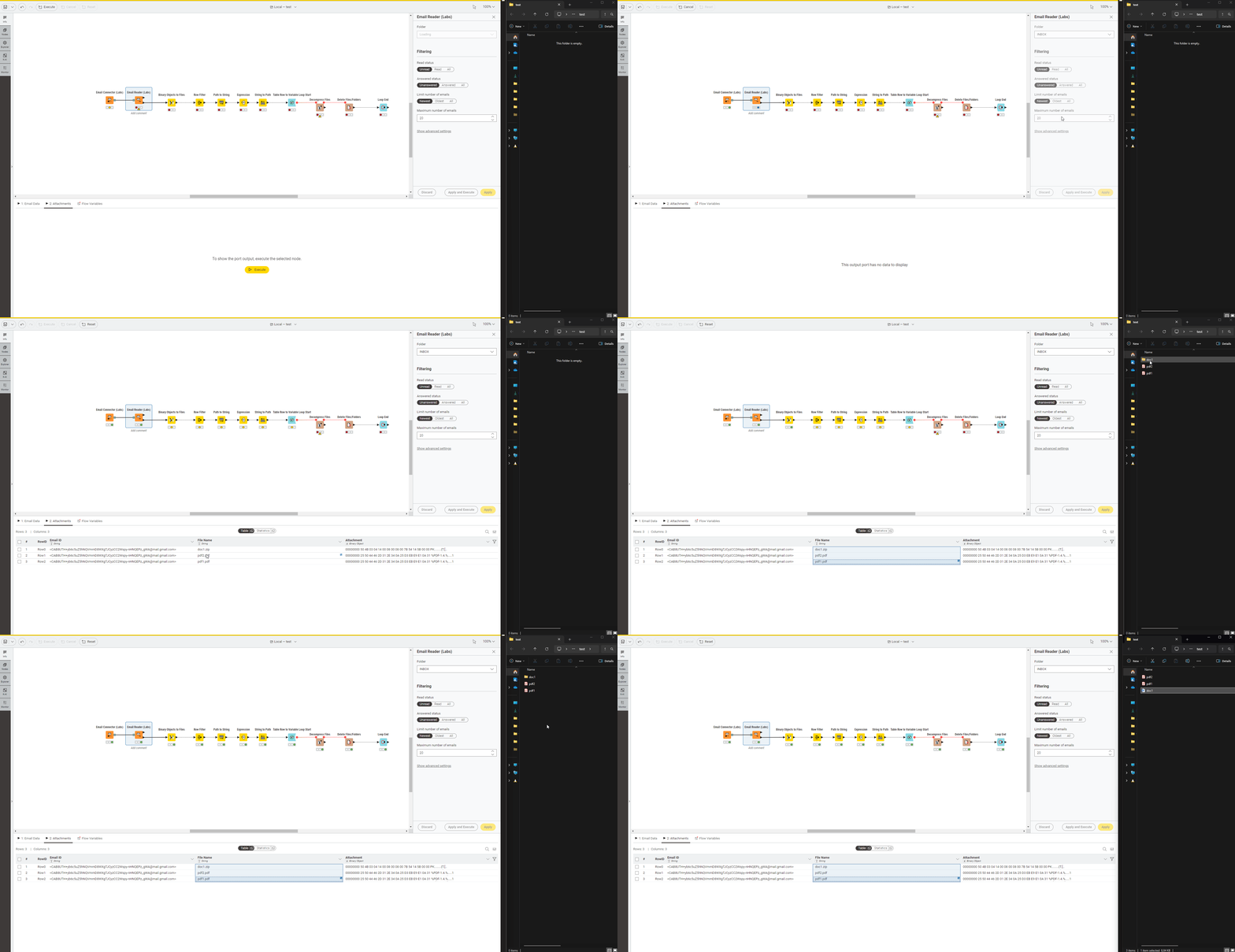
- Connect the top output port of the Binary Objects to Files node to the FTP Connector node, and then select the target folder within your FTP site where you want to save the files.

- You can first save the ZIP file as-is, and then set up another flow to extract its contents. For this, connect to the FTP server using the Decompress Files and Delete Files/Folders nodes.
Hope this helps!
Example workflow for reference.
Best,
Keerthan