Hello, thank you for the prompt response. With some iterative attempts, I was able to get the flow into a state that the variables work mostly as I would like (it does seem that the sharepoint “Path” is a bit confusing as to the format that gets used and when - I see a version of the path that looks like “(CONNECTED, microsoft-sharepoint, /Documents/ABC/abc)” and I see a version that looks more like “/Documents/ABC/abc”.
The “working mostly” comment is that it seems like there is no option to start with a “variable” in the node for sharepoint connector.
I will likely bump into another question as I move further into this modification to use sharepoint, I process data in the workflow, and then move the post processed files into subdirectories and delete the original files, then the workflow goes into a loop that looks for a “new” file to show up and be processed - if no file the workflow waits for a few minutes, then checks again, etc.
Will the sharepoint Microsoft Authentication “time out” and fail to connect after some xxx time, and any suggestions on how this could be handled? This workflow is intended to run continuously and process the data as it arrives, the prior networked folder connection did not have a login that would “time out”, so there was no need to handle this sort of situation.
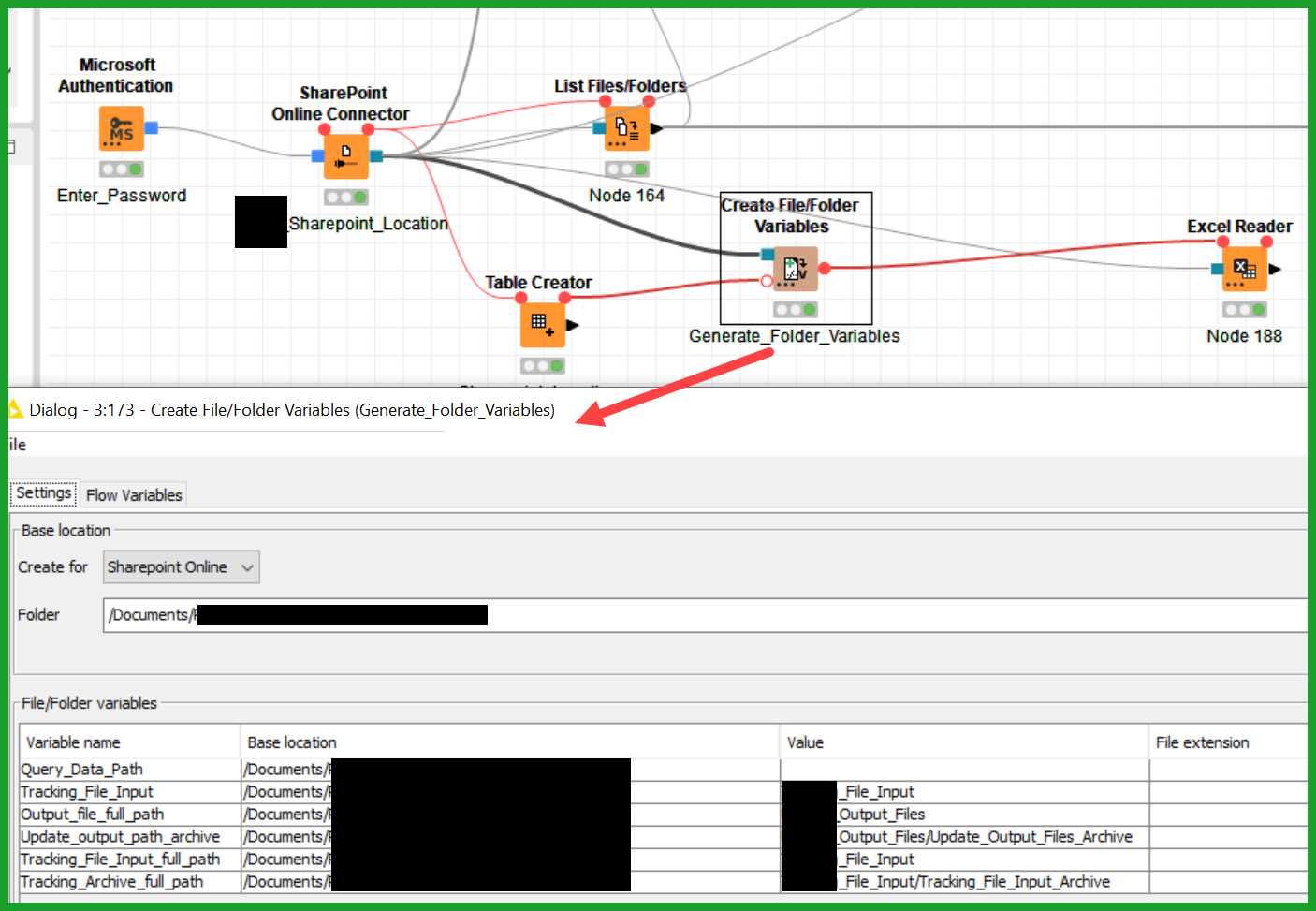
This is the flow that I was able to pass in a variable to the excel reader on the original question:
Thanks again for the help!