Novonesis will be a speaker at KNIME Data Summit Munich 2026.
Presenting: “Our Citizen Data Platform: Empowering Citizen Data Scientist Scientist to Scale Analytics”.
There will be a few slides on the “How”.
Connect to create
Supporting KNIME Example workflows:OAuth Secret Helpers – KNIME Community Hub
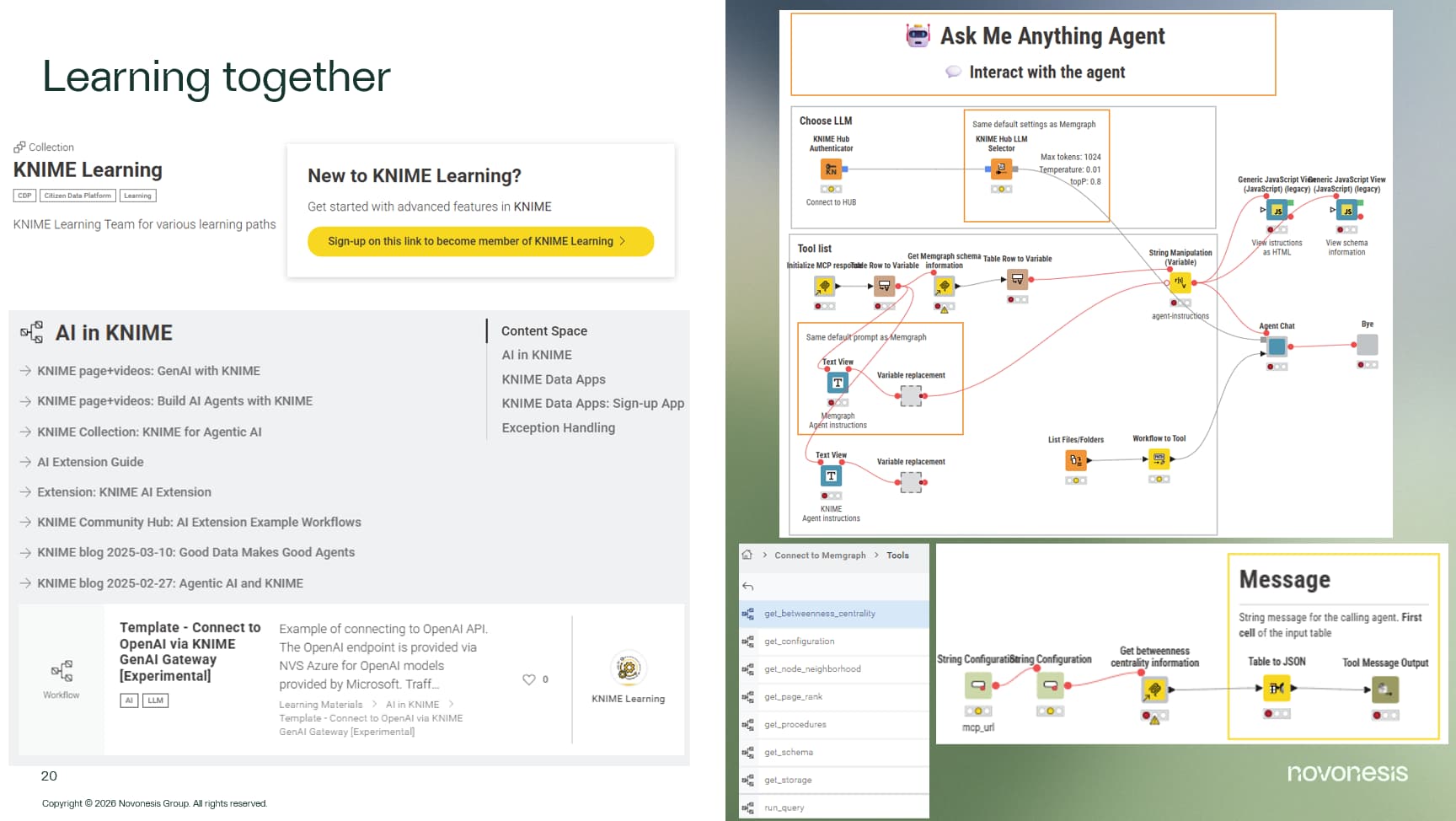
Learning together
Supporting KNIME Example workflows:
Connect to Memgraph – KNIME Community Hub
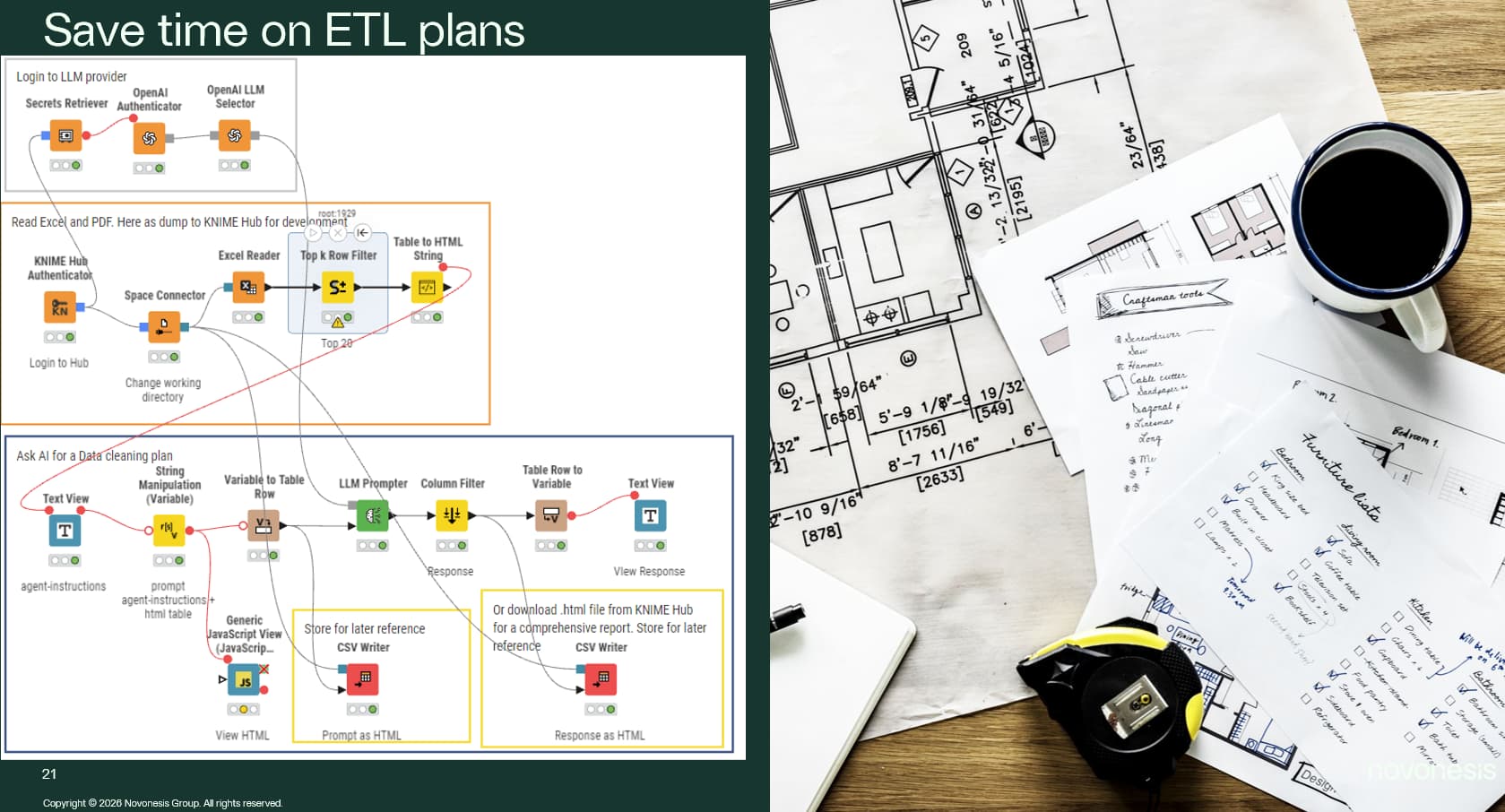
Save time on ETL plans
Supporting KNIME Example workflows:Spreadsheet ETL Planner – KNIME Community Hub 1
3 Likes
A few KNIME’rs on the Data Summit was interested in the OAuth secret helpers.
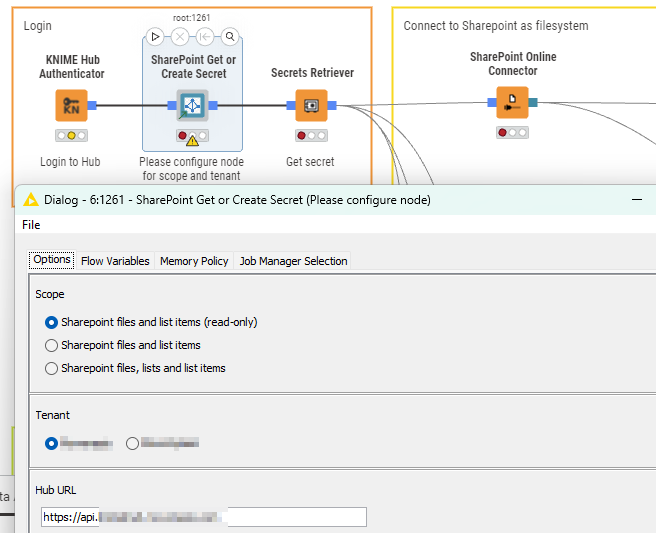
Here is some screenshots to support understanding the feature.
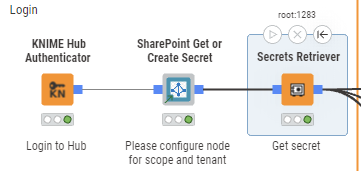
As a user, you can select which tenant to connect to.
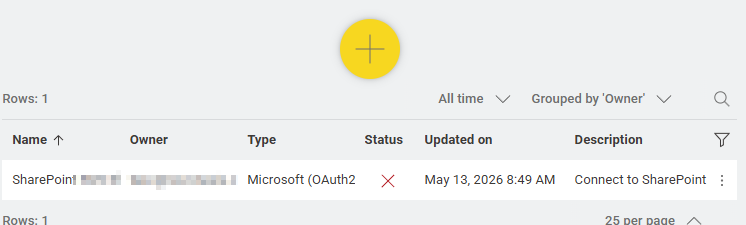
In the HUB, the user has no secrets defined.
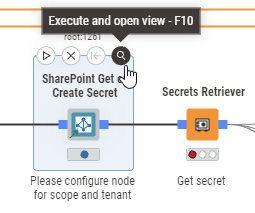
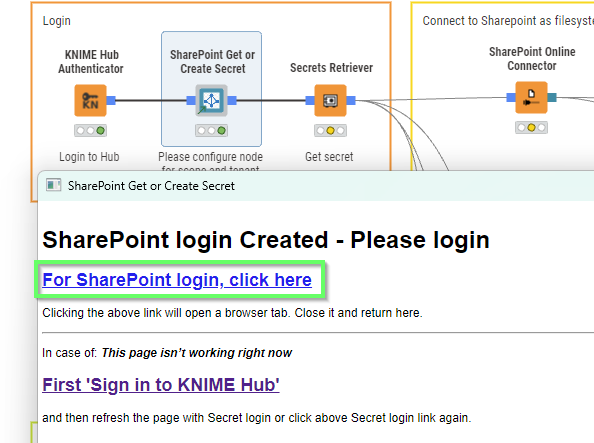
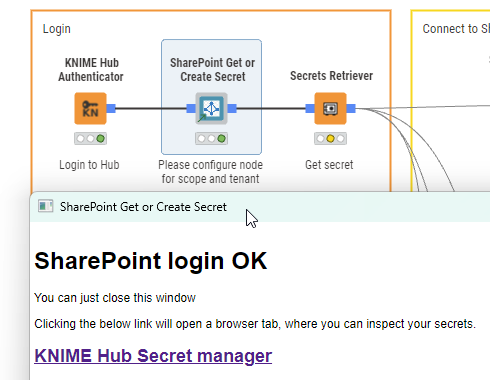
Which make this pop-up window,
In the back-ground, the secret has been made:
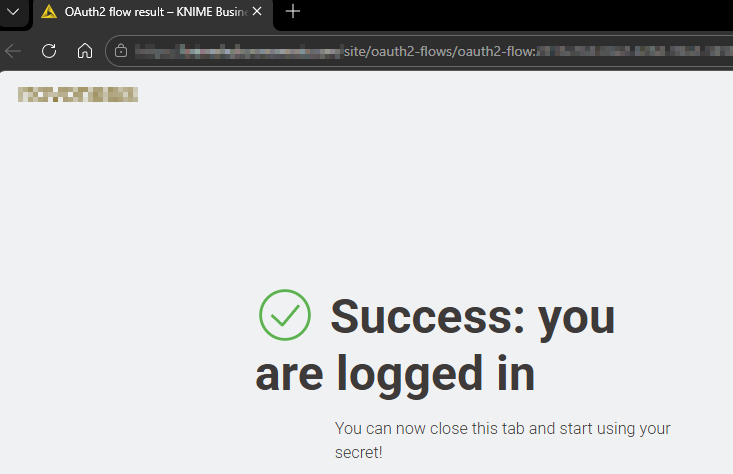
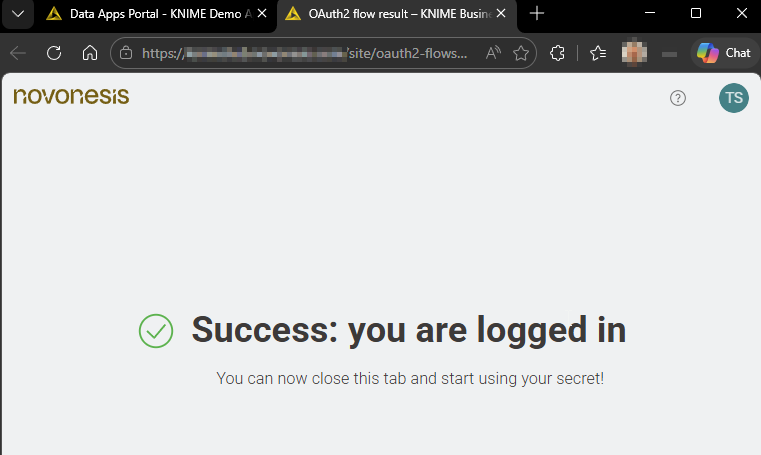
When the user click the link in-the pop-up window. See this
But can now immediately start working. Without ever leaving KNIME AP.
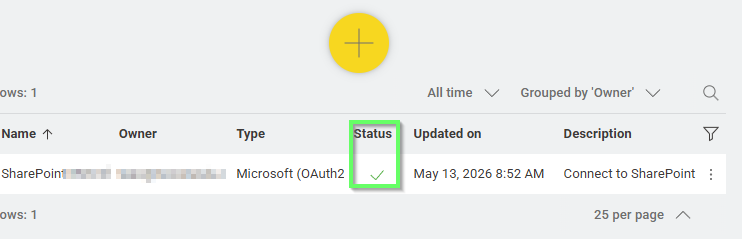
In the background, the secret has been updated with a valid token.
When the secret exists already and token is valid, the pop-up is different.
If the node is used in a KNIME Hub App context (has a job id), that window will be skipped.
1 Like
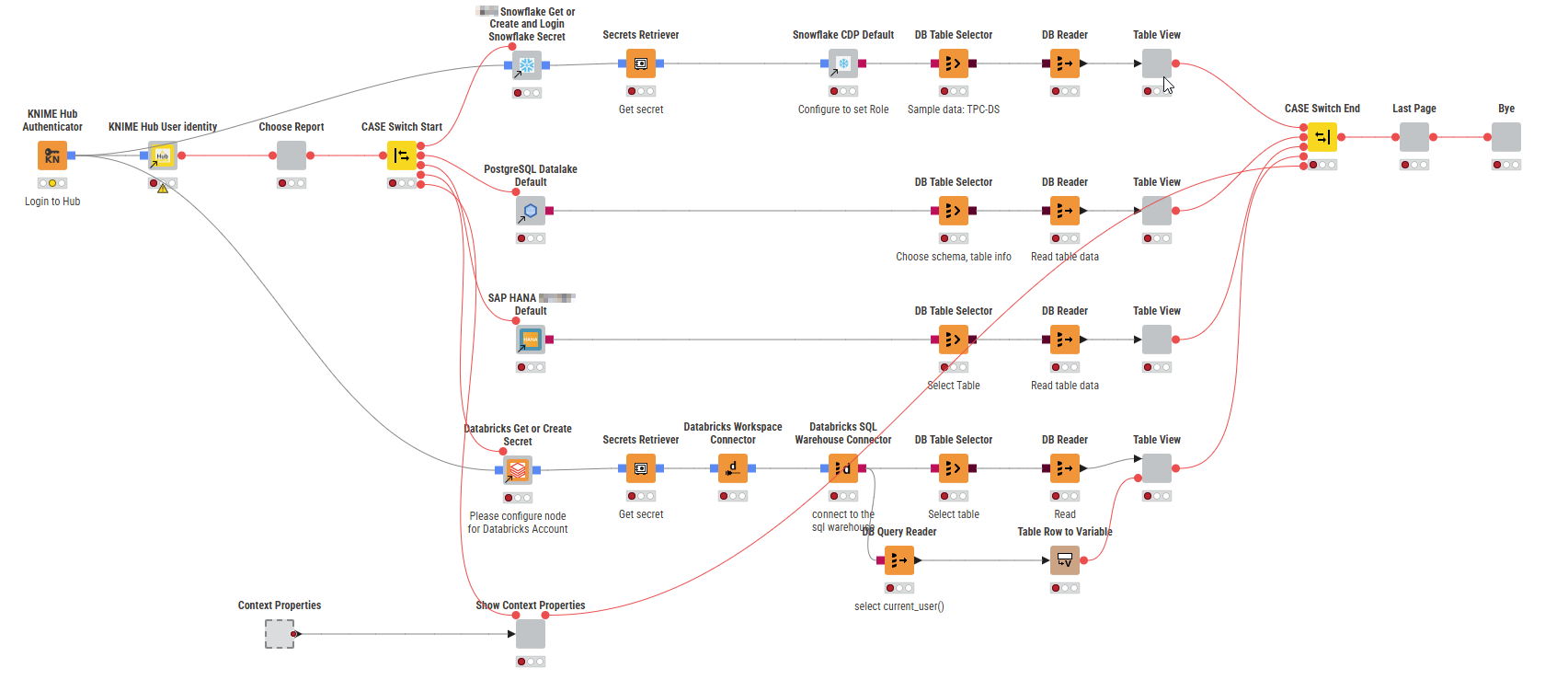
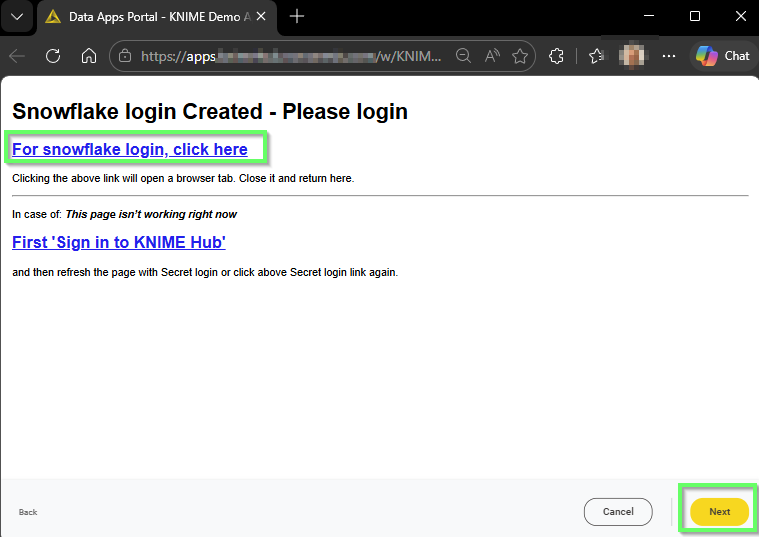
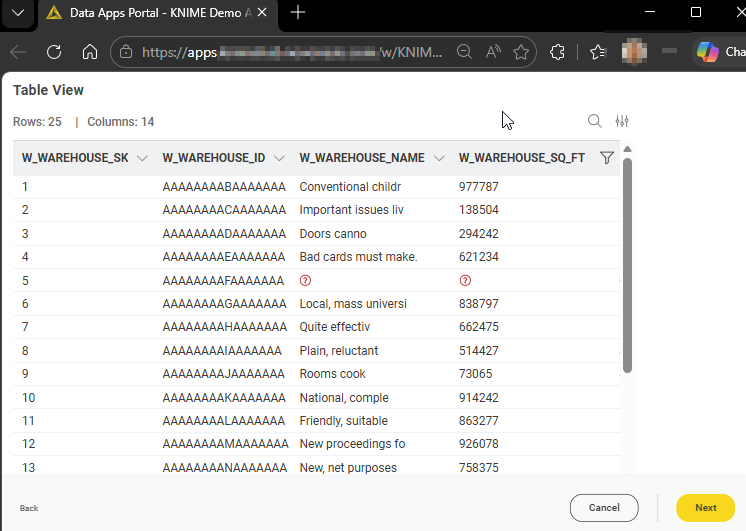
So, for this Demo App, that demonstrates access with both Kerberos and OAuth in an App.
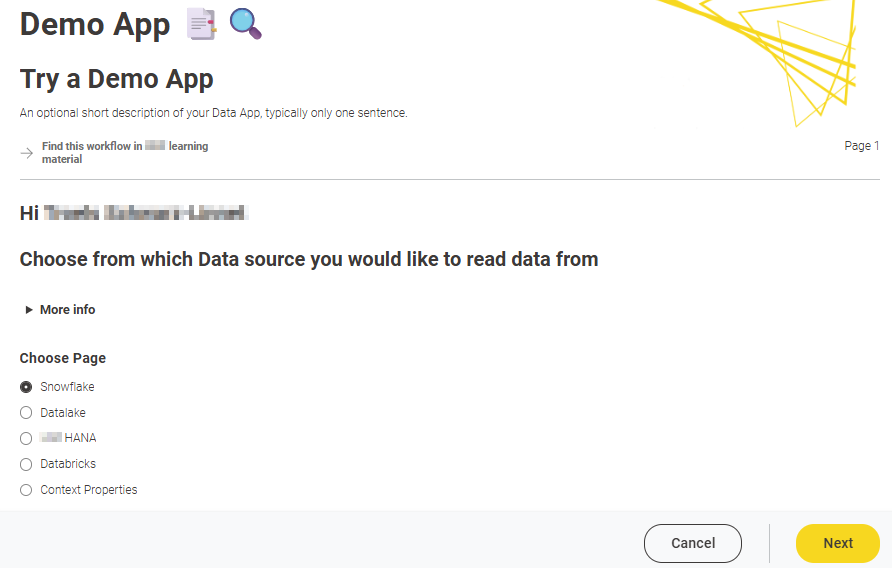
Running as App
When a valid secret already exist, the page with Snowflake login is skipped
2 Likes
system
August 11, 2026, 7:17am
4
This topic was automatically closed 90 days after the last reply. New replies are no longer allowed.