Hello,
Thank you for your patience as I researched this issue.
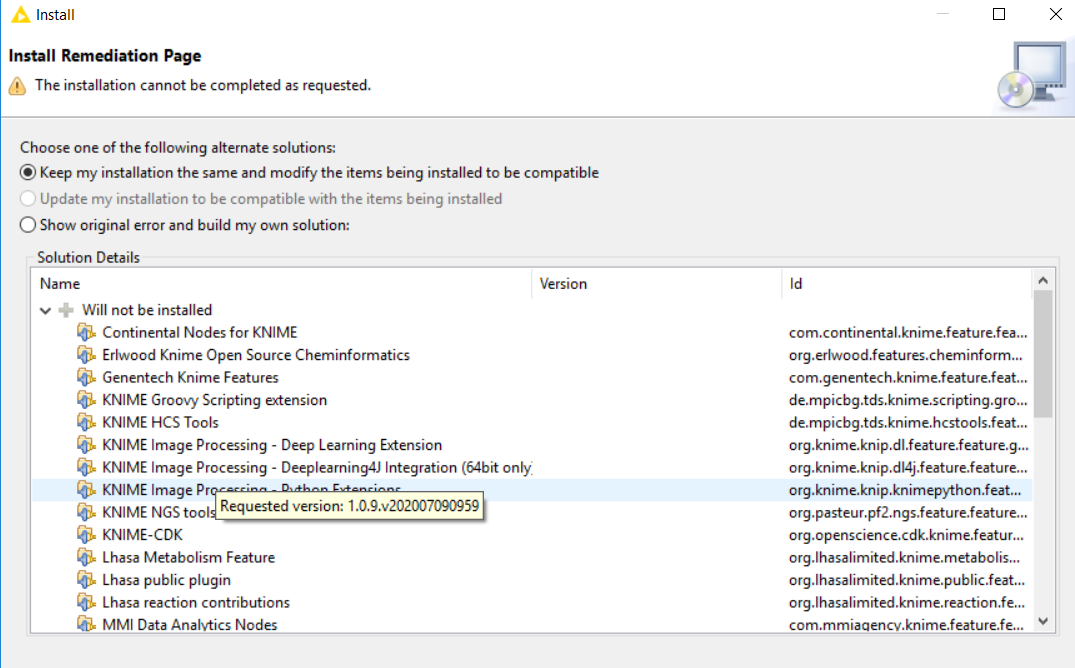
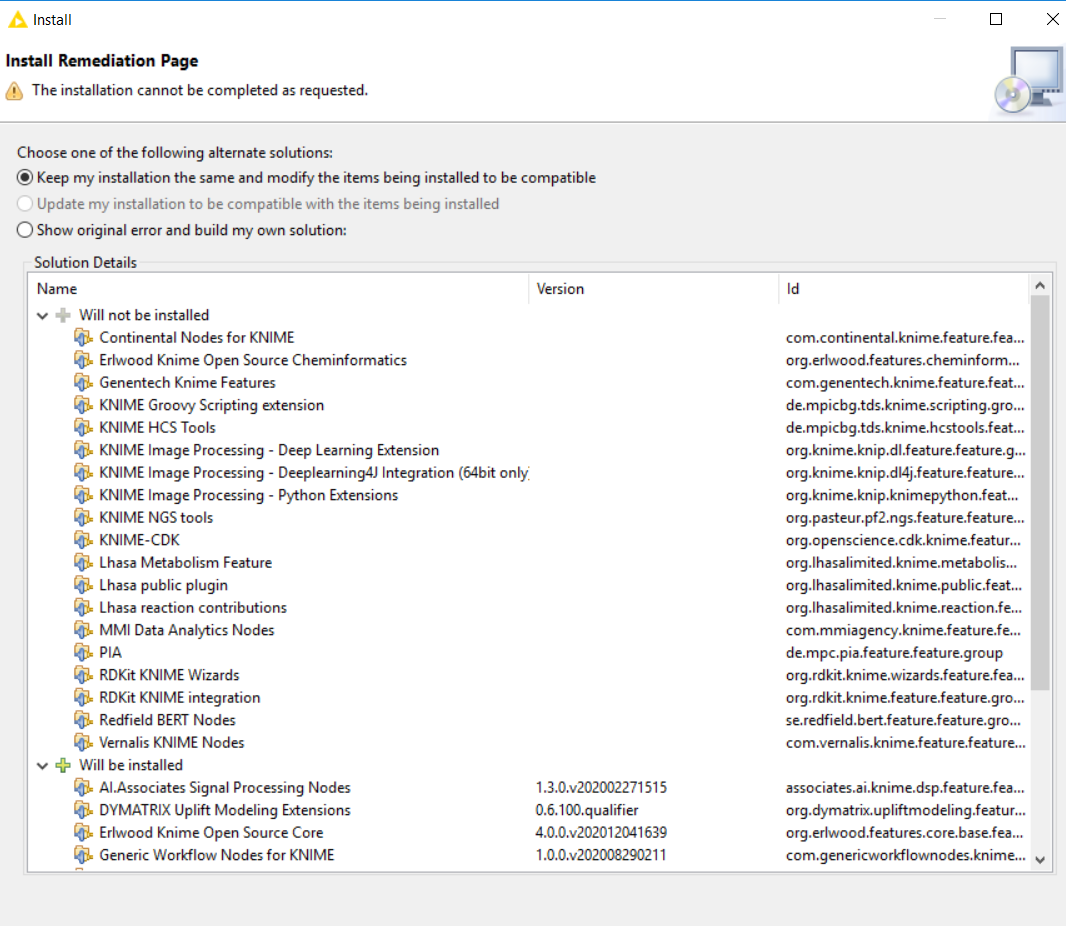
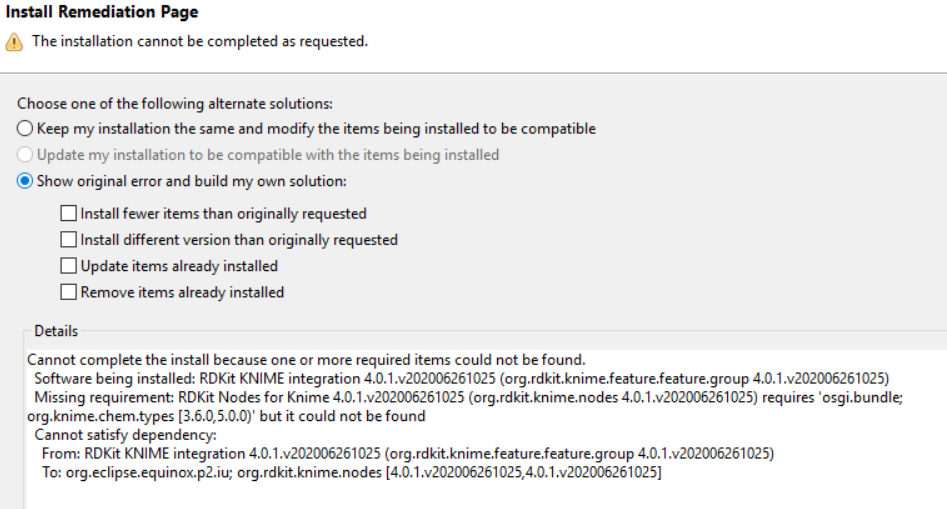
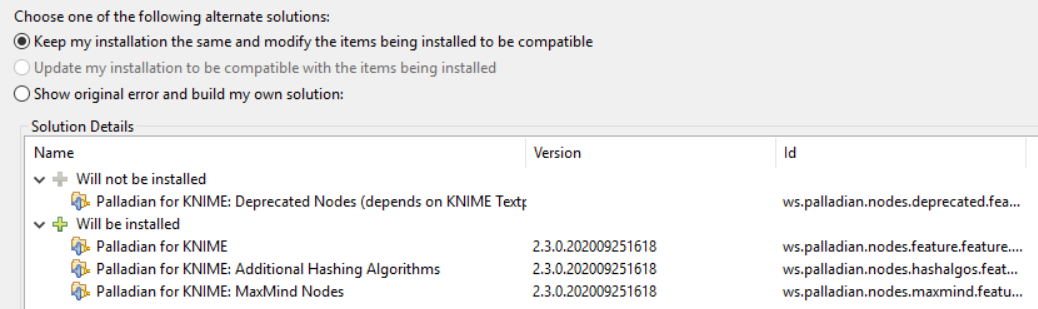
Obviously, from your screenshots, RDKit is a prerequisite for the Erlwood nodes, and the fact that some will not be installed is the root issue. The answer to WHY remains as yet unknown.
I attempted to reproduce the issue by setting up a Windows Server instance, and created a non-admin user.
As the non-admin user, I downloaded and installed 7zip, first, because the AP zip file has some deep directory structures and Windows’ built in zip file extractor can balk and choke on some of the extremely long filenames.
7zip msi: https://www.7-zip.org/a/7z1900-x64.msi
Next, I downloaded the 64 bit zipped version of AP 4.3 from the main download site.
AP 4.3: https://www.knime.com/download-installer/5/64bit
I also downloaded the default update zip file (though I wound up not needing/using it).
default update site: https://update.knime.org/analytics-platform/UpdateSite_latest42.zip
Then, I downloaded the trusted community extensions zip file.
community extensions page: https://www.knime.com/community
trusted community extensions site: https://update.knime.com/community-contributions/trusted/4.3/TrustedCommunityContributions_4.3_202012181340.zip
I then extracted and opened AP, pointed it to a workspace folder, and went to Help>Install New Software.
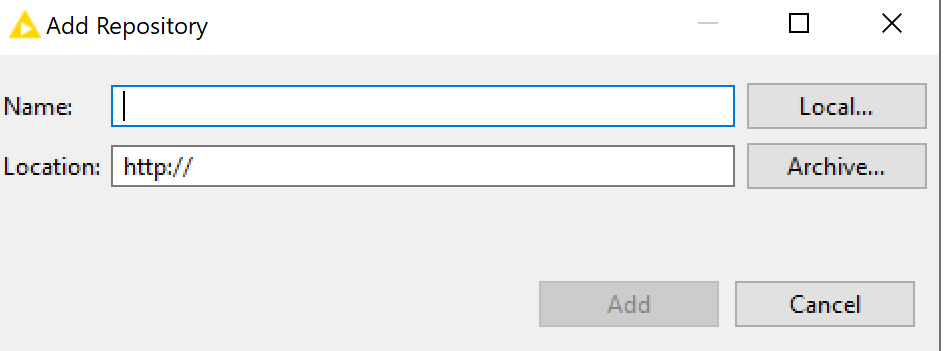
On the “Work With” dialogue, I clicked ‘Add’.
On the repo dialogue, I clicked ‘Archive’
navigated to the trusted community zip file, clicked OK, and gave it a name and clicked OK again.
Then I installed all of the 4 categories of trusted community extensions that you selected in your first post.
I accepted the T&C and proceeded to Finish.
It installed, then prompted me to Restart KNIME.
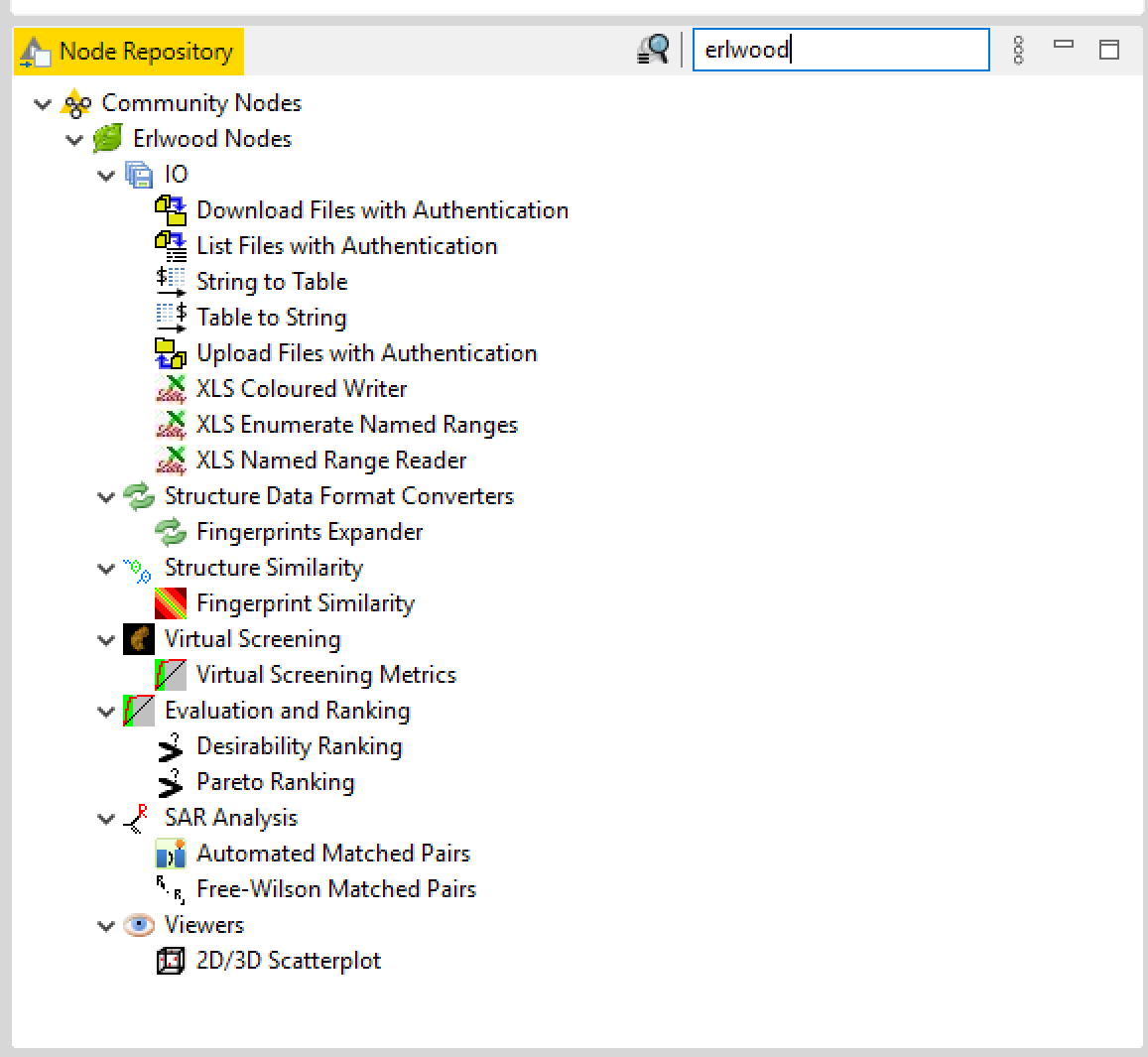
Upon restart, Erlwood nodes are present.
In summary, I still don’t know why you experienced that issue, but perhaps if you review the steps I followed you may find something that helps with your own installation.
Regards,
Nickolaus




 .
. .
.