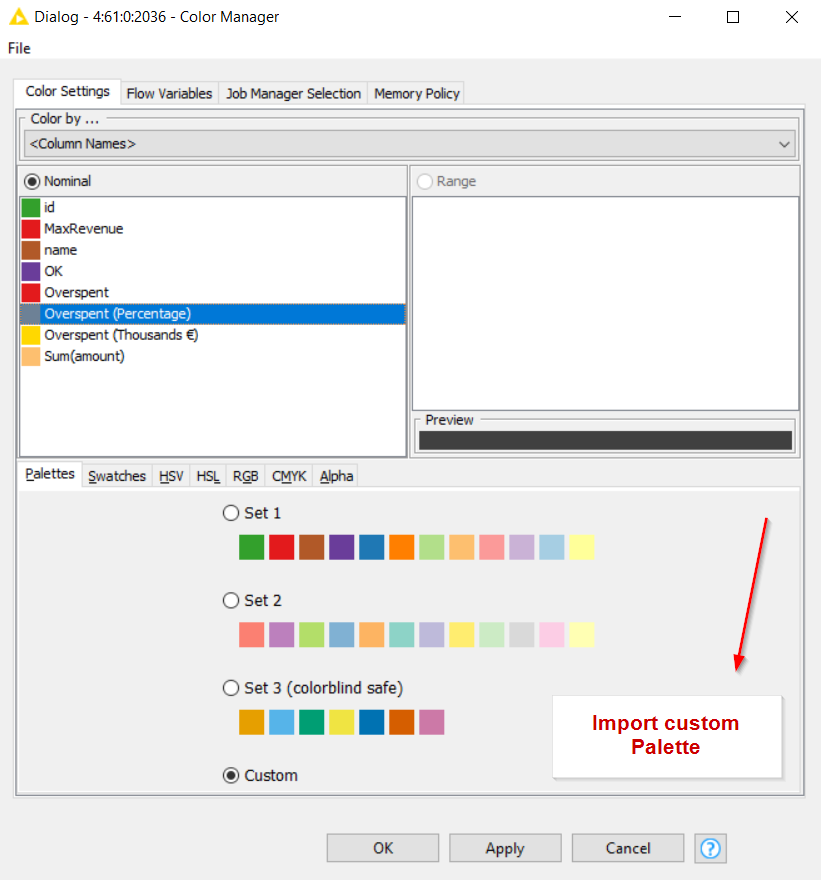
This would be a huge time-saver! Mapping corporate CI colors one by one in the Color Manager is always such a chore. While we wait for an official import feature, I’ve been using this palette extractor to grab hex codes quickly from brand images or PDFs. It’s not a direct import, but it definitely makes the manual copy-pasting into KNIME a bit less painful. +1 for the official support though!
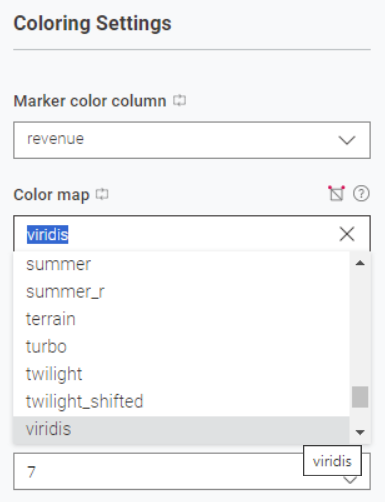
we reworked the Color Manager node completly and will introduce Color Palette Designer and Color Gradient Designer node with the next release coming in spring. There you can create custom palettes or gradients or use some pre-made ones (viridis, colorbrewer, … ). Using these nodes as (shareable) components will make the custom palettes reuseable. Further improvements are in the backlog.
sounds great. Looking forward to the next LTS release maybe?
Just to keep in mind, it would be great to have an external file holding the color information than a component. Or have to possibility to import those files. It would be shareable through different instances of KNIME and could be modified externally by other tools (maybe a LLM tool). This is why I’d suggest a JSON-based file structure.
As mentioned above, there are some Open Source color management basic file types, that could be used for KNIME.
Hi @Awiener ,
yes, it should be included in the next 5.12 release and the next LTS.
Currently, there is no feature in the newly designed nodes to import color information from external files. Could you elaborate a bit on why you would prefer using a file for this use case or what use case you have where you want to modify colors outside of KNIME?
In the longer term, we are planning to introduce global color settings on the Hub, where color palettes could be shared with users. It may even be possible to restrict nodes to only allow those predefined colors, if desired. We have this already for secrets and want to expand the concept for other useful settings, e.g. colors
Regarding AI support: once nodes use the new UI framework, K-AI will have access to their settings, which should make it possible to modify things like colors directly through our AI assistant.
Why external files? For better convenience and interoperation. It’s easier to store information in files than in components.
Nearly all companies have a marketing department, that is in charge for colors, gradients and palettes. They work with Adobe and other software. So for me it would be naturally, to be able to import those “offical” files into the nodes. This helps avoid lengthy back-and-forth communication or unnecessary typing. It also eliminates a common source of errors: manual data entry. And these are exactly the same experiences @Syndra_Casper had and wants to get over it.
On the other side, exporting to a KNIME file format, that could held color information in general, would also help to keep a consistant CI through different results (PDF, html, etc).
On the other hand, I think it would be great if a KNIME style file could also store other style information: table styles, reporting styles, the appearance of charts, etc. This would provide a foundation for consistently achieving the same results across workflows—a template file that could, for example, be shared between clients.
And if it’s formatted in JSON, it could also be adapted by humans or machines as needed. And of course by KNIME workflows as well
 –> Matplotlib