Connect to a Microsoft Fabric workspace that contains special characters

Hi,

Does the Microsoft Fabric nodes support workspace names that contains special characters such as spaces?

I have tried to connect to the Microsoft OneLake Connector but I receive this error message:

Execute failed: Illegal character in path at index 45
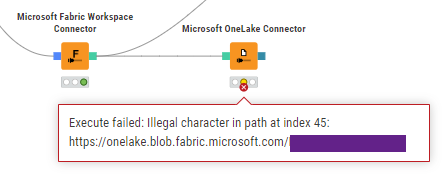

The name of the workspace I try to connect to contains a space that matches the index 45.

Can anyone confirm if they are able to connect to a workspace that contains a special character with the Microsoft OneLake Connector or if you receive the same error message?
Hello @SEALBINSSON ,

welcome to the KNIME community. Unfortunately this is a known limitation in the library that we are currently use in the Microsoft OneLake Connector node. We have a ticket to fix the problem (internal ticket number BD-1356) but I cannot tell you when this will be fixed.

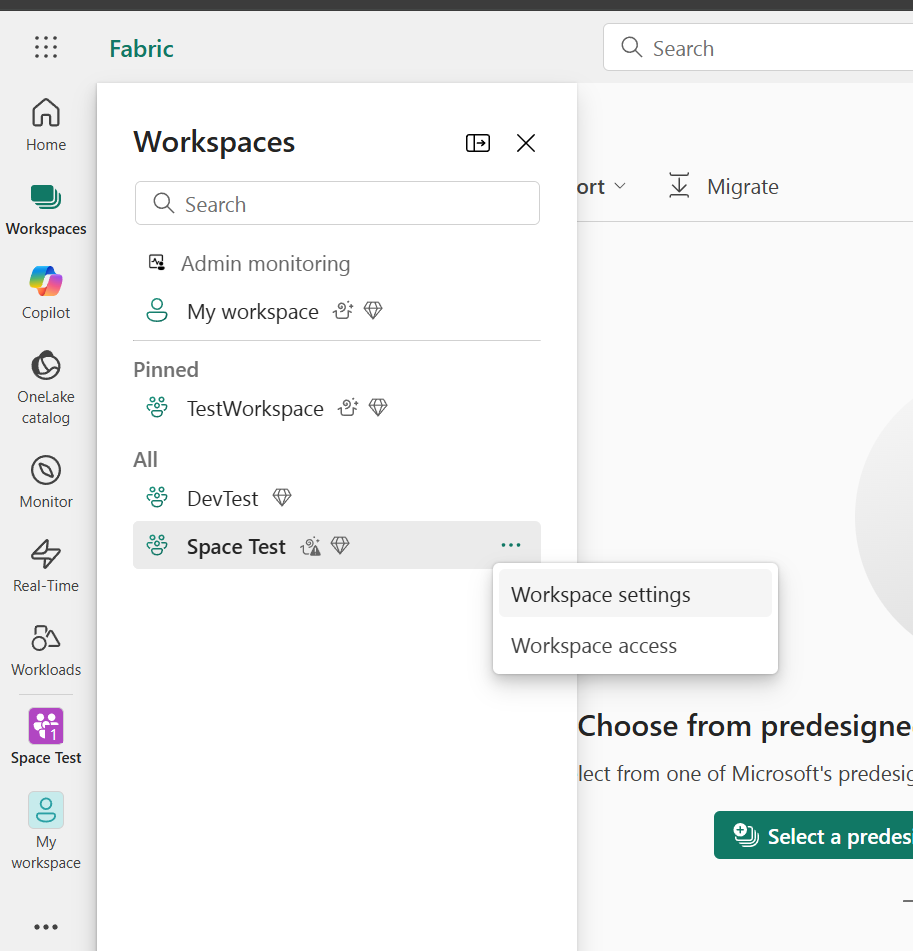
The only workaround that is available right now is to rename the workspace to not contain any spaces. You can change the name of the workspace in the Fabric UI via the workspace settings entry in the workspace menu:

Bye

Tobias

1 Like