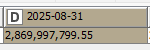
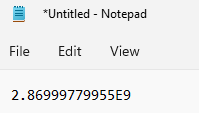
When I copy cell values with large numbers from a knime results view and paste them from the clipboard into notepad or excel, the numbers are transformed into scientific notification and pastes as text (in Excel) and not the number in the results view.
How can I get results pasted as normal numbers? This only happens when copying from Knime (5.5.1) when reviewing a node’s results and not from other applications on the system.
It’s the output of a pivot node, but it happens from all nodes where I right-click and view node output.
I use the output of this pivot as a single input point for a manual process so I don’t want to write it to Excel, to then open excel and paste it into the process.
Hi @koeties , I think this is unfortunately KNIME’s default handling of the numeric data when copying to clipboard.
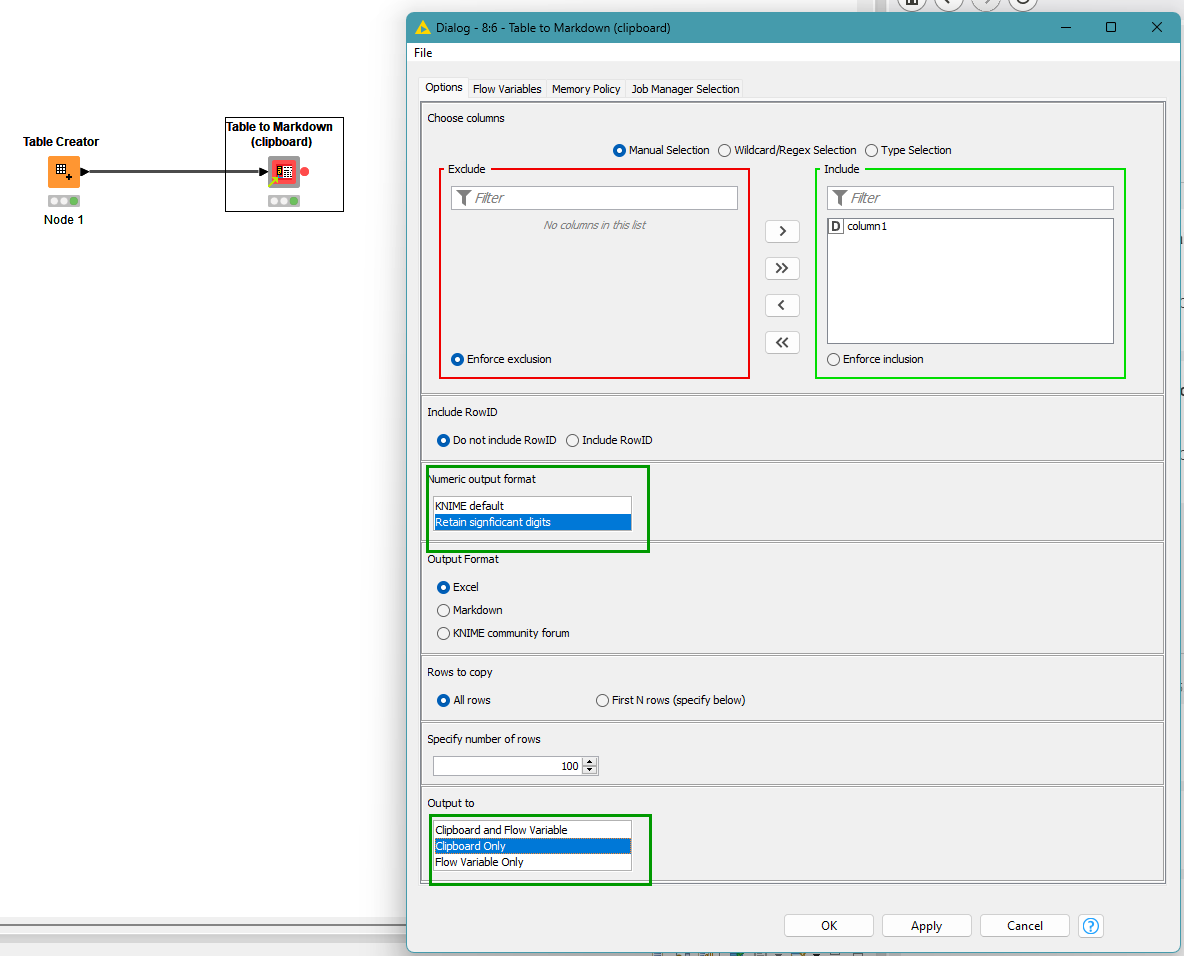
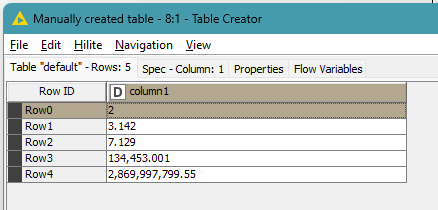
I have a component on the community hub Table to Markdown (clipboard) that may be able to assist with copying to clipboard. Attach it to the output of the node in question and specify the columns to copy and it will copy them to clipboard. I’ve just updated the component to give the option of attempting to copy significant digits, rather than KNIME default. When the node executes, it copies to data to clipboard for you, so you don’t have to do it manually.
whereas the component will copy to clipboard (keeping significant digits) as this:
column1
2
3.1415926
7.128712871287128
134453.000911
2869997799.55
Let me know if that helps. If it is useful, but you need some other “tweaks” to the component let me know and I may be able to assist with some modifications, or an alternative version.
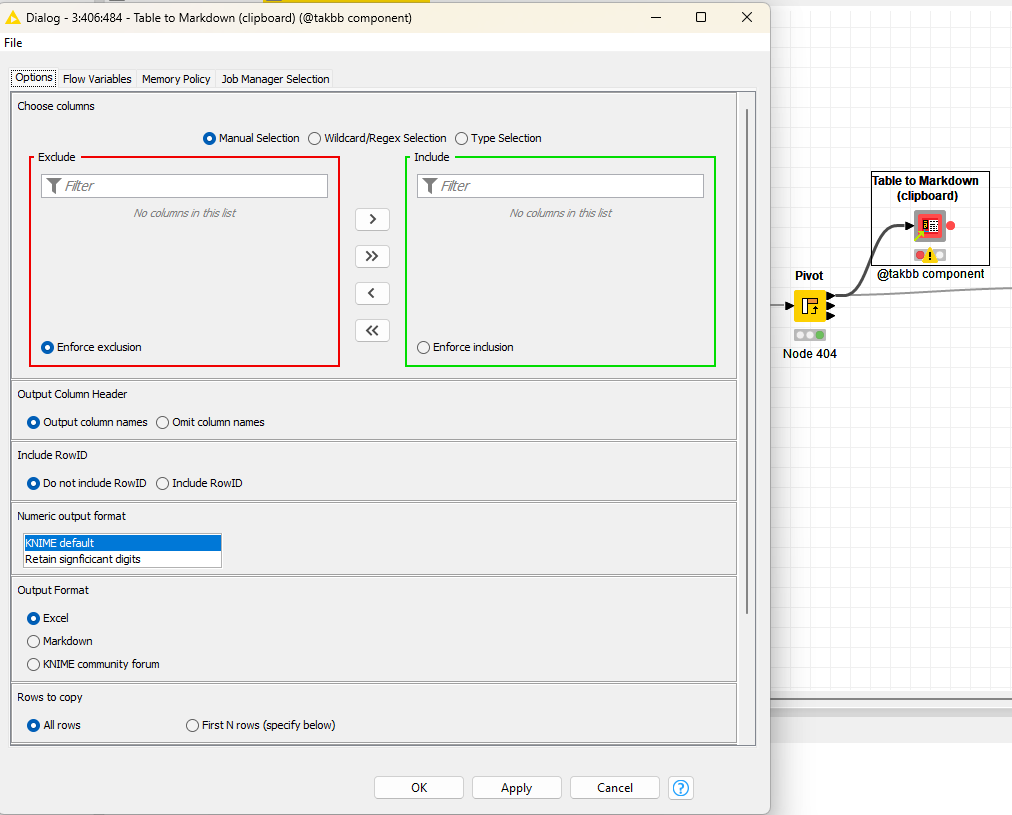
Thank you @takbb . I think this will do exactly what I need. What’s weird though is that when I import this node/component into my Knime workflow and connect it to the pivot node output, it doesn’t show any columns for me to include or exclude (top part of the configuration window of your component). Is there something specific I need to do when importing the component into my workflow?
Hi @koeties , you may need to “execute” the component once before configuring it so that it picks up the columns in the table. In fact in my above screenshot, I have displayed the config without pre-execution, so it doesn’t show the available columns.
It’s an unfortunate feature of components that pre-execution is sometimes needed.
Hope that resolves it. If not let me know in case I’ve done something silly!