Good afternoon,
I usually schedule workflows using the Windows Task Scheduler. I recently updated to version 5.9.0, and since then KNIME has been crashing whenever a scheduled workflow starts running. Below I am providing the error log.
Note: The workflow only fails and causes a crash if KNIME is open.
Is there a solution to this problem without having to downgrade KNIME?
# A fatal error has been detected by the Java Runtime Environment:
# EXCEPTION_ACCESS_VIOLATION (0xc0000005) at pc=0x00007ffa820dad3f, pid=7788, tid=17084
# JRE version: OpenJDK Runtime Environment Temurin-21.0.9+10 (21.0.9+10) (build 21.0.9+10-LTS)
# Java VM: OpenJDK 64-Bit Server VM Temurin-21.0.9+10 (21.0.9+10-LTS, mixed mode, sharing, tiered, compressed oops, compressed class ptrs, g1 gc, windows-amd64)
# Problematic frame:
# C [libcef.dll+0x468ad3f]
Hi @logan_sk8,
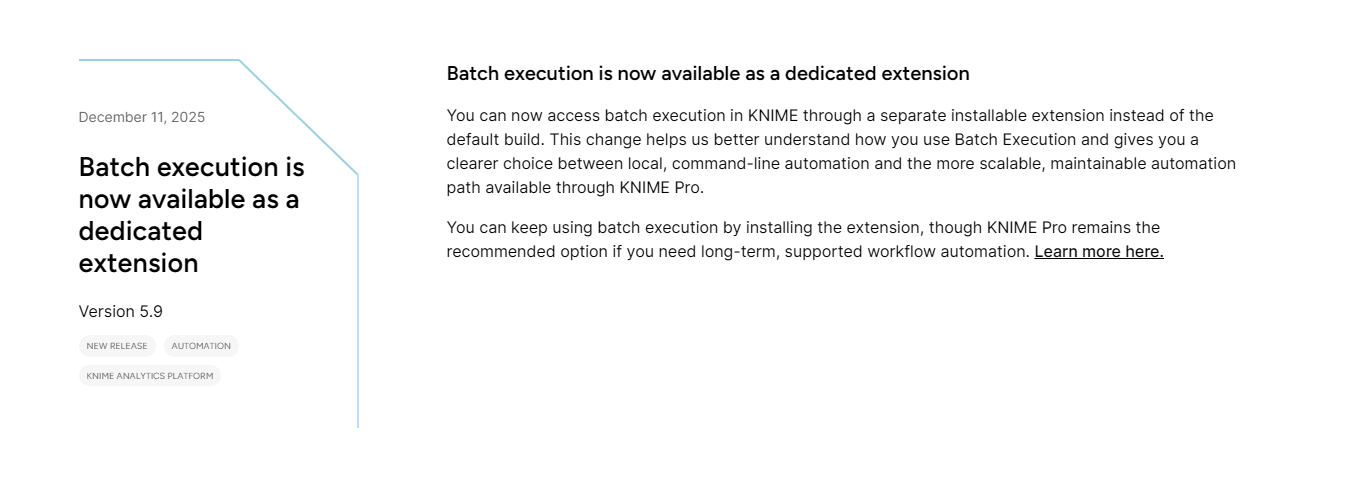
and Merry Christmas  With 5.9 the Batch Execution was separated into a dedicated exstension
Try installing the extension following the instructions here:
Cheers
Mike
2 Likes
Merry Christmas,
Previously, I had already installed the separated batch file. The mentioned error only occurs when I have the platform open, regardless of which workflow I am editing. When it is closed, the workflow runs without any issues.
they had a change in the underlying CEF/eclipse a bit ago and now are “blocking” a workspace to be used two or more times in parallel via batch mode, too.
there is a config setting for overriding - some details are hidden somewhere in this forum (edit: thing the discussion started here: 📣 Out now: KNIME Analytics Platform 5.5 - #44 by Sarah_rushton )
1 Like
Thanks for the reply, I see that the topic has exactly the same error as my log,
I’ll check the discussion and see if there’s a solution at the moment.