Hello everyone,
I have a question about the difference between KNIME native ML nodes and H2O ML nodes.
It is often said that native ML nodes are more row-based, while H2O ML nodes use a columnar processing model.
-
Do H2O ML nodes always process data in a columnar format by default, without any additional configuration?
-
If so, does this generally result in better performance for large datasets compared to native ML nodes?
If anyone has tested this or has insights into the internal processing model or performance characteristics, I would appreciate it if you could share your experience.
Thank you.
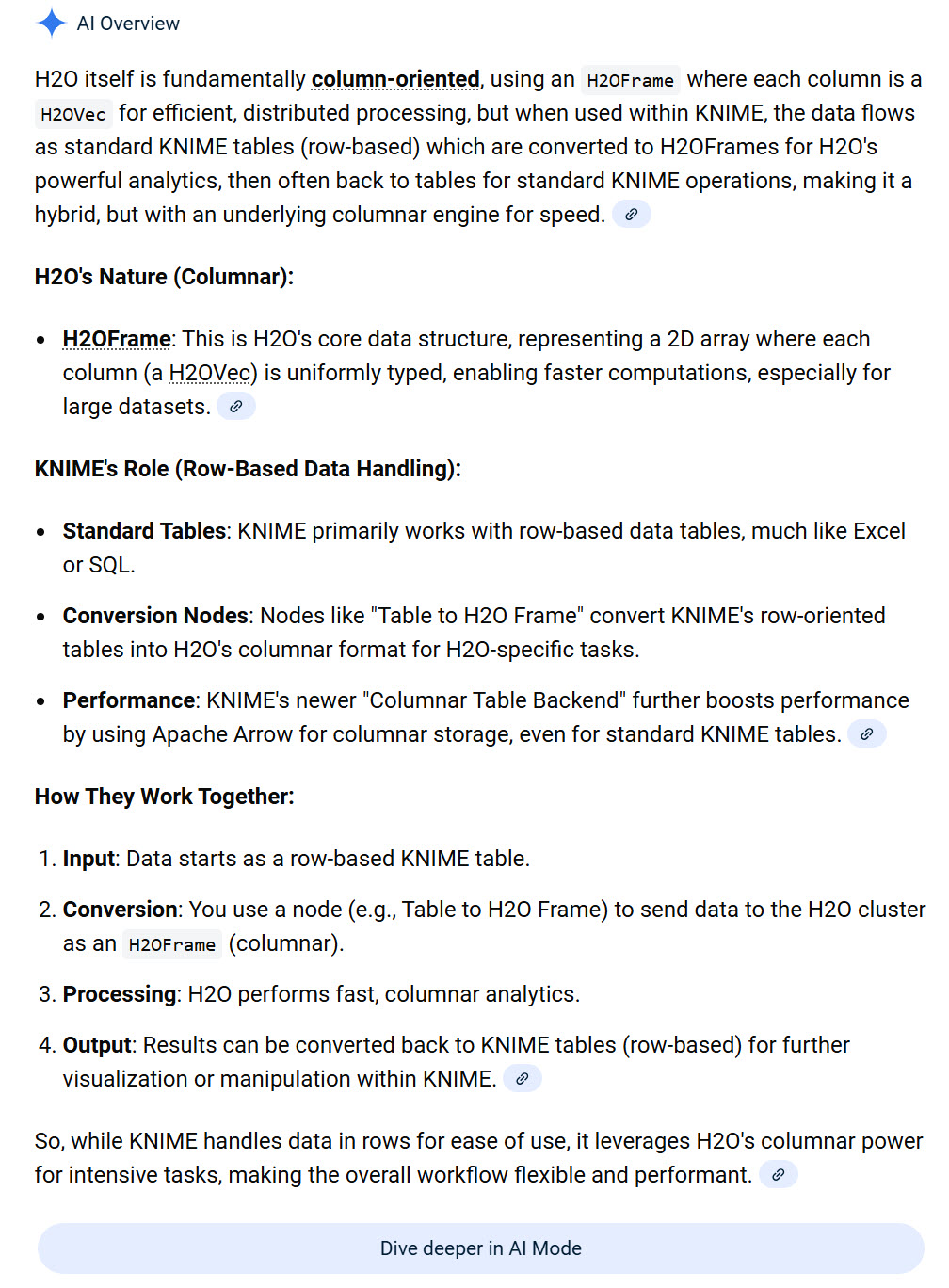
Here’s what Gemini says about your question. I have no deep insights.
@JaeHwanChoi in general, H2O.ai provides good performance for Machine Learning. They use an efficient data storage format in the background. From my perspective their main benefit is in the integrated pre-processing and availability of models. Also, in the option to use MOJO format to scale the developed model to a big data system via Spark.
If you have very large datasets, you might want to think about sampling and doing some data pre-processing. I think it very much depends on the memory you will provide to KNIME in general.
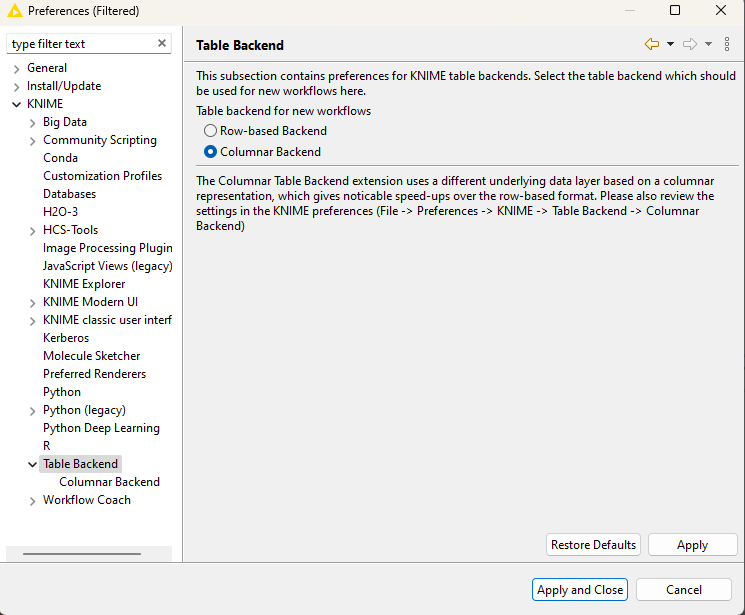
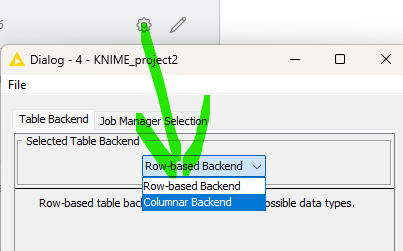
KNIME itself also allows for the use of columnar storage in the background. You can try and see if this makes any difference.
The individual workflows also have such a setting:
Thanks for the explanation.
I have one additional question.
When using H2O in KNIME, if the data is converted to an H2O Frame using only the Table to H2O node, will machine learning automatically be handled in a columnar manner?
Also, am I correct in understanding that the example you mentioned earlier refers to converting KNIME’s default row-based processing into a columnar-style approach, while H2O works differently once the data is represented as an H2O Frame?
H2O will handle the machine learning in its own environment. If you then apply a model using MOJO files you can use the normal knime environment without the need to convert to H2O’s format. Or you convert and apply with H2O model format.
Apply can also be handled in chunks or in a big data / spark environment.
So, to clarify my understanding:
When training a model with H2O, the KNIME table must be converted to an H2O Frame via Table to H2O.
Once the data is in an H2O Frame, are preprocessing and training operations handled in a columnar manner by default, without requiring any additional configuration?
@JaeHwanChoi the basis is columnar but they might use some further tweaks for example to represent categorical data. No additional configuration needed. In the KNIME preferences you can select the version of H2O to use in the background.
The KNIME nodes will give access to the most important internal data preparation settings and model configurations.