Hi, I am following this solution (download file to local path - KNIME Analytics Platform - KNIME Community Forum) but it didn’t work well for me, instead just got these strange files. If someone advice me how to solve this problem, highly appreciated. Thnks.

Could you explain in more detail what you’re trying to do? Where are the files you’re trying to transfer located? Its hard to tell but it seems that you have accessed folders. Could you share your workflow?
Thank you very much for your quick reoly!
This is my workflow and the table. Now I found that the sorce of Row0 didn’t exist according to this table, but it actually exists when I click it directly on the original Exel list. I wonder why this workflow couldn’t find it.

When I click the Transfer files (Table) node, I can see this
Sharing the actual workflow rather than a screenshot would be much more helpful. Make sure to include the Excel file in a workflow data folder. If its stored locally on your computer I can’t access it.
Sorry, I cannot share the workflow file, instead I have copied dialogs from the nodes. I hope those are helpful.
Excel reader

Row filter

string to path

transfer files

Without being able to see all of the node outputs, its hard to tell what’s happening. What final output do you want and what are you getting? Please describe in detail.
Thank you for your advises. My goal is getting PDF files from the urls which have been listed on the column “best_oa_url” in the EXCEL file. However, I got only these strange files (download, index.php, and so on …) , couldn’t get any PDFs and found that all the “Source exists” were “false” on the table of the last node, “Transfer files (table)”, which I hope would be helpful this time. I would appreciate your kind feedback.


I’m sorry. Without being able to see your data I can’t help. Maybe someone else can.
Finally, I have learned how to remove personal information and how to share the workflow file here. I’m still a KNIME beginner, sorry for be late to upload it.
I tried to get 2 PDF files with this workflow, however, I couldn’t get any PDF, although I could get one of them by manually accessing. Later I would like to try to get as many as 100 PDFs.
If someone could kindly help me how to fix the workflow, I will highly appreciate it.
PDF download to ask to HUB.knwf (75.2 KB)
Hello @satomi,
you can use Get Request node which can download files from web followed by Binary Object to Files node to create pdf locally. I have tries your workflow and it works for one link.
You can close another topic for the same question.
Br,
Ivan
3 Likes
Dear ipazin,
Thank you for your kind reply. If you could you share your workflow, I will appreciated it. I have tried Get Request node and Binary Object to Files node, but failed.
Satomi
Hello @satomi,
here is modified workflow example.
PDF download to ask to HUB_ipazin.knwf (2.6 MB)
In Get Request you choose your URL column and in Binary Objects to Files node column is BLOB type and for file type specify .pdf. For second URL I get 403 error code so there is no data.
Br,
Ivan
The second URL points to a webpage not a pdf.
Thanks! I understood why PDF was unavailble from the second URL.
Hi, ipazin. Thank you for sharing the modified workflow. However, it didn’t send “body” in the Get request node on my desktop, like this.
Do you know how to solve this?

Try this.
PDF download to ask to HUB.knwf (79.0 KB)
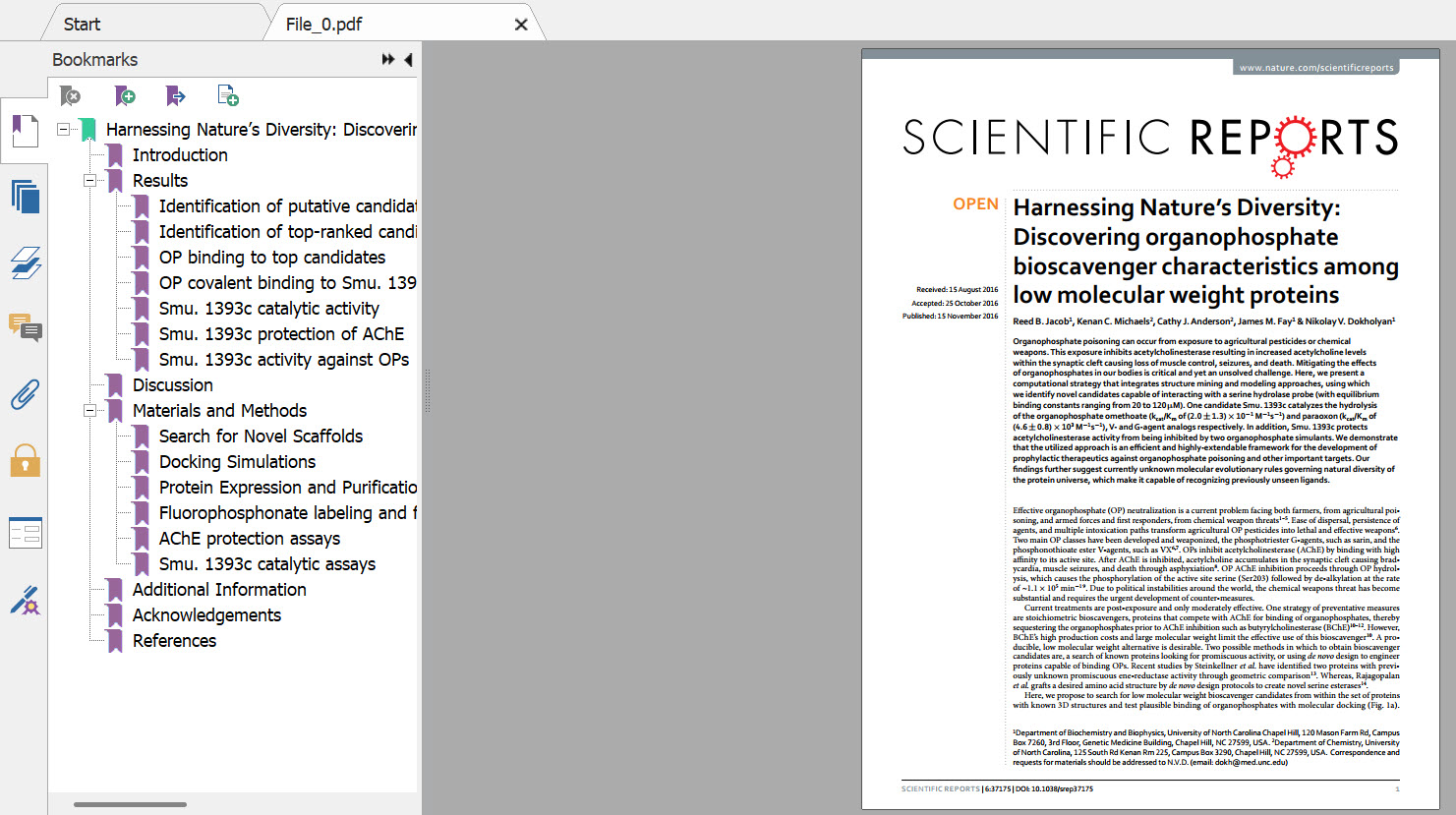
Here’s the download:
2 Likes
Thaks for kind advices and sharing workflows. Unfortunately, I found that my company doesn’t allow accessing internet through other applications than browzers. So, I am asking the system department to lift it for KNIME. After getting the permission, I will try again.
1 Like
Finally, I succeeded in downloading the PDF files at once (!) after setting the proxys. Thanks a lot!
4 Likes
This topic was automatically closed 7 days after the last reply. New replies are no longer allowed.