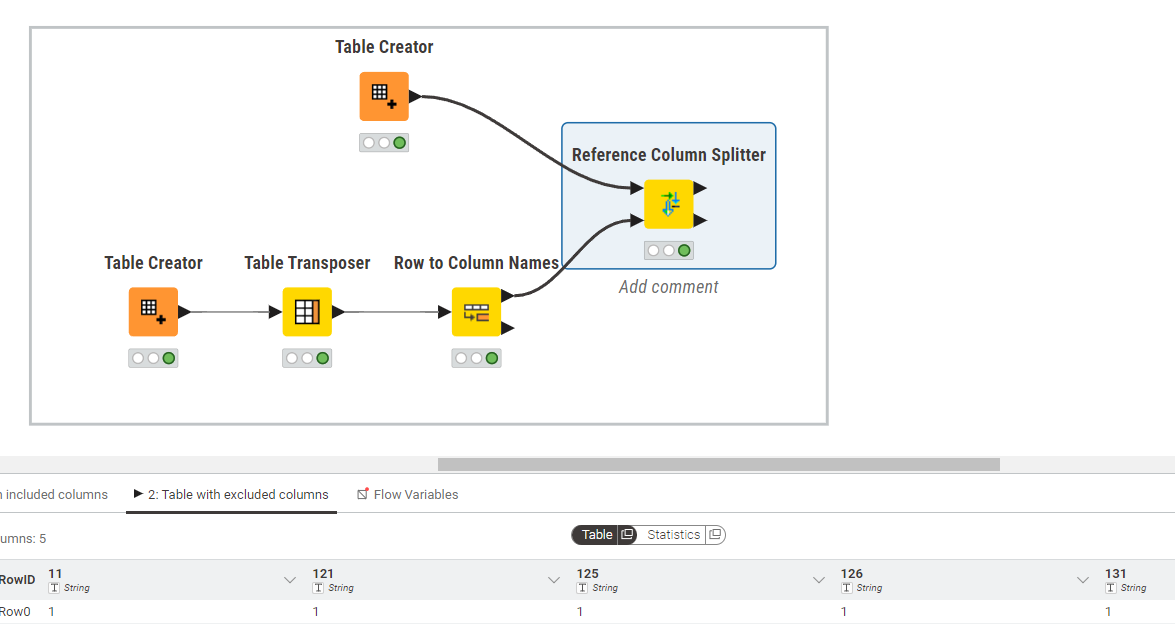
Hi, I use KNIME version 4.9 locally. I try to delete some some columns dynamically without losing the order of the colum,ns.
I have 2 tables:
One large dataset that incluse many numerical columns line 122, 123, etc.
One table having only one column that indicates which columns are to be deleted, e.g:
DeleteColumns
122
123
132
A reference column filter would be ideal for this, however it doesn’t just delete the coulmns in the main table, it also changes the order of the columns. I have been trying hard to do it in another way, e.g. by using a variable in a column filter, however this failed.
I also tried with Transpose - Join - Transpose, but this also changes the order of the columns
What would be the best way to solve this?
Thanks.
Hi,
Correct, e.g. I have now table A: 121, 122, 123, 125, 126, 131
Tabele B
ColstoDelete
122
123
With the reference column filter the order becomes
121
131
125 and 126 have (correctly) not been deleted, but are now moved to the back of the numeric column names.
Thanks all, the issue has been solved!
Contrary to what I thought, the reference column filter did not disrupt the column order; a column resorter that was before it and not updated after I added some new columns did.