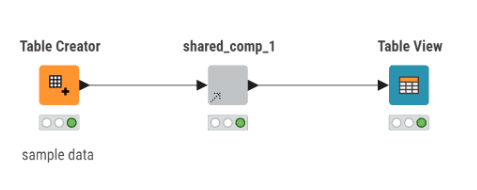
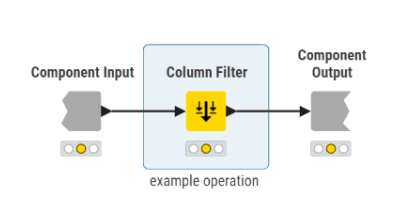
navigate to shared component and make a change within it - e.g. change the columns that a filter includes / excludes
save changes to the shared component
go back to workflow, right click on component instance and click “Update component”
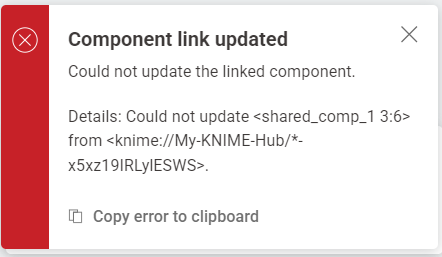
→ Error
Opening the component instance within the outer workflow indeed shows that the changes made to the component have not been propagated.
I tried:
changing the link type
changing between local storage and on the community hub
changing between laptops - Windows and Ubuntu
don’t see any related entries in the KNIME log
Running:
KNIME 5.11.0
Windows 11 Enterprise or Ubuntu 25.10
Could you please help me to resolve this? Since it’s happening both on my Ubuntu and Windows machines, I’m guessing that I’m doing something wrong, but the error message is not helpful.
I’m creating some utility components for manipulating strings of addresses and one particular component would be reused a total of 22 times. So it would be really important for me to be able to make a change to the utility component definition and have it propagate to all 22 instances, as opposed to having to copy-paste changes myself 22 times.
I’m not sure what’s going wrong for you here. I followed your steps in KNIME 5.11 on Windows 11, sharing a component with Community Hub and then updating it, and it worked ok for me.
This video shows the steps I took, which may be of use to you in identifying what is going on in your setup or if you are doing something different. Feel free to ask further.
edit: I realised that in the video I didn’t actually “right-click” and update the component, but instead updated from the popup message, but I have also tried updating with the right-click and that worked for me too.
Thank you, your video was quite helpful! Your example worked and I was able to make progress on identifying the issue and find a workaround.
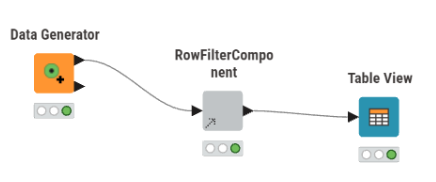
I haven’t narrowed it down fully, but I think it happens under the following condition: the component is created from a pre-existing sub-workflow, which is connected / executed both “on the left” and “on the right”.
I created a small video here illustrating the error on a Data Generator → Row Filter → Table View graph:
Hi @nitchi , I think I discovered a difference between your video and mine. Your workflow where you initially create and test the component is on the hub, and mine is local.
I followed your steps exactly, and with a local workflow, I don’t get the error, but when my workflow is on the hub I get the same error as you.
Can you try creating your workflow locally but still share the component to the hub and see if this resolves the problem for you (ie no longer errors on updating the shared component)?
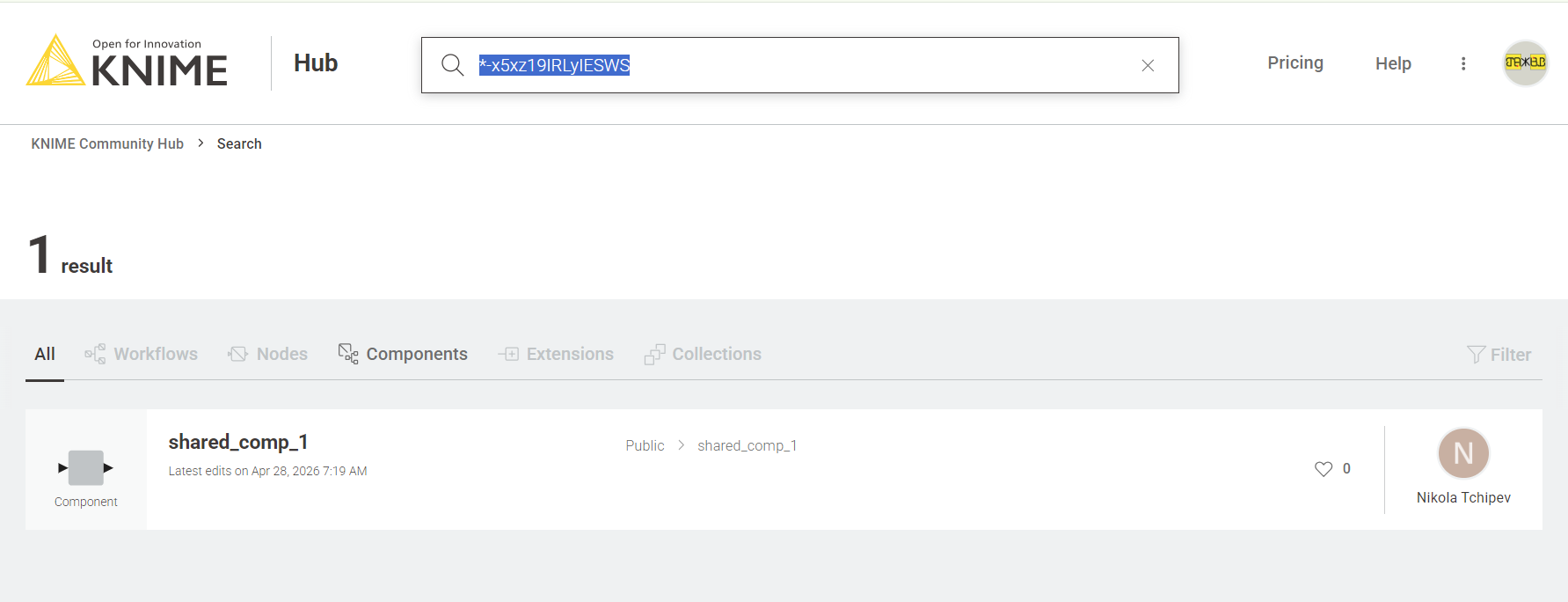
I did a search on the hub for the component ID that is shown in your error message: *-x5xz19IRLyIESWS
and it reveals that the component exists with that reference, so I think this is possibly a bug in the way KNIME is handling hub references to shared components from workflows that are themselves on the hub. Flagging to @christian.birkhold who may know somebody who knows somebody …
btw, it still didn’t cause problems with the single node “Data Gen” component I used in my video, but it did cause me the same error as you when I tried to replicate your video, so I feel you may be right that there is something about the nature of the component’s connections too.
As you suggested, I tried creating the workflow locally and sharing on the hub:
if I did not click “Include input data”, it worked - I could update my node
if I did click “Include input data”, it did not work - I got the error.
So it might be that this also plays a role.
I think this information should already be enough for someone from KNIME support to be able to reproduce and pick this up? Is there someone we can tag?