Hello
I import data every week as excel file.then I use excel reader node .
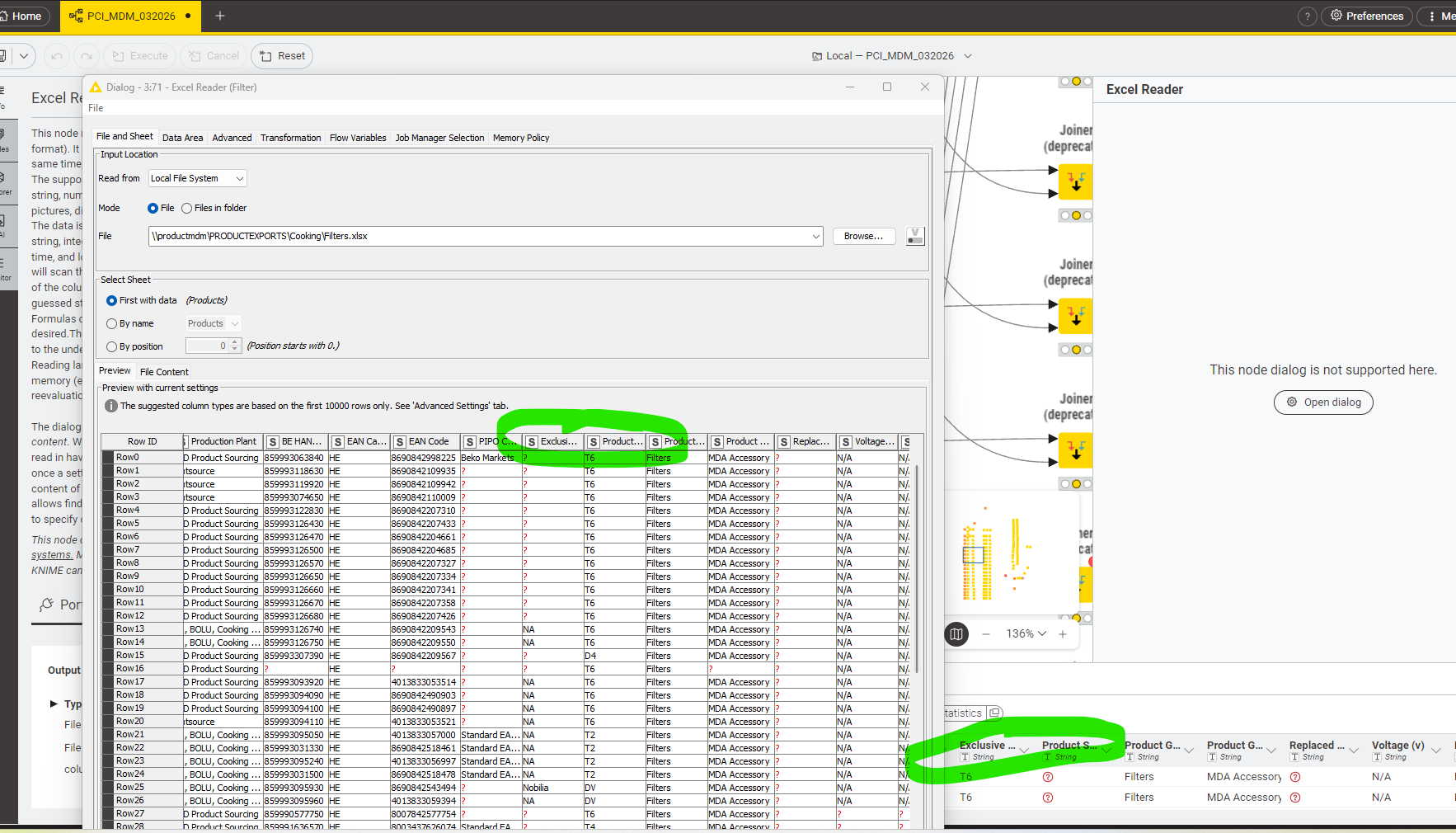
Excel reader note sometimes confuse and mixes column contents. In the preview section it is showing correct content. You may see 2 columns with green mark. Under exclusive abd product status columns rows are correct. Then when I execute and check output of the node rows are mixing. If I open configuration menu and refresh file path, I browse the file again. Problem has been solved and rows are updated .
Can you help me about solving the issue?