If you ever coded in an IDE, you likely encountered the following feature:
once you auto-complete a function or reach the point when you enter arguments into your function, a tooltip is displayed showing you a definition of the function, and most importantly, what inputs are expected.
this is a feature present in ancient IDEs and code editors
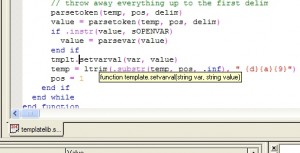
(source: Screenshots of the SIMPOL Professional IDE – SIMPOL)
and more modern ones
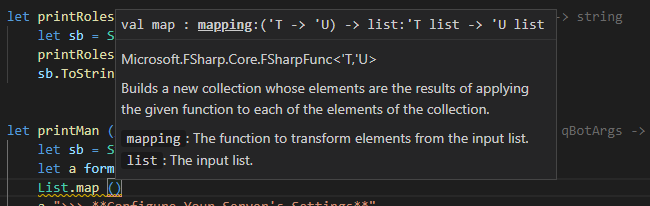
(source: Parameter Hints In IDEs - General - F# Software Foundation Community Forums)
yet, the new expression node offers no real help:
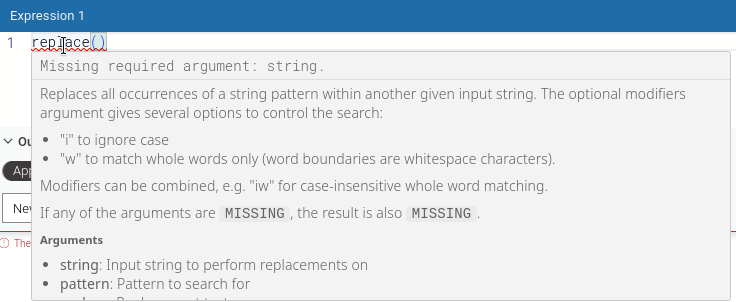
the list and order of arguments isn’t specified in the first line,
the tooltip doesnt show up automatically if you autocomplete the function. it requires you to mouseover the function.
and given the size limitations, the list of arguments is hidden at the bottom or behind a scrollbar, which is clearly not keyboard friendly (actually not keyboard functional at all, given it doesnt show up at all)