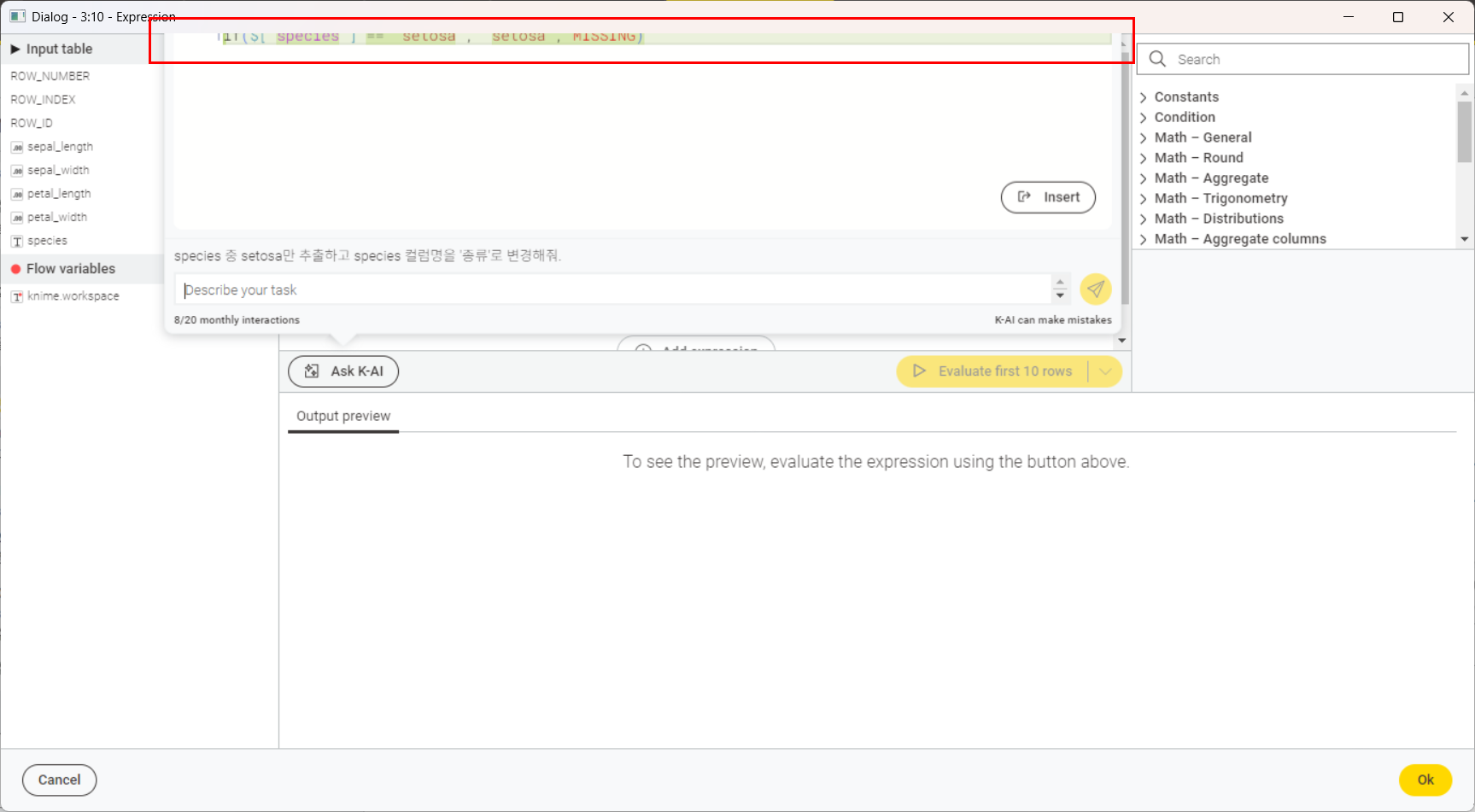
I would like to report a usability issue and kindly request an improvement related to the Expression node.
When using the “Ask K-AI” feature to generate expressions, the text input area at the top does not scroll properly. As a result, the content at the top gets cut off, and it is not possible to scroll down to review or edit the full generated text.
This makes it difficult to check the complete expression, especially when the generated content is longer. It would be very helpful if the input/editor area could support proper scrolling or automatically adjust its size so that all content remains visible.
Thank you very much for your continued efforts to improve KNIME, and I appreciate your consideration of this request.
Kind regards,
yuri na