Filtering on multiple dots in string value, syntax question

Hi, I couldn’t find the answer in the answers.

I have a string column named Taak (klokuren) (I’m using KNIME v. 5.9) that contains values like

  • 1.05 BPV-begeleiding
  • 3.2.2.2 KGC Bedrijfsadministratie 9_2312
  • 3.3.1 ALA Periodeafsluiting_2312

I want to retain only values with one dot (like 1.05). I’ve tried wildcards (“?.??”), regex pattern and the Rule base Row Filter node, but 1 can’t seem to get the syntax right. Could you please give me a head start?
Thanks in advance

Marc Schoorel

Hey there and welcome to the community =),

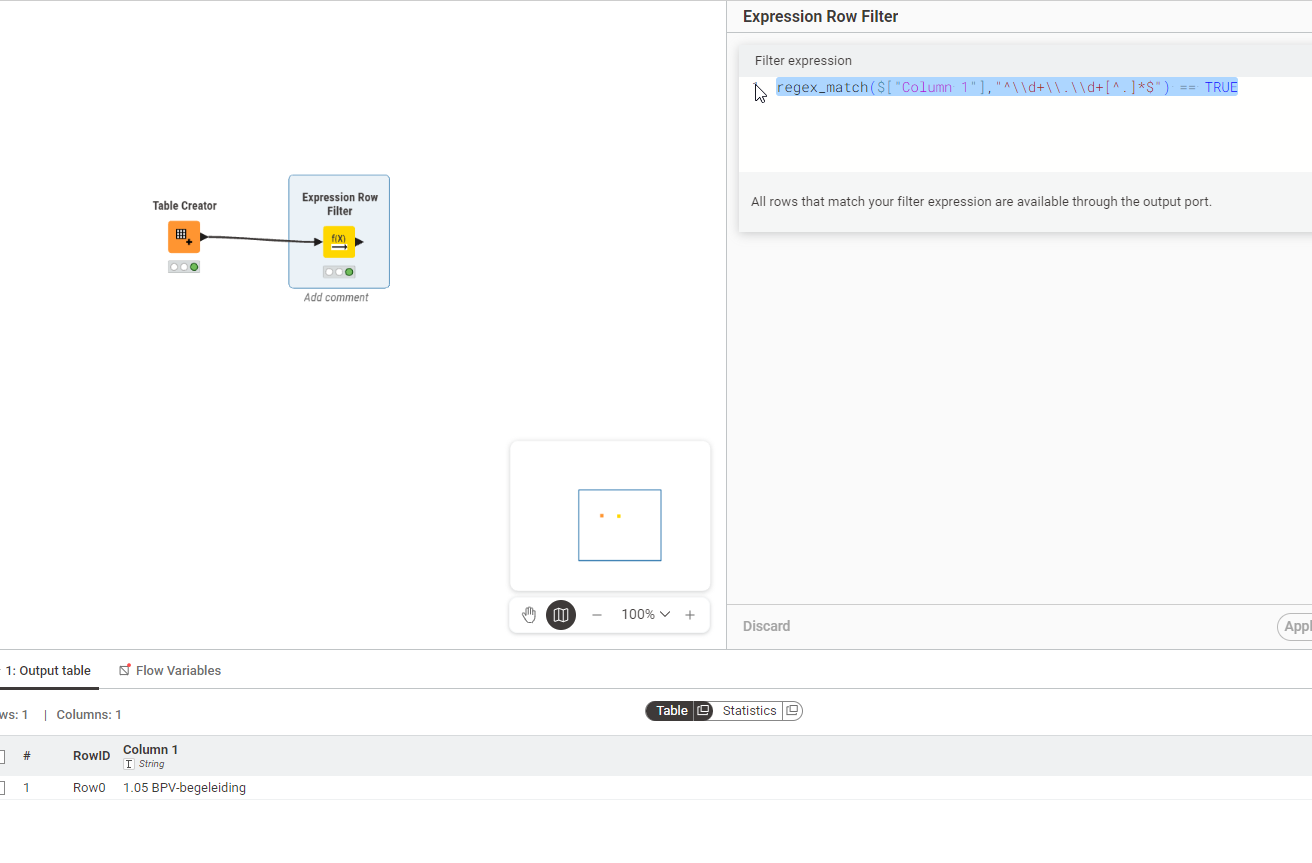
I have used Expression Row Filter with regex_match() function:

The regex Expression is as follows:

^\\d+\\.\\d+[^.]*$

Looks a but funny, but in Expression node you have to always add another “\” if the normal regex has one in it…

Here is the full expression for you to copy - just exchaneg “Column1 1” with whatever your Column name is:

regex_match($["Column 1"],"^\\d+\\.\\d+[^.]*$") == TRUE
3 Likes

Thanks for the solution! It worked fine, lovely support

Marc