Hi all,
unfortunately I need to report a bug.
I first realized it on KAP 5.8.1 LTS ; now upgraded to 5.8.2 LTS; no changes.
it’s about Google Ads Keyword Ideas Node.
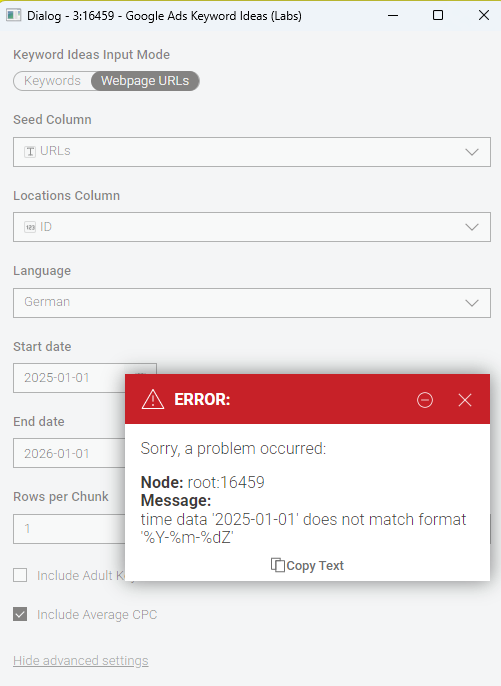
Here the error in two parts:
- If not changing the standard start date and end date values:
- now after changing them manually within the node:
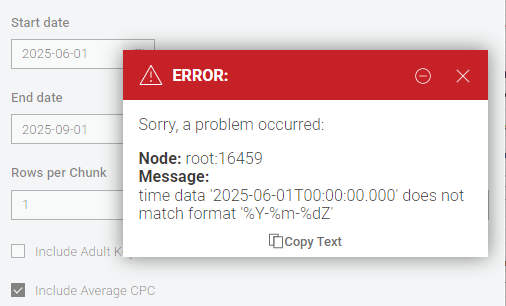
What’s the difference? How the node configures the time format internally. Date vs. truncated dateTime.
I guess the underlying Google Ads Python SDK does something like datetime.strptime(…, “%Y-%m-%dZ”) and cannot use the knime dateformat (since it changed to new date&time nodes?) - since there are “working” workflows on the community hub, it should have worked in the past (KAP 5.5 or even older).
Changing to string flow variables like “2025-01-01Z” also makes no difference:
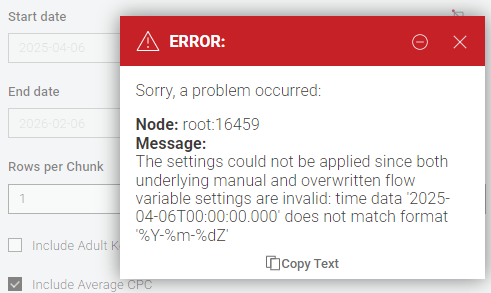
with:
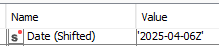
Please advise/fix.
Thank you!
PS: I tested with KAP 5.5.3 ; same errors in all cases.
Is it the node or just me for some reason I do not know (running Win11).
