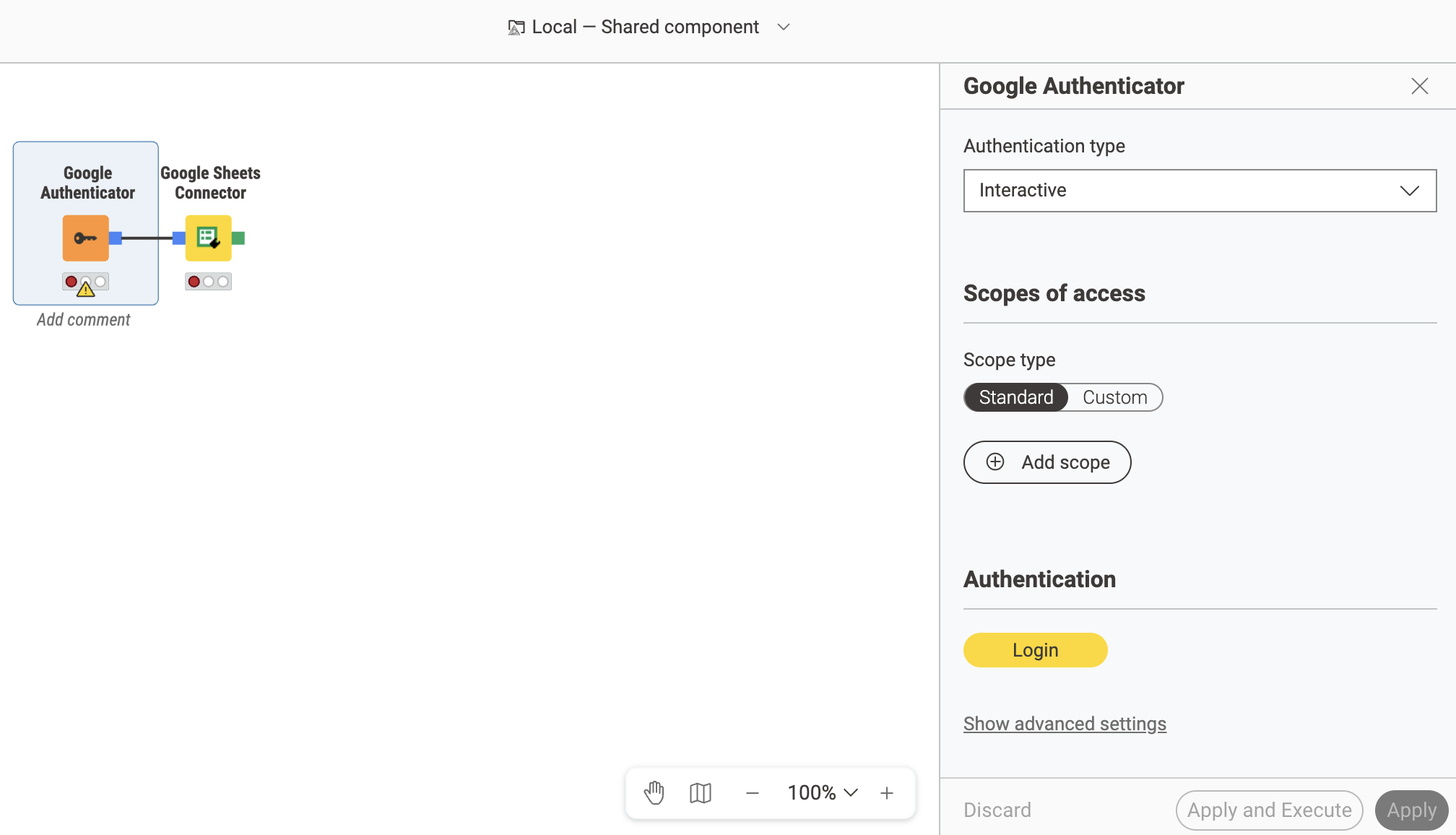
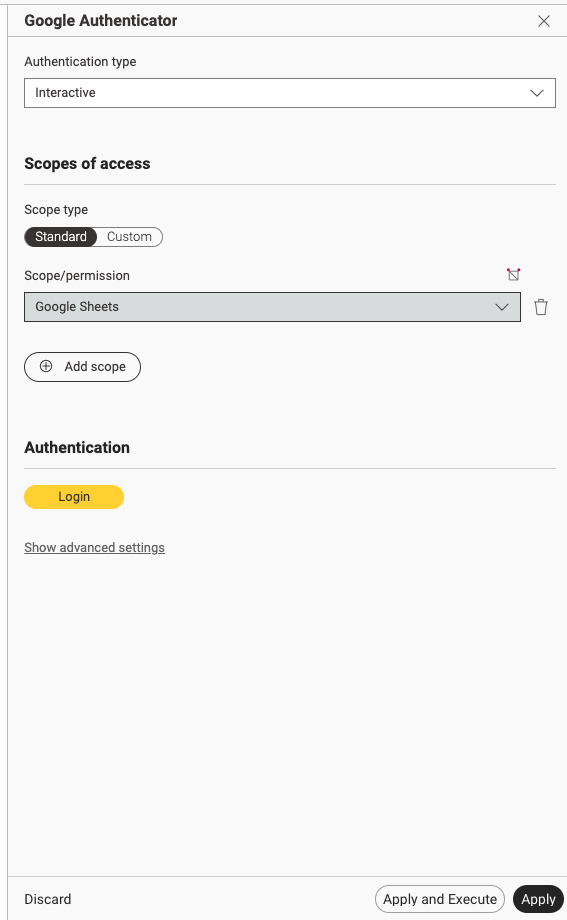
My apologies if this is not in the correct category.
I have started making my first workflow, starting with a Google Sheets reader - I saw that I need to add a Google Sheets Connector before that, so I have done. I’m about to follow the instructions on the Oauth stuff, but when it gives me an API key or whatever else - I cannot see where in the Google Sheets Connector node that information would be added. It doesn’t have a ‘configure’ option like the other nodes.
The node you are missing is the “Google Authenticator“ node. You need that one to authenticate and connect it to the sheets connector which essentially only establishes the connection and can after be used with a reader node.
This additional step is needed so that you can pass this authentication to additional connector nodes, but it forces you to know about one more node. We have plans to enhance this to make this process easier in the future.
I seem to be way over my head here. I attempted to follow some instructions, creating a service account and then an API key - I then downloaded a .txt file from the Google Cloud place, it’s JSON. That gave me a bunch of information that I believe I will need to copy/paste into the authenticator node config… however, the UI in the node asks for things it has not given me. First one being authType - any idea where I get that from?