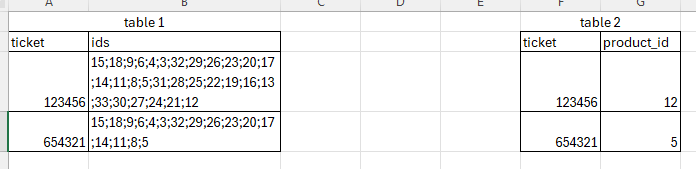
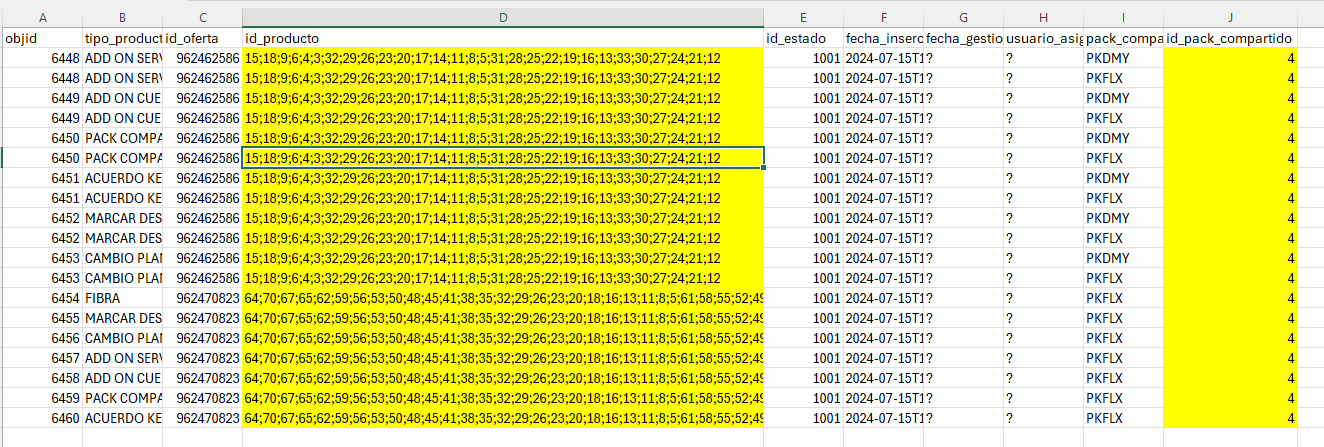
I need help with my knime, lets see if i can get it. Table 1 (image) is the main table and then i have several secondary tables, each one for concrete products (image):
In main table, the “ids” colum are all the products concatenated that the ticket have.
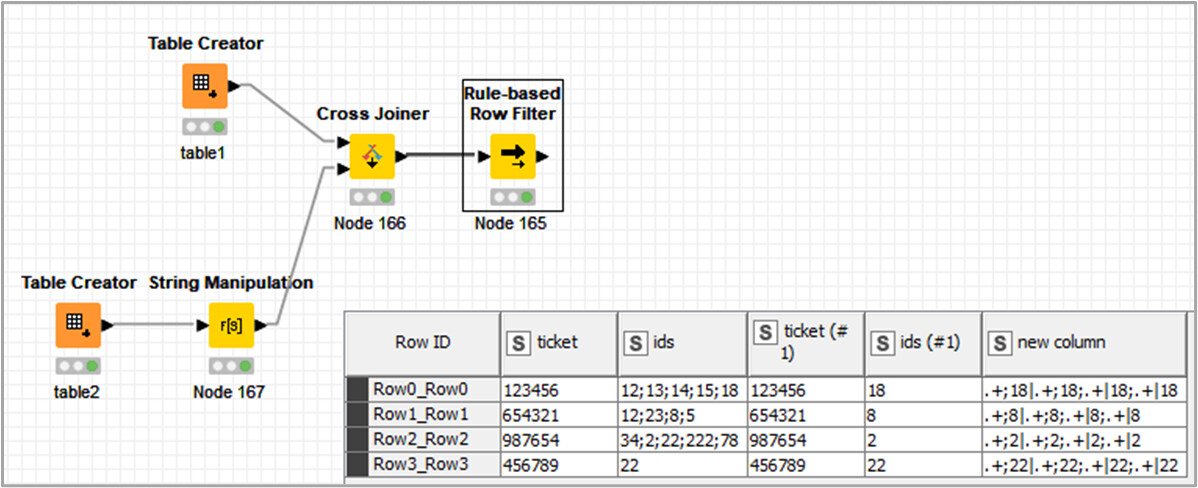
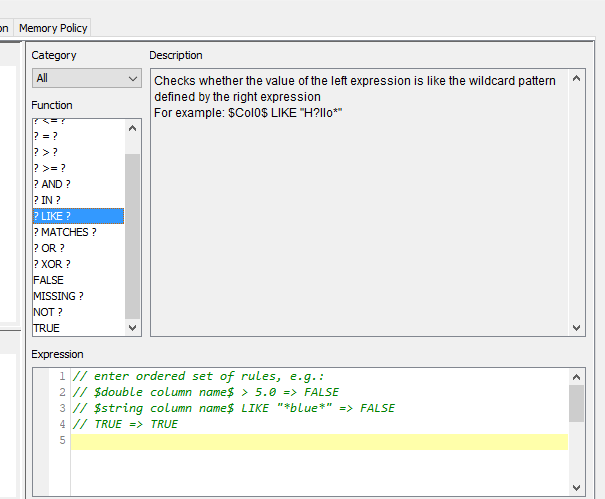
So what im trying after one reader node for each table, and a joiner is to filter the rows with a rule-based row filter and the next command: $product_id$ LIKE “$ids$” => TRUE but its not working, doest find matches, maybe is because of the “ids table” format?
Can you upload (part of) your workflow, along with input data? It makes it much easier to actually see what the struggle is, and which solution fits best.
Thanks for the screenshot - as per Hans request: Can you upload the workflow that you are currently working on - ideally with anonymised data that is similar to what you face in reality?
It is really hard to help you if one has to manually re-create the data based on a screenshot…
To add: as per the documentation you always need a wildcard pattern if you’re using the LIKE function but this is tricky when the function is based on another column.
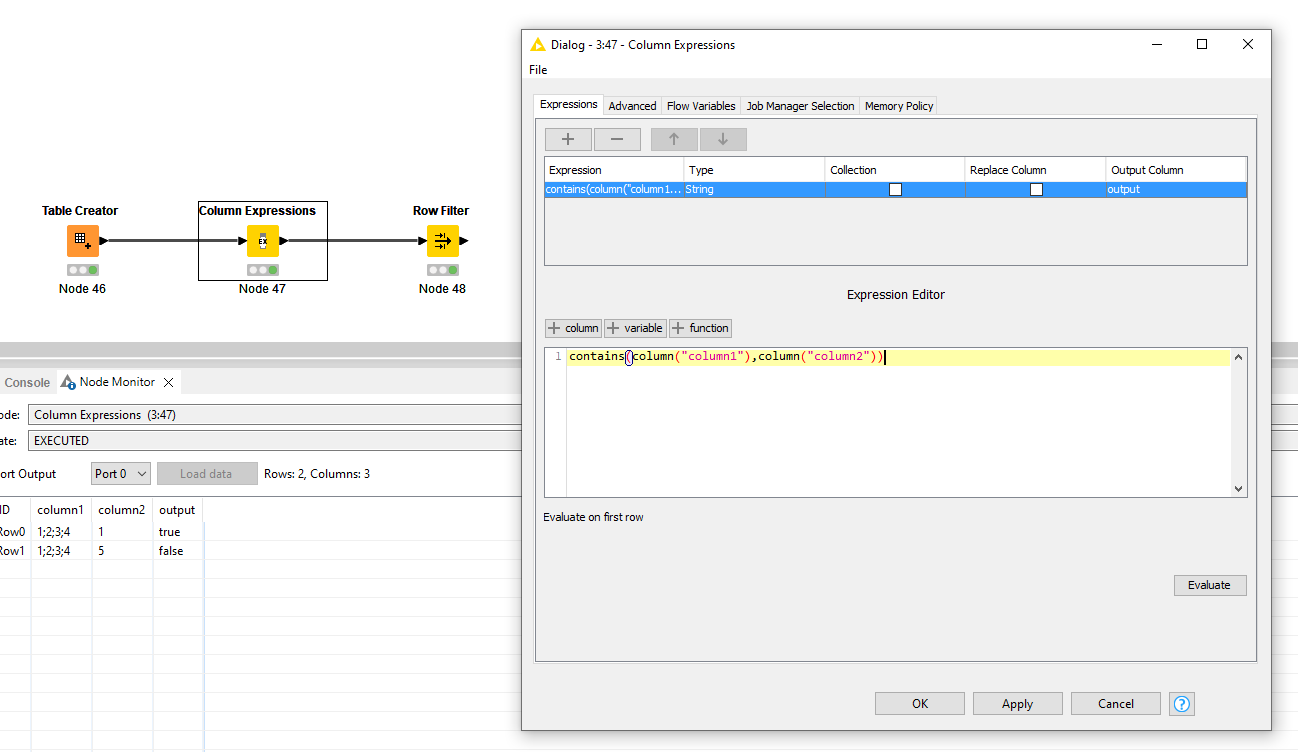
Alternatively, you can you a contains() function in a Column Expression through contains(column("column1"),column("column2")) and thereafter only leave the true values.
Hi @ArjenEX
My first thought was -this isn’t the best node choice for the task-; then, the challenge is there.
I feed the wildcard pattern $new column$ to the node.
@ArjenEX solution is the most efficient one for this use case