Hello experts,
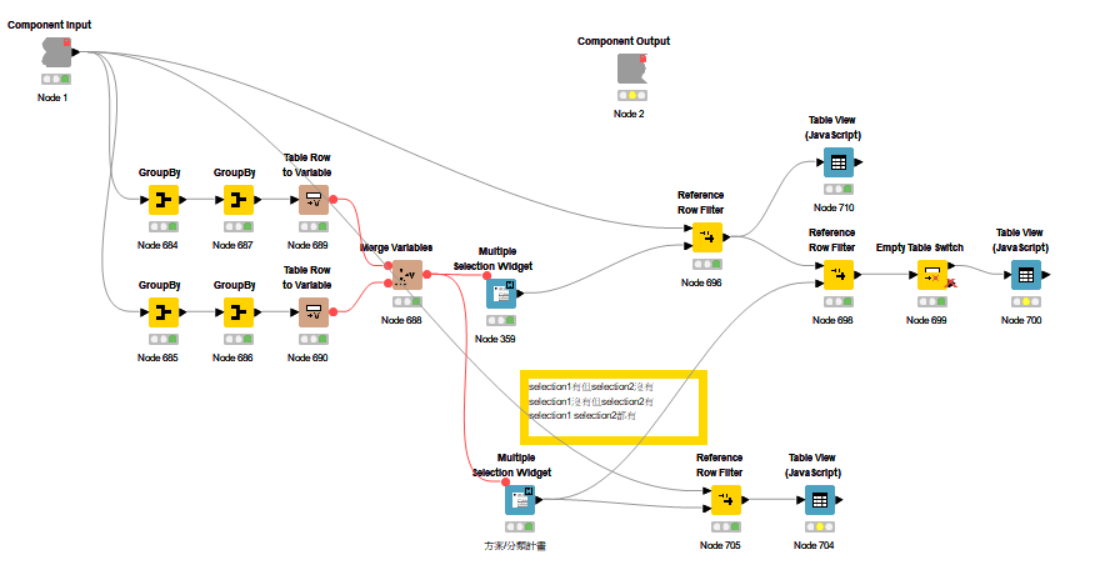
I would like to use the Switch function to solve my current issue. I have been working on it the whole day but still couldn’t figure it out, and my mind is really tangled.
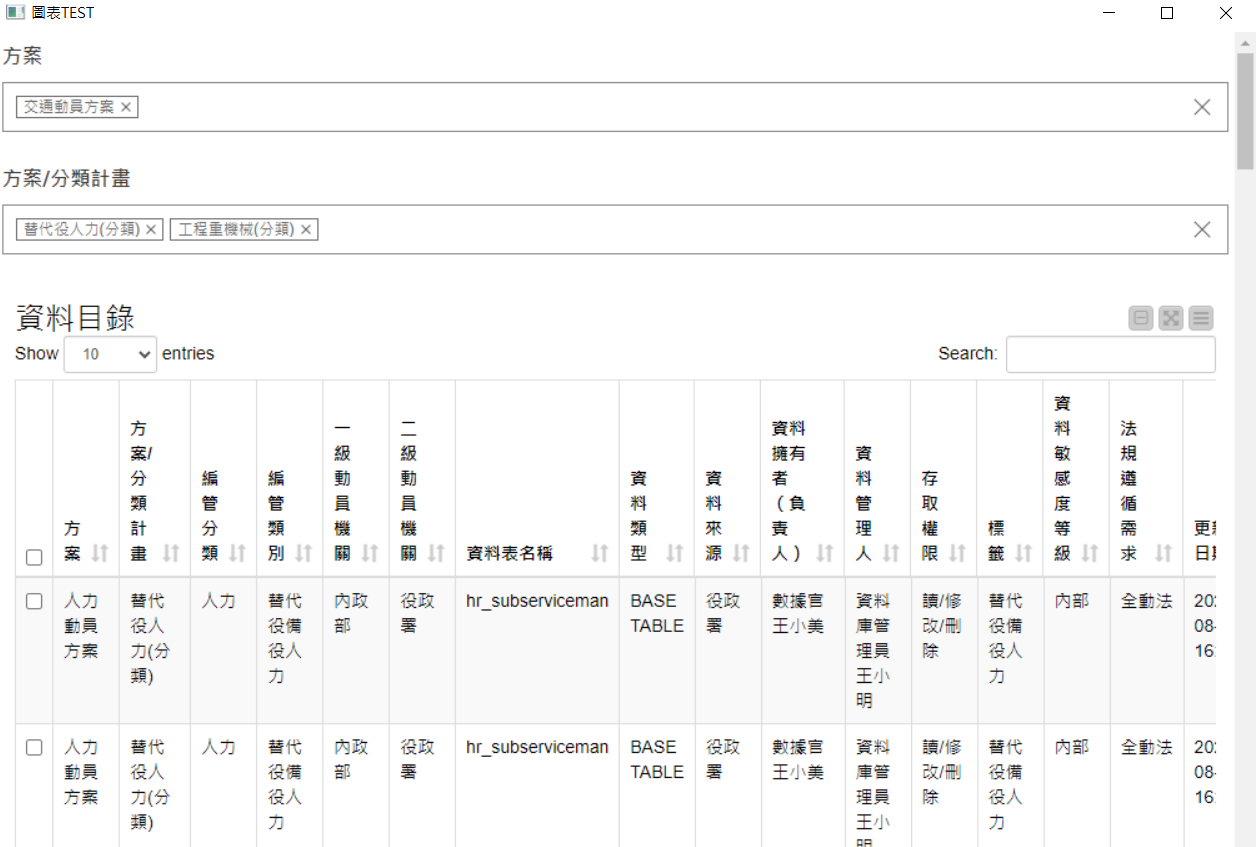
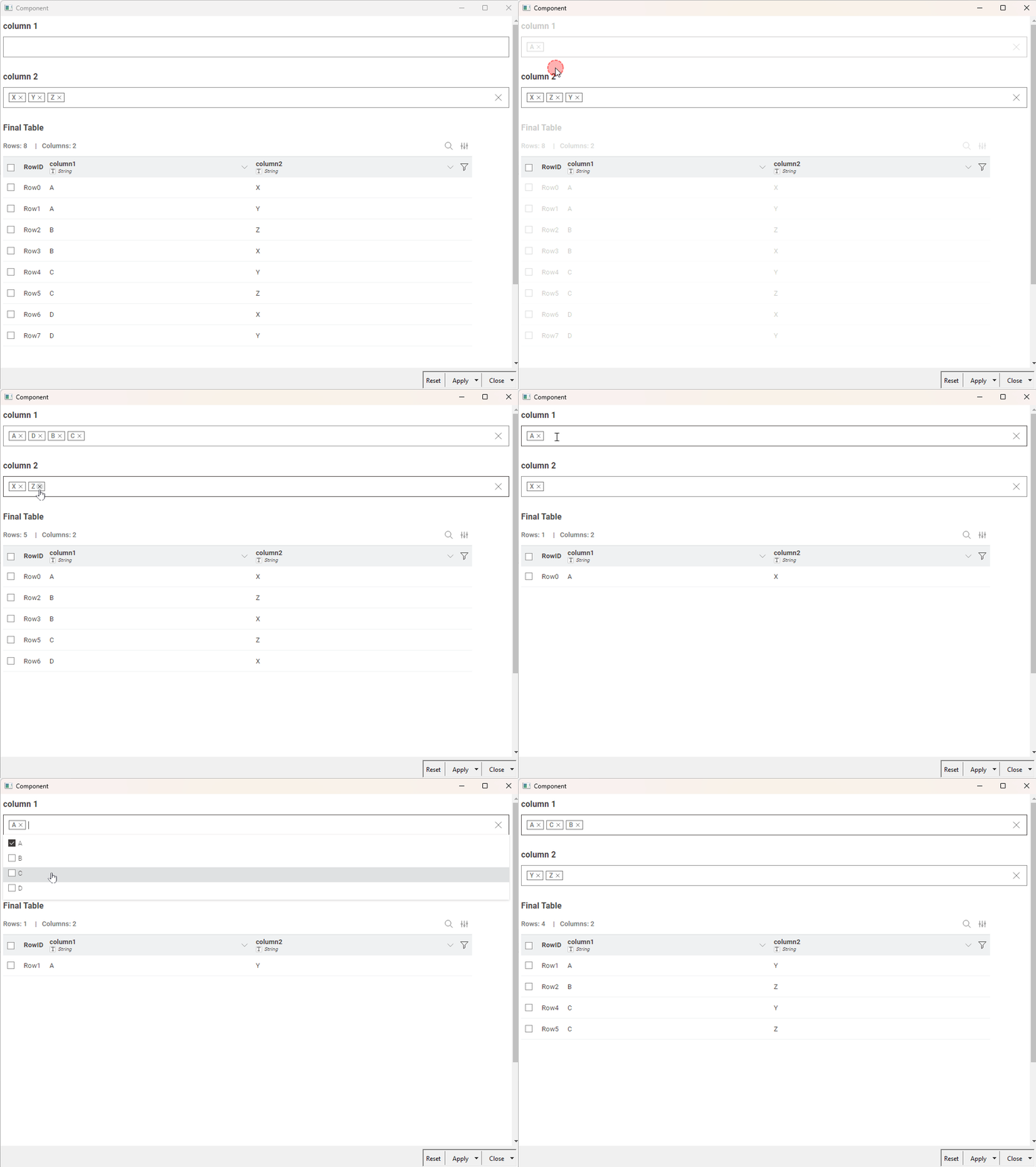
I am using two Multiple Selection Widgets, each selecting different columns, but I want to handle three situations:
Multiple Selection Widget 1 has values but Widget 2 does not → Only show the results filtered by Widget 1.
Multiple Selection Widget 1 has no values but Widget 2 does → Only show the results filtered by Widget 2.
Both Multiple Selection Widget 1 and Widget 2 have values → First filter by Widget 1, then further filter by Widget 2.
In short, I only want to end up with one final output table.
Could you please advise me on how to modify my workflow?
I hope it’s ok to jump in here, but your component shows exact the same problem I quiten often see.
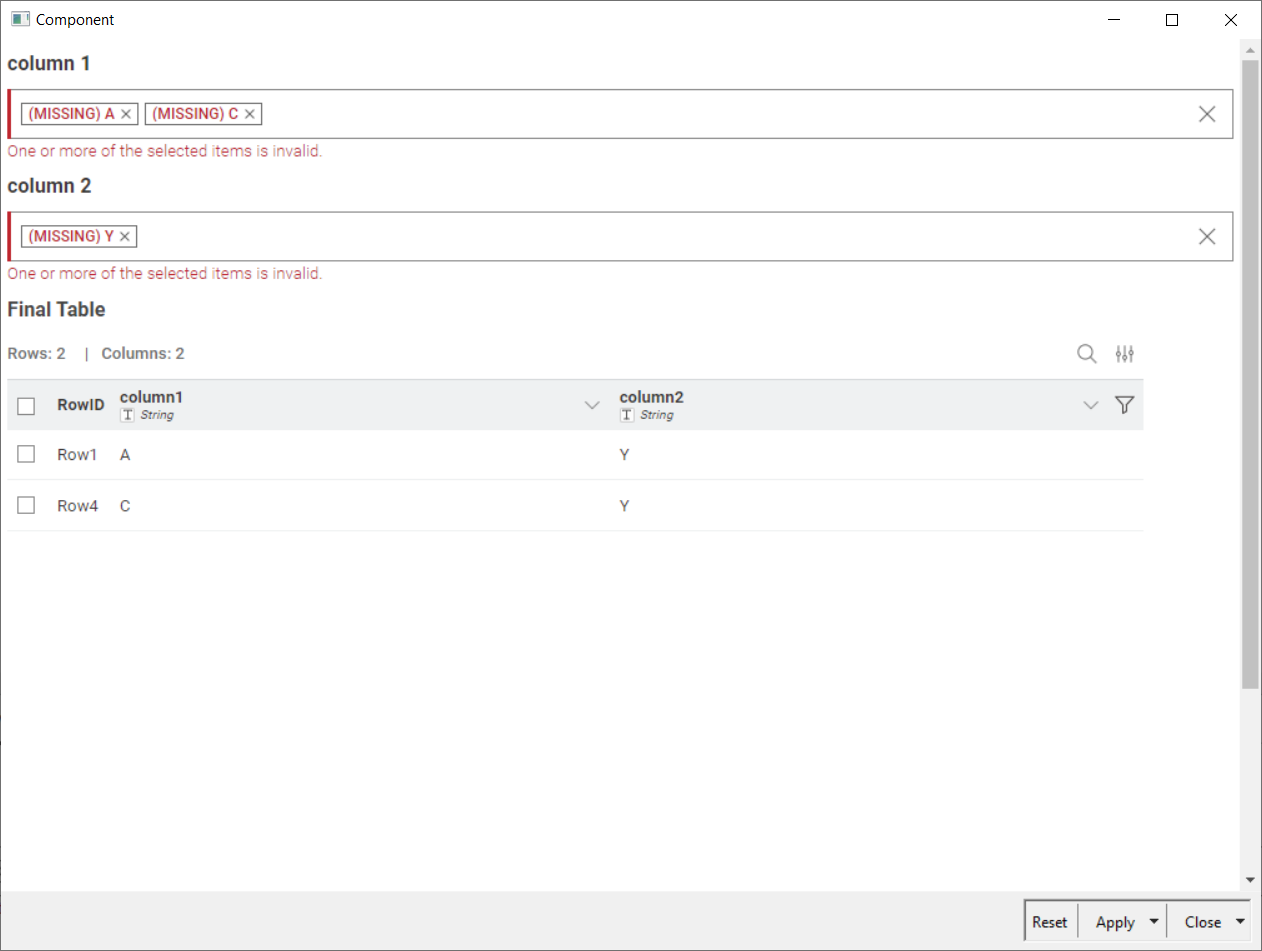
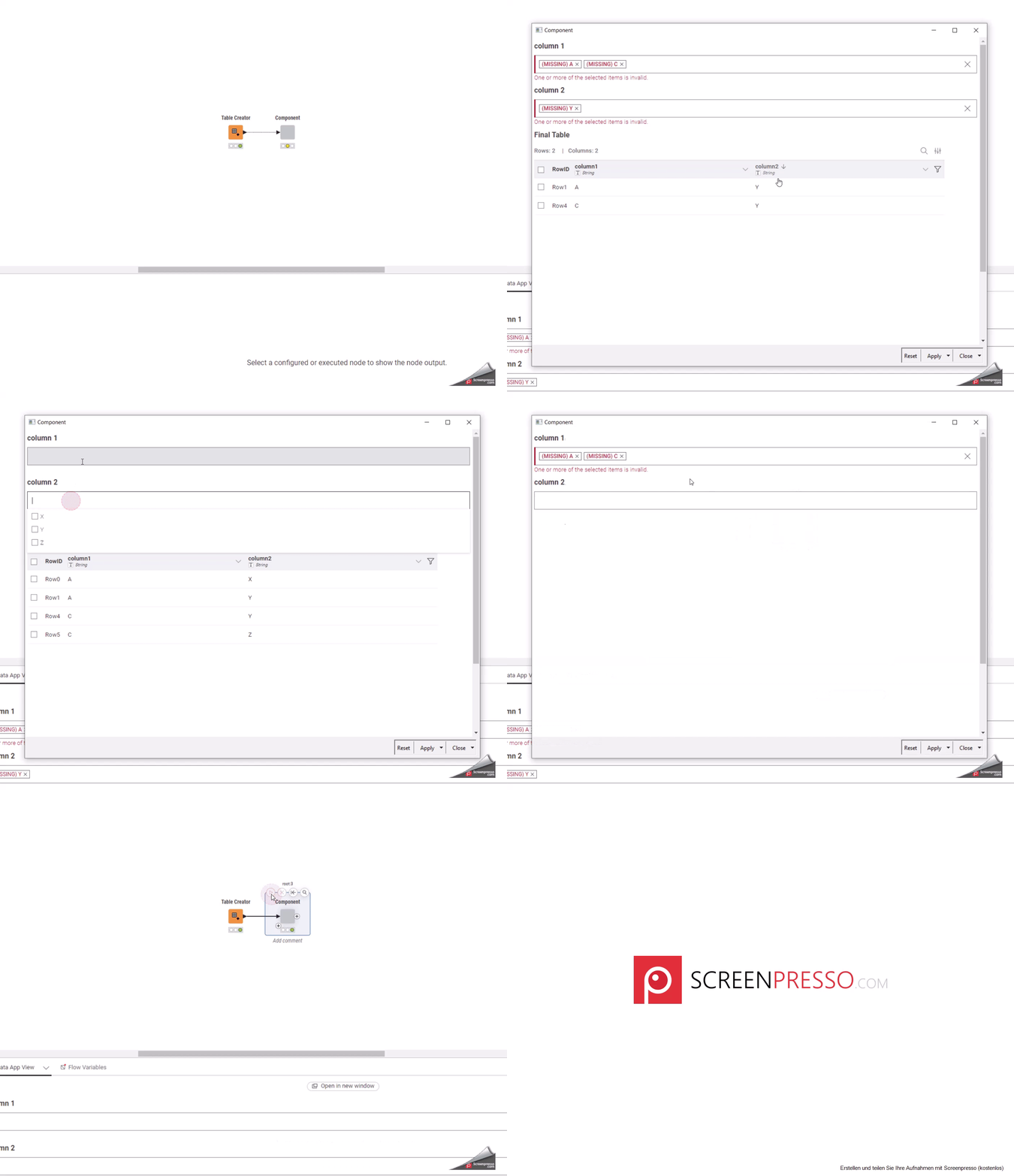
When I open it the very first time I see this view:
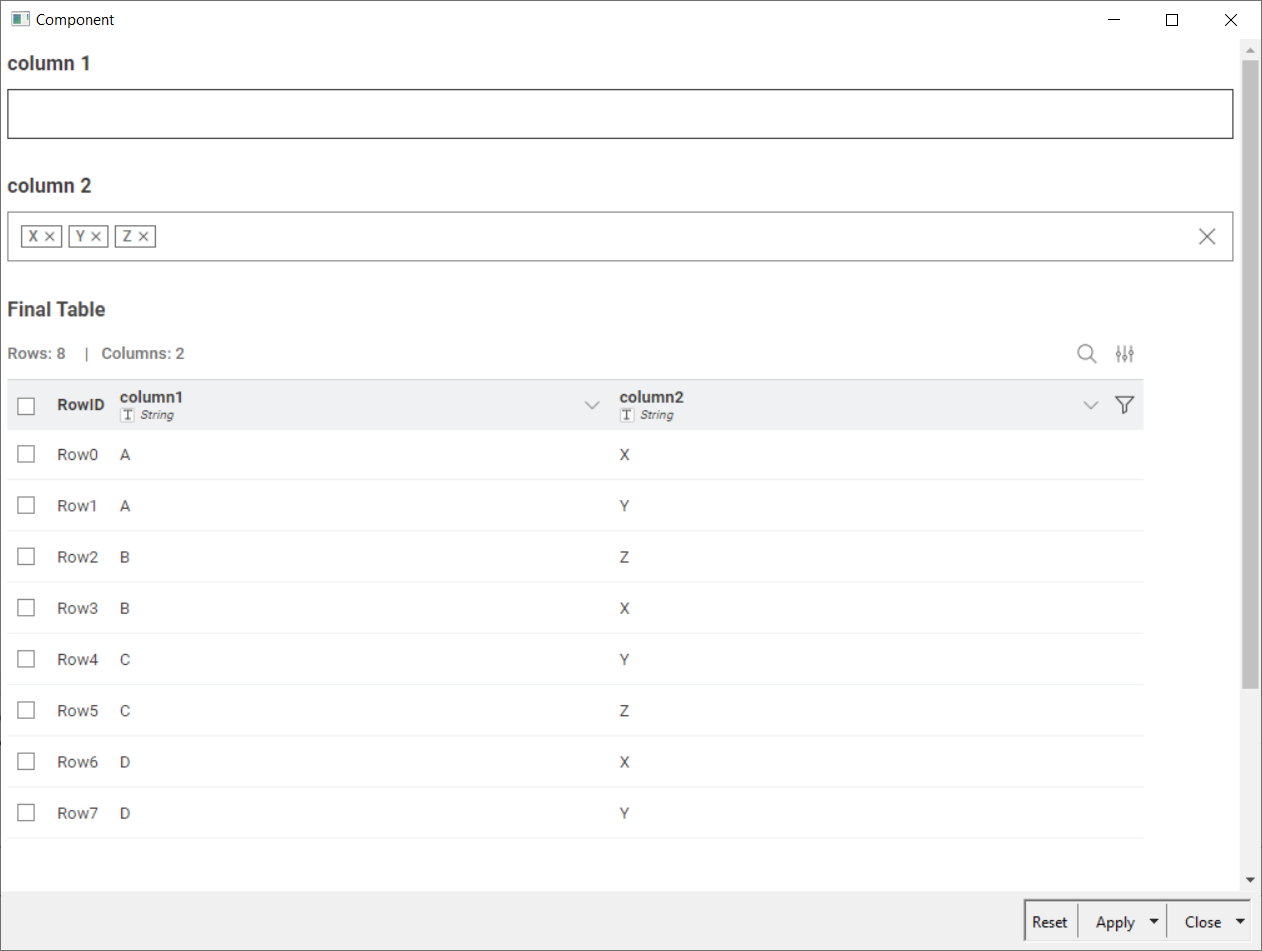
It seems that the initialization is not done correctly. After clicking the error messages away I still have some issues to seelct the values of column1
Thanks for pointing that out. I had shared the workflow without fully resetting it, so the widgets were still pre-loaded with values that weren’t available anymore. I’ve updated the workflow, so that part should now be resolved.
I wasn’t able to reproduce the issue where you can’t select values in column1. Could you share the exact steps you followed so I can try to recreate it on my side?
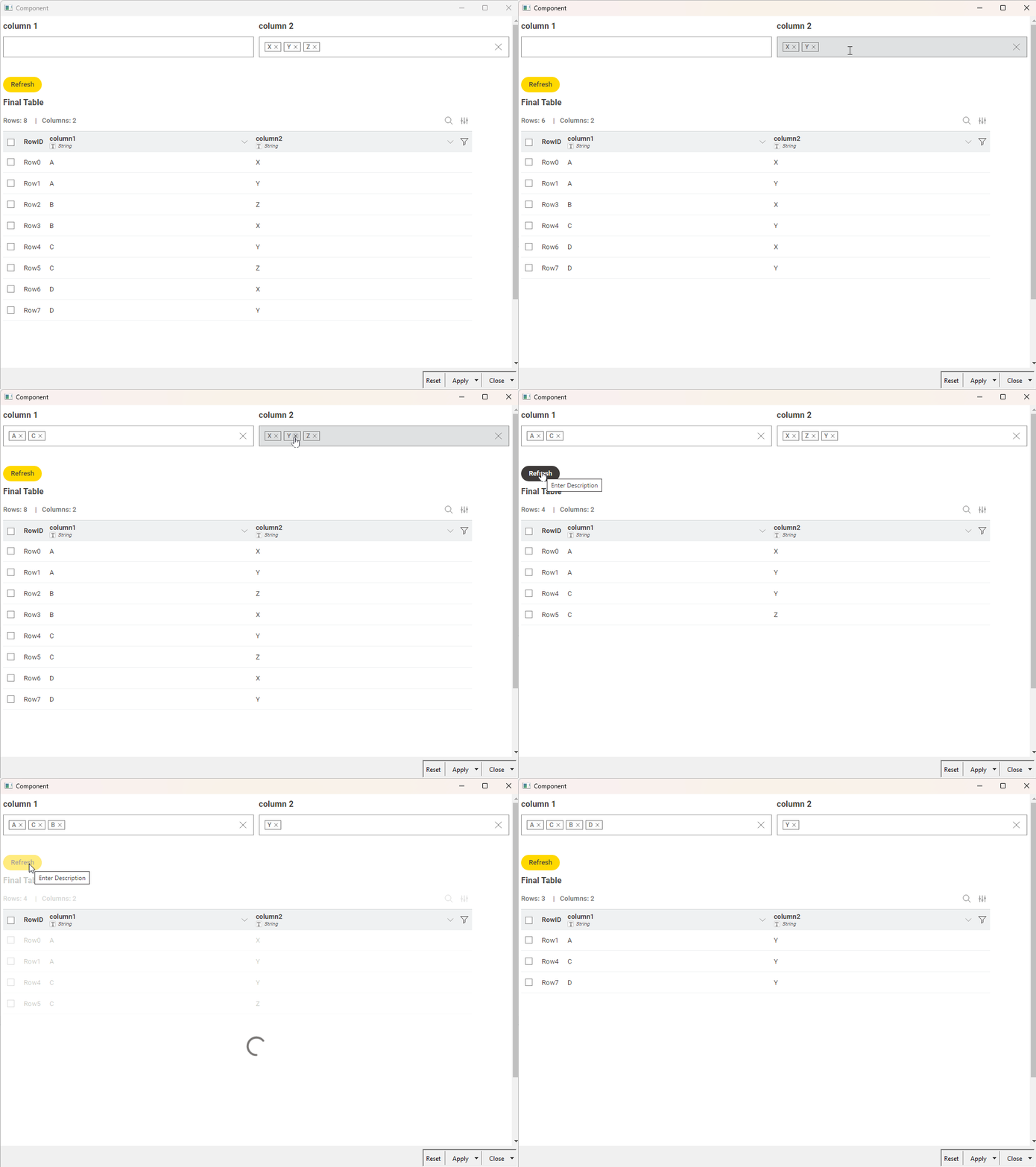
I have also set the widgets to re-execute automatically whenever there are changes. If you prefer, you can turn this off and use a refresh button instead, pressing it once you’ve made all your changes. (example)
thanks again for helping. Yes, resetting the node gets rid of the errors.
Here’s the video to reproduce the behavior, where I cannot select the entries of column A. I just imported your first version of the workflow, where the component wasn’t resetted.