Hi @ActionAndi,
Thanks for pointing that out. I had shared the workflow without fully resetting it, so the widgets were still pre-loaded with values that weren’t available anymore. I’ve updated the workflow, so that part should now be resolved.
I wasn’t able to reproduce the issue where you can’t select values in column1. Could you share the exact steps you followed so I can try to recreate it on my side?
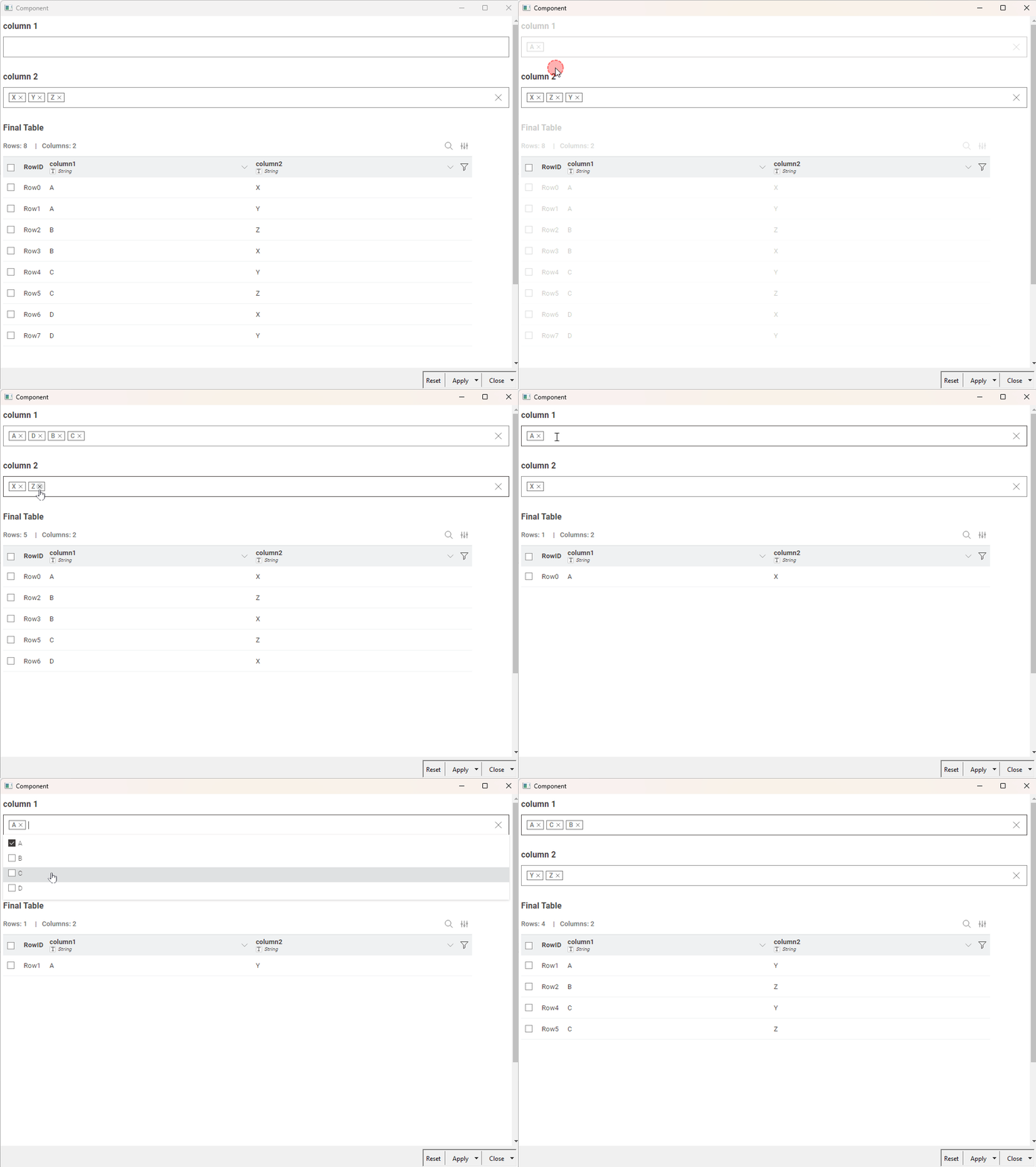
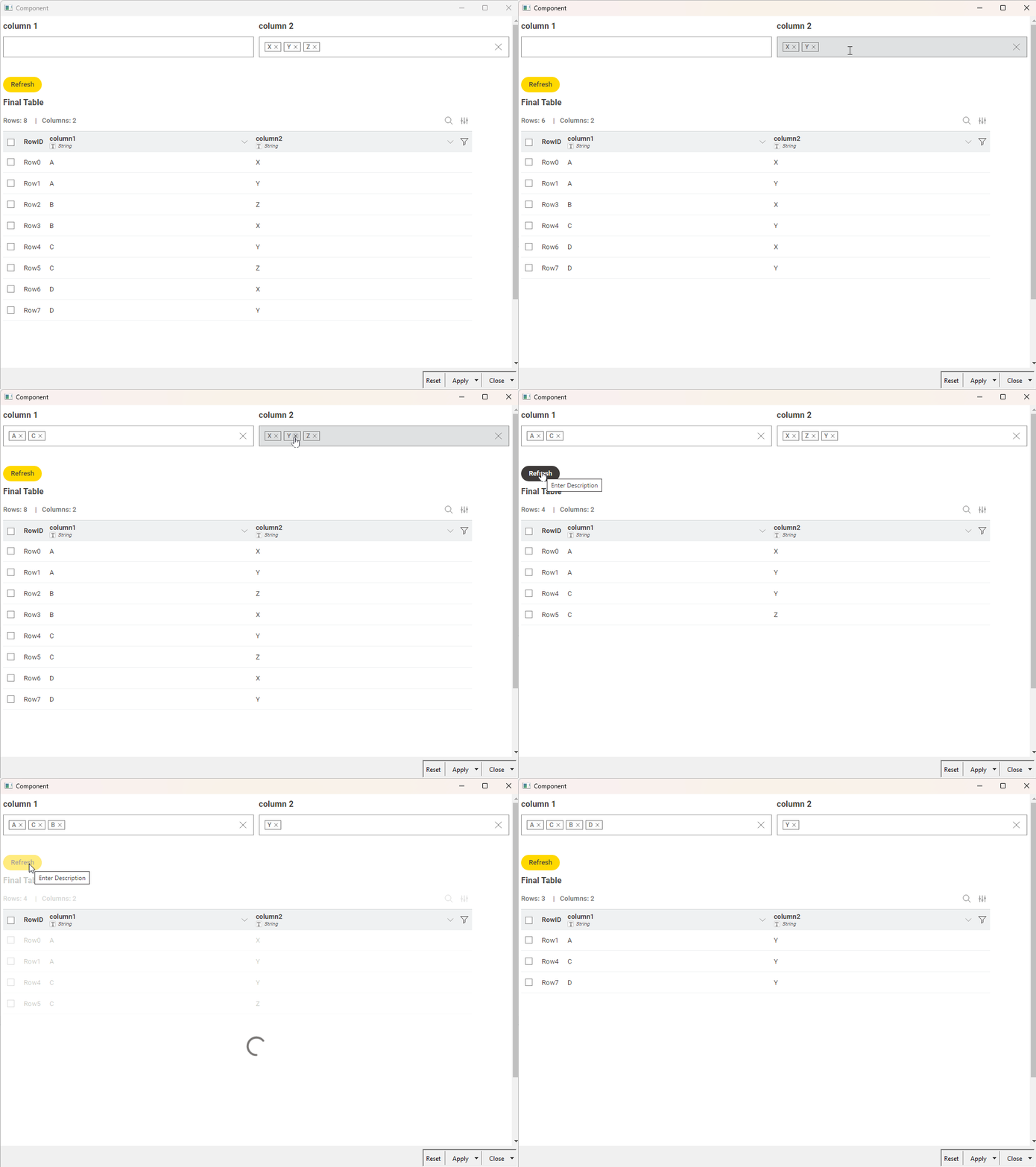
I have also set the widgets to re-execute automatically whenever there are changes. If you prefer, you can turn this off and use a refresh button instead, pressing it once you’ve made all your changes. (example)
Best,
Keerthan