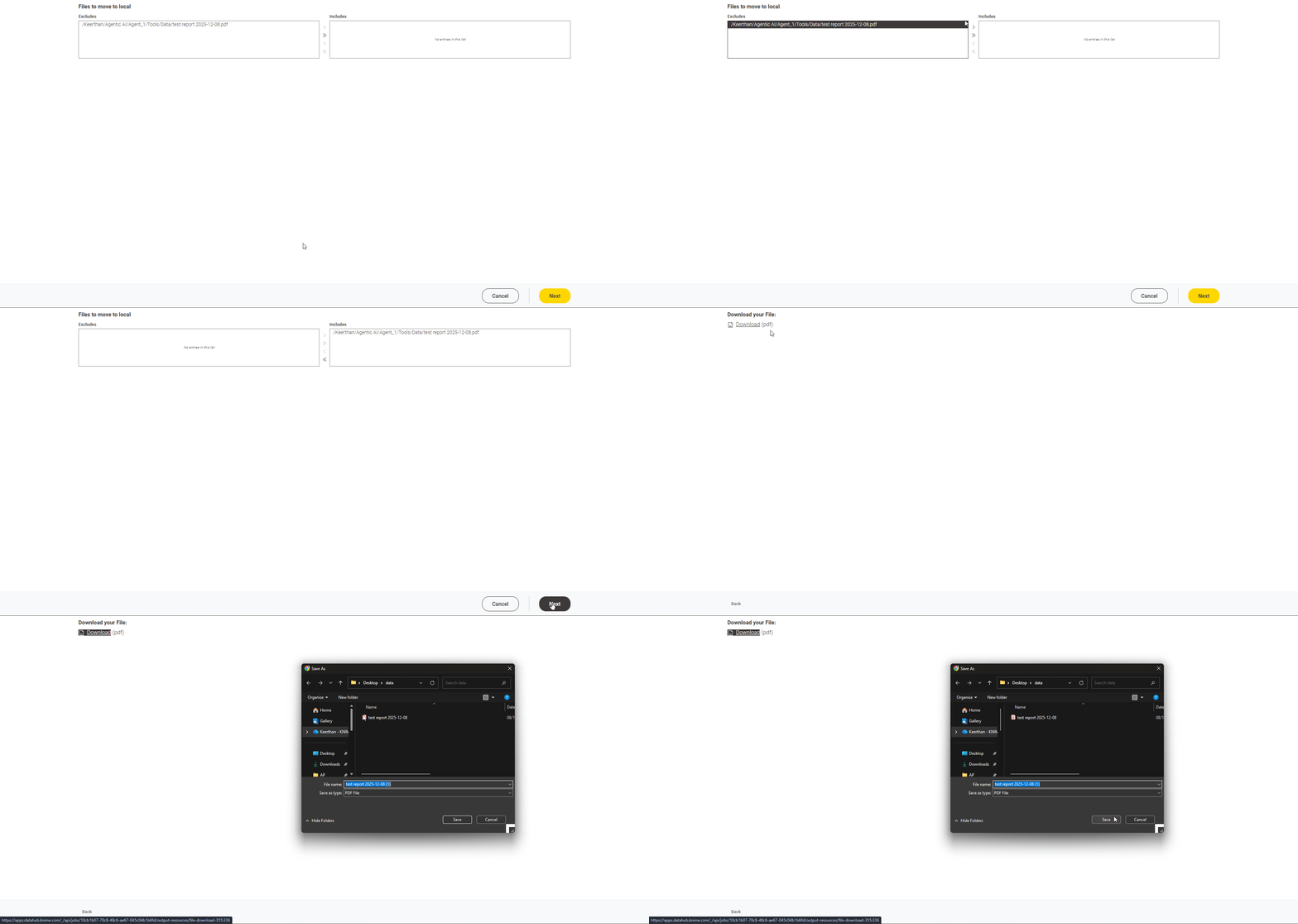
Currently, I have my CSV file stored on the KNIME Business Hub, and the file path is shown as in the attached image. My next step is to allow users to download this file from the Hub to their local computer.
However, when I try to use the File Download Widget, an error occurs. I searched online and found that this widget may not be able to access files stored directly on the Business Hub.
If this is correct, could you please advise on any alternative methods to download files from the Hub?
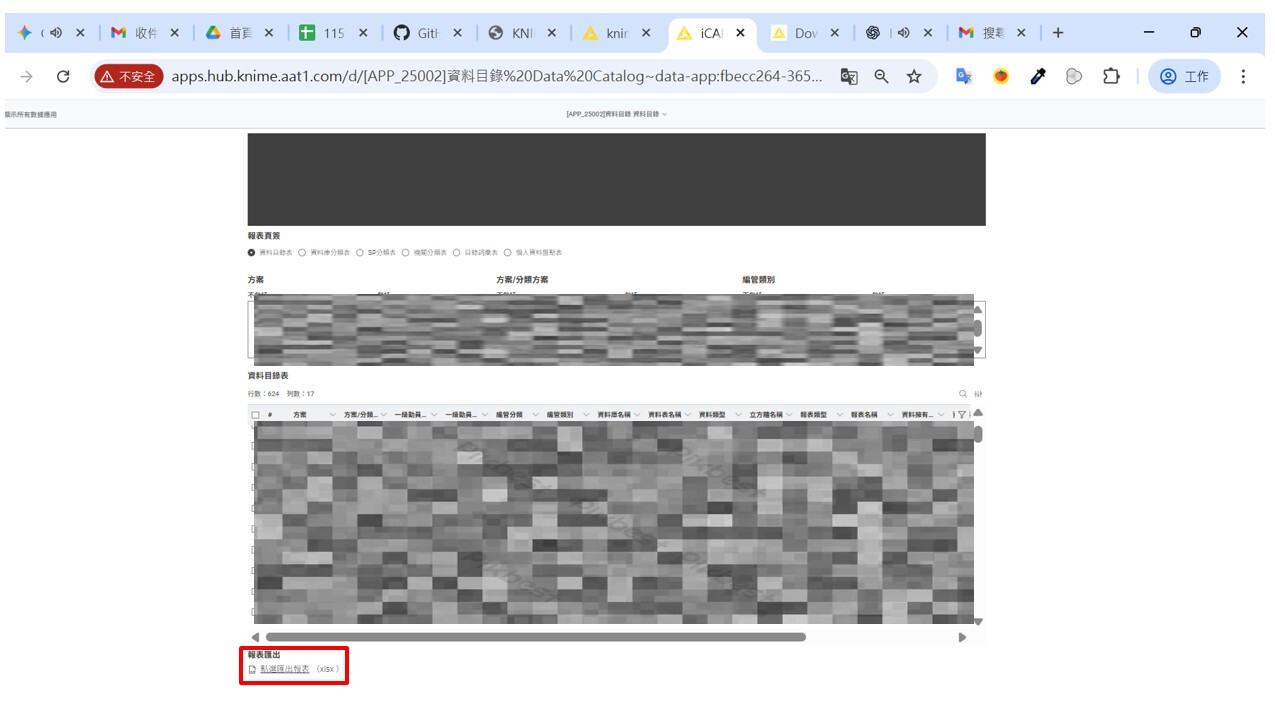
Also, all operations must be performed within the Hub Data App environment (as shown in the last image).
At the moment, the File Download Widget does not support connected file systems. We have a ticket for it: WEBP-691.
As a workaround, you can transfer or allow users to select the files to transfer the files into a temporary folder within the workflow’s local workspace (e.g., a folder relative to knime.workflow). Once the file is in that temp location, the File Download Widget can access it and allow users to download it from the Data App.