Hi
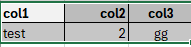
I have a table where I want each header and column different alignment in HTML format.
We have table to HTMl where I can just do whole table alignment not column, any help would be helpful and
col1 should left
col2 right
col3 center
Hi
I have a table where I want each header and column different alignment in HTML format.
We have table to HTMl where I can just do whole table alignment not column, any help would be helpful and
col1 should left
col2 right
col3 center
is anyone help me on this post please?
What are you using at the moment? This deprecated node or something else?
Thank you but this node is looking for a path to store file… sorry my bad I should have mentioned it properly, I am using this node to do table alignment as below
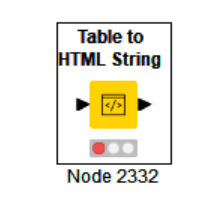
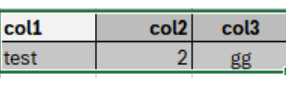
Hi @madhumita3 , unfortunately I think it is going to be difficult to modify the output of that node to add new styling for specific columns.
I’ve create a component on the community hub that goes back to basics and manually builds the html for a table, so it has additional flexibility and it could be edited if it does not suit exactly.
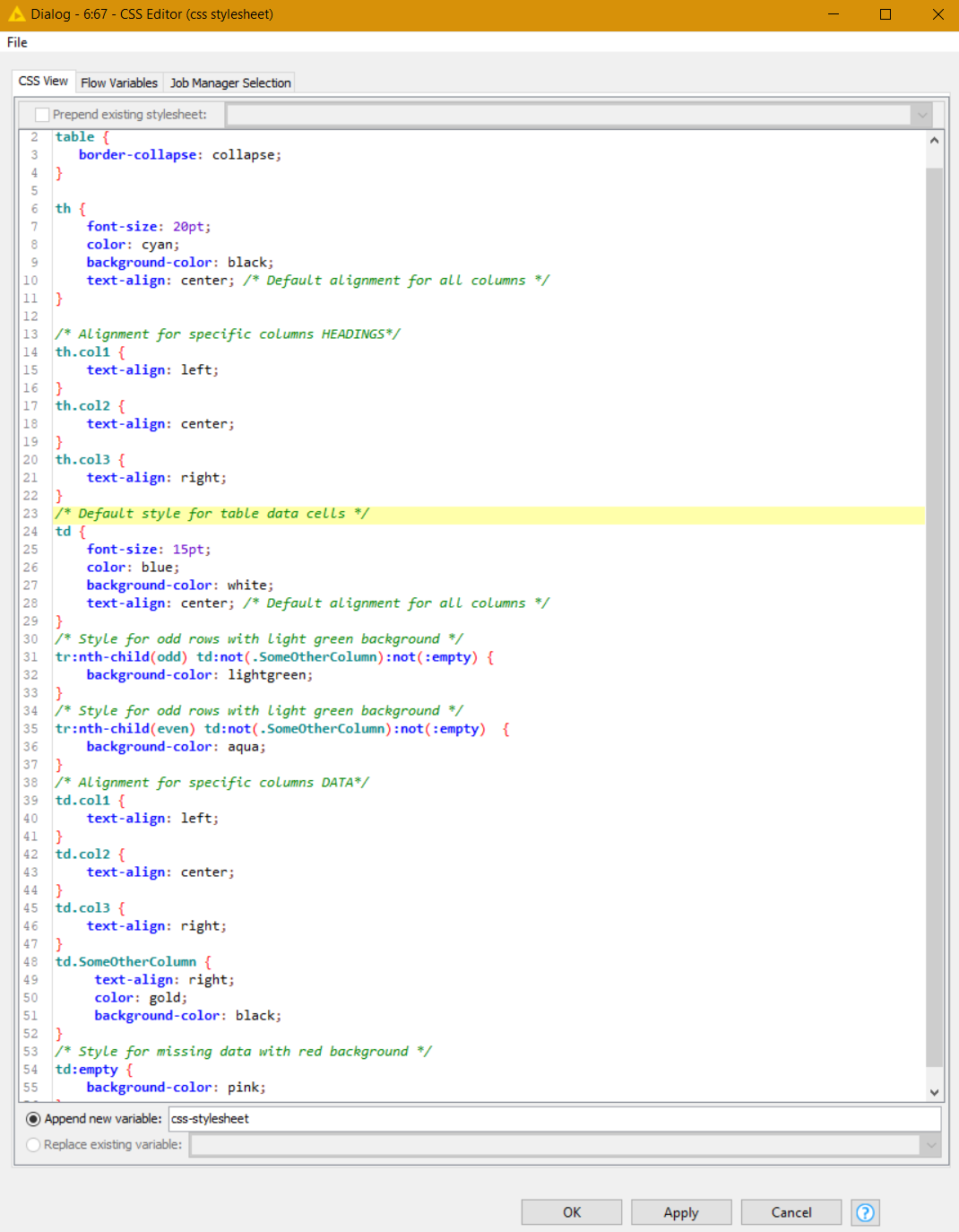
The component takes a css stylesheet in the form of a String flow variable so the styles for heading and cells can be defined.
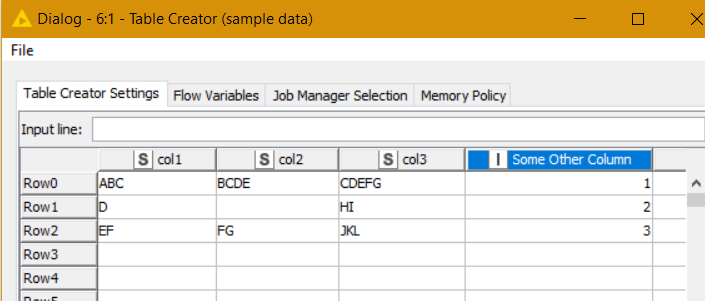
See here for a demo workflow. Hopefully you can see how the CSS stylesheet works.
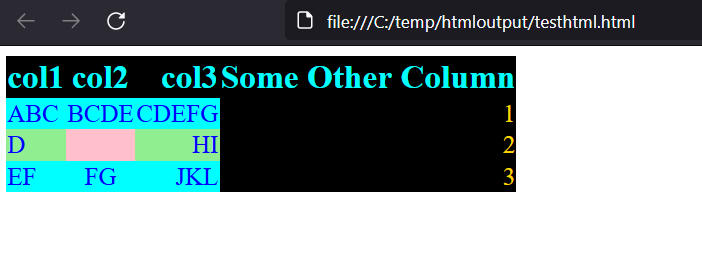
The output isn’t pretty, but it serves to demonstrate the CSS styling 
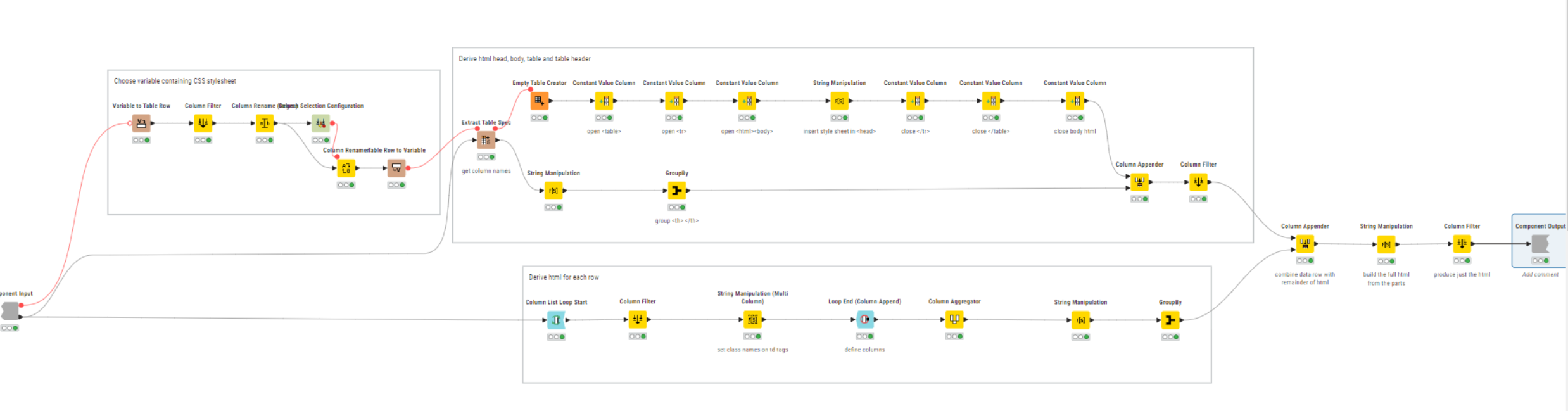
This is the internals of the HTML Builder Component…
Hope it is useful. As mentioned, you can always disconnect it and modify it if it doesn’t meet your exact needs.
This topic was automatically closed 7 days after the last reply. New replies are no longer allowed.