Welcome aboard!
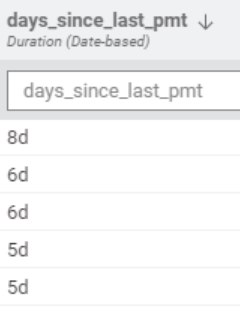
The D&T Difference node can output numbers directly. Just set the output type to “Number”. Otherwise the data-type is “Date&Time Difference” (like in your screenshot). Rule engine clearly states for comparison: “For numerical values” and “For string values” and “D&T Diff” is neither one, so no.
Hi welcome @angel_g! Yes unfortunately as @McReady said Rule Engine can only handle strings and numerical values. I’m not aware of it being stated anywhere clearly though. Where does it say that @McReady?
I recommend trying the expression and expression row filter nodes instead. They are modern, feature rich, and can handle a wide range of data including just recently added support for date/time and durations. The rule engine and rule-based filter is archaic, I expect it will be deprecated in 12 months.