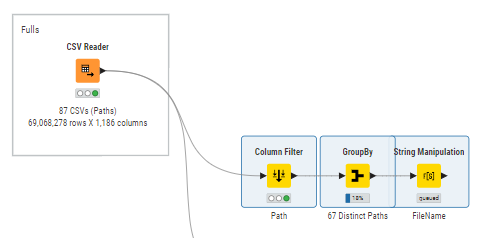
I am reading multiple CSV’s from a folder (67 in total), I now need to count the number of columns in each CSV and the number of empty columns. Some columns are common, some others are specific to each CSV. Has someone done somethinG similar?
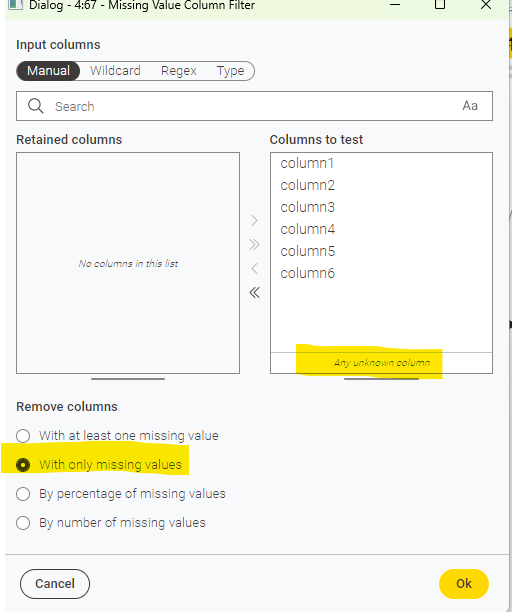
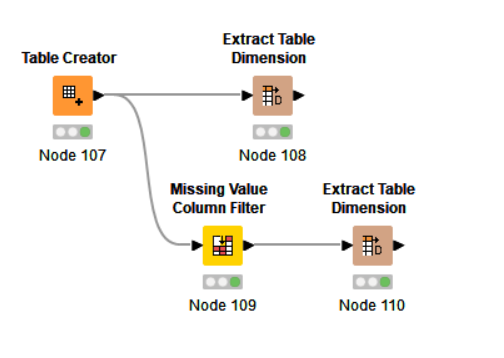
It depends what your definition is of an empty column. But if emtpy = missing you can use the Missing Value Column Filter to split the columns in your dataset, and move from there.
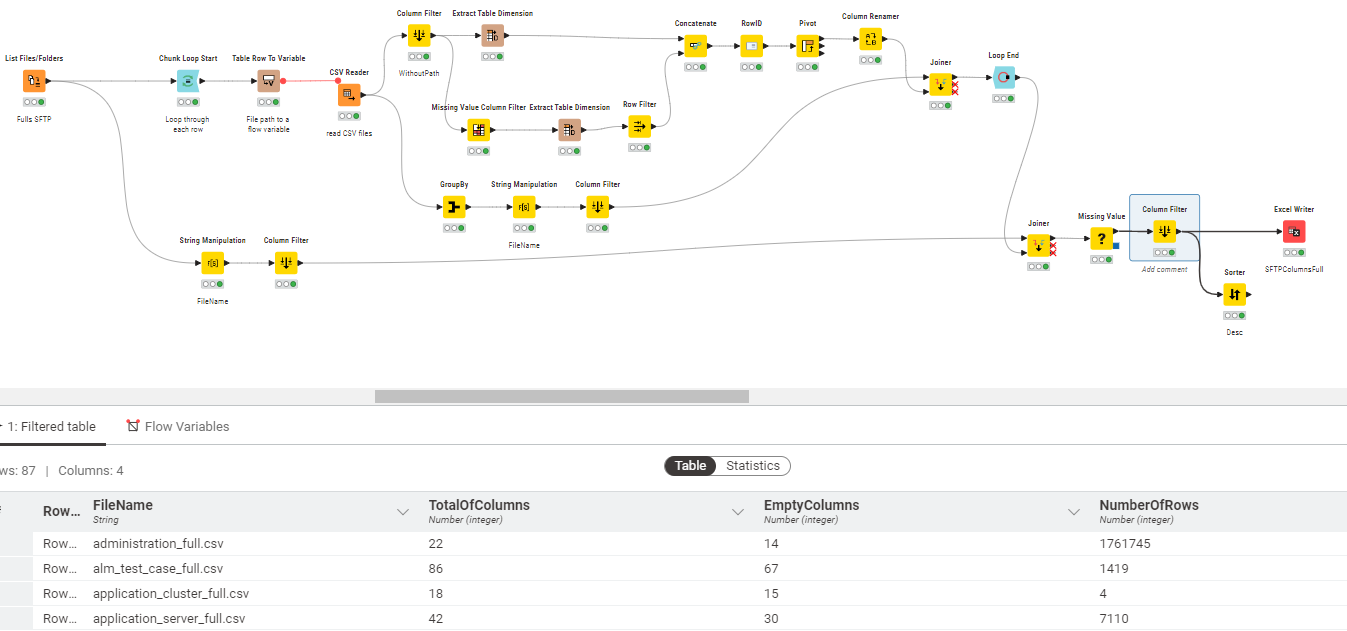
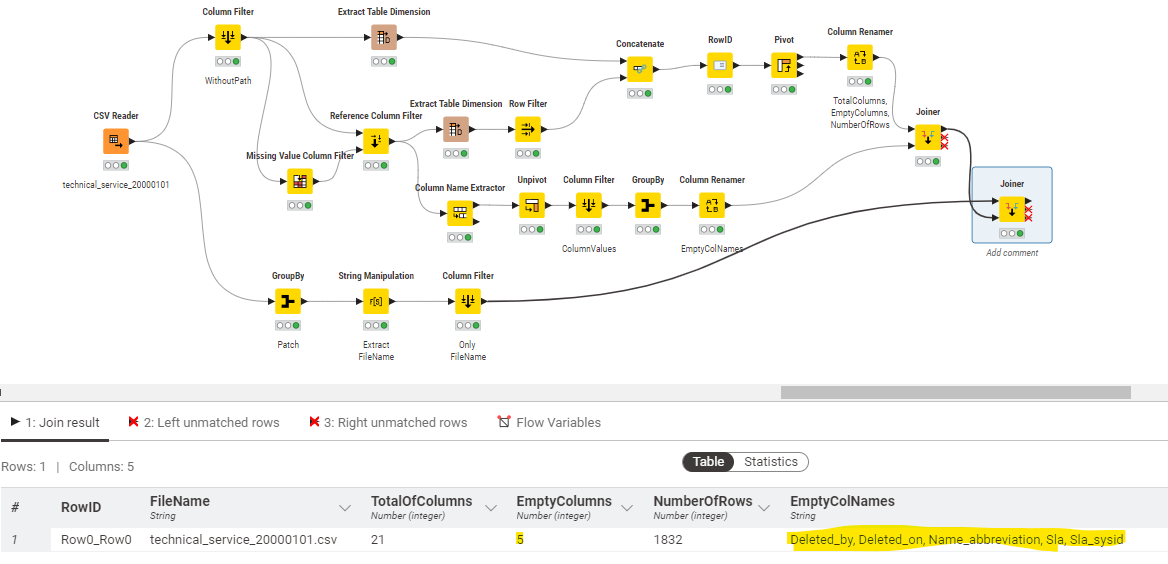
As you can see, it was useful to quickly check which CSV files had empty columns (or columns without values) now I need to do get the names of those columns as per the example of a single file below:
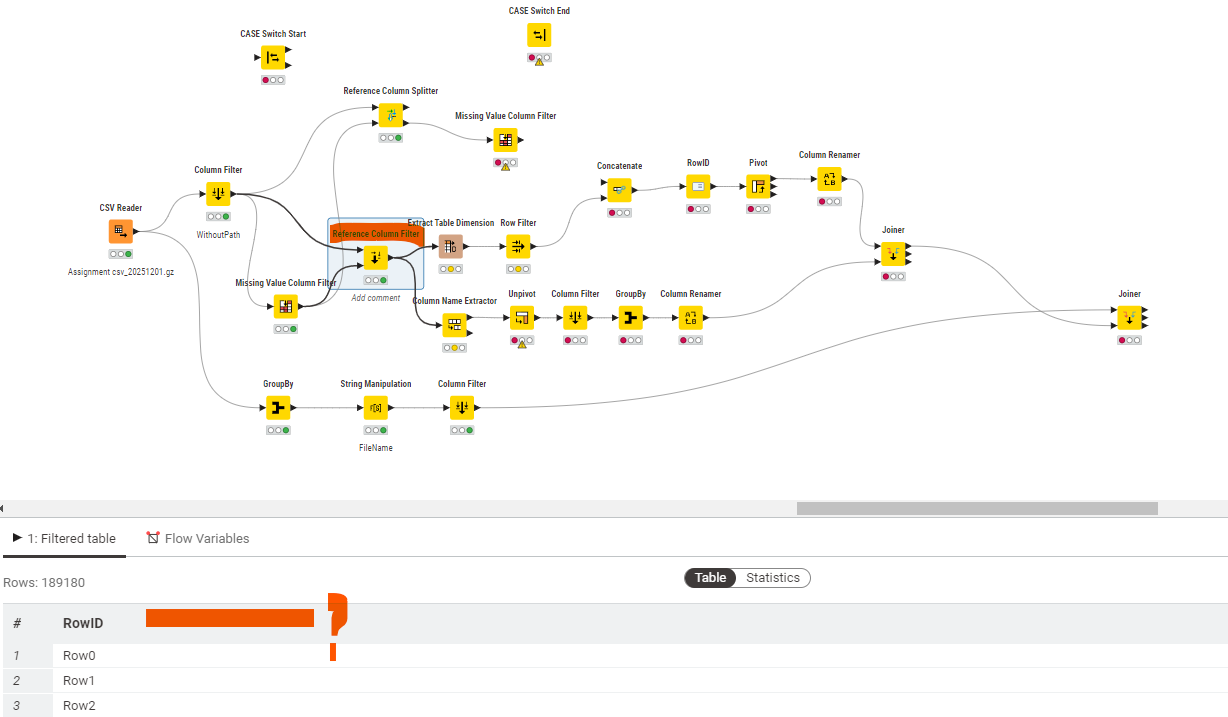
but the problem I am having is that the “logic” of my workflow only works with files that have empty columns, if there is a file which has got all columns populated, then it does not work because the first “join” operation was bringing the empty column names via INNER join ON RowId. I am finding difficult implementing a “Case Switch Start” and “Case Switch End” nodes to overcome this situation, this is where I am stuck:
if you need only the names of the columns that are filled with missing values, you can start from the hints already given
→ table spec, and Empty Column Filter followed by table Spec.
Then, you can just use a reference row splitter.
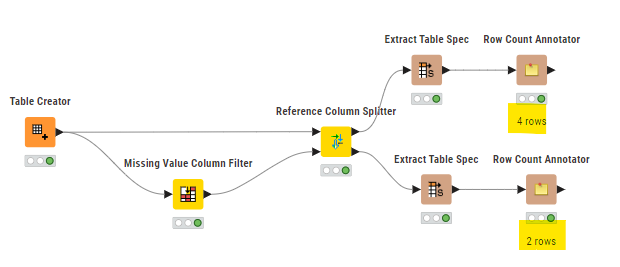
Alternatively, have a look at the Reference Column Splitter
lastly, there is an Empty Table Switch node, which you can make use of on the list of columns in case they are empty.
Overall tho, it makes sense to handle the case (of all rows being filled) properly.