I have an issue while importing workflows that I can’t find a solution for in the forum, so I would appreciate your help, please.
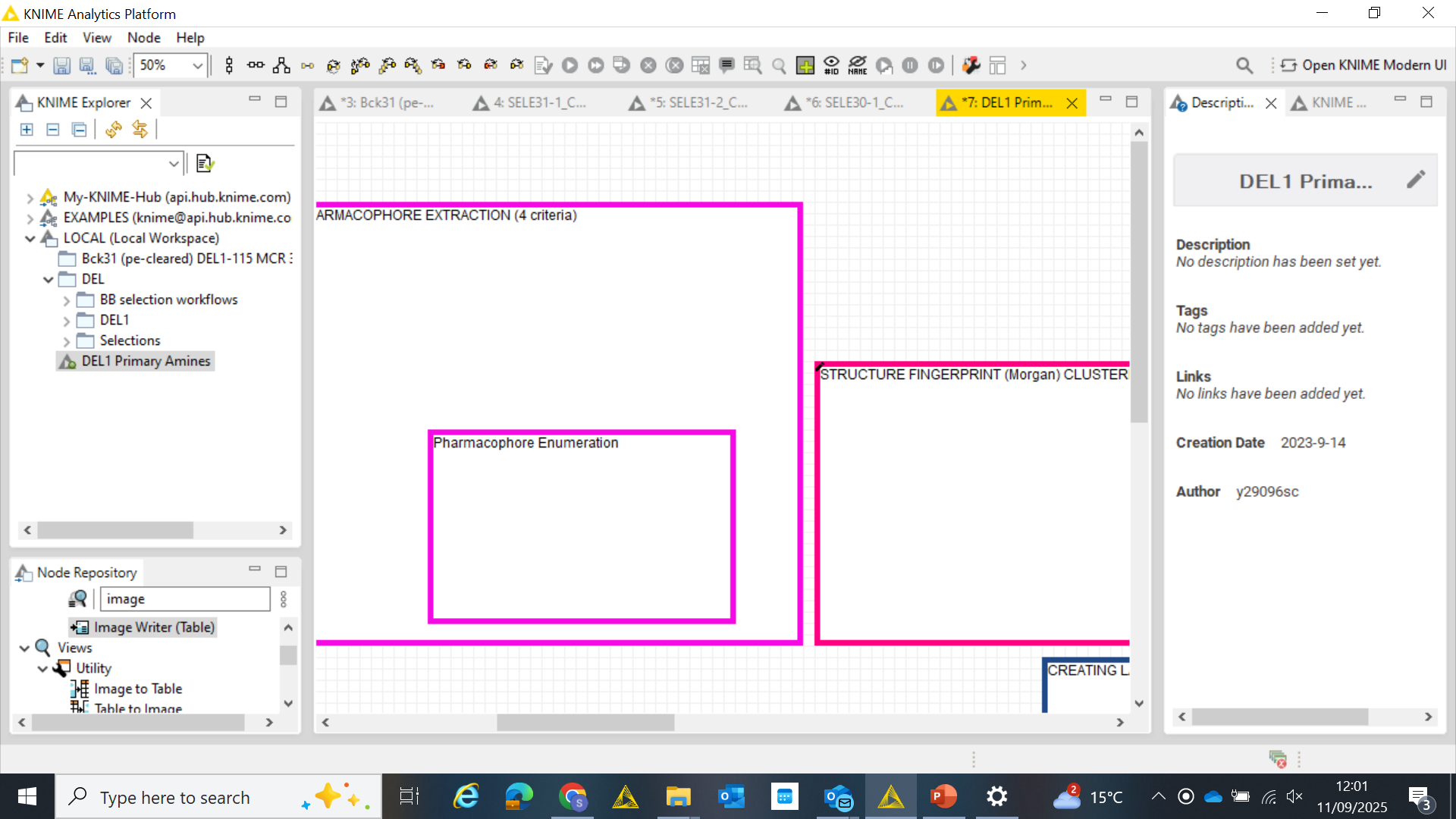
I backed up workspace folders (in MS One Drive) without exporting workflows per se. I downloaded one workspace folder and imported to the LOCAL folder destination (please see sequence of pictures 1, 2 and 3). The problem arises when opening the workflow, which does not show any nodes and a warning pops up basically saying “unable to load settings” (picture 4 and 5).
Previous forum topics do not clearly explain a solution for this. Would you be able to pinpoint where the issue is? Saving the workspace? Importing?
Although KNIME recognizes all required extensions - did you install everything you might need? I wouldn’t know what extensions to install as I do not experience any other issues with KNIME, but I know how to install extensions if needed to solve this issue.
Did you create a new workspace? Or is the backed-up workspace your new default? I did not create a new workspace, I work within the same all the time. The thing is KNIME takes up a lot of disc space, so I decided to back up workflows from my workspace into MS One Drive (and delete them from KNIME workspace). Now, when I try to download them from MS One Drive to my laptop and try to import it, the issue appears.
Did you change KNIME version - if yes from which to which? I do not recall changing KNIME versions between saving the workflows and trying to import them. In fact, some of these back-up workflows are recent. By looking at the installation history it looks like I updated KNIME in February 2025, but I’m not sure this helps with your question.
did you try copying the directories back by copying them into the workspace again? So not through KNIME import, but just copy/paste them to where the other workflows are located in your workspace (I would close KNIME before, and restart after the copying).
Thanks for your suggestion. I did try that but it does not work; I get the loading error warning, plausibly because of the special characters restriction @mlauber71 mentioned.
Thank you @mlauber71 , I will try to update the OneDrive to a version with less restrictions. Do you happen to know a version that allows special characters from KNIME?
Otherwise I’ll follow your suggestion to save ZIP files.
@sergicelis I have no idea if this is the case. You can test that by creating a (complex) workflow outside OneDrive and then copying the folder to one Drive and then comparing it to the original and see if some names have changed. You also could try and explore which of the mentioned restrictions apply to your OneDrive (if any) by creating files with the ‘forbidden’ elements.
It is also possible that it is something else. Aside from having a backup system in place (which is always a good idea) if you absolutely must have your data you will have to stop using your machine and bring the hard drive to a professional recovery service. They might be able to retrieve the data but it will cost you.
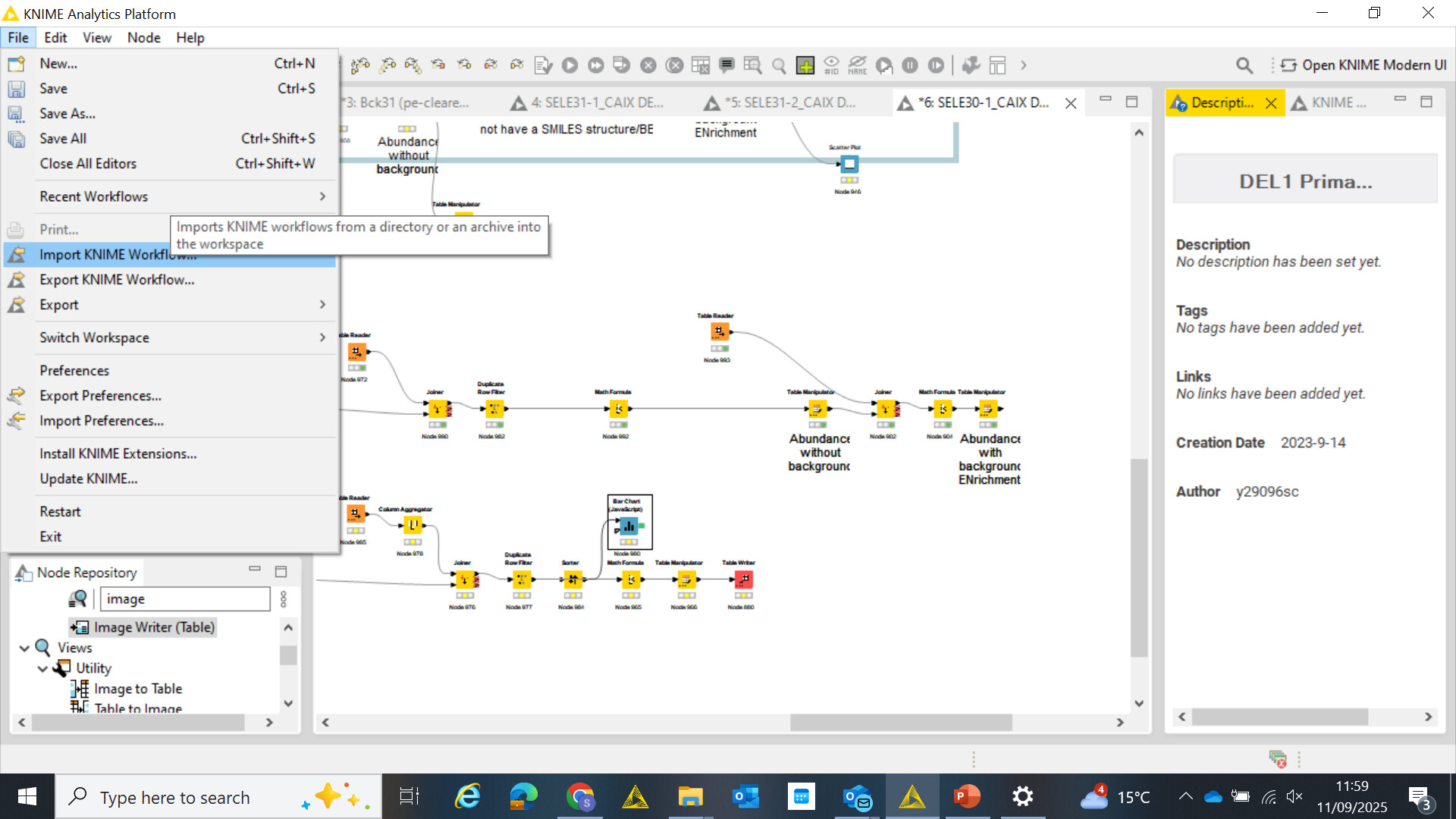
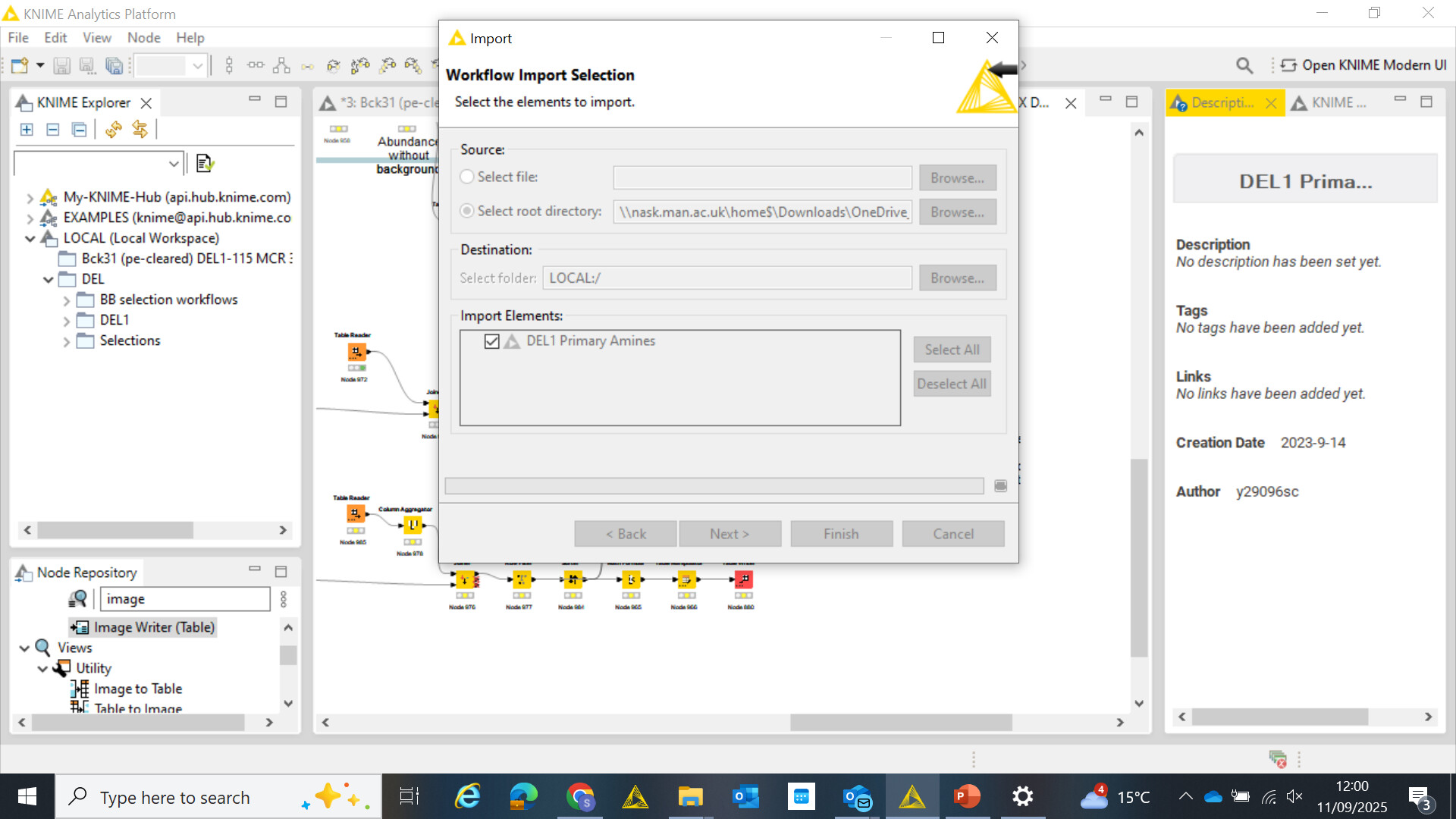
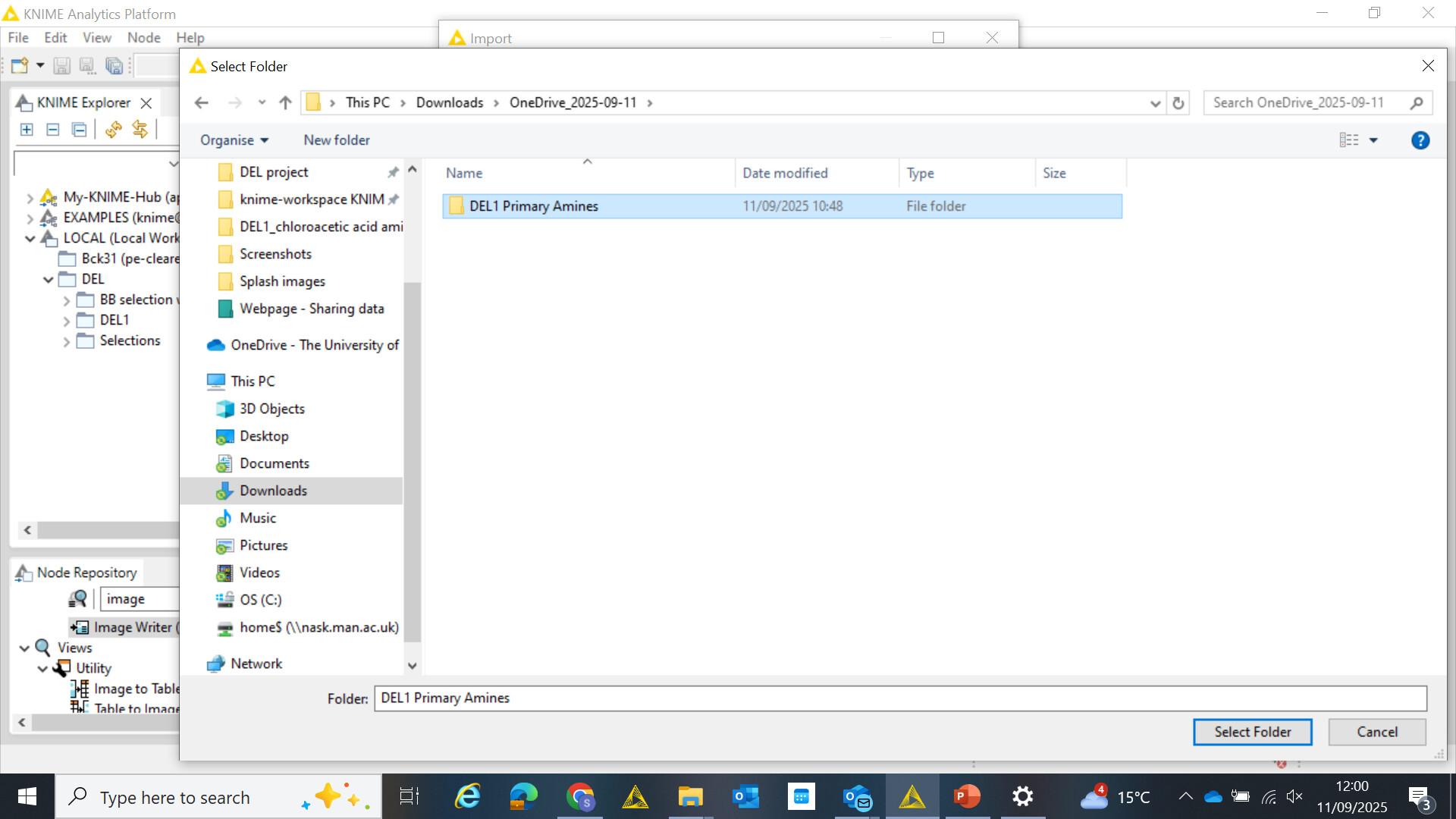
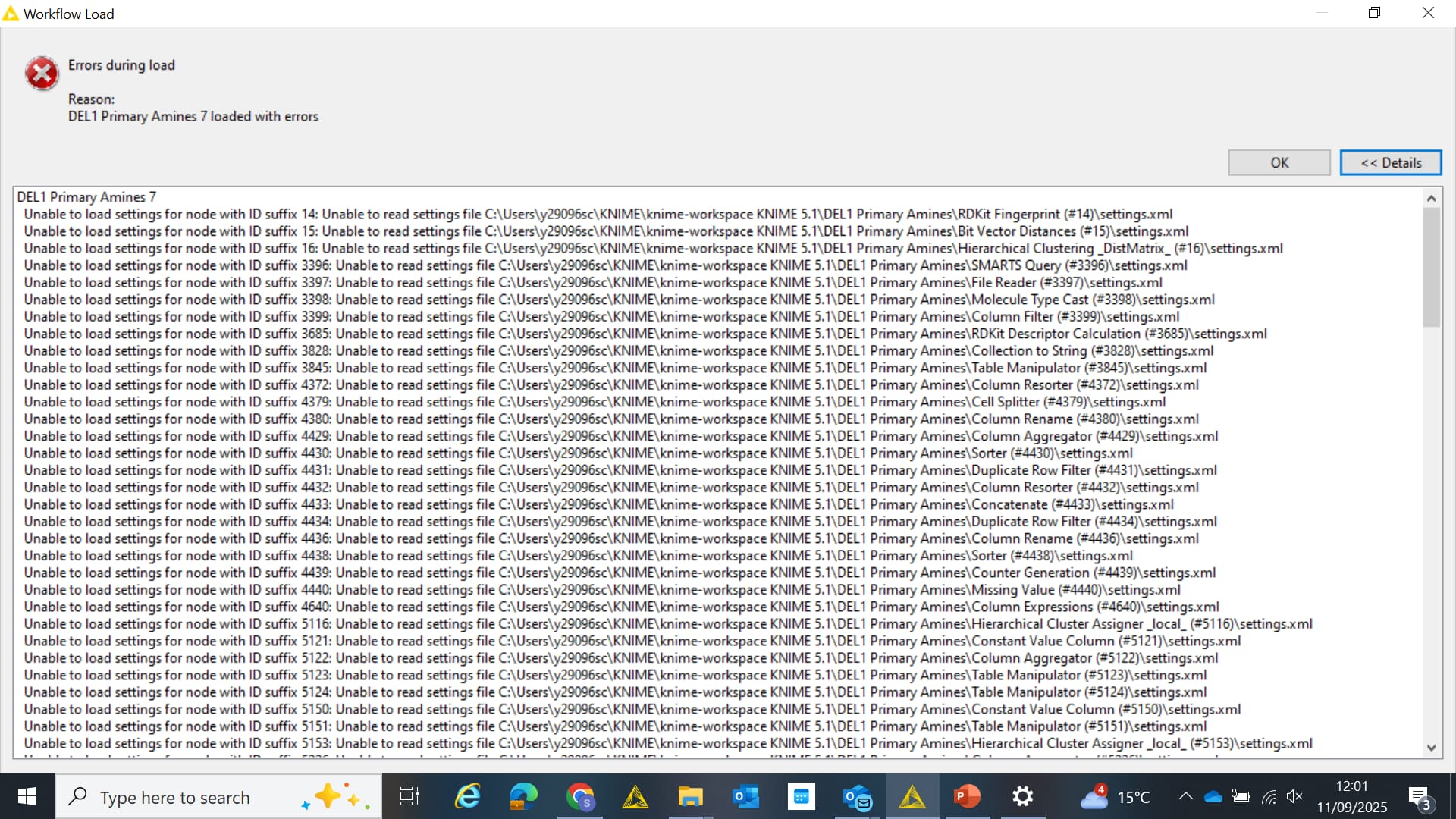
 ,
,