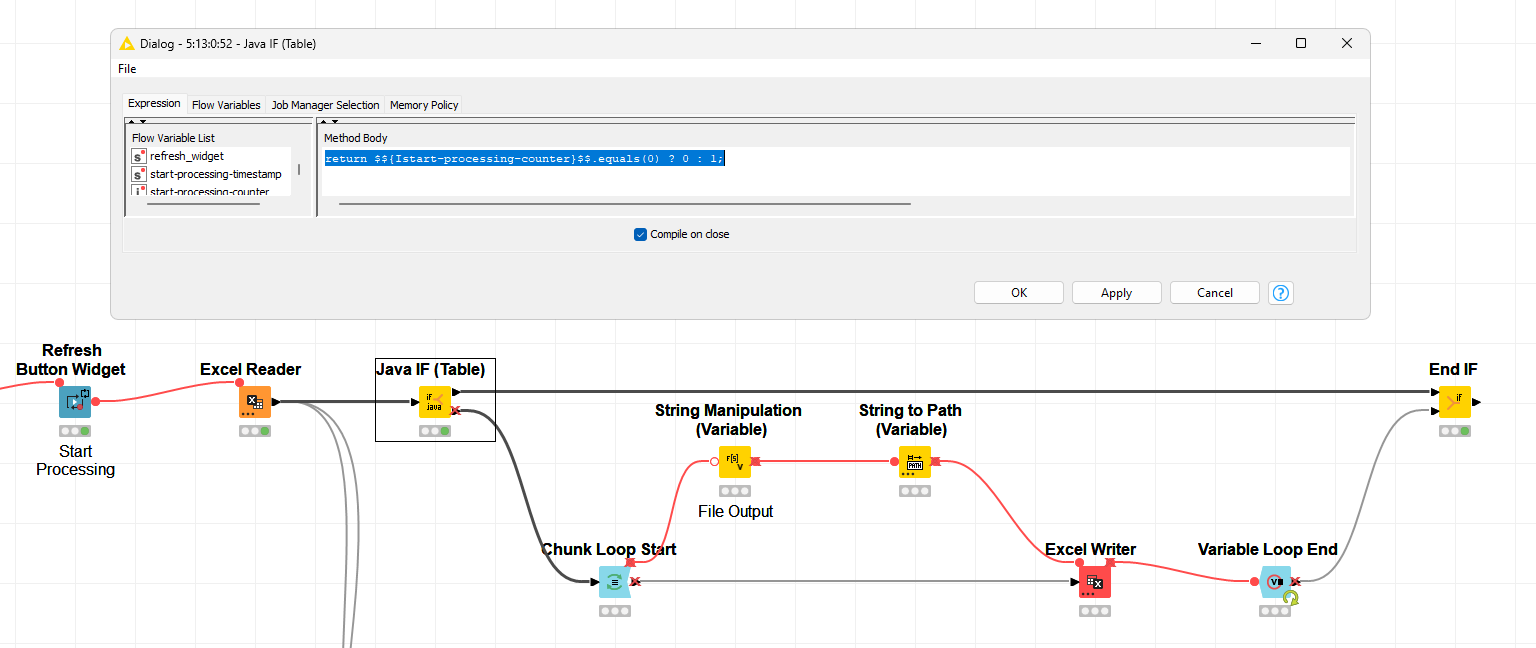
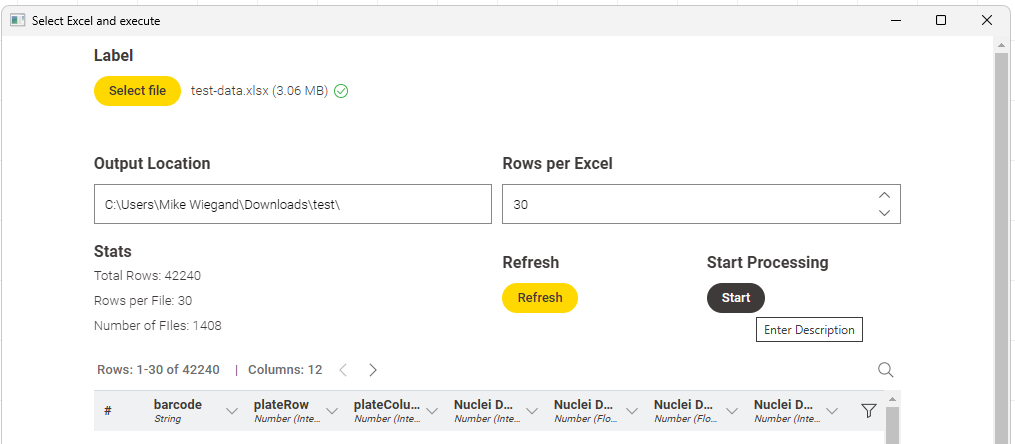
the interactive view, especially when the workflow is used as a DataApp, I prefer for configuration (i.e. data-time ranges). However, in order to open the interactive view, the corresponding component must be fully executed.
That causes a few issues:
Unnecessary execution (waste of compute power / units and time)
Possible execution problems if input is invalid
Difficult debug if the target audience goal is “consumption” only
Therefore, I’d like to propose to introduce a pause execution node.
I made a component for parameterspace investigations. Unfortunately, it tends to run forever because -by default- it groups ALL columns before the column chooser widget can show up and ask the user which columns to group by.
I need the widget to show up, before the loop runs.
Very annoying behaviour since it makes the component useless to me and i cannot share this with my team.
Here is a workflow with the component of interest “Grouping Info”:
If anyone can help me with a workaround would be appreciated.
Thanks in advance.