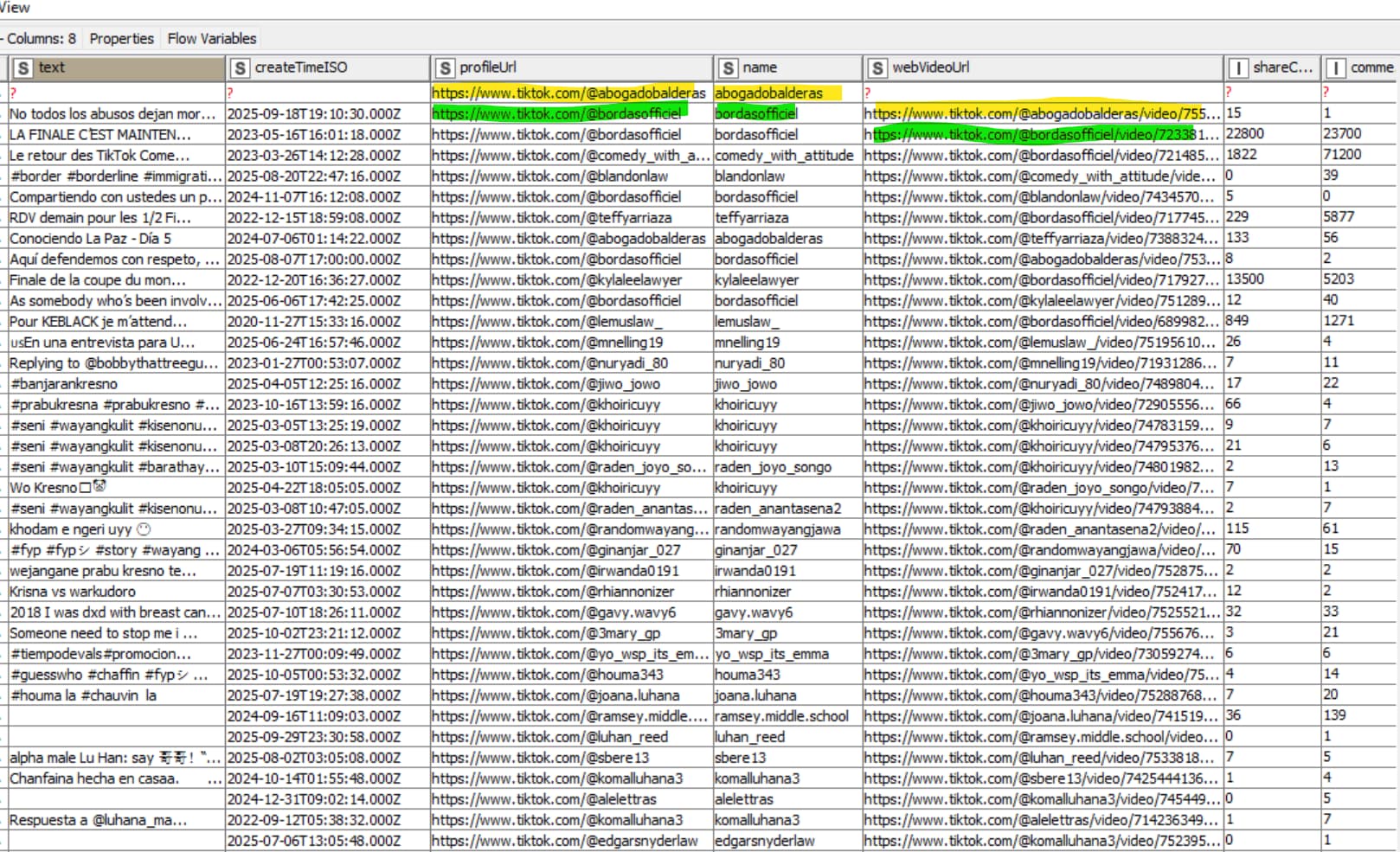
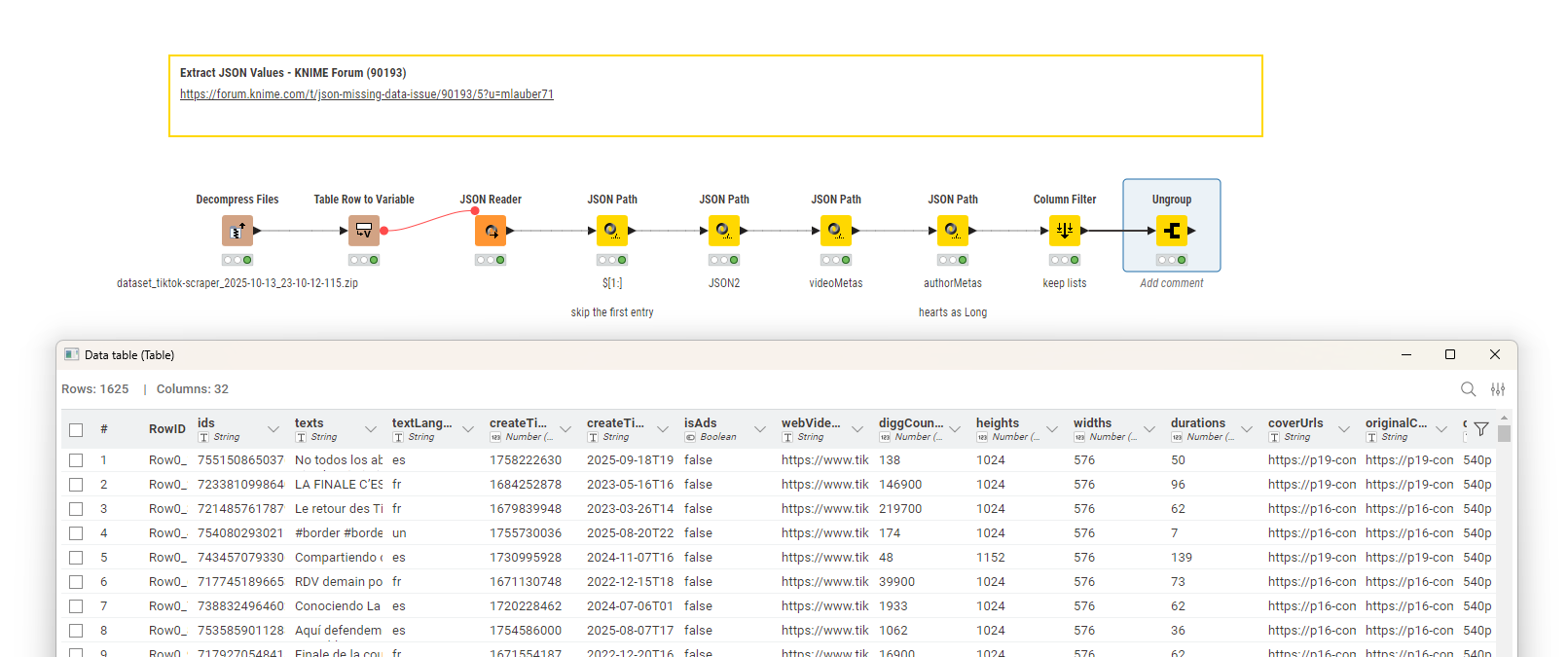
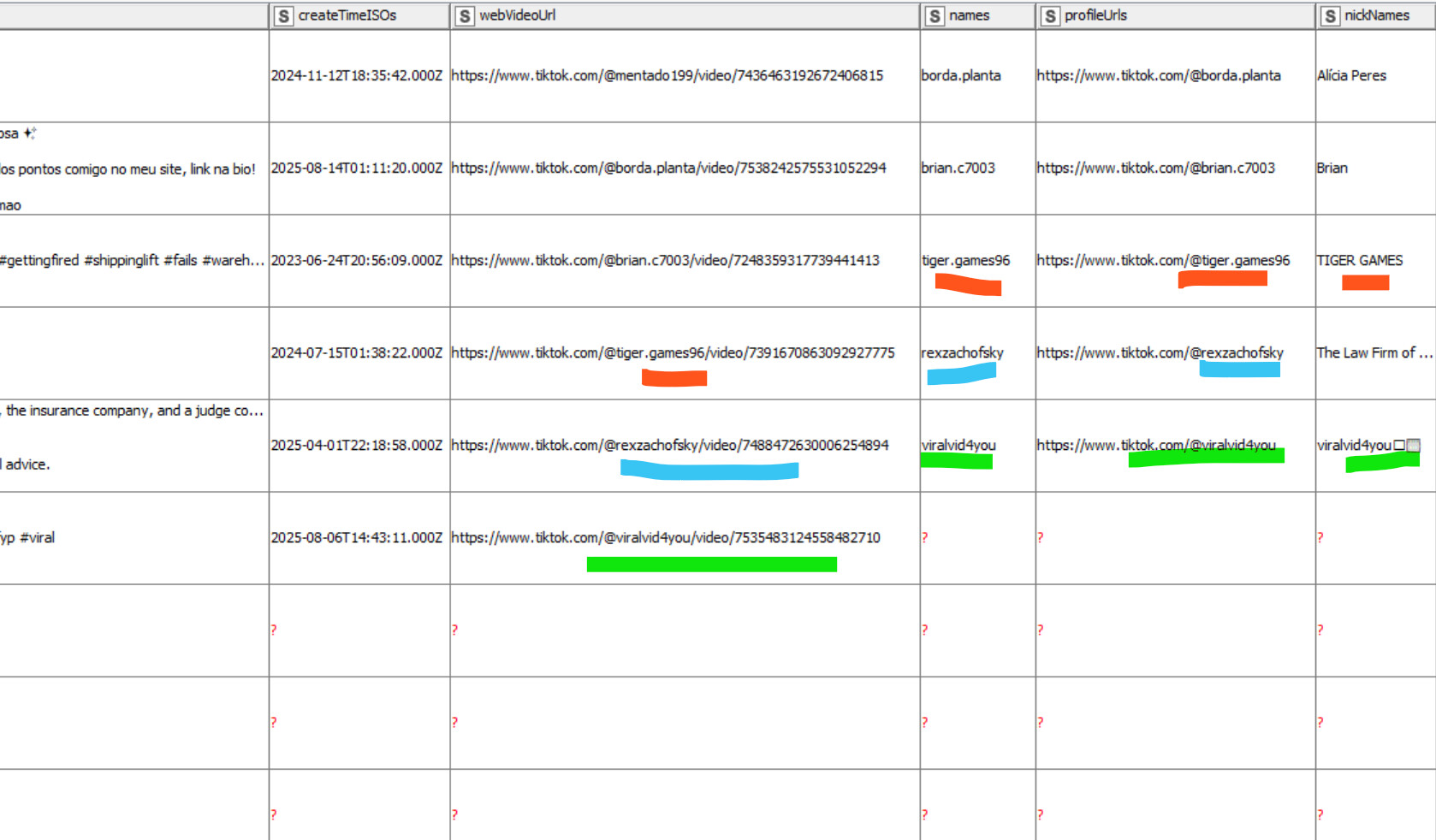
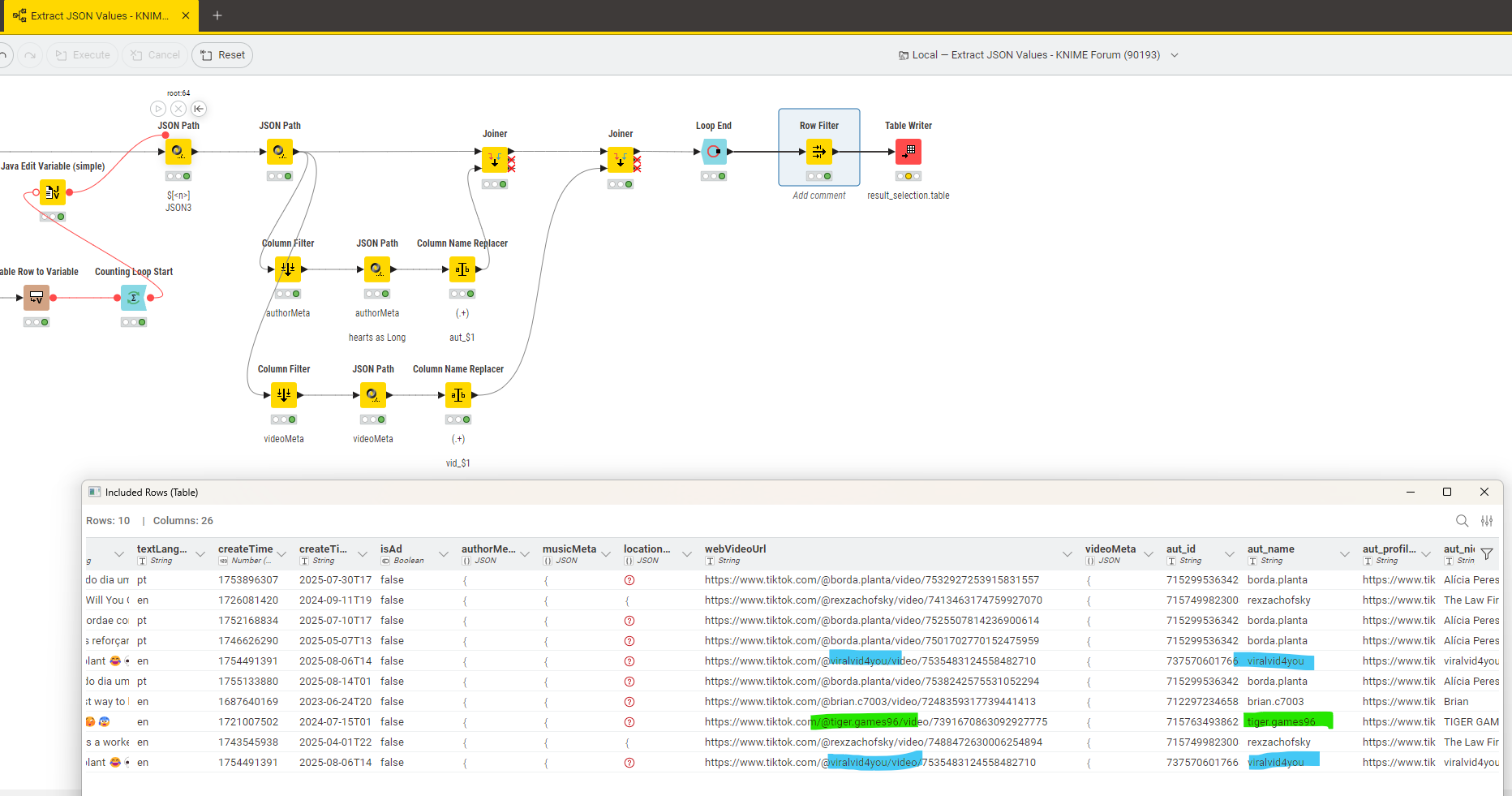
I am having JSON files which often contain missing values and when I put it as a list the missing values get assigned to the wring row and the data goes all wrong.
I have looked at the forum and I am not able to figure it out. I have attached the sample flow. Can someone help?
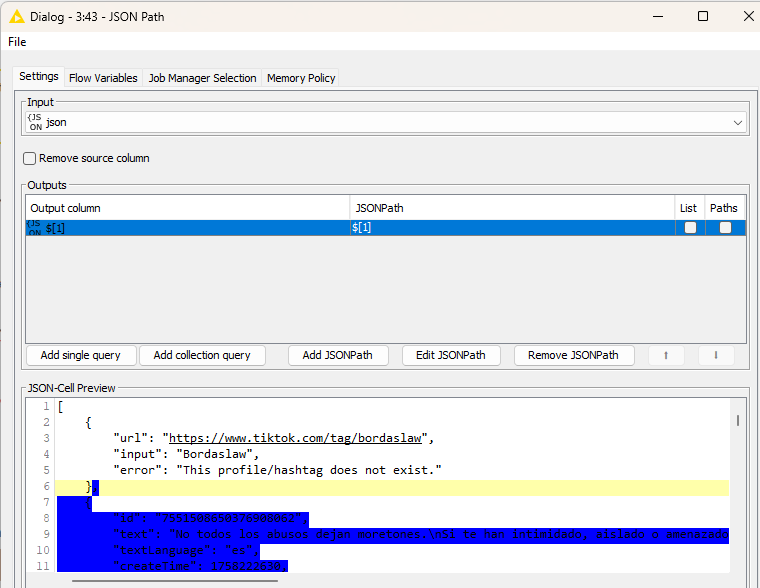
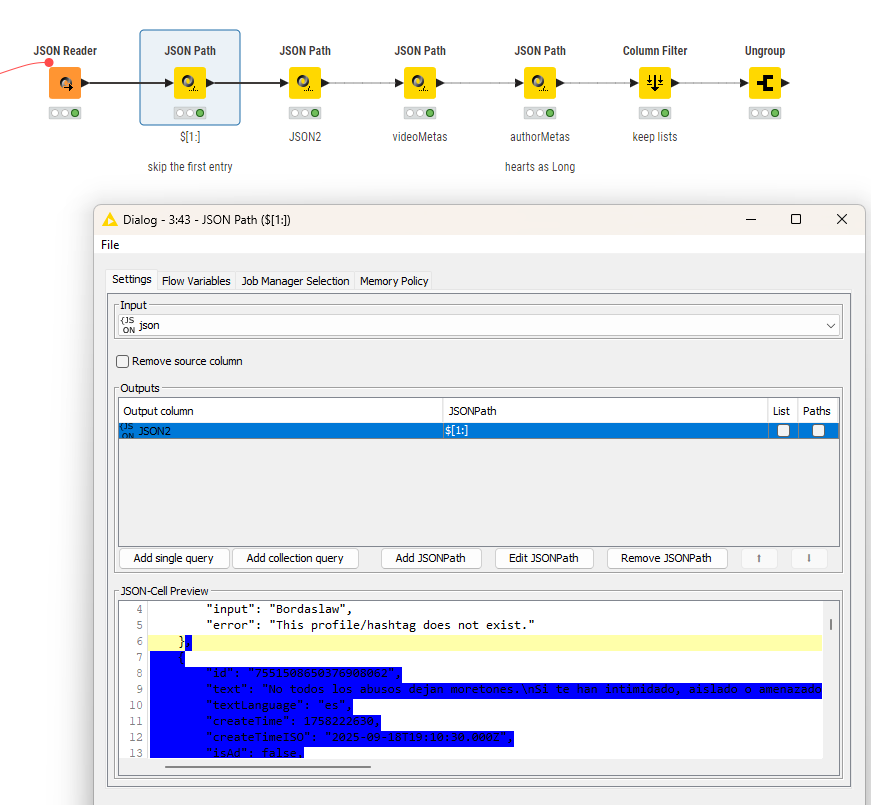
@ace2131 you will have to carefully examine which element is on which ‘level’ of the JSON file. It seems the main body is again split in two parts. And then you have sub-elements that are cascaded.
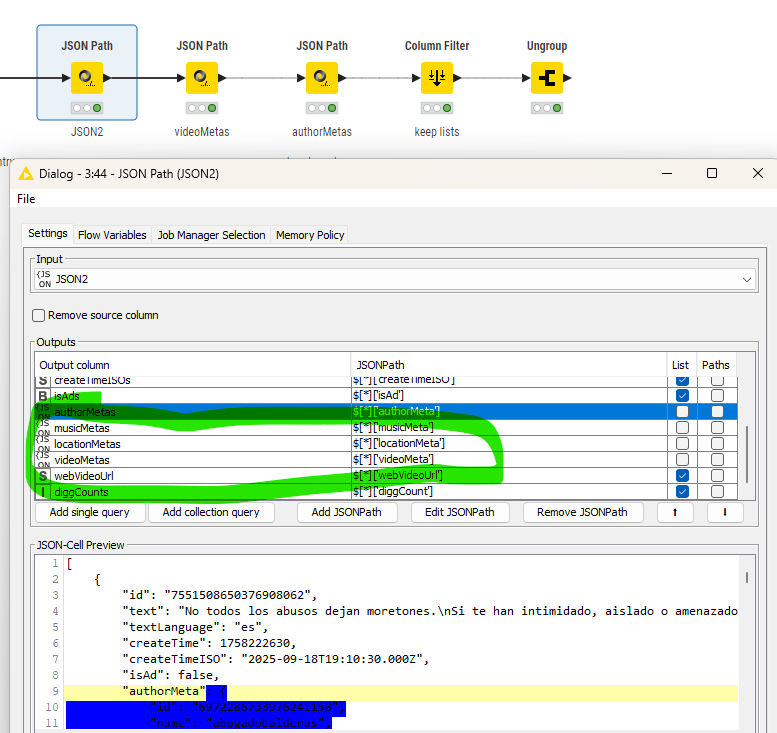
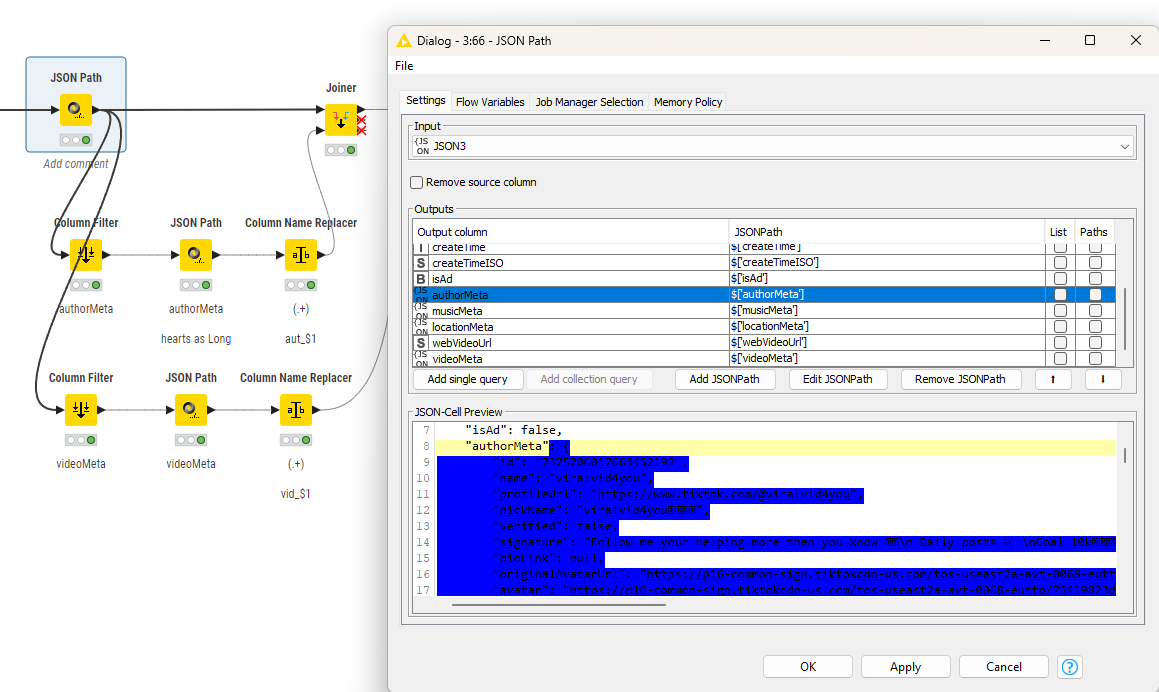
Then you will have to extract the sub-information like video and author as separate JSON structures and give them their own paths. In the individual values ‘hearts‘ needs to be a Long integer (for example).
hi actionandi, there is a mismatch in the data coming through the json files due to missing values. screenshots above and the data attached shows the problem
@ace2131 maybe you can provide us with some ID where to find the data. Following screenshots is a challenge. I will try to locate the entry. Most likely it has to do with the data and not with some problem in KNIME.
@ace2131 something is off I agree. Not yet sure what it is. Question would be if you could boil it down to the case where the JSON goes wrong. I thought I had the configuration right but something is off (either in the data or in the workings of the node).
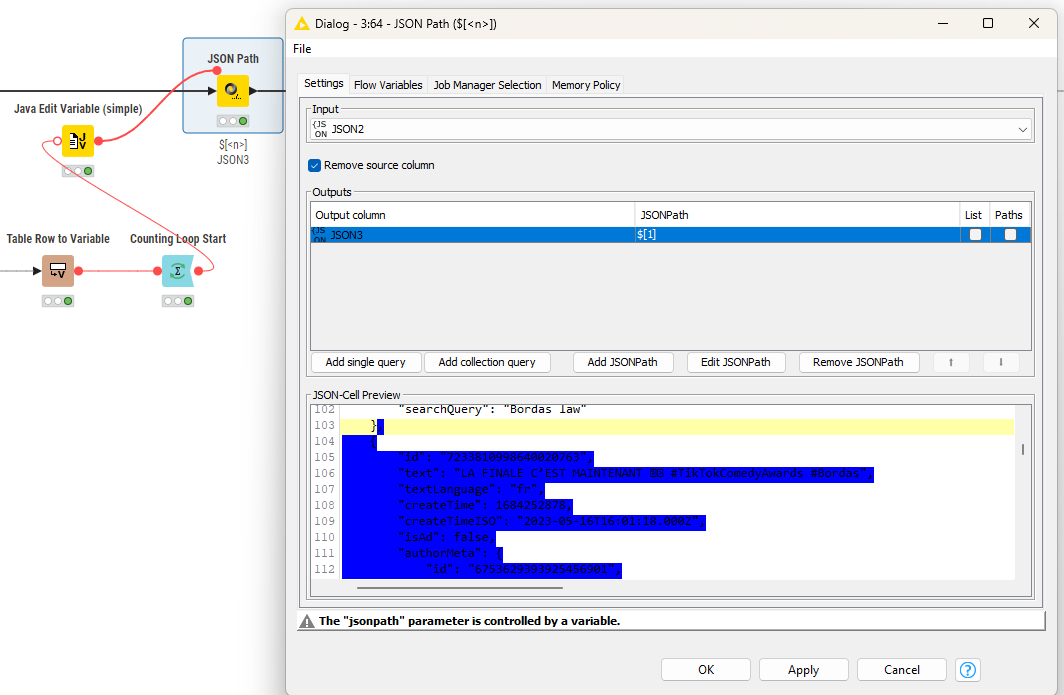
@ace2131 I tried another approach where I iterated over the single blocks inside the JSON and not do a massive ungroup which might lead to problems in the IDs. Here the JSON path is created by a Flow Variable and will isolate one entry:
In the end you collect the results and now you can see where the information is. You will have to see if some sub-entries have more than one line (video subtitles) and how to handle that.