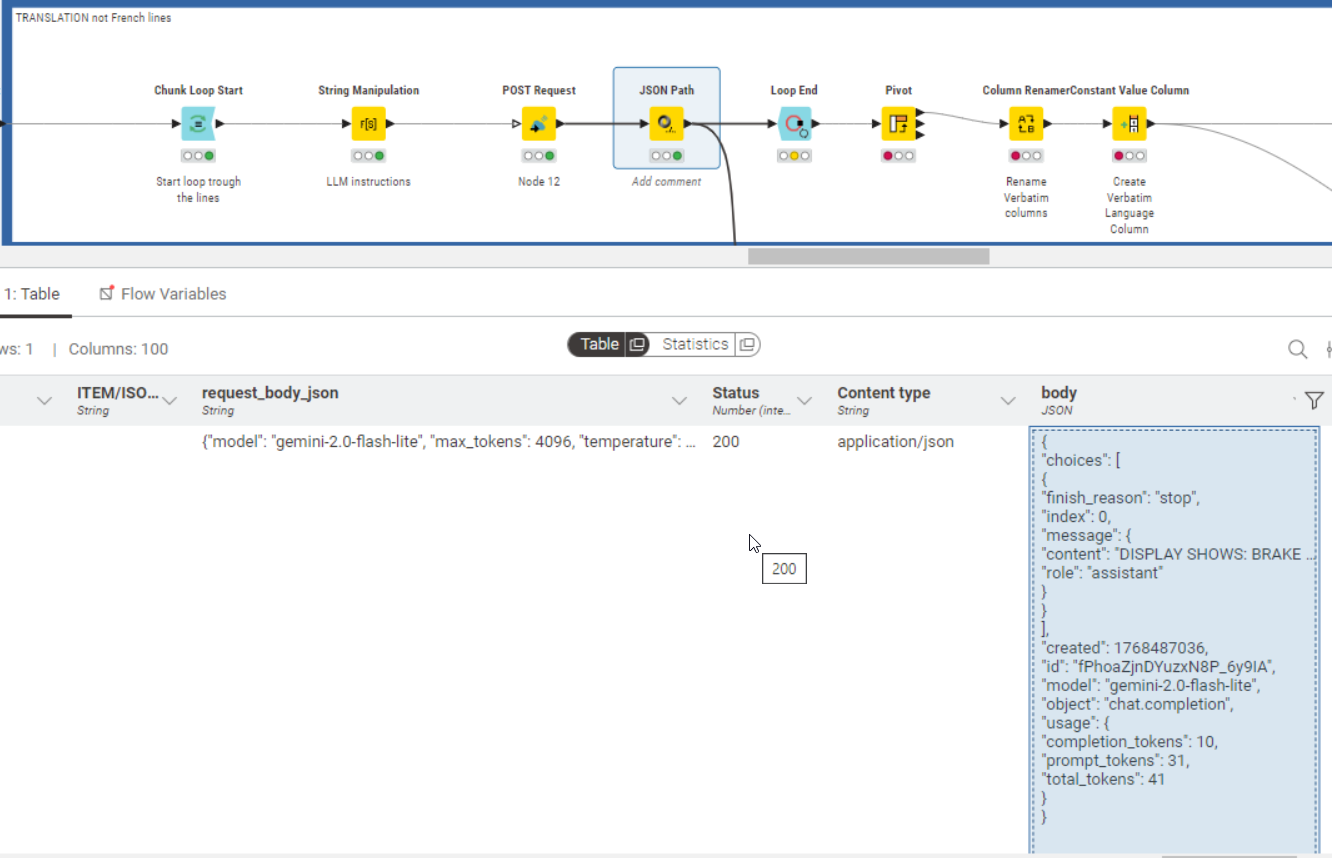
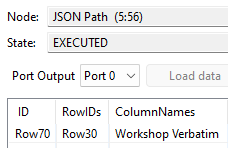
I have created a KNIME flow to connect to a AI API and translate a specific column in English. I loop trough each line of the column, in the string manipulation I have added the LLM instructions, Post request contains the API key, Json path creates the translation column. everything works very well and I get the result that I want. The problem is that I have transferred the flow to another colleague using the same data and he gets this error on the Json Path: “Execute failed: Input table’s structure differ from reference (first iteration) Table: Column 98 [body(JSON)]vs[body(Binary object)]“. it fail at the first iteration, column 98 is the body column, you can see the content in the picture. do you have any idea why we have this problem?
@CYLE Based on the error message, the first iteration returned a Binary Object, while the current instance returned JSON.
Currently, you cannot force REST nodes to output a specific column type (we have a ticket for this: AP-21611).
Possible workarounds
Loop End Settings: Check the box “Allow changing table specifications”. This allows the loop to continue even if the column type changes from Binary to JSON between iterations.
Filter Rows: Alternatively, use a Rule-based Row Splitter (e.g., Status = 200 or content type like json) before the JSON Path node. This ensures only valid JSON rows are processed, avoiding the mismatch entirely.
Hello @k10shetty1 thank you for your reply! before trying your approach, I noticed in further iterations is that the error sometimes disappear. another time I got the same error because the body column came out of the POST REQUEST as type: BLOB. is your proposal going to fix this random behavior?
@CYLE Could you please share the Status and Content type values for the specific rows where the Body column is appearing as a Binary Object (BLOB)?
The POST Request node usually outputs a BLOB when the API returns a response type it doesn’t recognize as standard JSON ( an HTML error page, a text file, etc.).
Knowing the Content-type will help determine if we can convert that BLOB to a String (using Binary Objects to Strings) or if the API is returning a different file type.
Hello @k10shetty1 I have tried to check the box “Allow changing table specifications” in the loop end. the loop doesn’t fail and I get an empty cell at the end. But sometimes the value of the same cell is repeated like is not really looping trough each rows. I am also trying to use this Binary Objects to Strings but I’m not able to set it up.. where should I place it in my loop?
If you see a 403 status code it means that your access was denied. If the same query sometimes works, it might be that you are hitting some rate limits. Maybe check the API specifications, if there are any limits or restrictions. If you can only run a certain amount of requests per minute, you might want to use a delay in the POST Request node.
On the error handling tab of the post request node you can also activate error reporting at the bottom, which will give you a new column with the error cause. This might help in identifying the underlying issue.
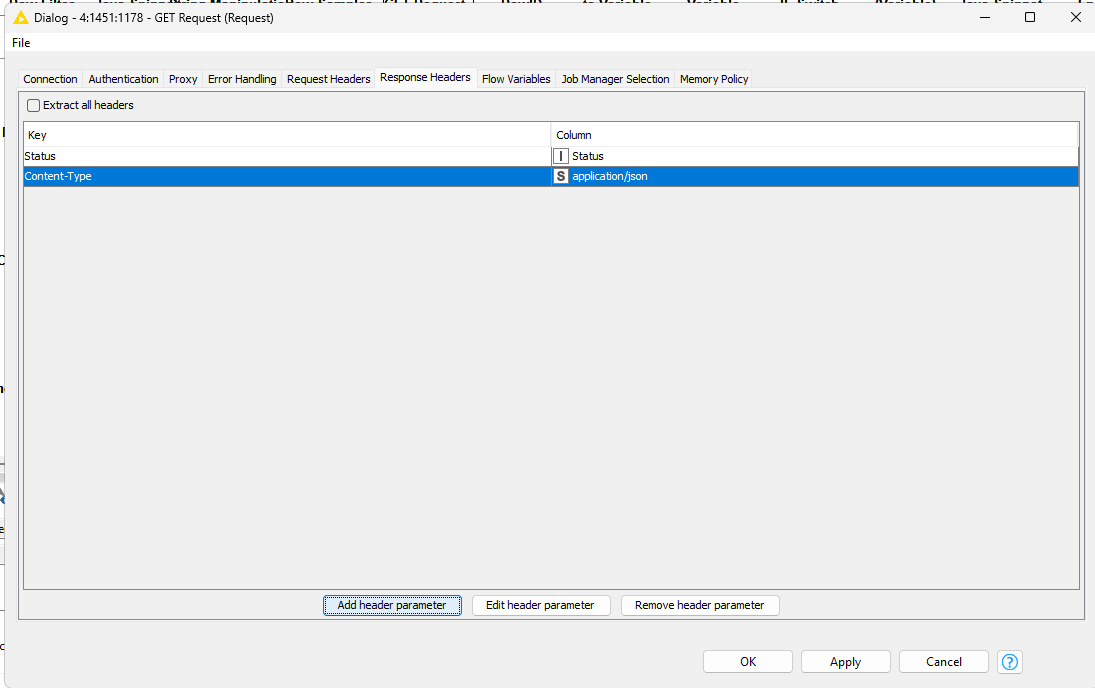
Have you tried using the type conversion node to automatically identify the column type? Another test: have you set a header in the request to add a parameter indicating that this request is of the JSON type?
Example:
Standard Headers for JSON
Content-Type: application/json – Tells the server that the data sent in the request body is a JSON object. Accept: application/json – Tells the server that the client expects the response to be in JSON format.
Common Variations & Specialised Types
Whilst application/json is the standard, specialised APIs may use specific variations:
JSON:API: Some implementations use application/vnd.api+json to adhere to specific JSON:API specifications.
JSON-LD: For linked data, application/ld+json is used.
Legacy/Incorrect Types: Avoid using text/json, text/javascript, or text/plain for JSON, as these can cause parsing errors or security vulnerabilities such as Cross-Site Scripting (XSS).
Server-Side Requirements
For the server to correctly return JSON, it must include Content-Type: application/json in its Response Header. If this is missing, many clients (like browsers) may treat the data as plain text instead of a JSON object.