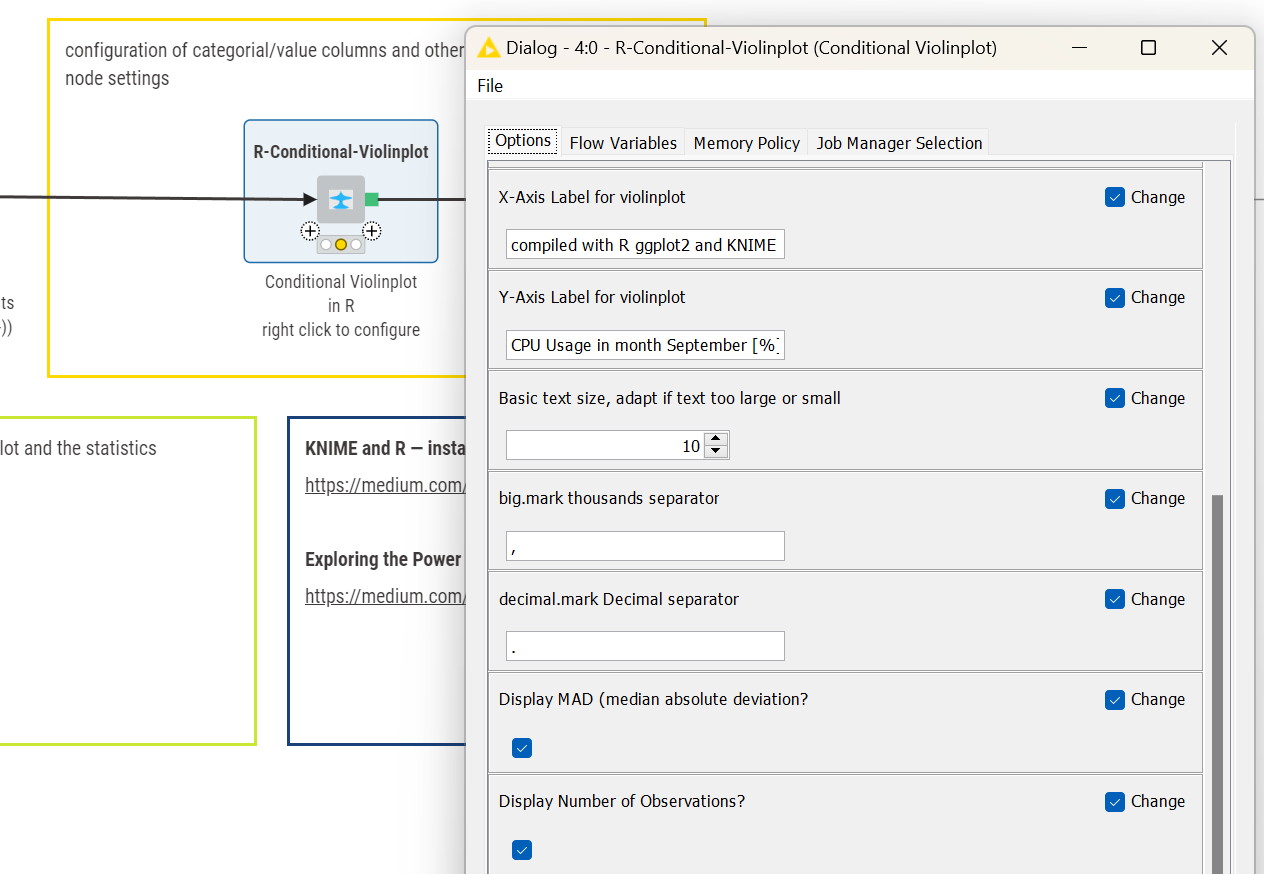
@wiswedel Under KNIME 5.9 Preview with a Component / DataApp Legacy Input Variables breaks the input. I have not found a way around this.
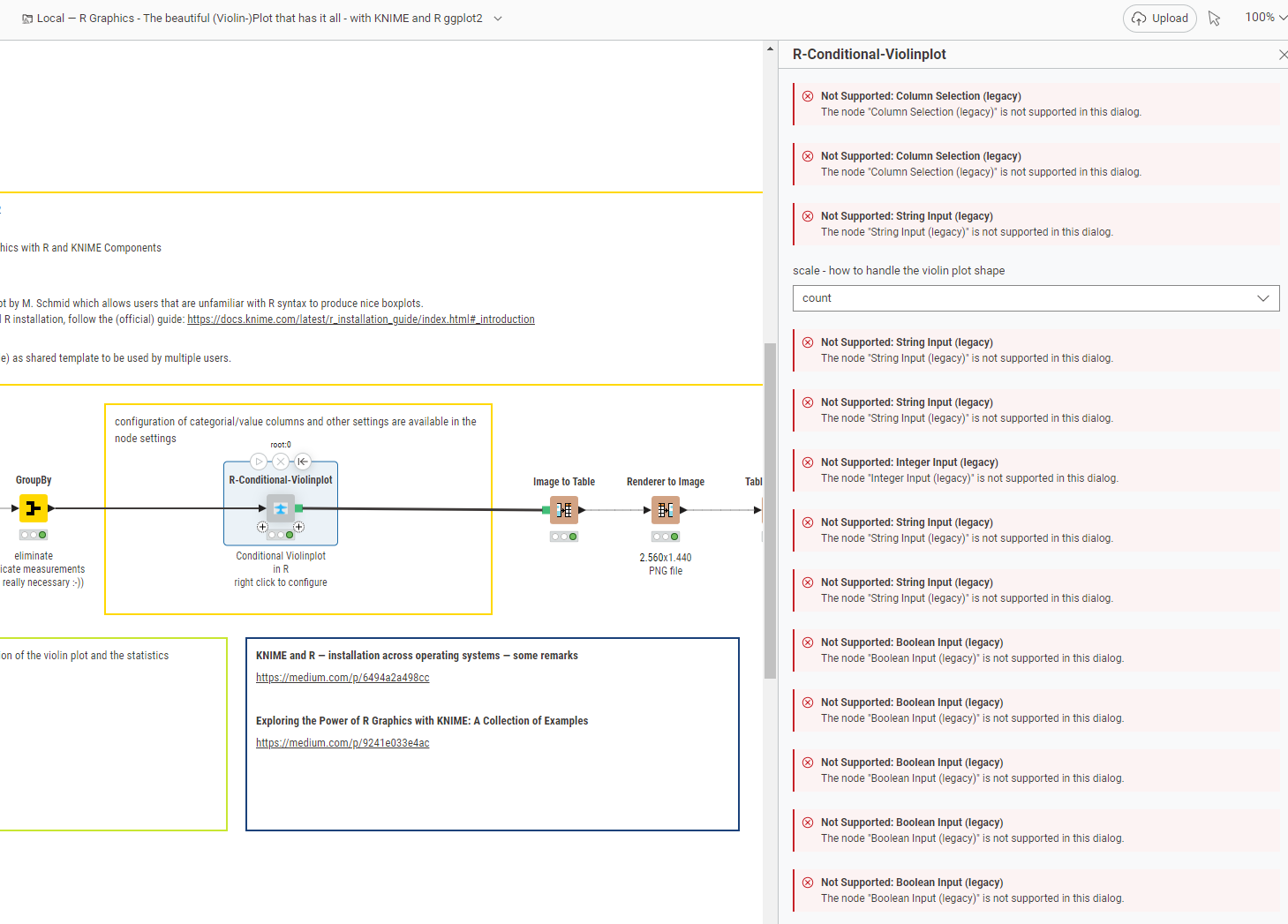
Edit: under macOS this looks good. It is possible this is a windows problem
@wiswedel Under KNIME 5.9 Preview with a Component / DataApp Legacy Input Variables breaks the input. I have not found a way around this.
Edit: under macOS this looks good. It is possible this is a windows problem
Apologies for the late reply!!! (We have an internal system in place to track unanswered forum posts and … I kept ignoring it. Until now!)
Is it possible you are using the experimental feature listed in the prefs?
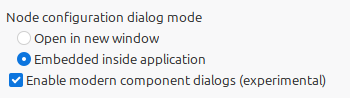
@wiswedel yes these settings in Modern UI indeed do bring back the configuration
Then the configuration is back. Hopefully everyone who uses this does understand it. To be honest I wonder that not more people are complaining about this. Either they do not use these features or the suffer in silence or not that many people use these features at all.
Or they are all on Mac and Linux … 
Hi Markus,
The “problem” applies only to component dialogs, not to regular node dialogs. As shown in my screenshot, the feature is explicitly marked as experimental:
Enable modern component dialogs (experimental)
Additionally, as seen in your first screenshot, all unsupported nodes are marked as legacy (for example, “Column Selection (legacy)”). Converting these nodes to support a new UI would require additional effort, and we are unlikely to invest the time.
– Bernd