I have a strange situation: I am guiding some of my colleagues through using the KNIME AI Extension
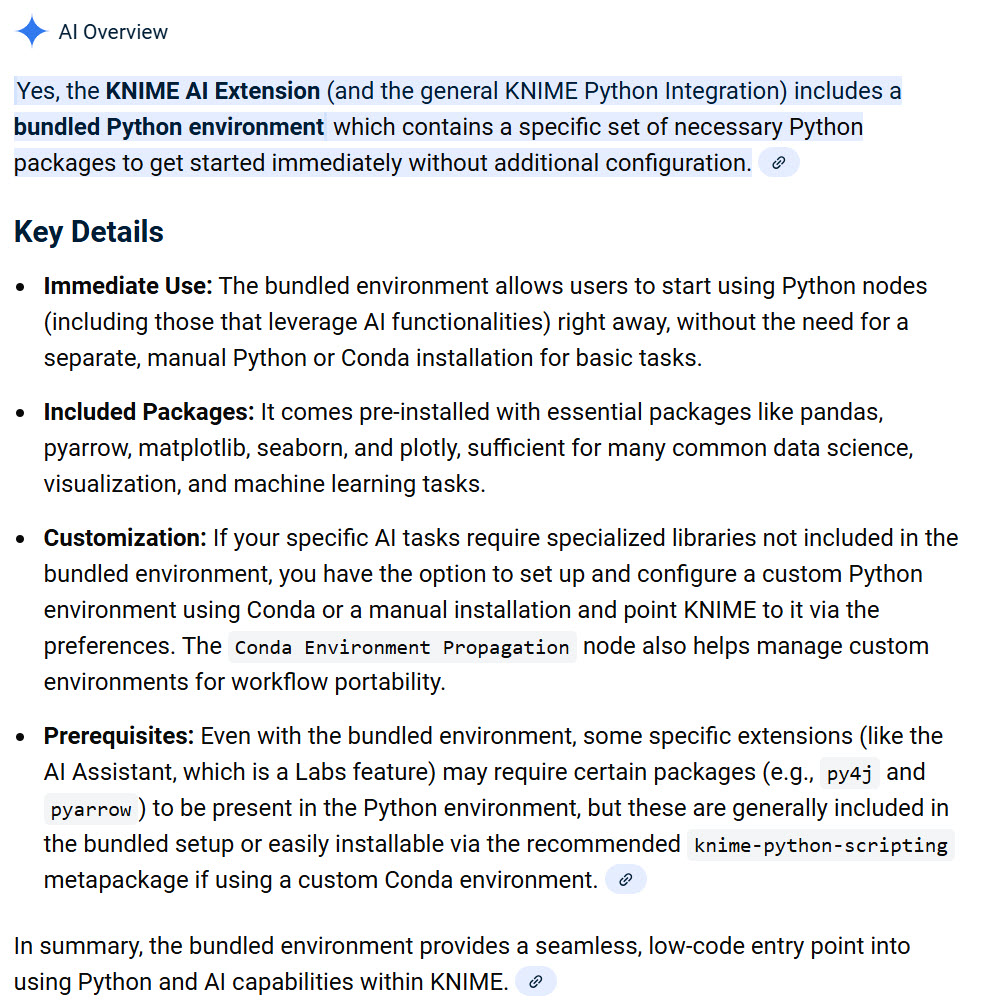
But somehow they have difficulties installing it whereas it worked like a charm for me without any problems. We contacted our internal IT support who claims, that we have to run a separate installation of Anaconda to use this extension.
Is that true or is this somehow confused with some other topics?
I am asking since I simply installed it (same infrastructure than my colleagues) and I am not aware that I ran any additional installaiton of Anaconda or something like this.
As far as I know the AI extension comes with a bundled Python environment. Are you having problems installing the extension or with running it after its installed? In either case what kind of errors are you getting?
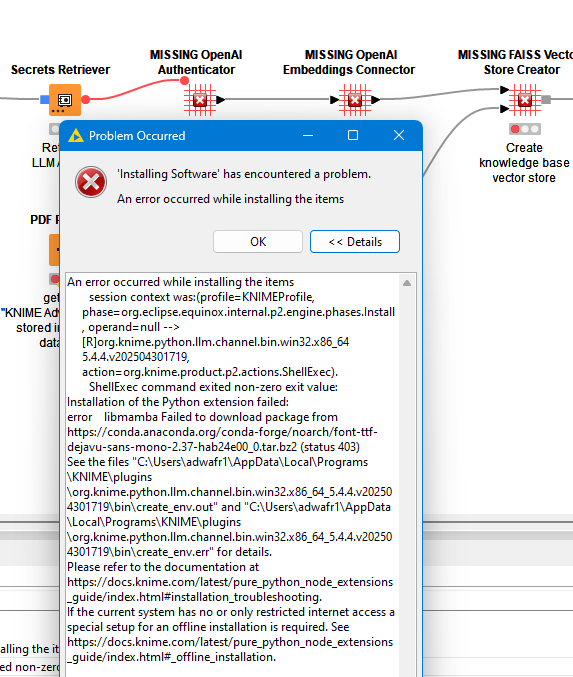
Well to be honest, I cannot really say. As described initially, I installed it in the same (IT managed) infrastructure without any problems, my colleague is facing those errors. And it seems that some people recommend to separately set up Anaconda / Python, which surprises me (as I didn’t have to do it).
Let me see, if my colleague can jump in here and describe the exact issues. Because what i am fearing is that some support steps (install Anaconda separately) are leading down the wrong path.
@kowisoft it would be good to know more about the exact error message and also the KNIME version. Knime AI should not require additional installations of python. There have been reports of installation problems in the past. Maybe remove everything and try a fresh installation.
Or try one in a separate writable folder and see if this helps (as an experiment not to surpass your internal IT regulations of course …).
There have been problems with the MacOS version of 5.4 and AI. Also there have been issues with older versions when installing in a corporate environment with proxy servers.
My best guess currently is doing a fresh installation. New option would be to try and do an offline installation where the packages will be pulled from a local repository. Or check if you not accidentally have set such a local installation when you do not want to use it.