Hi,
We have explored how-to use KNIME for Microsoft Fabric ETL Workflows.
It was not straightforward to get to work, and I hope with this post to share some of the learnings, so it will be easier for you, if you bump into the same problems.
These learnings is based on KNIME AP 5.8.2 LTS, KNIME Business Hub 1.17.4 and extension KNIME Azure Cloud Connectors 5.7.0.
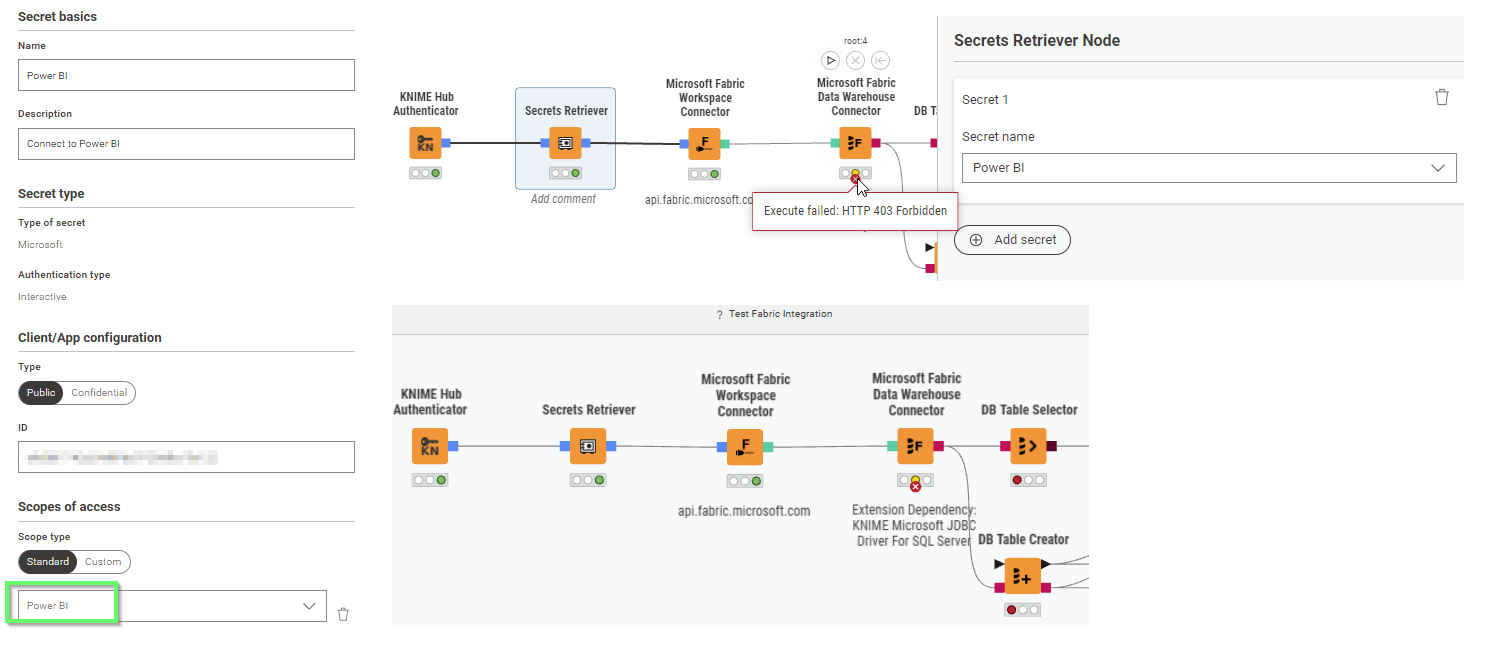
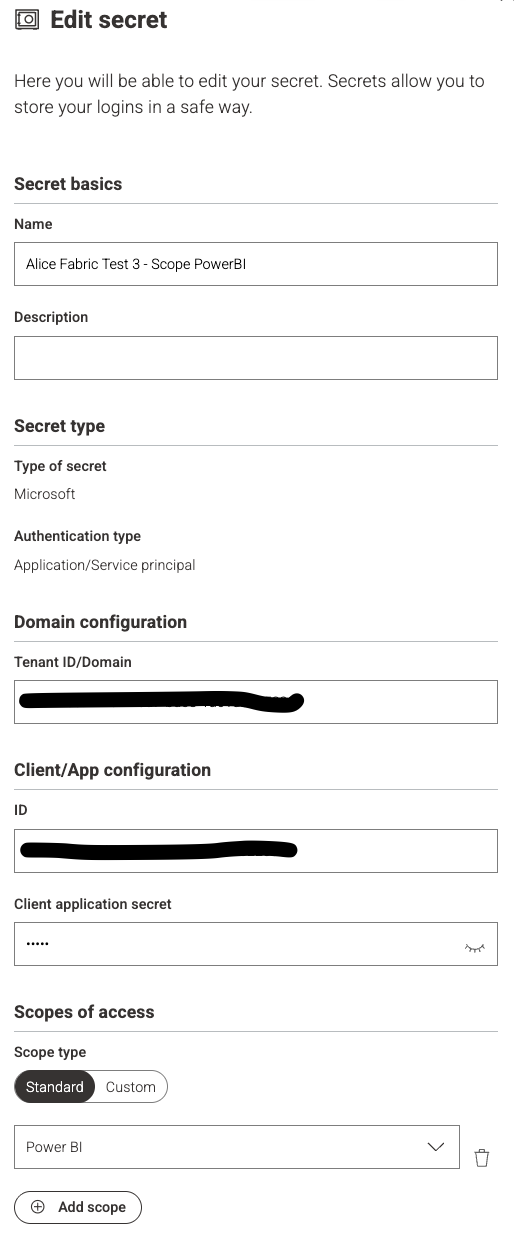
Most important finding: KNIME Hub secret manager don’t support creating the Microsoft Oauth secrets to work with the KNIME Microsoft Fabric nodes.
The consequence is that it is not possible to schedule workflows on the Hub towards Microsoft Fabric Warehouse or Onelake. KNIME Service reported that internal ticket HUB-11640 target to allow for multi-resource OAuth in KNIME Hub secret manager.
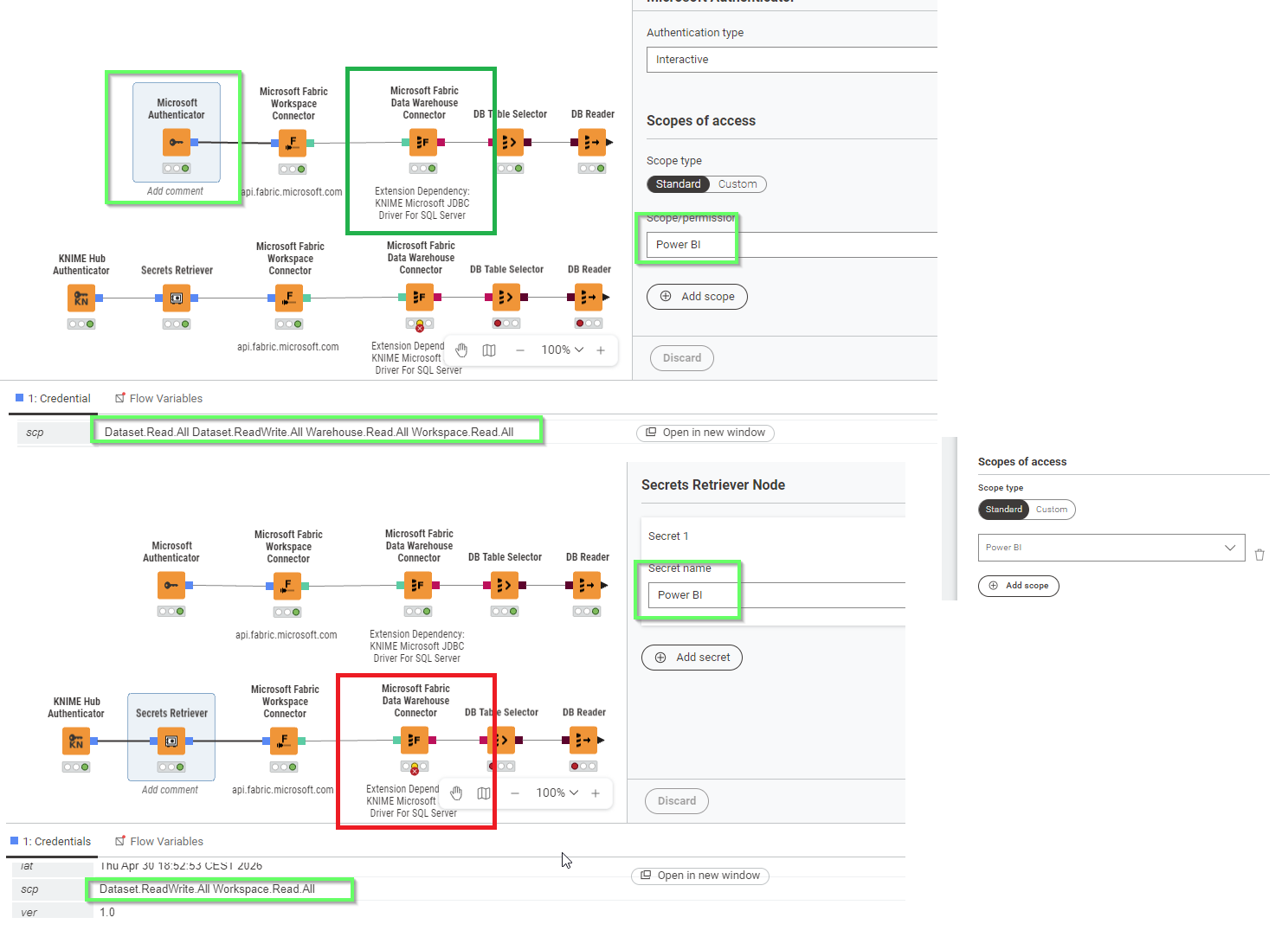
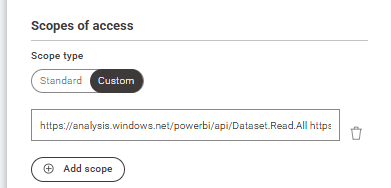
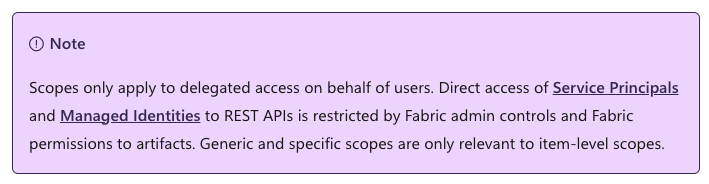
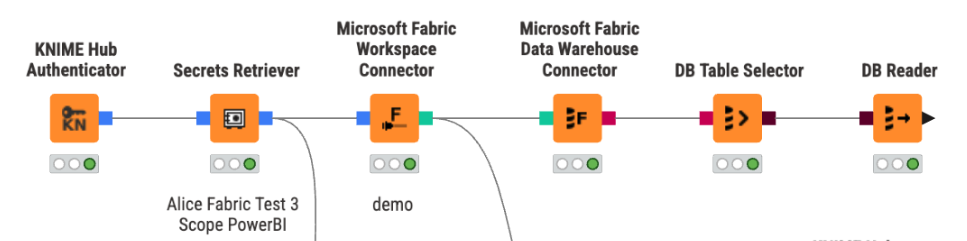
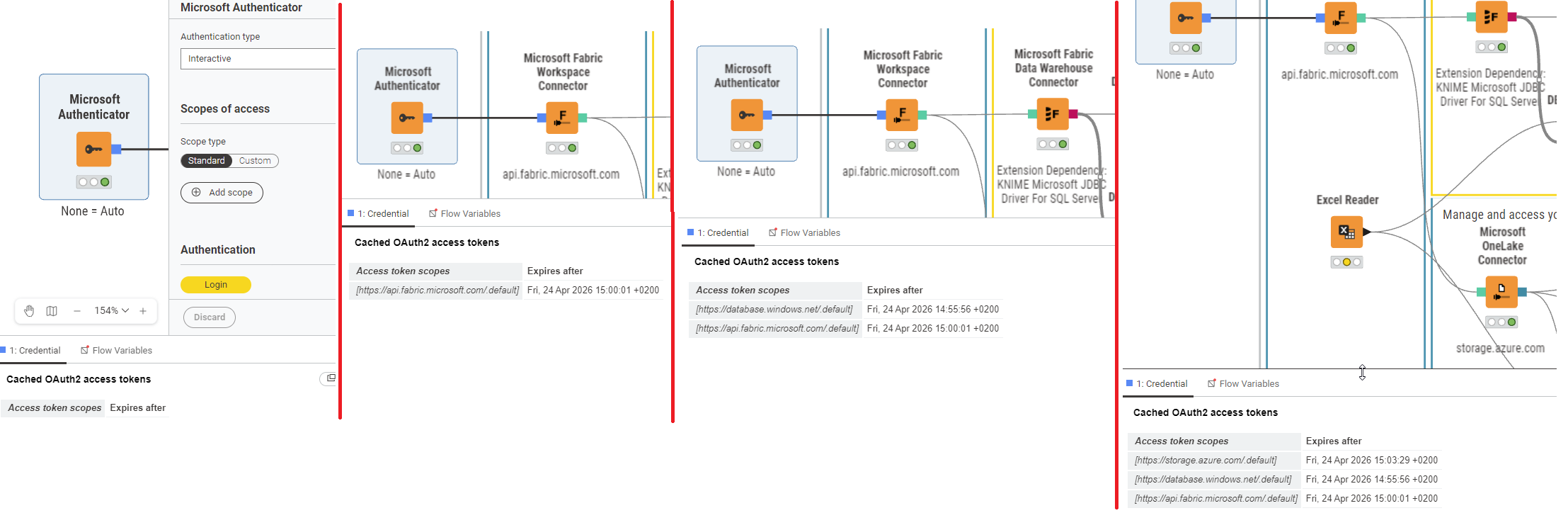
This functionality works locally in AP, when NO SCOPES are defined in Microsoft Authenticator. Then Microsoft Authenticator will pull the scopes one by one.
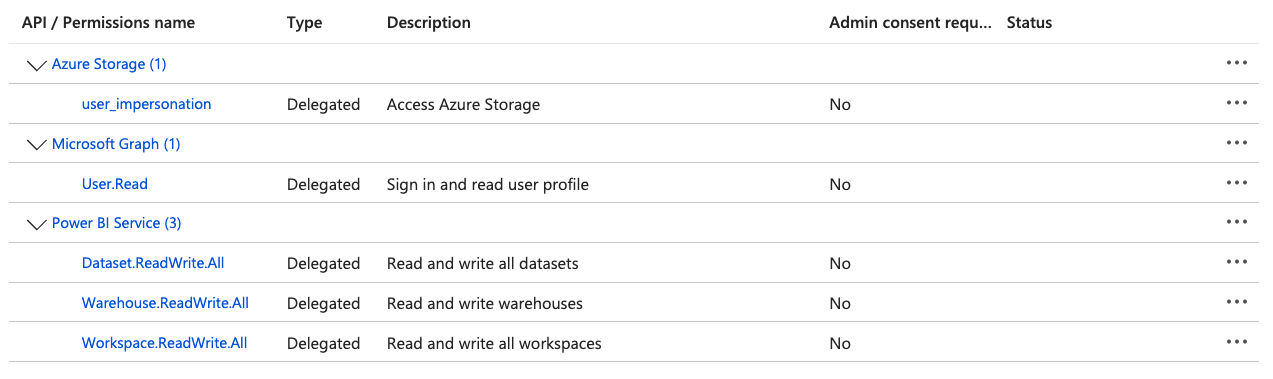
The scopes found needed to get this to work is:
- Power BI Service: Dataset.Read.All : For Workspace
- Power BI Service: Dataset.ReadWrite.All : For Workspace
- Power BI Service: Workspace.Read.All : For Workspace
- Power BI Service: Warehouse.Read.All : For Warehouse
- Azure SQL Database: user_impersonation : For Warehouse
- Azure Storage: user_impersonation : For OneLake
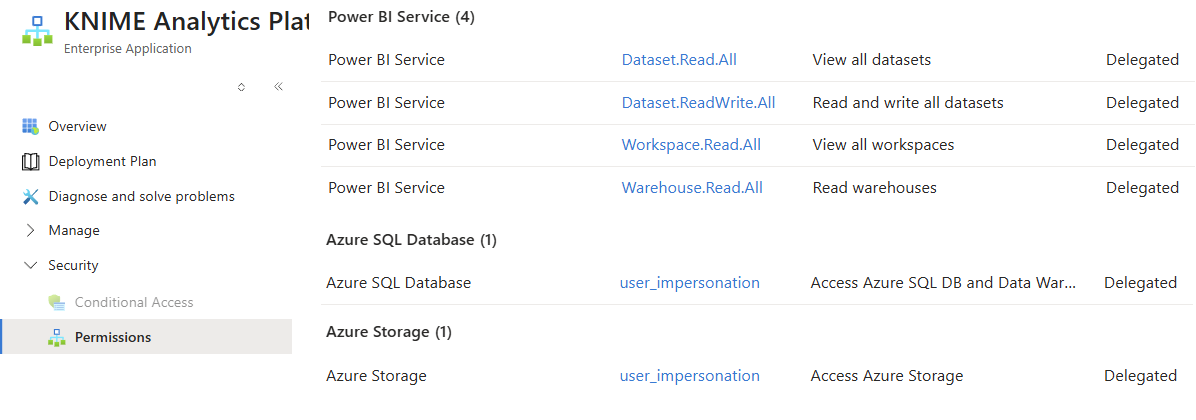
We though had to get help from KNIME Service, to figure out we were missing Power BI Service: Warehouse.Read.All
By observing the output of “Cached OAuth2 access tokens” in “Microsoft Authenticator”, we could see:
Access token scopes
- [https://api.fabric.microsoft.com/.default\]
- [https://database.windows.net/.default\]
- [https://storage.azure.com/.default\]
If we try, one-by-one, to get at tokens for these scopes, we can see in output of “Microsoft Authenticator”
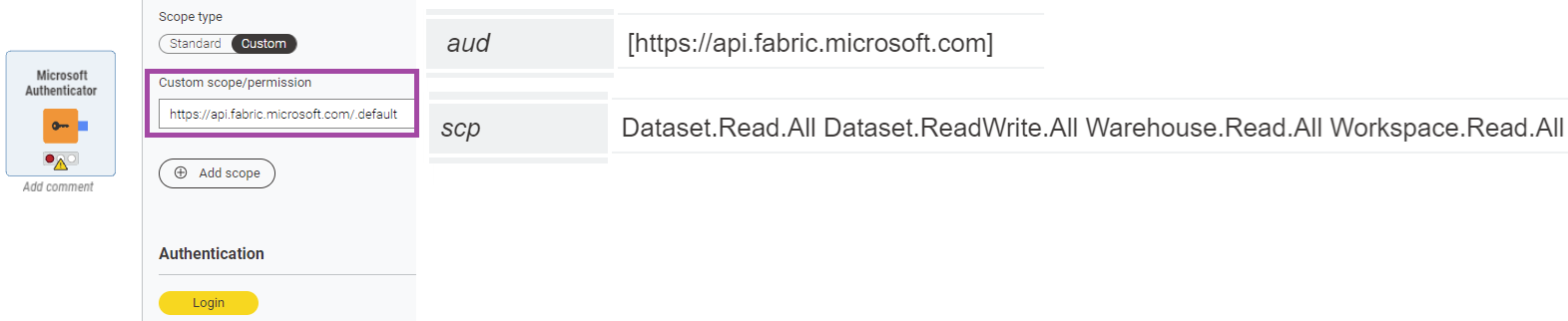
- aud: https://api.fabric.microsoft.com
- scp: Dataset.Read.All Dataset.ReadWrite.All Warehouse.Read.All Workspace.Read.All
- aud: https://database.windows.net
- scp: user_impersonation
- aud: https://storage.azure.com
- scp: user_impersonation
To make sure you have all the needed scopes, you can again use the Microsoft Authenticator node, to specify the scopes, but only 1 resource at the time.
https://api.fabric.microsoft.com/Dataset.Read.All https://api.fabric.microsoft.com/Dataset.ReadWrite.All https://api.fabric.microsoft.com/Warehouse.Read.All https://api.fabric.microsoft.com/Workspace.Read.All
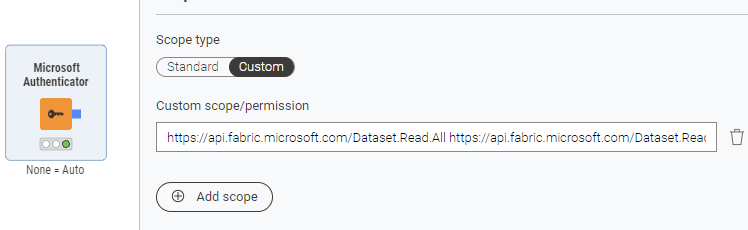
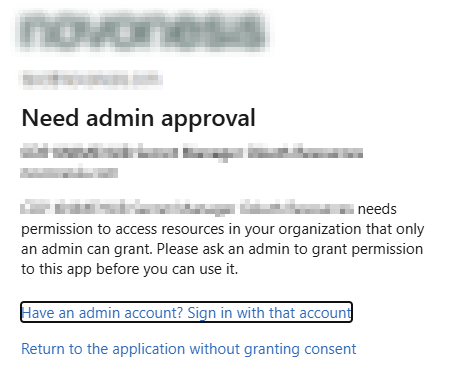
That might help you getting this pop-up, to get the missing scope authenticated
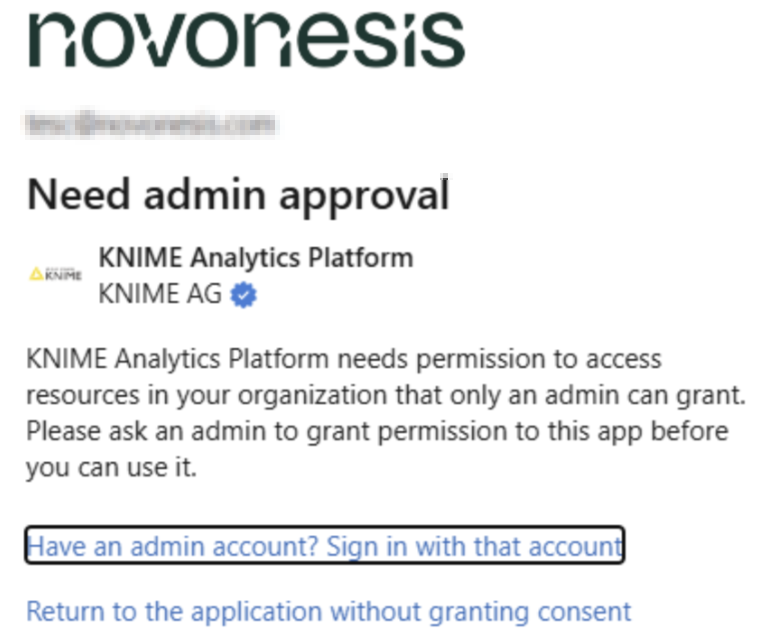
We also found, that to get the Fabric Warehouse node to work, the KNIME Azure Cloud Connectors have a missing dependency for: “KNIME Microsoft JDBC Driver For SQL Server”
So, install that Extension.

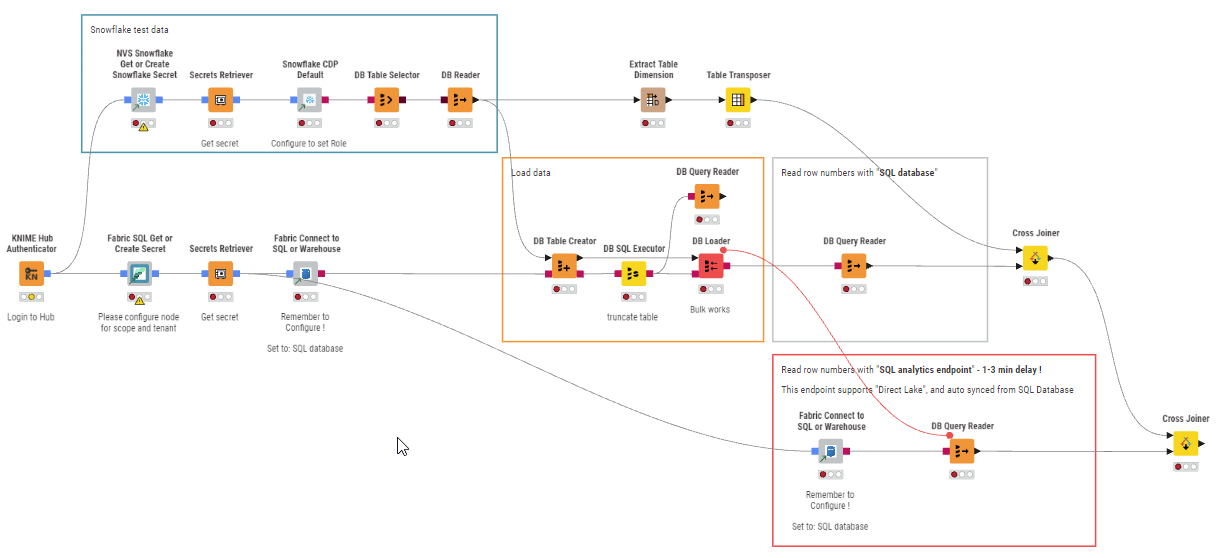
After all of this confusion, we then found out, that Fabric has been offering SQL since November 2025.
What’s new and improved for SQL database in Fabric (Generally Available) | Microsoft Fabric Blog | Microsoft Fabric
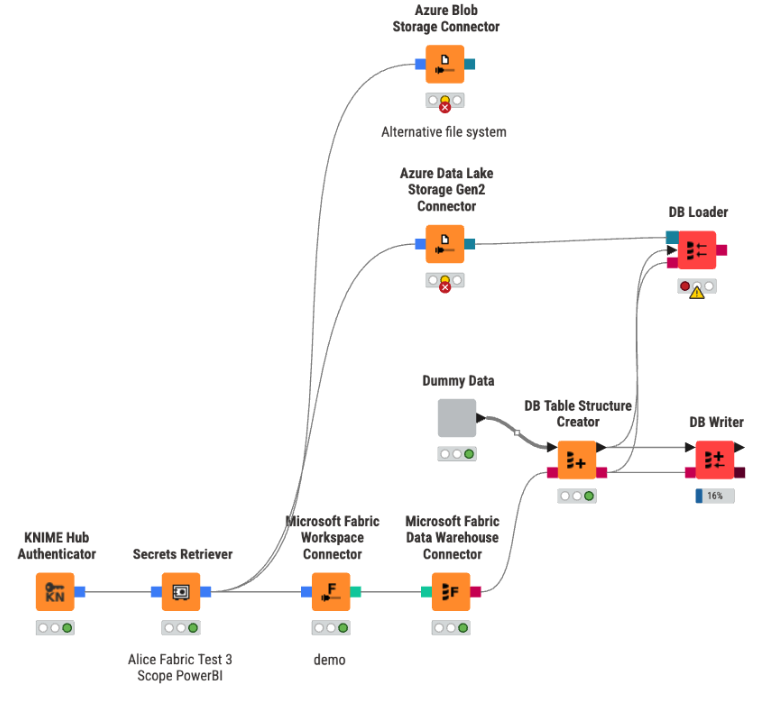
Most importantly, the DB Loader works here. 10m rows in ~1 min.
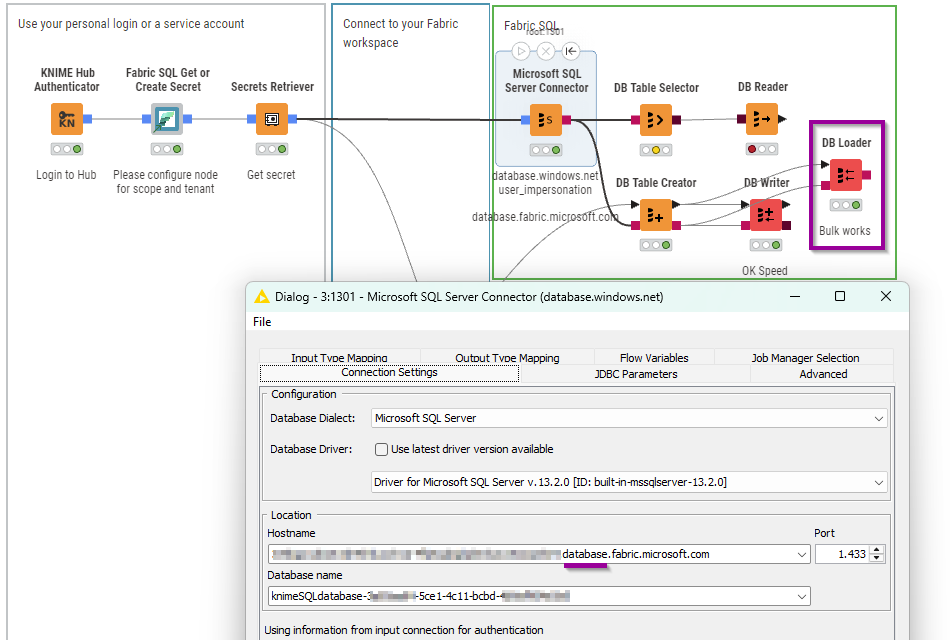
And that just works with the Azure SQL Database scope. And works with Hub secret manager.
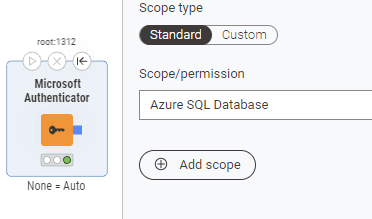
And you can start making some nice simple templates