Description:
We are experiencing an issue with the Inspect functionality in KNIME Hub deployed on a Kubernetes environment.
The observed behavior is as follows:
- Workflows execute successfully without any issues
- System resources (CPU / memory) are sufficient, with no noticeable bottlenecks
- However, when clicking “Inspect”, the following error appears:
Connection lost. Try again later.
Observed Behavior:
- The issue is consistently reproducible (not intermittent)
- Even when executing a workflow with only a single node, the problem still occurs
- The issue persists during low-load periods (e.g., testing at 22:00)
- All users are affected (not related to user permissions)
Environment:
- KNIME Hub deployment: Kubernetes (K8s)
- Deployment size: Single-node server (no multi-node cluster)
- No Nginx or external reverse proxy in use
- Server resources are sufficient and workflow execution is stable
Investigation So Far:
We have confirmed:
- Workflow execution (Executor) is functioning correctly
- This is not a resource limitation issue
- The problem is not specific to any particular workflow or node
However, the Inspect functionality consistently fails.
Suspected Causes:
We suspect the issue may be related to:
- Communication between Hub frontend and backend (e.g., WebSocket / persistent connections)
- Kubernetes networking configuration (Service / Ingress)
- Internal Hub services (e.g., execution service / job manager) communication
- Browser connection handling or session timeout mechanisms
Questions:
We would like to understand:
- What services or communication mechanisms does the Inspect feature rely on (e.g., WebSocket)?
- Are there any specific networking or port requirements for Inspect when deploying on Kubernetes?
- Are there any known issues or similar cases related to this behavior?
- What logs (e.g., Hub logs, executor logs) would be most helpful for further troubleshooting?
Additional Information:
We will attach:
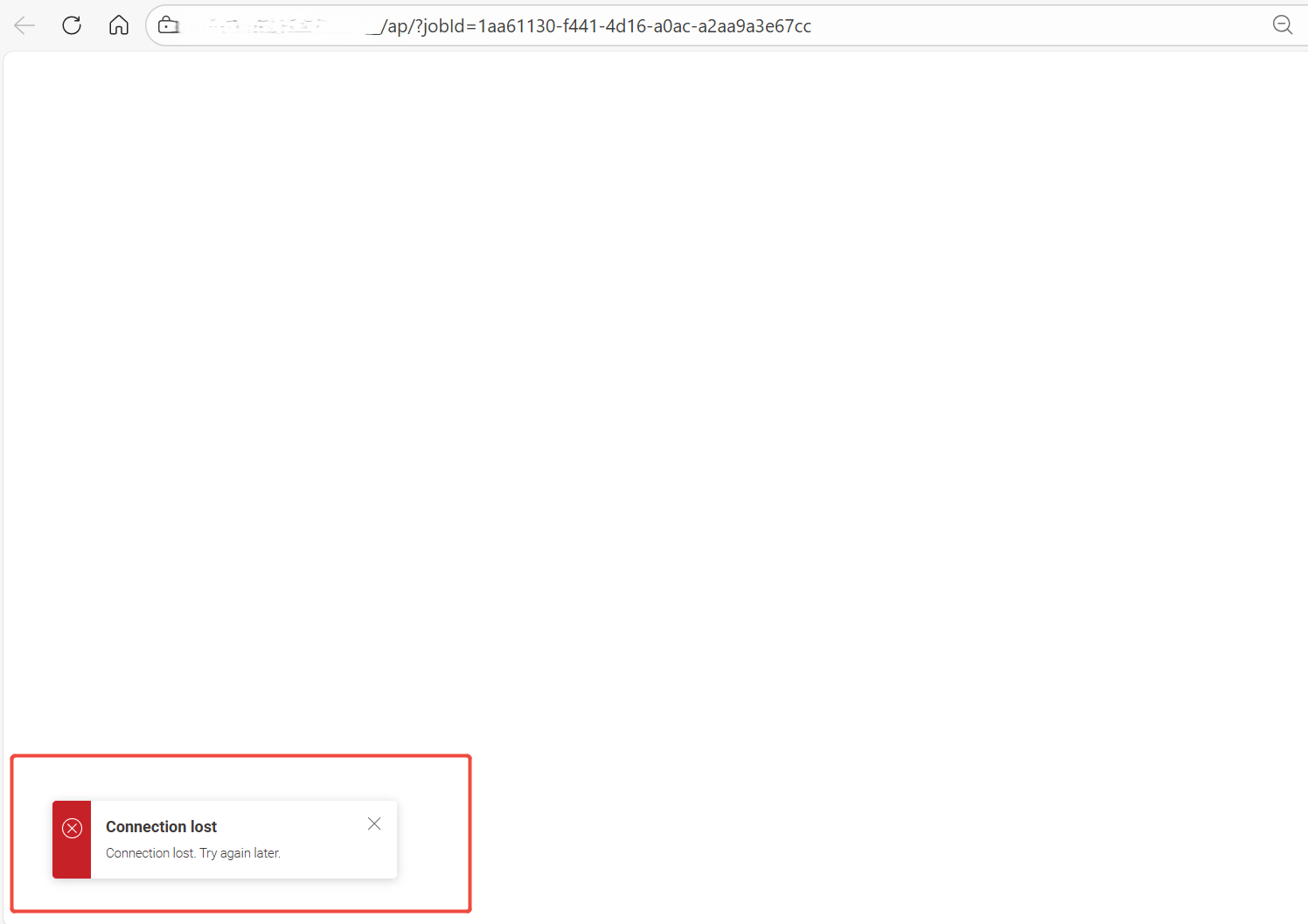
- Screenshot of the error message
- System/runtime screenshots
- Deployment architecture overview