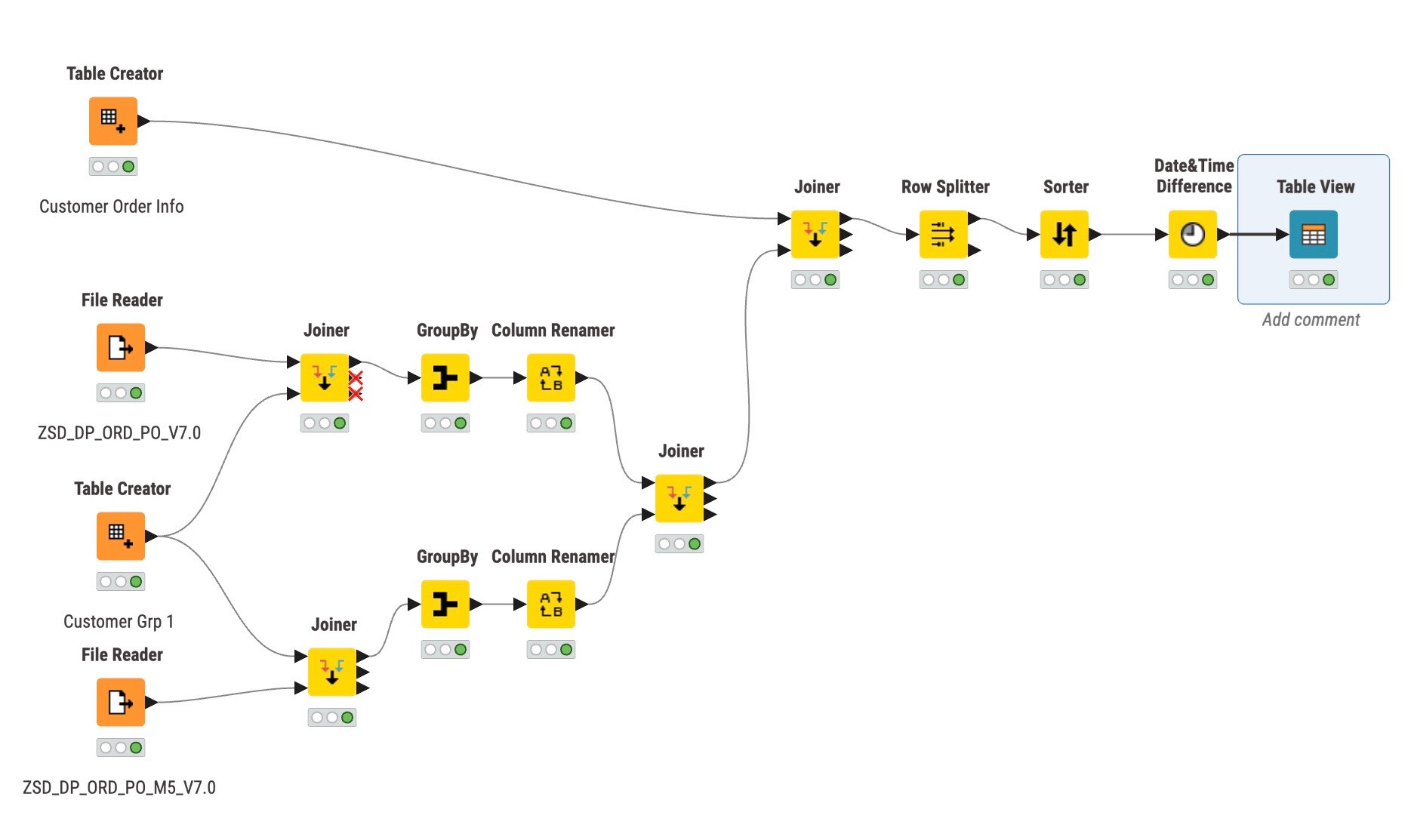
I’m looking for some help creating a workflow in Knime, we are currently looking at moving from using Alteryx to Knime to create our workflows.
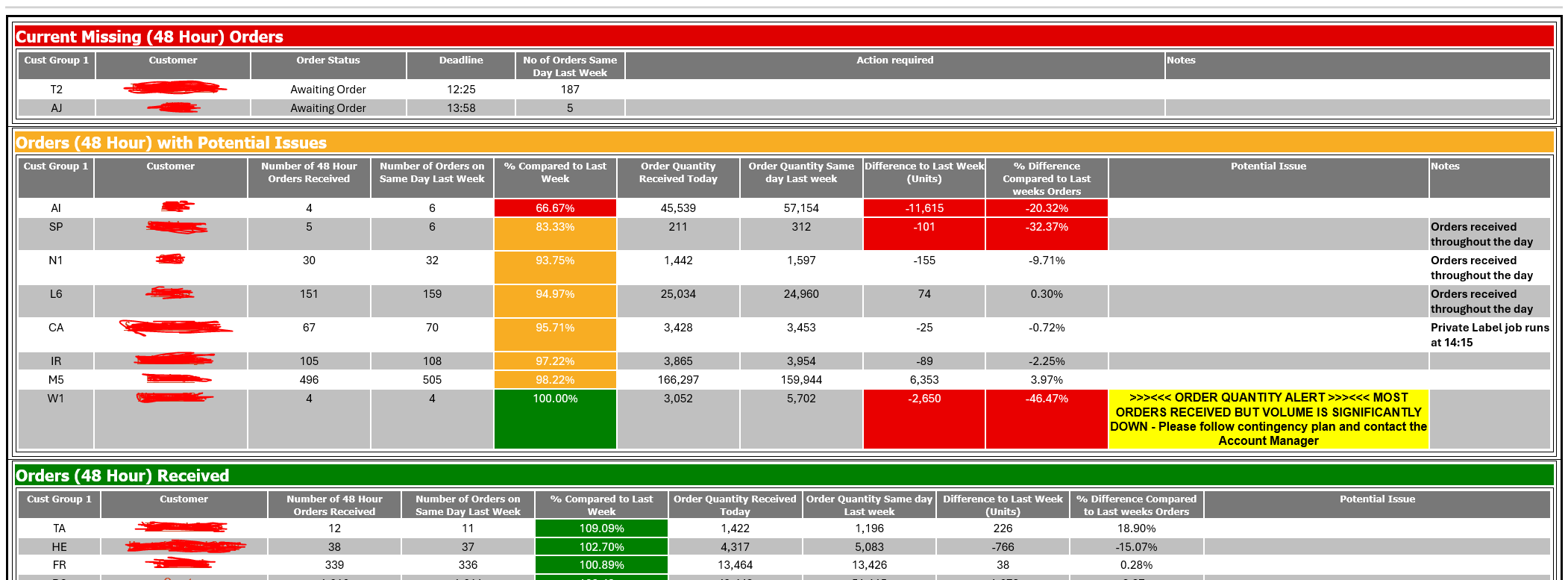
We currently have a workflow in Alteryx that creates 3 different tables - 1. Missing Orders, 2. Orders received with potential issues and 3. Orders Received. The tables are then added to a layout and is then emailed to users (example email below). Within the basic table, we add column rules to some columns to add colour and a warning message based on the formula we have in the column rules. Green is used to show it’s looking correct, Amber is used to show there is possibly an issue and red to show an order is missing after the deadline or is significantly incorrect.
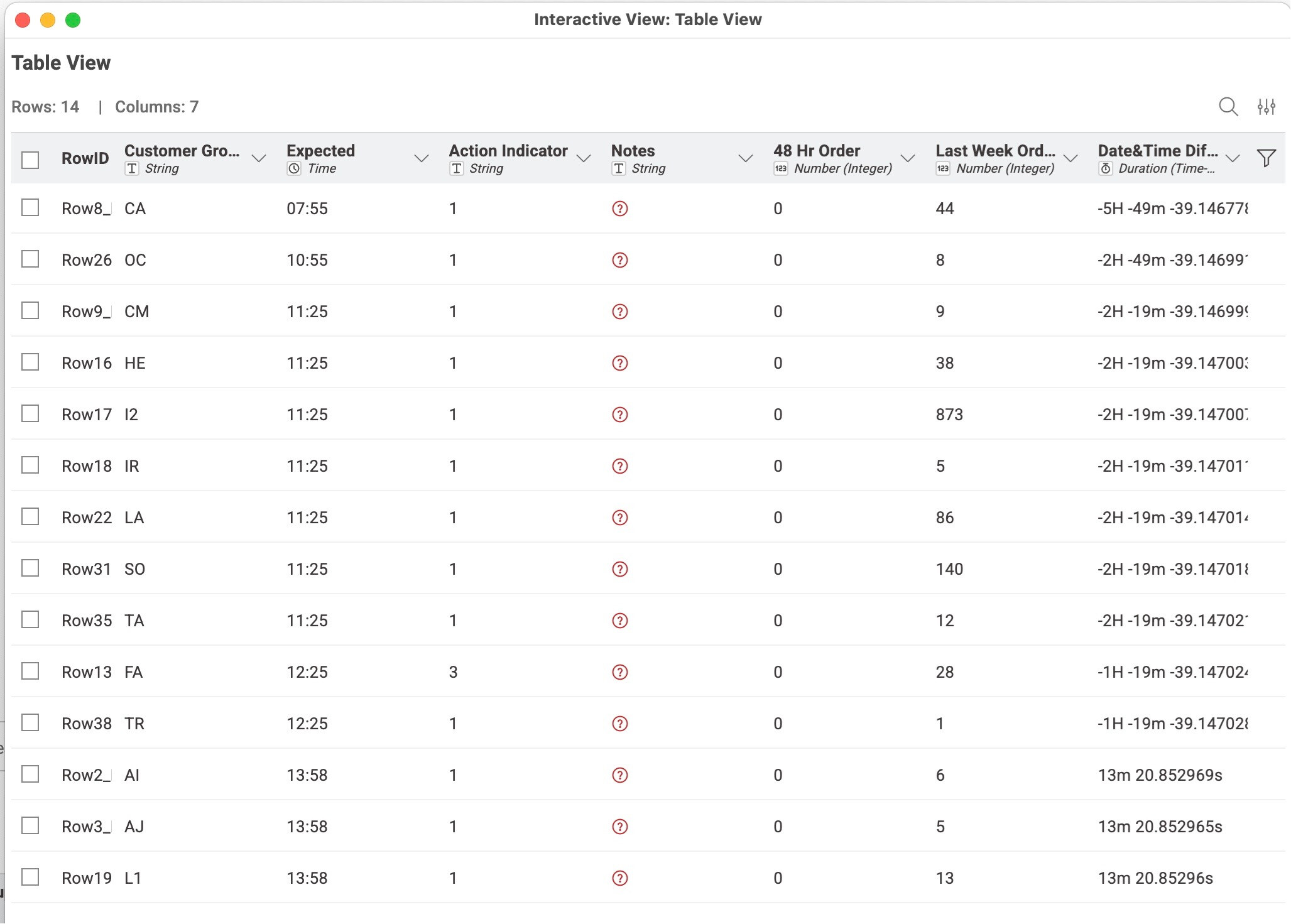
I’ve managed to start the workflow in Knime but struggling with the output. I’m trying to create the first table shown above (Current Missing Orders) but can only create a basic table. Is there a way to add colour to the fields using formulas and column rules similar to Alteryx?
@Natalie1991 welcome to the KNIME forum. I once built a more complex header with the help of OpenPyxl and KNIME
There are other tools out there there that can help you create the Excel format you might want. You can read more about what you can do in this article:
Another option it if is to stay within KNIME or you want some interactive elements is to use DataApps (Components) and maybe later export them as a Report / PDF (and send them).
The easiest way to something very similar with KNIME is to append a column containing the Status and colorize that column via a Color Manager – KNIME Community Hub node. This won’t color the complete cell background though.