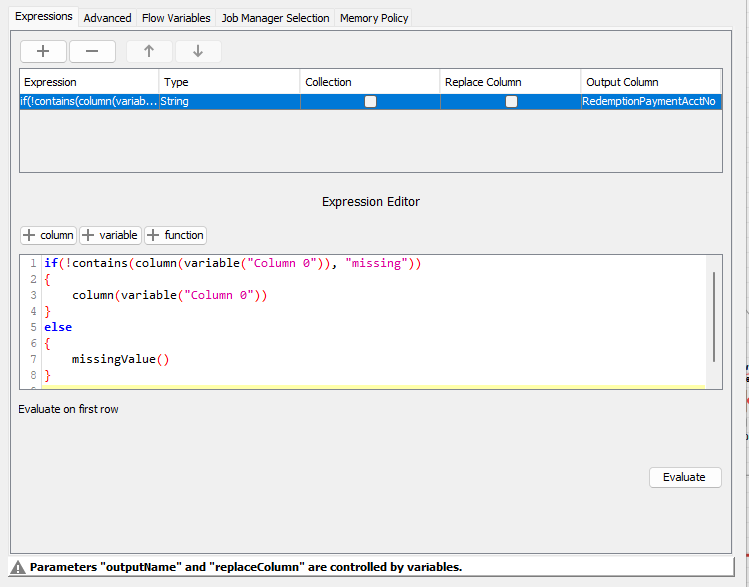
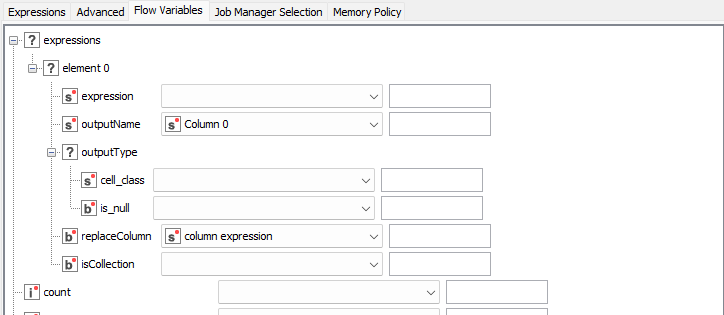
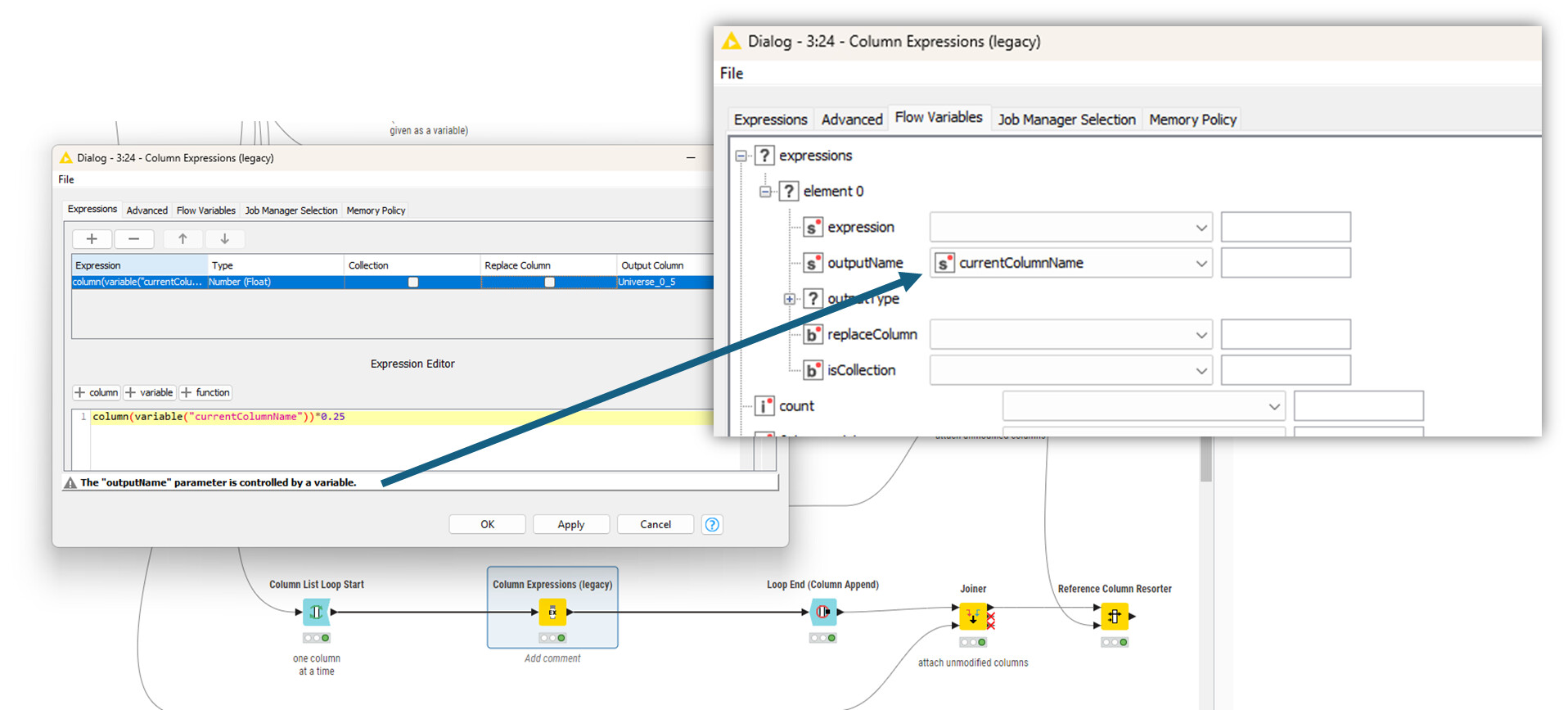
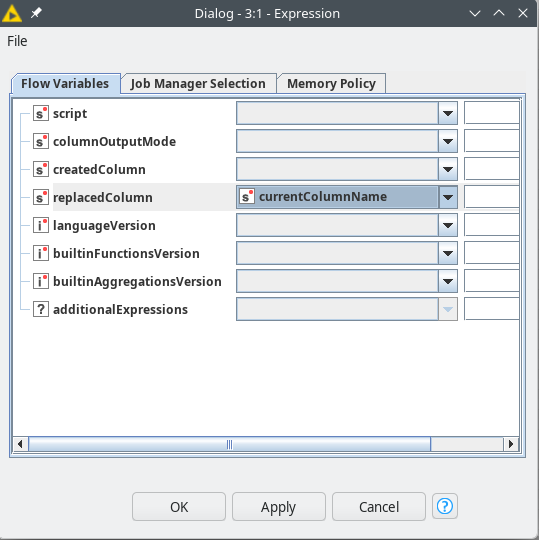
I have a Legacy Column Expression Node that I need to replace. I have tried, and failed, to move the work from one to the other. I think this is because I can not dynamically chose to replace a column (or I cant figure out how). I can not give you a work flow as it is part of a flow I use for work.
What the node does:
The node sits inside a loop that iterates through the columns of a table. These columns are dynamic and will change.
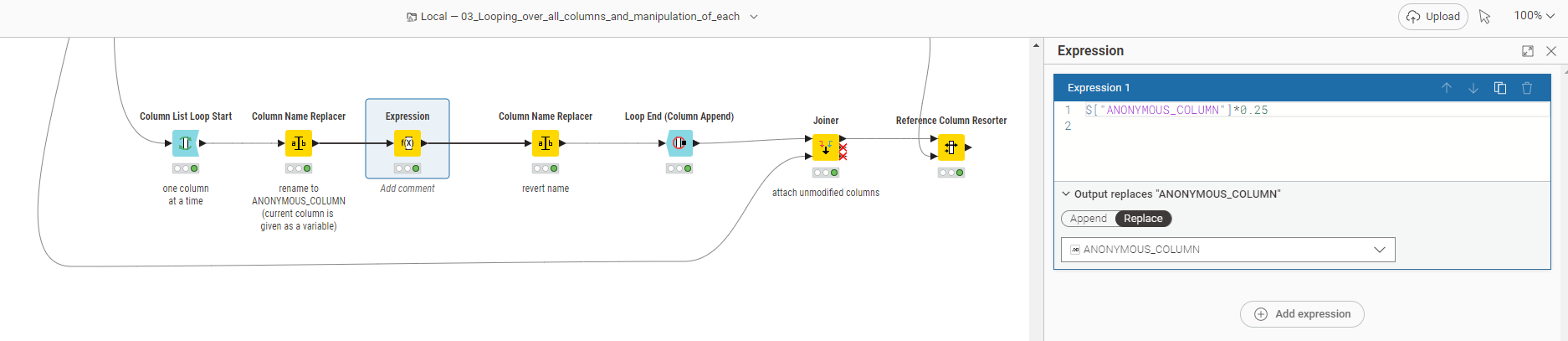
@FrankColumbo one way to deal with dynamic column names in loops is to rename the column to a standard. Do the operations and rename it back. Not the most elegant solution but anyway.
Otherwise, I would need to think about the use case some more.
@FrankColumbo you can also use the New Expressions node for this in the same way. Indeed, it would be good if there was an option to use column names as variables.
@fe145f9fb2a1f6b the problem is to address the column name within the code and then replace the same column name. If you can find a way I would be interested.
afaik Expression node never received that functionality (yet another shortfall this incomplete node…)
only viable option I know is using the column index (e.g. sort all columns that you want to adjust to the front and column list loop modify index 0. alternatively, rename the column and rename it back within the column list loop. third option, also within the loop, to split the columns, and append them again in a way that you also have the current column at index 0)