Hi,
For Reporting and other purposes it would be great to have a Mermaid Chart node.
Most of the LLMs do speak mermaid. A possible Markdown node could also handle mermaid when it is written in markdown.
The reporting extension would allow to show these diagrams as well.
Thanks!
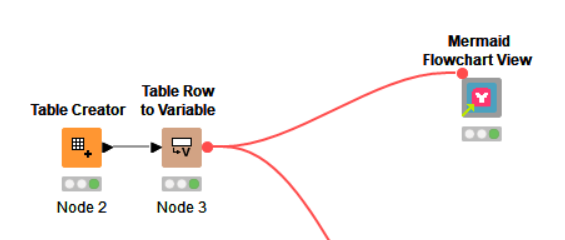
@Awiener Thank you for the suggestion. I found this component from @ajc , which implements the same: Mermaid Flowchart View – KNIME Community Hub .
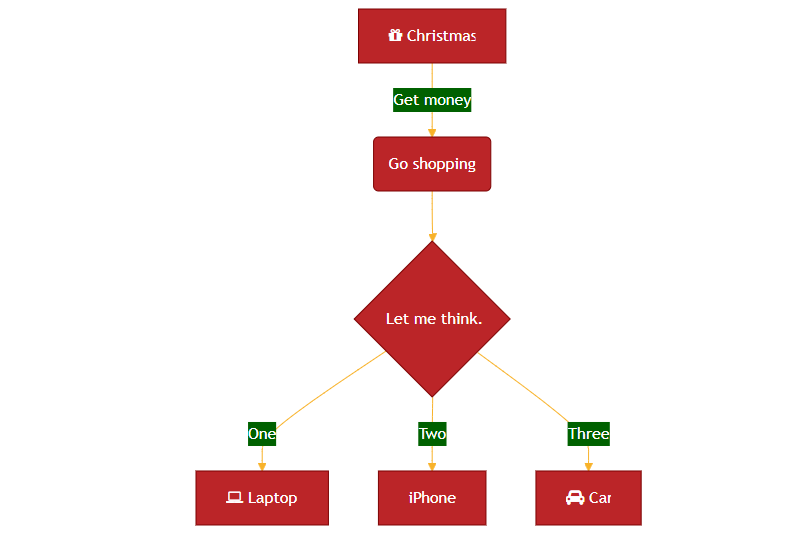
@Awiener it works for me with this simple example
flowchart TD
    A[Christmas] -->|Get money| B(Go shopping)
    B --> C{Let me think}
    C -->|One| D[Laptop]
    C -->|Two| E[iPhone]
    C -->|Three| F[fa:fa-car Car]
1 Like
Awiener
December 19, 2025, 12:33pm
5
thanks @k10shetty1
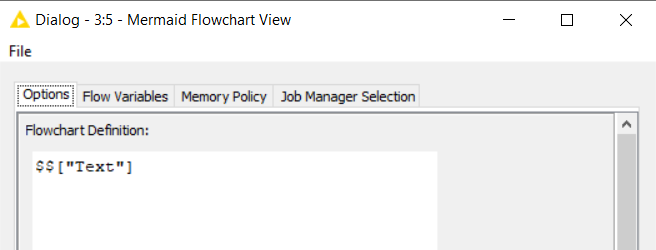
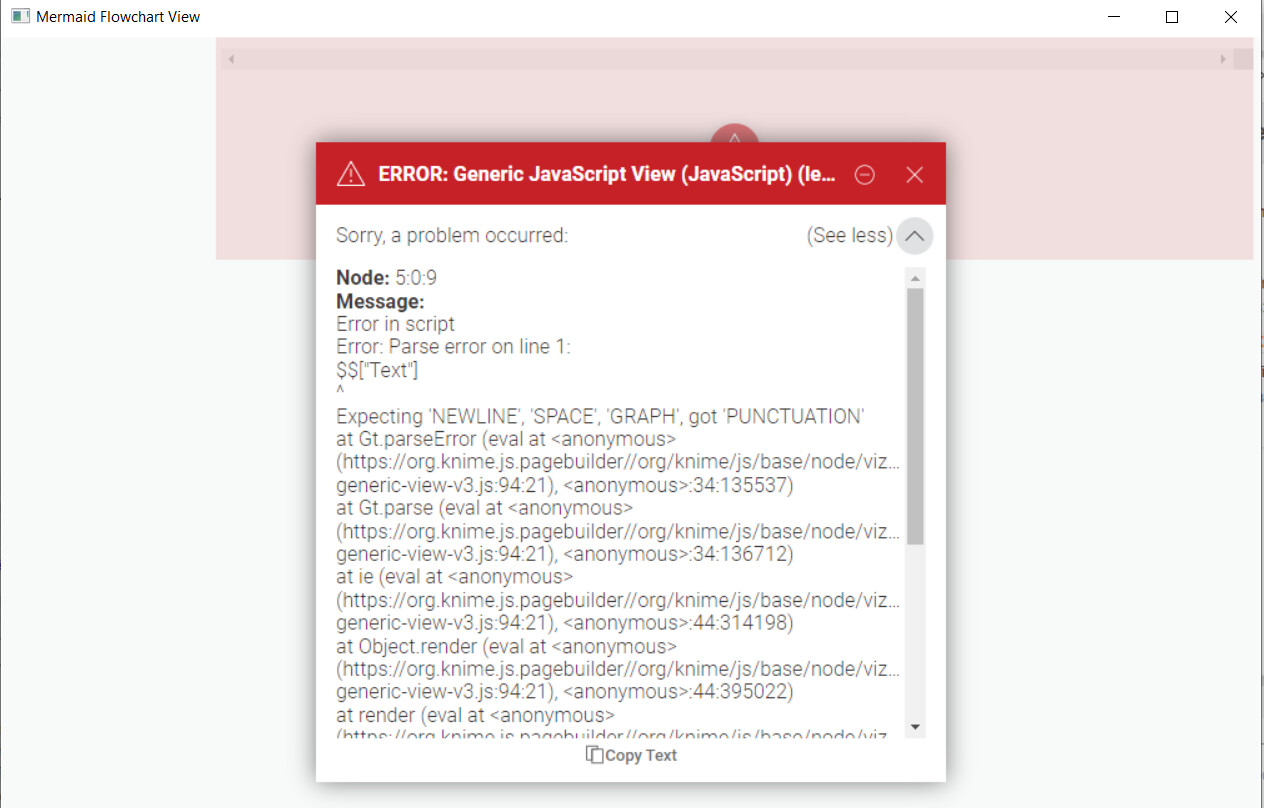
Yes that works. I’ve tried to fill it with a variable, and there I get errors..
But maybe I am missing something or the component just does not support variables..
With your example, reporting also does not work, unfortunately.
@Awiener I think this happens because the line breaks in the Mermaid definition are getting lost.
Could you try this example and see if it works on your side?
1 Like
Awiener
December 19, 2025, 4:21pm
7
thank you @k10shetty1 works fine.
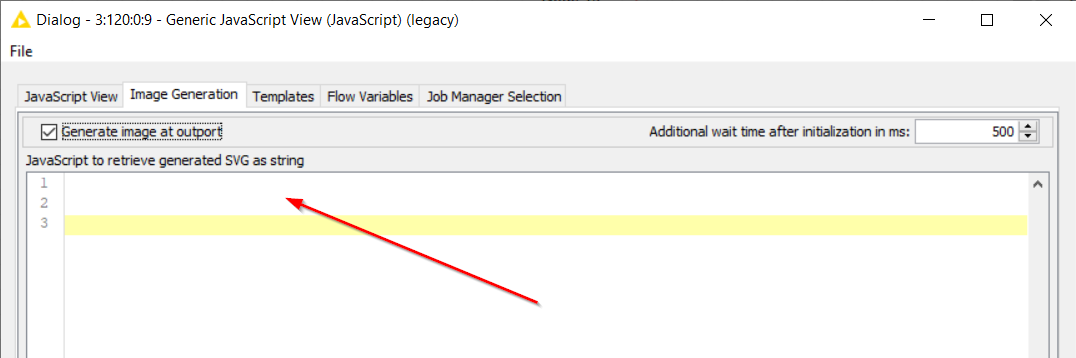
Just a last question, and I have no idea what to put in the components View, to make the SVG output work:
Any idea? Thank you so much in advance!
@Awiener I have updated the workflow to add an output image port, do have a look.
4 Likes
Awiener
December 19, 2025, 9:23pm
9
Amazing. Thank you so much @k10shetty1 ! You’re awesome!
2 Likes
@k10shetty1 I’ve played around with my use cases, and came across two limitations:
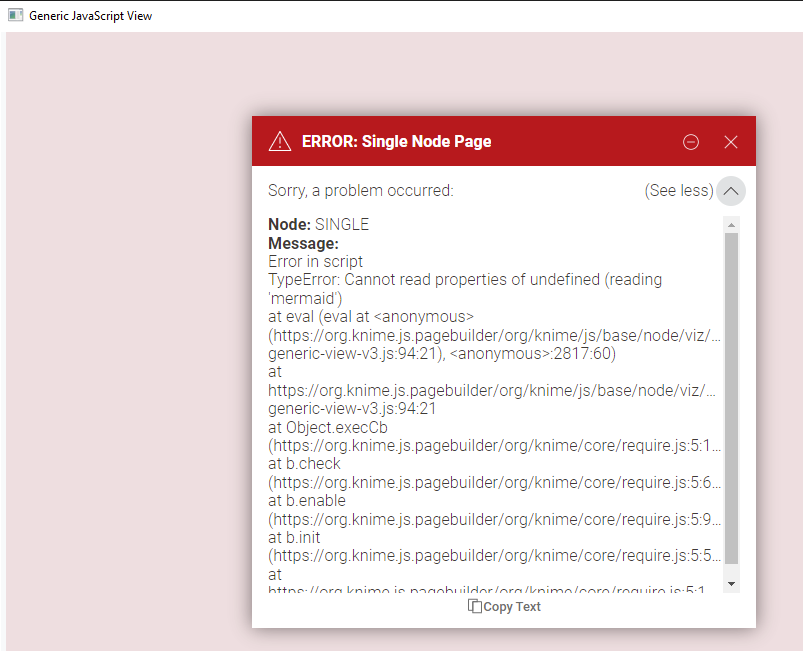
updating the Mermaid service URL from old 8.5 to the current 11.12 version throws errors in the component:https://cdn.jsdelivr.net/npm/mermaid@11.12.2/dist/mermaid.min.js or https://cdn.jsdelivr.net/npm/mermaid@11/dist/mermaid.min.js
same when adding config values into the mermaid script:
---
config:
  theme: 'base'
  themeVariables:
    primaryColor: '#BB2528'
    primaryTextColor: '#fff'
    primaryBorderColor: '#7C0000'
    lineColor: '#F8B229'
    secondaryColor: '#006100'
    tertiaryColor: '#fff'
---
flowchart LR
any ideas how to solve both of them? Thanks so much!
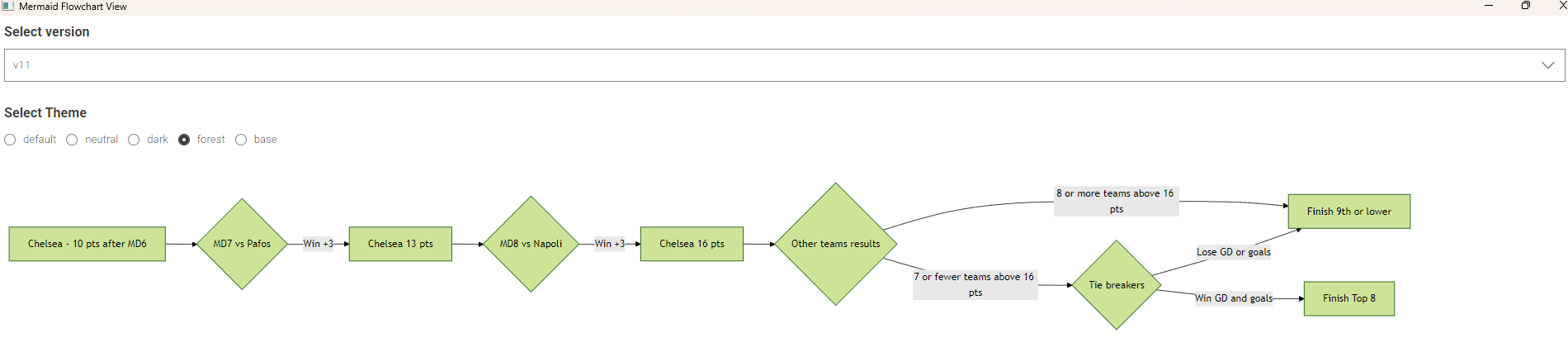
@Awiener I have updated the workflow above to include the v11:
To include the default theme, update initialization part in the script to something like:
mermaid.initialize({
		  startOnLoad: false,
		  theme: '$${Ssingle-selection}$$', // Options: 'default', 'neutral', 'dark', 'forest', 'base'
		  themeVariables:{
		    primaryColor: '#BB2528',
		    primaryTextColor: '#fff',
		    primaryBorderColor: '#7C0000',
		    lineColor: '#F8B229',
		    secondaryColor: '#006100',
		    tertiaryColor: '#fff'
		  }
		});
3 Likes
Awiener
January 12, 2026, 11:14am
12
Works like charm, thank you so much again, @k10shetty1 !
1 Like
@k10shetty1 and another question, sorry for that.
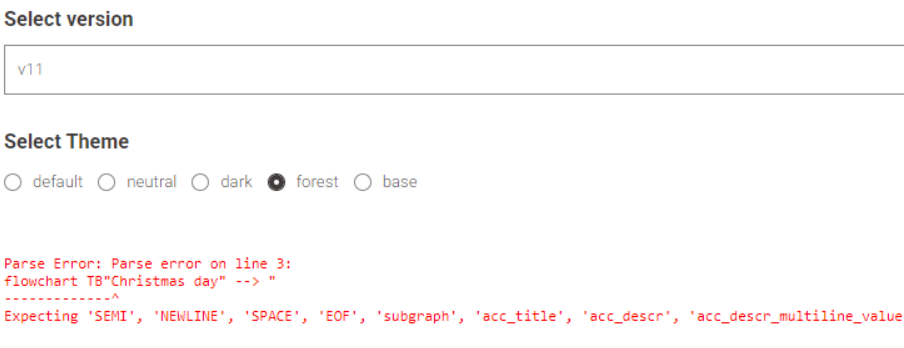
Your component throws an error, when parts of the diagram have a spaces. So
flowchart TB “Christmas day” → “shopping tour”
is not a valid expression. The thing is, when you create the diagram out of rows and columns, there are no A, B, Cs etc like in your code example.
So it’s more like column A –> column B –> column C. Or done through a groupby node, so that everything is in one column.
Long story short, is there a way to allow strings with spaces “A is nice” –> “B is funny”?
Thanks a lot again!