Dear all,
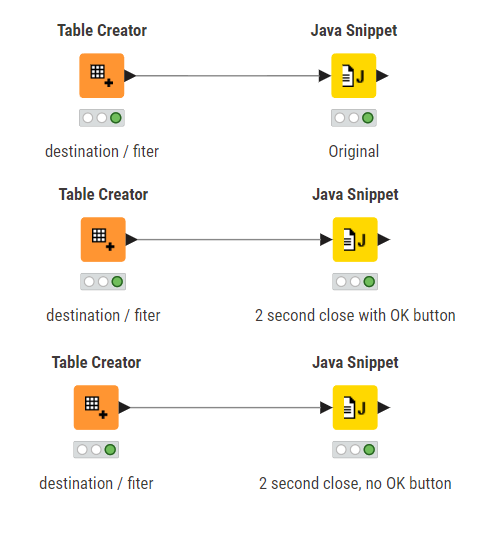
please find attached workflow java_window.
Node Java Snipset is showing a window.
How to show the window without ok button?
How to autoclose the window after 2 seconds?
Thx for help!
BR,
Heinz
java_window.knwf (7.2 KB)
Dear all,
please find attached workflow java_window.
Node Java Snipset is showing a window.
How to show the window without ok button?
How to autoclose the window after 2 seconds?
Thx for help!
BR,
Heinz
java_window.knwf (7.2 KB)
I am not a Java expert but ChatGPT to the rescue!
import javax.swing.*;
import java.awt.*;

final JDialog dialog = new JDialog();
dialog.setModal(false);
dialog.setUndecorated(false);

JLabel label = new JLabel(c_destination.toString(), SwingConstants.CENTER);
label.setPreferredSize(new Dimension(300, 100));
dialog.getContentPane().add(label);

dialog.pack();
dialog.setLocationRelativeTo(null);
dialog.setVisible(true);

// Wait for 2 seconds (2000 ms)
try {
    Thread.sleep(2000);
} catch (InterruptedException e) {
    // Handle exception if needed
}

// Close dialog after sleep
dialog.dispose();
Best
Mike
No way, I was JUST working on this one @mwiegand! 
I also had to ask an LLM:
Java Window_SF.knwf (80.2 KB)
Hi @Heinz -
Can you mark one of the responses as a solution if they worked for you?
Sorry for late answer; I was on vacation without internet access… Solution works great; thank you very much
“So it’s treason then … let the Solution-Wars begin” 

 I can’t hope to compete!
This topic was automatically closed 7 days after the last reply. New replies are no longer allowed.