Hi all,
I’m hoping to get some guidance on complex solution that I am working on.
I have two data sources - one table (lets call it TableA) with >700 columns that contains my data and a second table (lets call it MappingTable) that contains a list of rules/results that need to be applied to the data.
TableA will remain the same structure, same columns but the data in it will change.
MappingTable will contain a series of rules that need to be applied to the data in TableA wth the sole purpose of assigning each row in TableA with the correct ‘Expected Value’
Unfortunately, the rules in the mapping table will change on a consistent basis so I am trying to ensure that my workflow is dynamic and doesn’t include any hardcoded values (i.e. so it will still run correctly no matter how many rules or expected results there are to be applied).
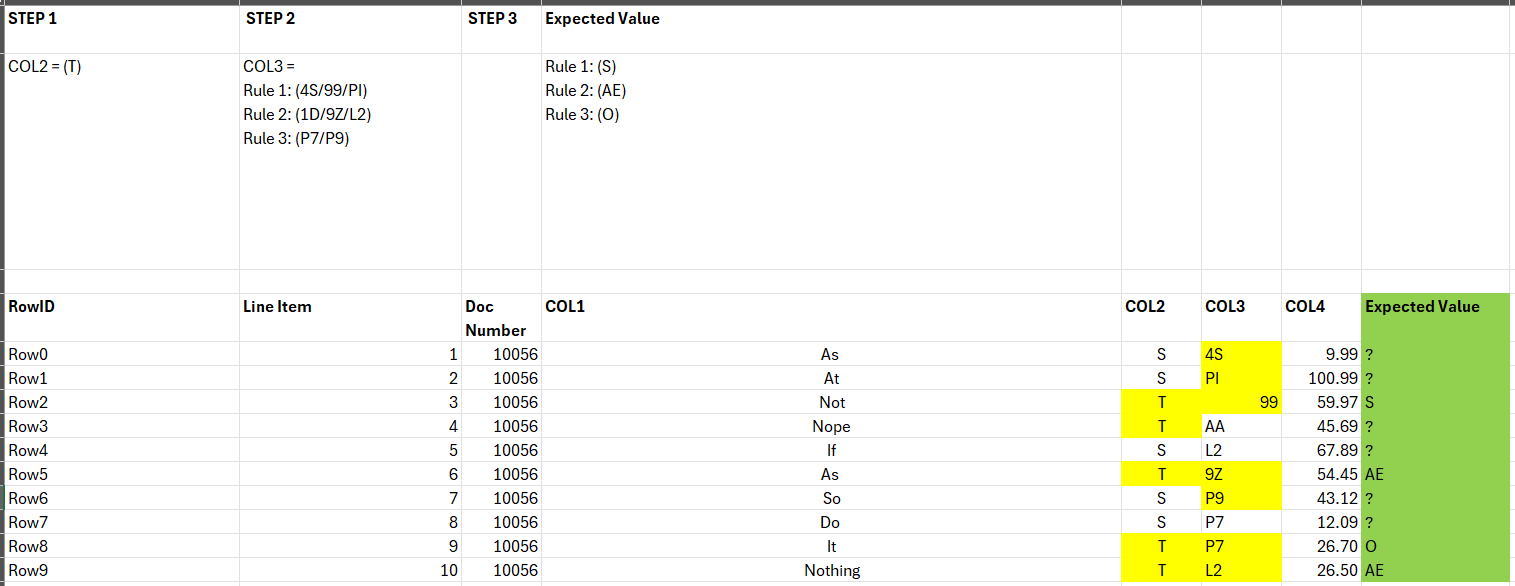
I’ve created a standard format for the mapping table (as can be seen below and in attachment) - the reason it’s in this format is for UX purposes when colleagues are filling in the mapping file.
KNIME table example.xlsx (9.3 KB)
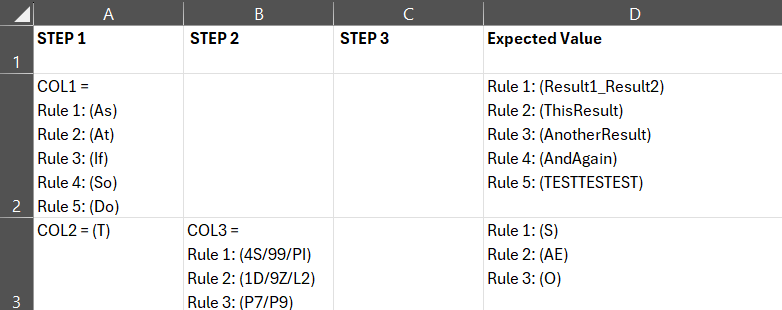
A couple of examples:
Row 2
Check if COL1 = the value in the brackets and append a column with the relevant Expected Value.
i.e. if COL1 = “As” then the Expected value is “Result1_Result2”.
if COL1 = “If” then the Expected value is “AnotherResult”
Row 3
more complex as there are two steps that need to be applied to ascertain the correct Expected Value:
Check if COL2 = “T” AND COL3 = the value in the brackets for STEP 2, then append a column with the relevant Expected Value.
i.e. if COL2 = “T” and COL3 = “4S” then the Expected value is “S”.
if COL2 = “T” and COL3 = “P7” then the Expected value is “O”
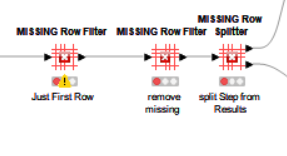
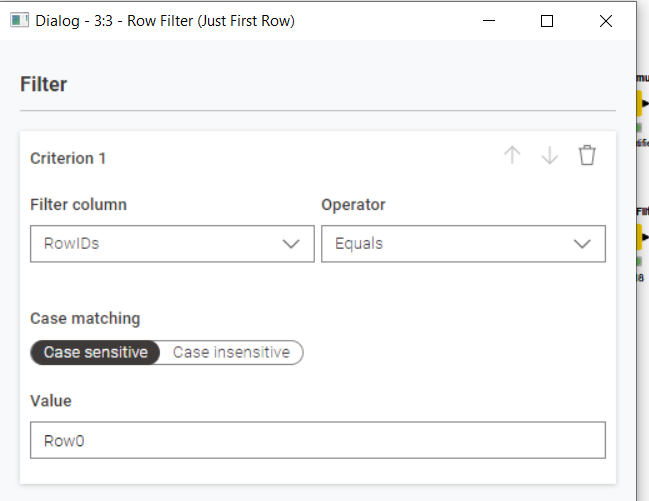
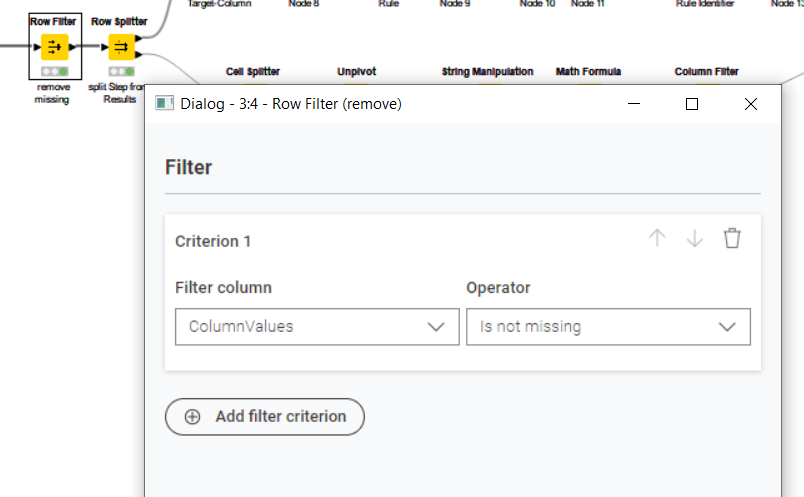
I’ve processed the data from the mapping file into columnular data as per below for ease processing but I’m struggling to find the correct loop handling to apply STEP1, then STEP 2 (only if needed) and finally apply the Expected Value:

Any guidance that you can provide would be greatly appreciated.
Thanks.
tp