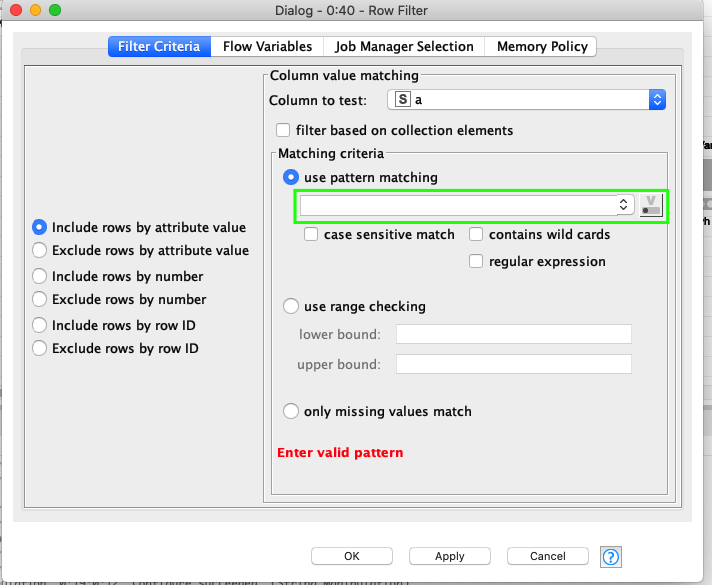
There are two options for binding a flow variable to a configuration parameter. The convenient one, available for some of the nodes like enables to bind a variable using a button next to the particular input field as you can see here:
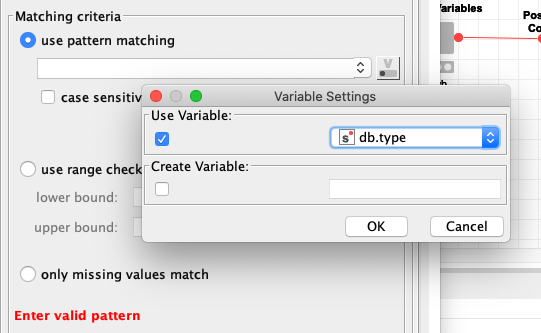
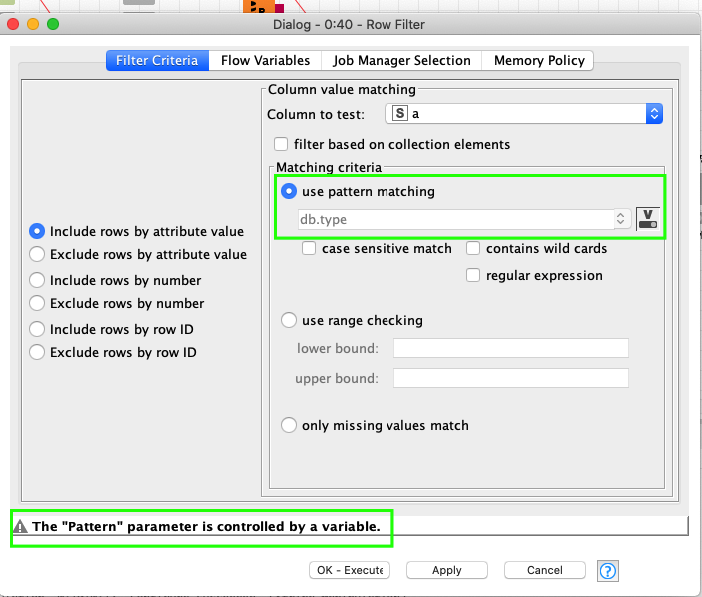
You can’t confirm the dialog until you enter a pattern unless you use the button just right to the input field. If you do so and you if you choose a flow variable holding the pattern, you’re not supposed to provide a pattern itself anymore.
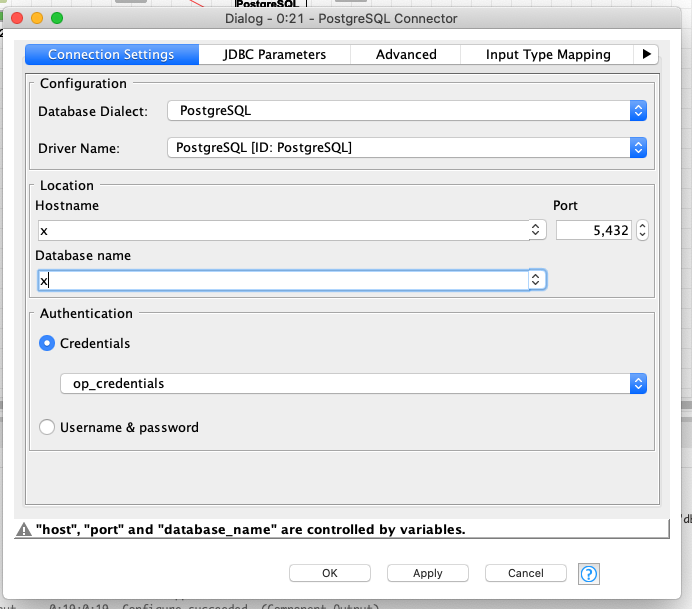
The second & less convenient way is to use the Flow Variables tab in the Node Configuration dialog and choose a Flow Variable there. But in this case, although KNIME is aware the parameter is controlled by a variable, it insists the input field must not leave empty.
thank you for your feedback.
We decided against adding flow variable buttons to all fields to not overload the dialogs. We will however definitely take this into considerations to improve the usability of dialogs with flow variables. For the time being you need to add defaults.
I totally agree with this. Personally, I tended to consider this button not necessary. You can always use the Flow Variables tab instead. But it’s a matter of taste.
It occurred to my mind that it should be possible to take into account during dialog validation there’s a flow variable bound to a mandatory configuration parameter when I saw the message that something is controlled by a variable which meant KNIME was already aware of such a connection.
Well, thank you for taking my idea into consideration.