I am new to this forum for my applogize if I placed something wrong!
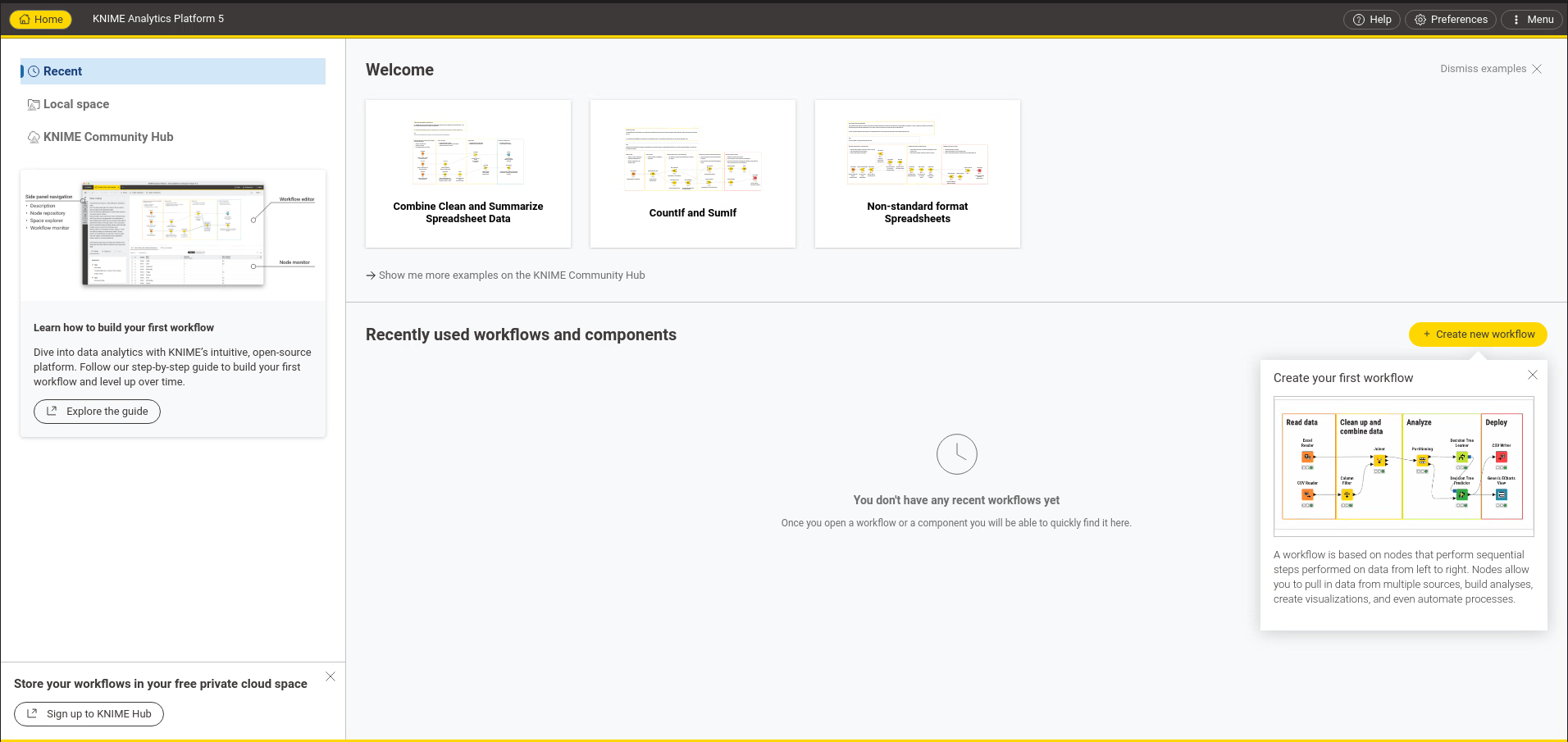
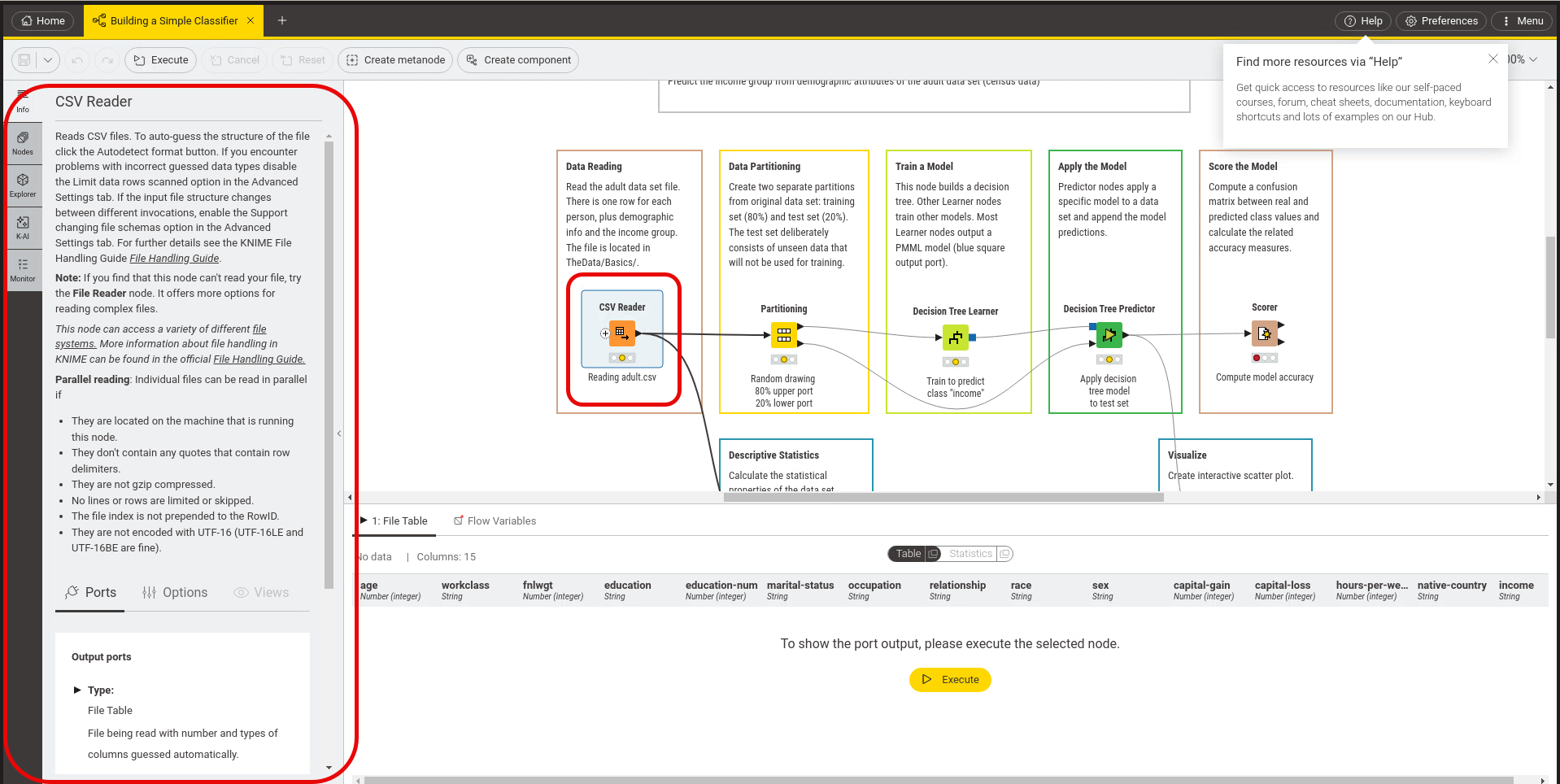
We have installed Knime Analytics Platform in Version 5.4.4 and mostly using classical UI. In the past in the description panel and overview about the function of the node was given in the Description panel. But in our case the Panel is empty, and no error message was identified guiding us to a solution. When changing to the new UI the information is shown in the Information Tab. Any idea about how to fix this?
Hi,
it is difficult to help as I cannot reproduce this specific problem. Can you maybe share a screenshot? Also, is it empty for all nodes, or only specific ones?
Best regards,
Daniela
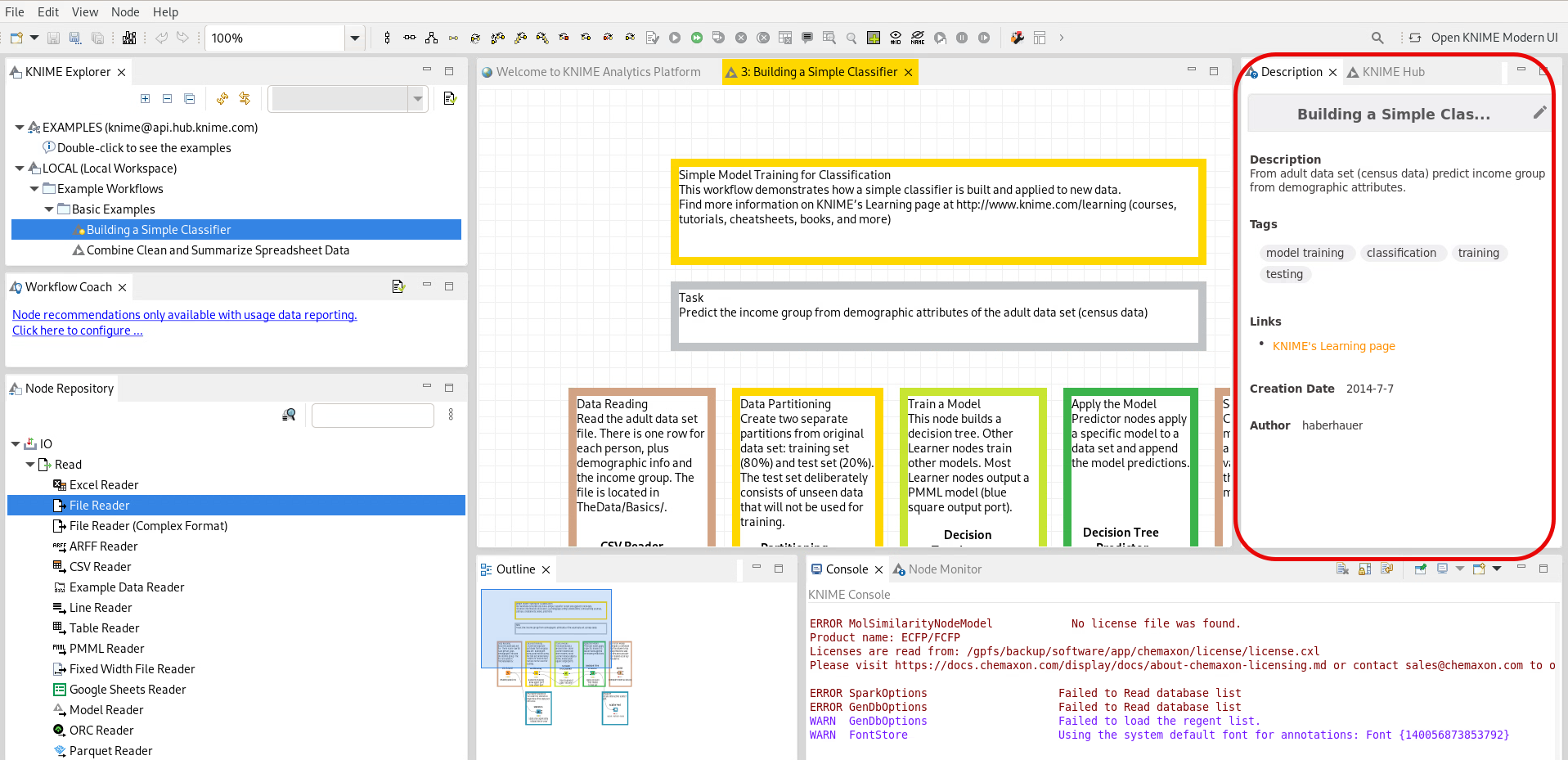
Then I load an example Workflow in my case “Building a Simple Classifier”.
What you can see on the screenshot. The Description Pane shows a basic explenation about what the Workflow is about.
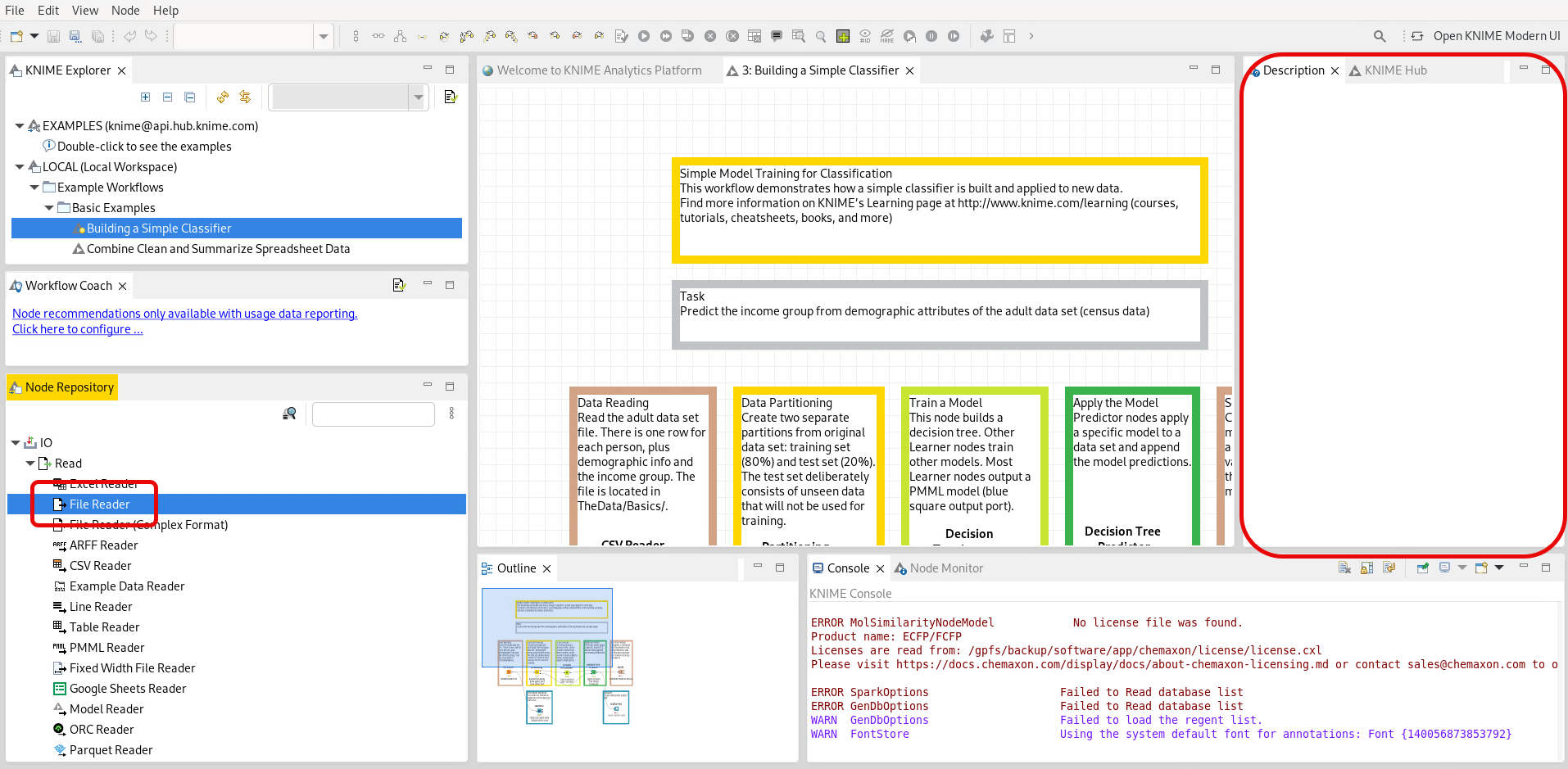
When I do select the “File Reader” node the the Node repository I would expect that the description pane show a basic description of this Node but it will get empty.
Hi @haberhauer,
sorry for my late reply, now I have been away. I remember that some of my colleagues also had this issue using Linux. There is a FAQ entry on the node description window not working on Linux here FAQ | KNIME, maybe that helps? But I fear that is for an older KNIME version. Is there any error message (e.g. in the commandline, after you start KNIME)?