I am looking for a node that allows me to split the data within a table based on a specific attribute—essentially the reverse operation of “Concatenate.” This should result in the generation of *n* output tables. E.g., for the following attribute values (k_id =):
1
2
3
…
he “Table Splitter” node is not what I’m looking for. I’ve already searched but haven’t found anything suitable.
to my knowledge such a node doesn’t not exist. Even if Table Splitter node contains dynamic output ports feature this feature is implemented in a way it’s not dynamic in a way you need it but rather you one should define a number of ports prior to execution.
But what are you plan on doing after splitting data?
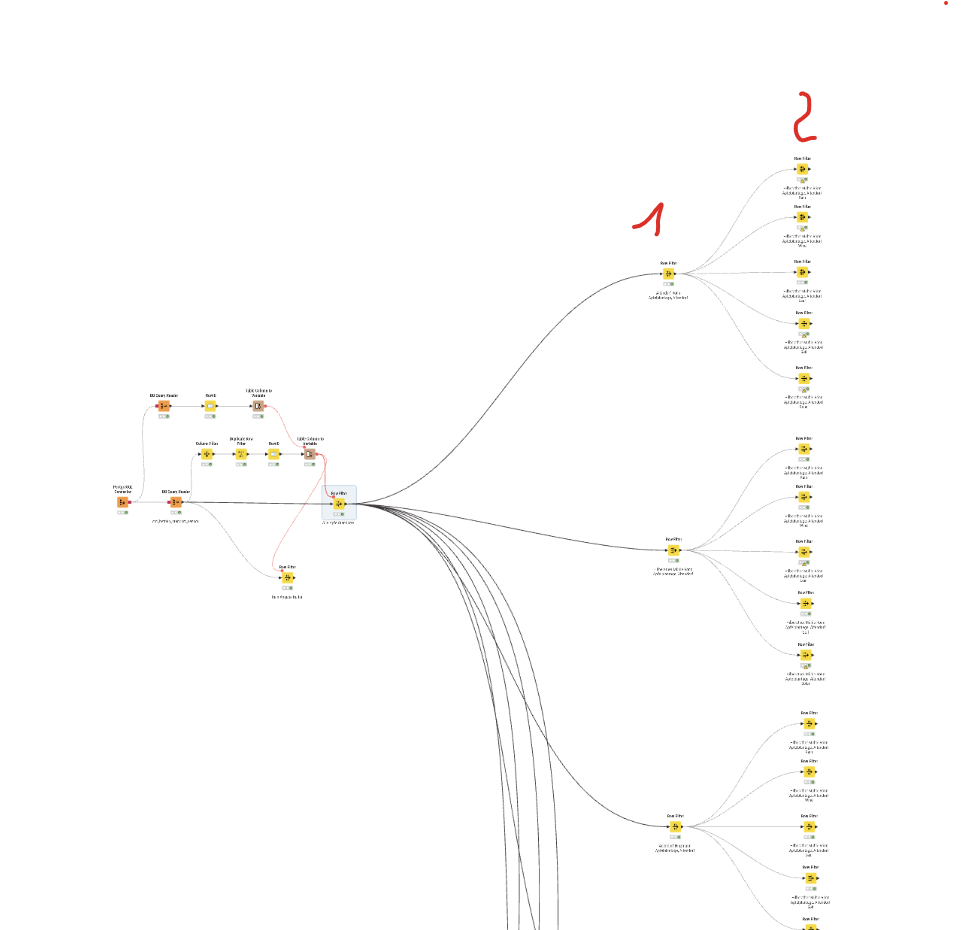
A similar need arose some time ago, and whilst no node exists for this, I wrote a couple of components that do something similar to what you are asking, I think. They allow you to split a table automatically based on either different single values in a given column, or by using a regex pattern (or just the specific text) to define the rows that are to match each sub-table.
Limitations of components are that you cannot create a dynamic number of outputs, so I settled for having 11 outputs (10 sub-tables and the 11th being any “carry over” rows that didn’t make it into the first 10. Then if you require more than 10 sub-tables, you can simply chain the final output into another copy of the component, for further partitioning.
For a demonstration workflow, see here:
In this workflow, it also makes use of a further component that can create a partitioning column that then allows the table to be divided either a fixed number of partitions, or a fixed number of rows per partition.
Sorry I’m late to the party with this, but maybe it will be of future use!
Hi @patrik26@patrik26, great that you have found it useful. I would caution against using the Partition Row Splitter for anything other than initial prototyping and data investigation though, as it will auto-assign the data to tables based on the particular column value, and if in future your data changed with the introduction of a new “category”, you may find that the data that you previously expected on each output port is no longer the correct set.
Once you are happy with your flow, and the different partitions, I’d therefore suggest using the Regex Multi Row Splitter, and specifying the actual partition value for each output. There is no need to write actual Regex. If your partition data is simply values like
Leaf, Rain, Soil Solar and Wind, you’d just configure the Regex Multi Row Splitter as:
Leaf
Rain
Soil
Solar
Wind
That way, if in future any new categories are added, these 5 will remain linked to the first 5 ports, and any new categories will just go to the 11th port, until you configure them into your flow.
One other tip, is that if you will find that the component also produces a view output that you can access, which tells you stats of the number of rows sent to each port.
If any of the above posts have helped you find a solution to your problem, please remember to mark the accepted solution to help others find it quickly too.