OpenAI Authenticator and LLM nodes not seen in KNIME 5.10

I have installed KNIME 5.10. After installing KNIME AI Extensions I was about to use KNIME Open AI Authenticator and LLM Prompt but I could not find it in my nodes repository. I have tried the following:

  1. Download the zip file and use the executable again and repeat the installation of the extension.
  2. Uninstalled and installed KNIME AI Extensions but no use.
  3. Uninstalled the KNIME AI Extension, Drag and dropped the node from the KNIME Community Hub and installed it again, still error.

  1. Uninstalled the KNIME AI Extension, Drag and dropped the entire OpenAI workflow and installed it again, no success.

I am using Windows 10 and I just use the zip file since our office do not allow installations.

Here is the error message from the workflow:

image

Here is the error message during installation:

Please help. Thank you all.

If your organization has direct KAP installation blocked, extensions may also be blocked. Have you tried to install other extensions? This might help determine whether the problem is generic or just with the AI extension.

I was able to install some extensions such as those needed for Column Expressions. This is the first time that I have experienced such.

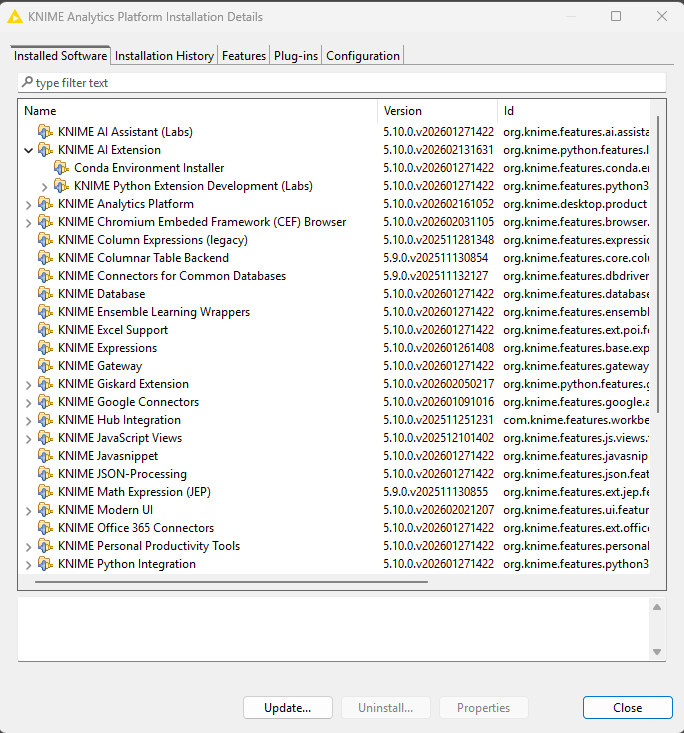
Sir may I know what KAP is? If I open the Installation Details, it shows that I have installed it:

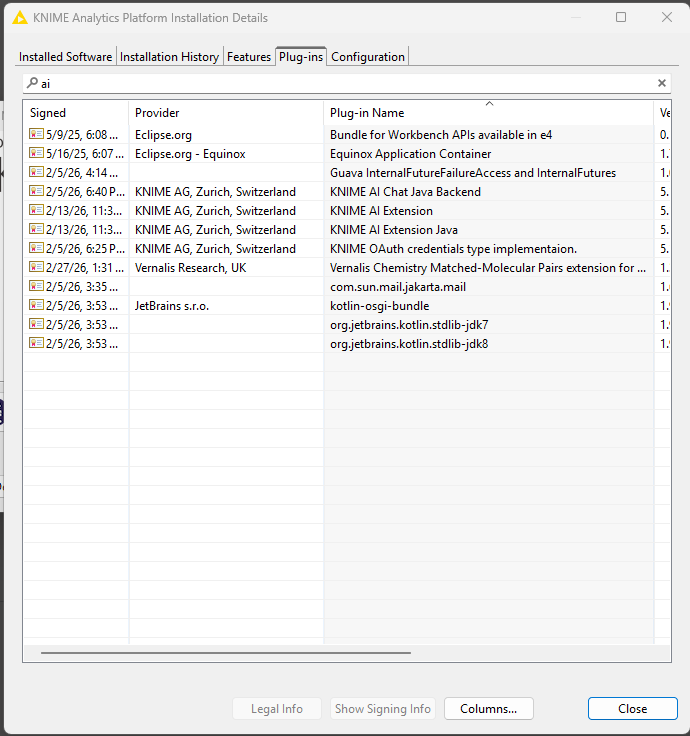
in Plug ins, when I type ai this is what it shows:

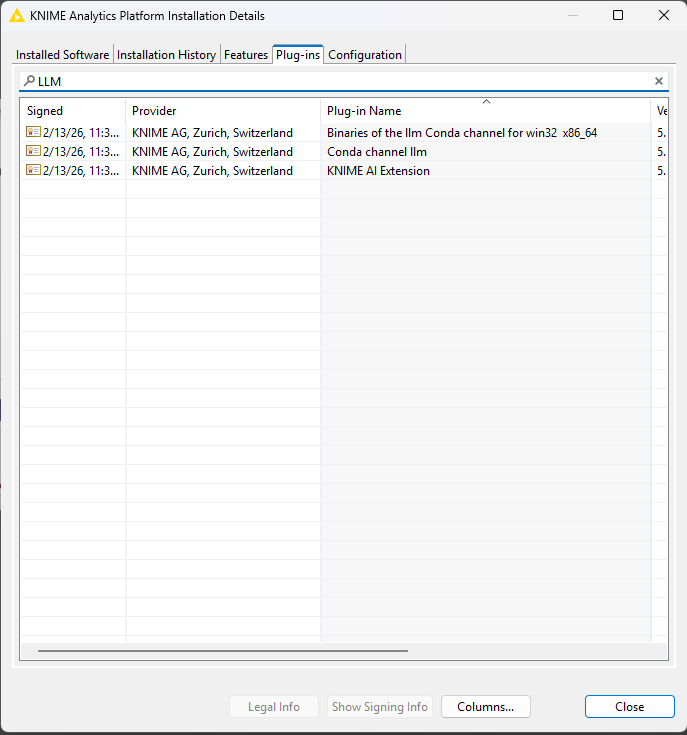
It doesn’t show anything for openai, but when I type llm or LLM, this is what it shows:

I do not know what else to do next.

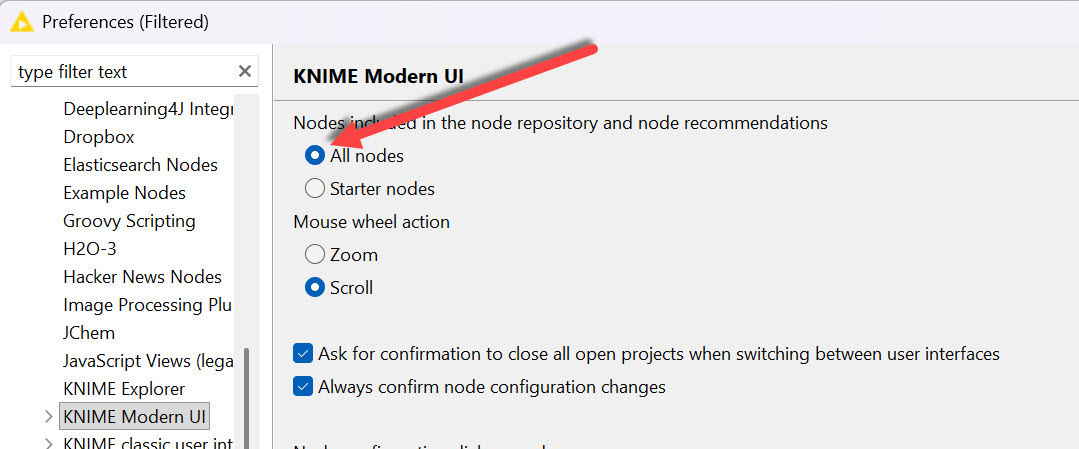
Do you have access to all nodes set?

Yes sir, I have access to all the nodes (similar to what you have in the picture)

Problem solved!!! I just updated KNIME and there it is.

Thank you for the suggestions!

2 Likes

This topic was automatically closed 7 days after the last reply. New replies are no longer allowed.