I’m trying to reuse a workflow segment using the capture workflow option. The situation is as follows:
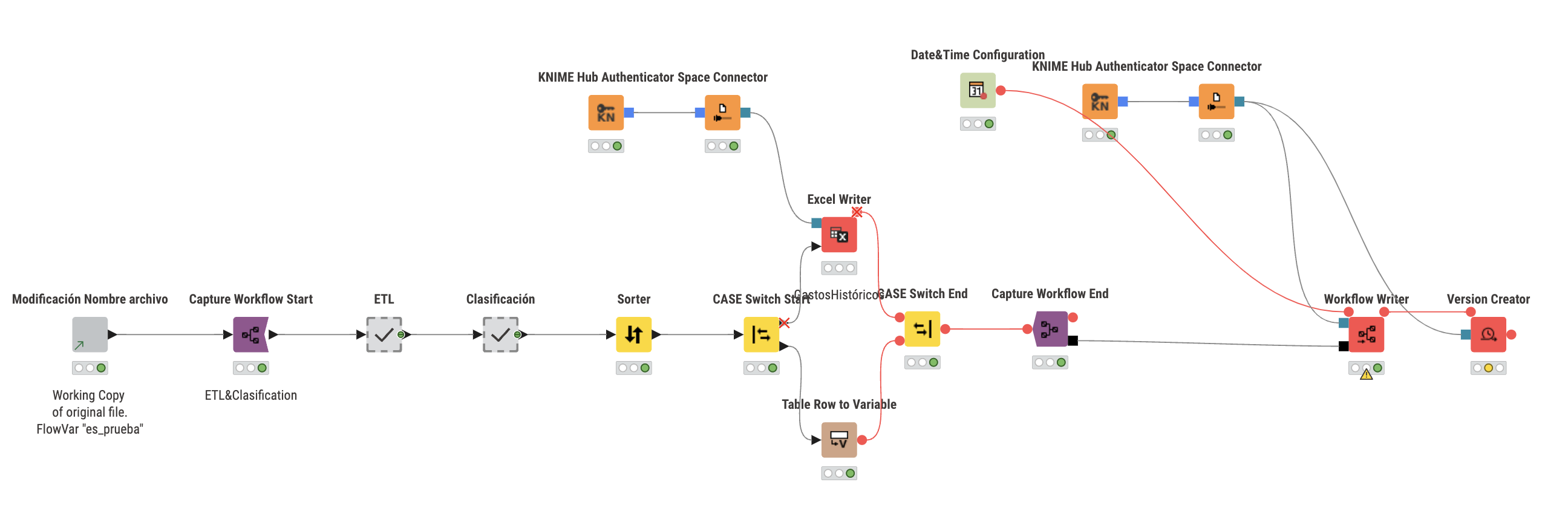
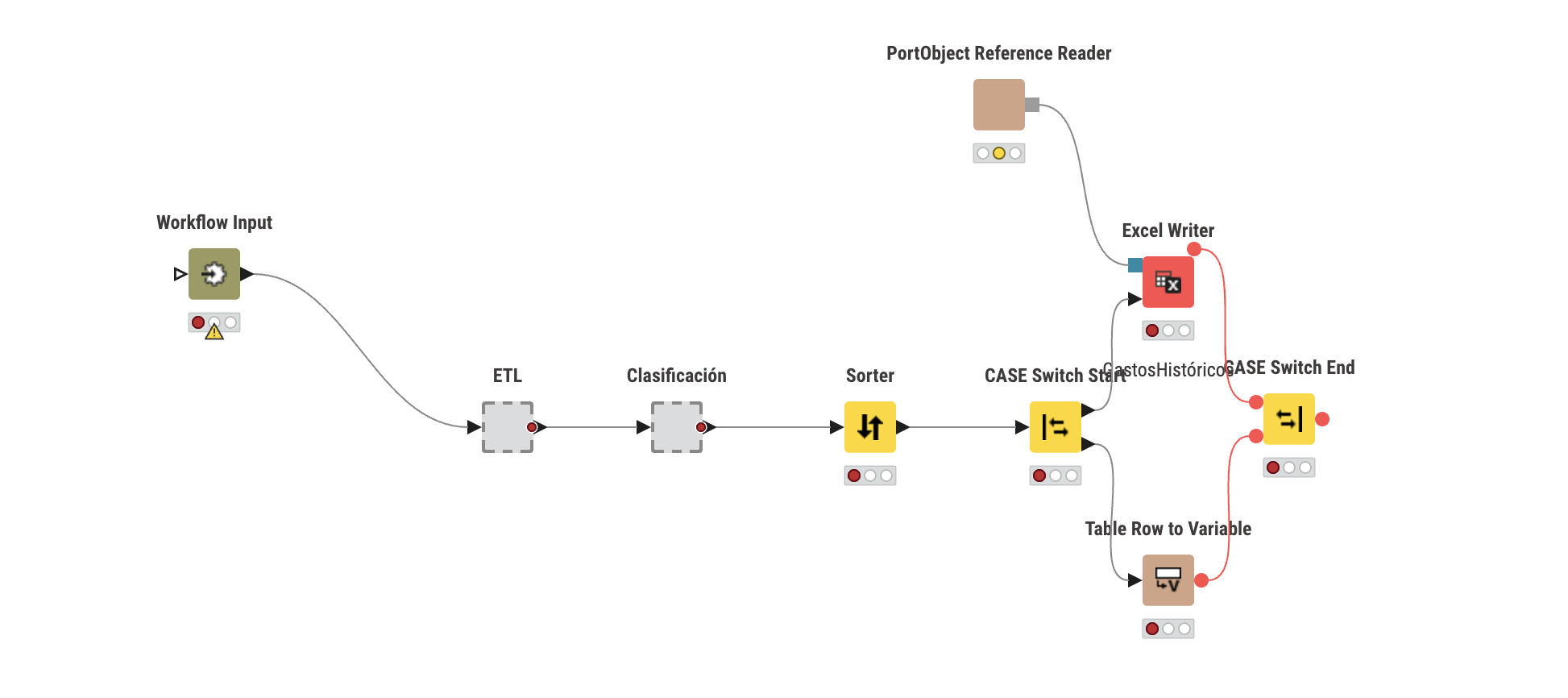
Workflow 1: I have a linked component that generates a flow variable called es_prueba. Right after this component, I captured a segment and stored it as Workflow 2.
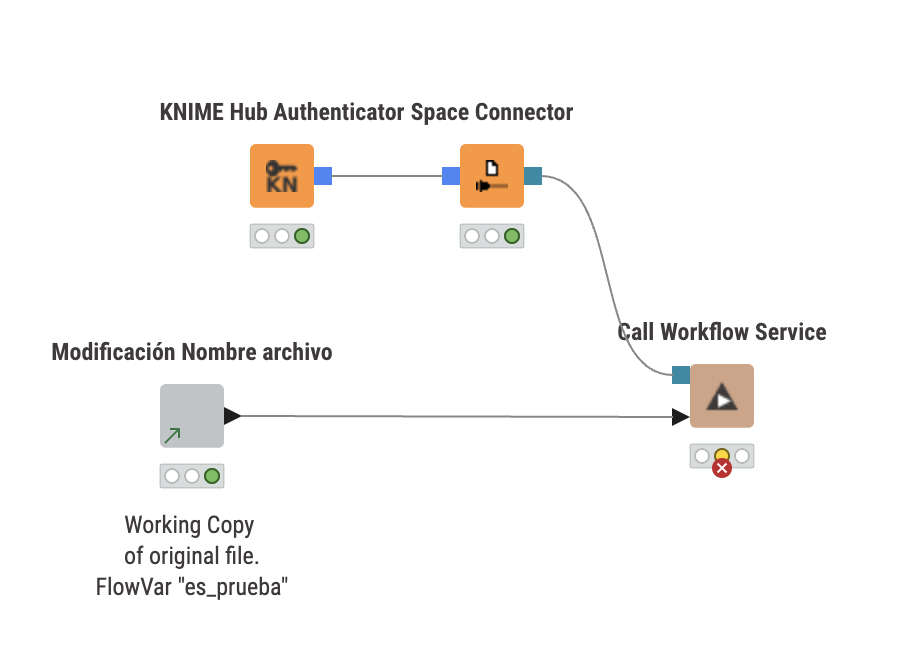
Execute failed: Failure, workflow was not executed, current state is IDLE.
CASE Switch Start 3:5: Errors loading flow variables into node :
Errors overwriting node settings with flow variables: Unknown variable "es_prueba".
From what I understand, the error happens because Workflow 2 does not find the es_prueba variable, since it is generated inside the component that was not included in the captured segment.
I’m also not sure if I configured the workflow capture correctly. In fact, I’m not even sure this is the most logical way to achieve what I want.
Does anyone know the correct way to pass this variable into a captured workflow when it’s executed from another one?
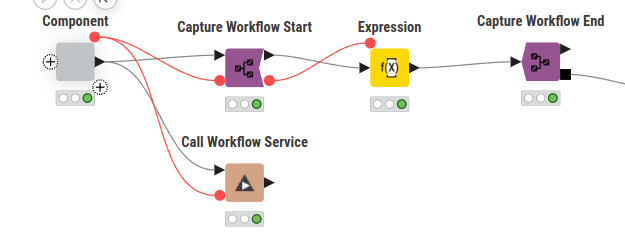
if you want to use flow variables in called workflows, you have to pass them explicitly. To do so, you need to capture an explicit flow variable port and pass the variables to that port when calling, like so:
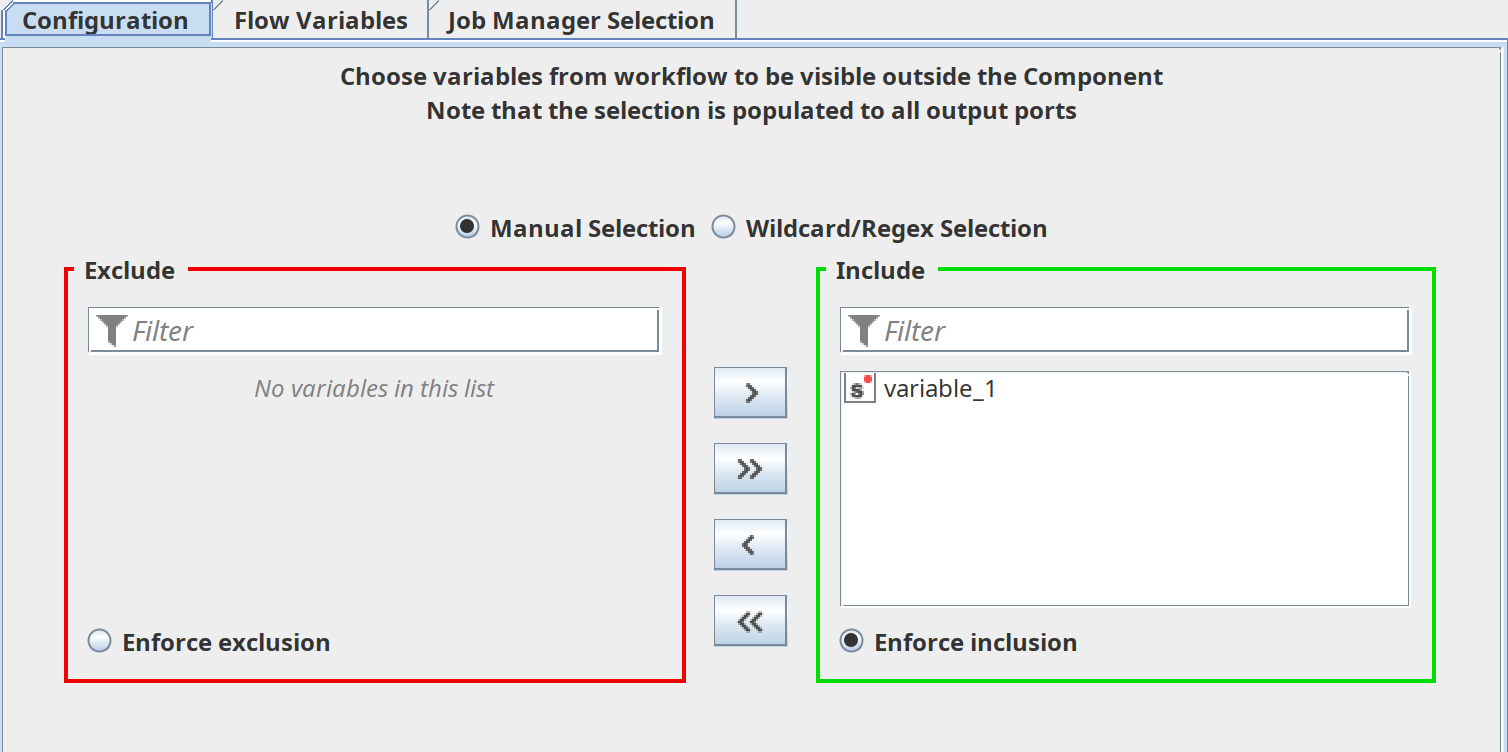
yes, components can export flow variables. By default this is disabled in order to not spam the outer workflow with variables that are only relevant inside the component. If you open the configuration dialog of the “Component Output” node inside the component, you can choose which variables should be exported.
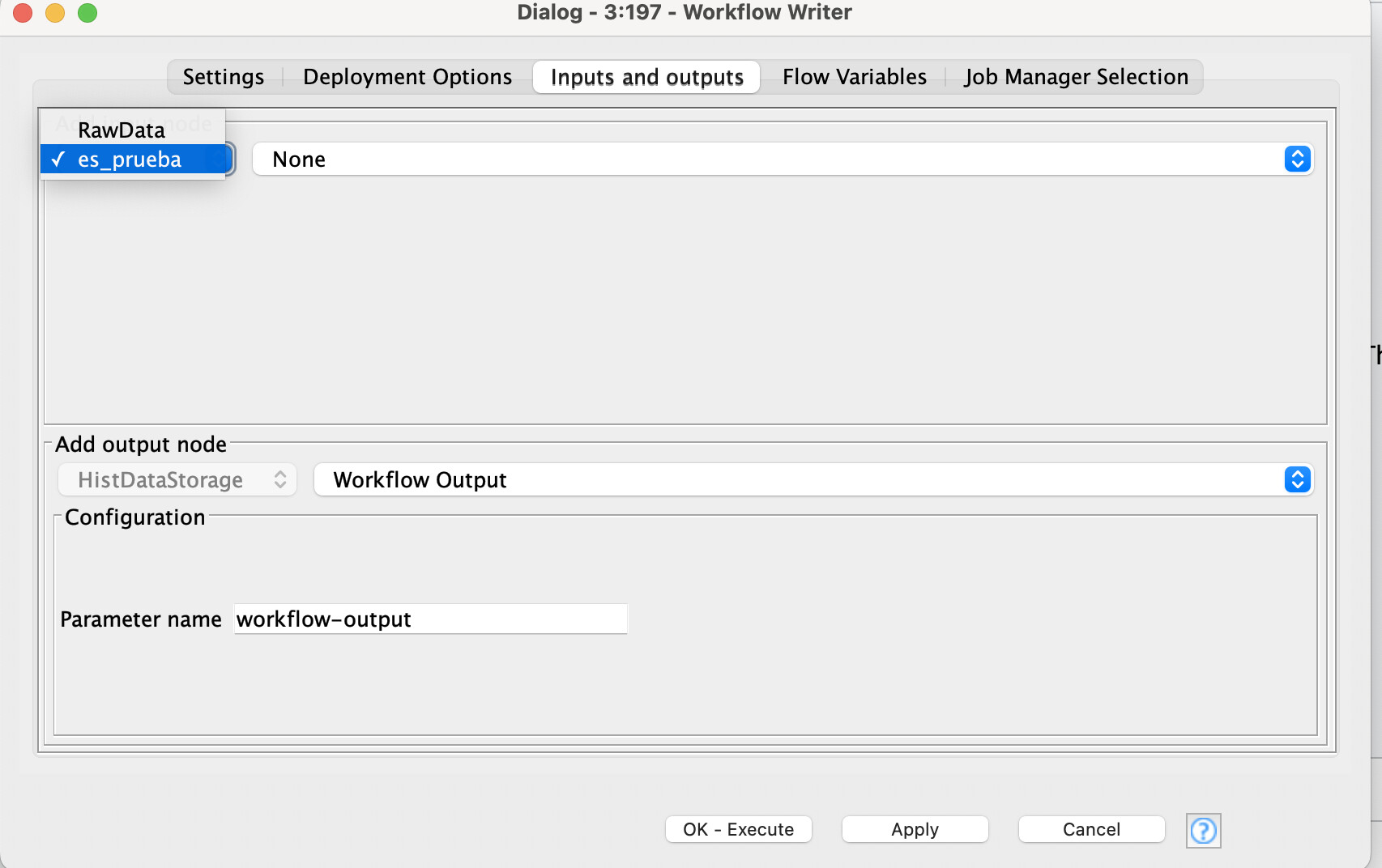
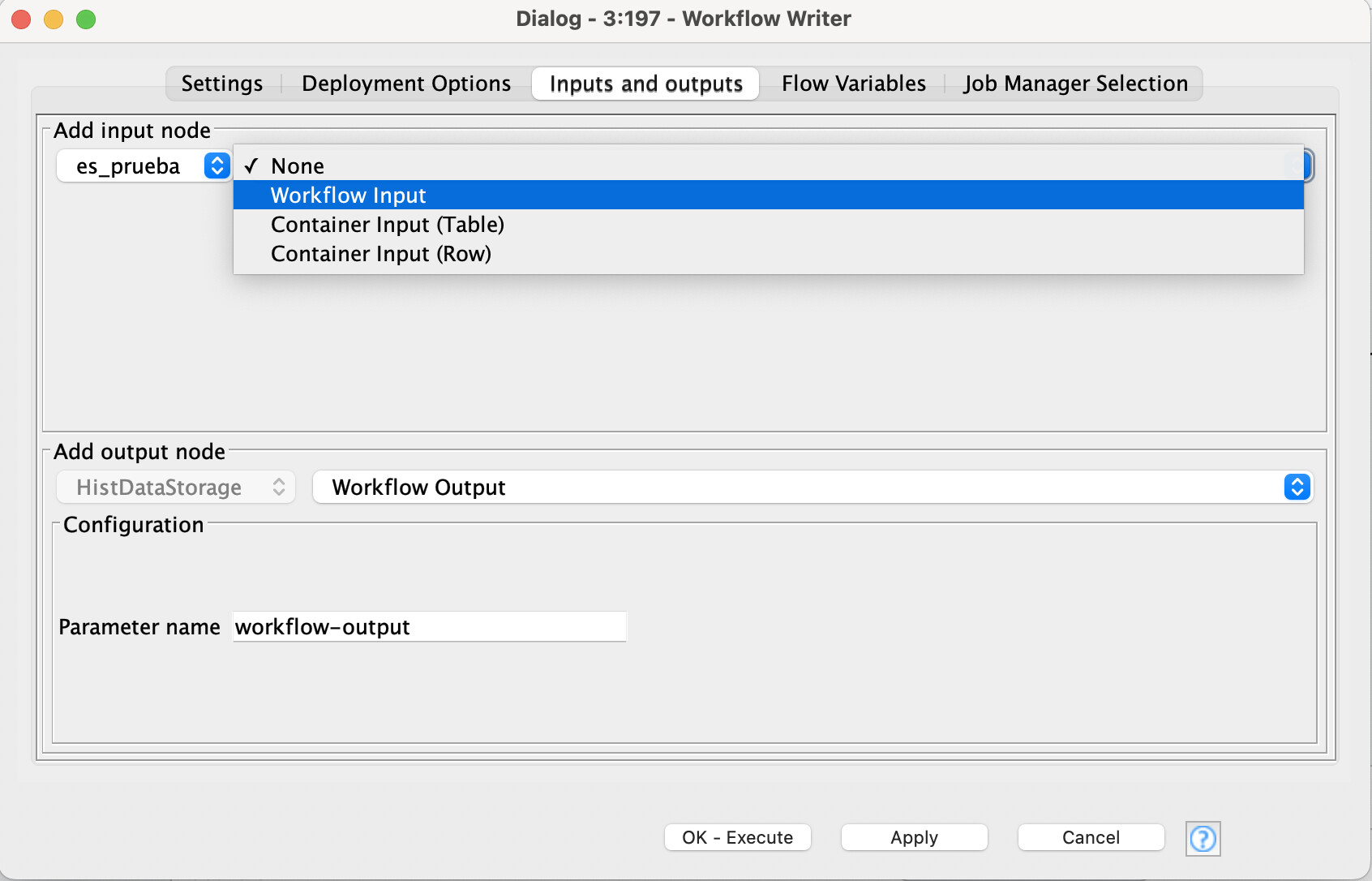
I found the issue. There was actually a warning in the Workflow Writer node (the one that stores the captured segment). The input ports were not configured properly, so the segment wasn’t receiving the data as expected.
In addition, as @nan suggested, you also need to explicitly pass the flow variables to the captured workflow.
After fixing both things — configuring the ports correctly in the Inputs and outputs tab of the Workflow Writer and ensuring the variables are passed — the workflow now runs without any problem.
Here’s a screenshot of the previous (wrong) configuration of the Workflow Writer: