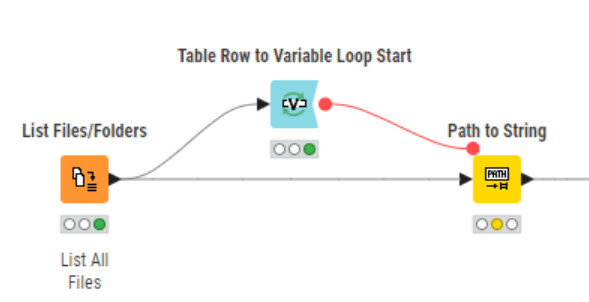
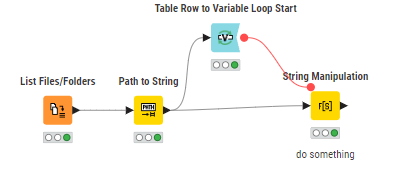
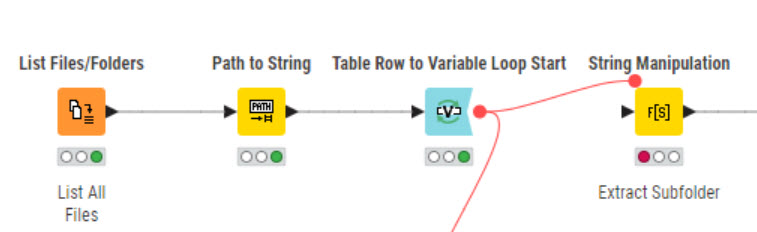
Hi @rfeigel , as per the suggestion from @HansS , there is no need to use a loop to convert the paths as the Path to String node will act on the entire table.
I cannot think immediately of a use case involving a Table Row to Variable Loop Start that would then link back to the original data table, unless you are building some kind of “cross join” process.
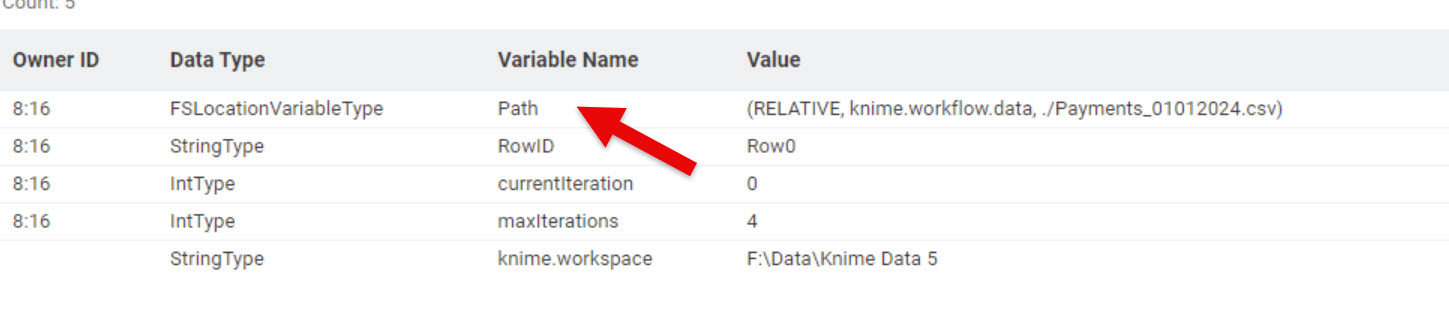
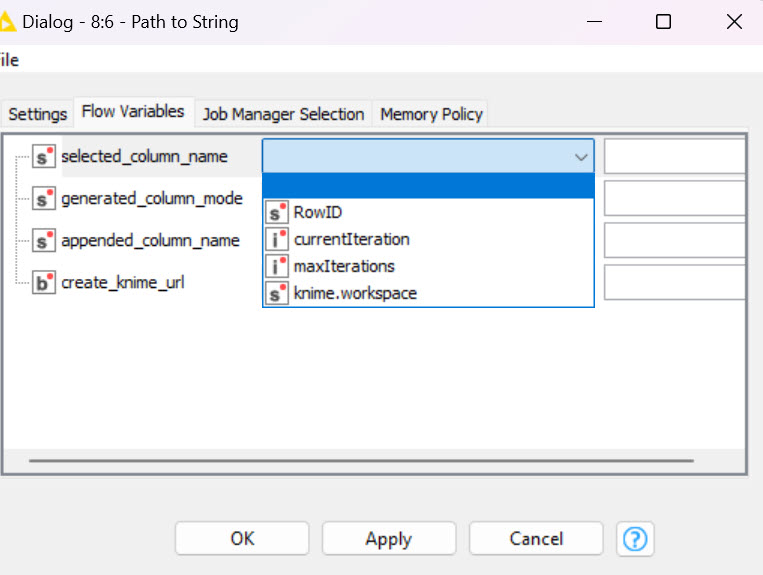
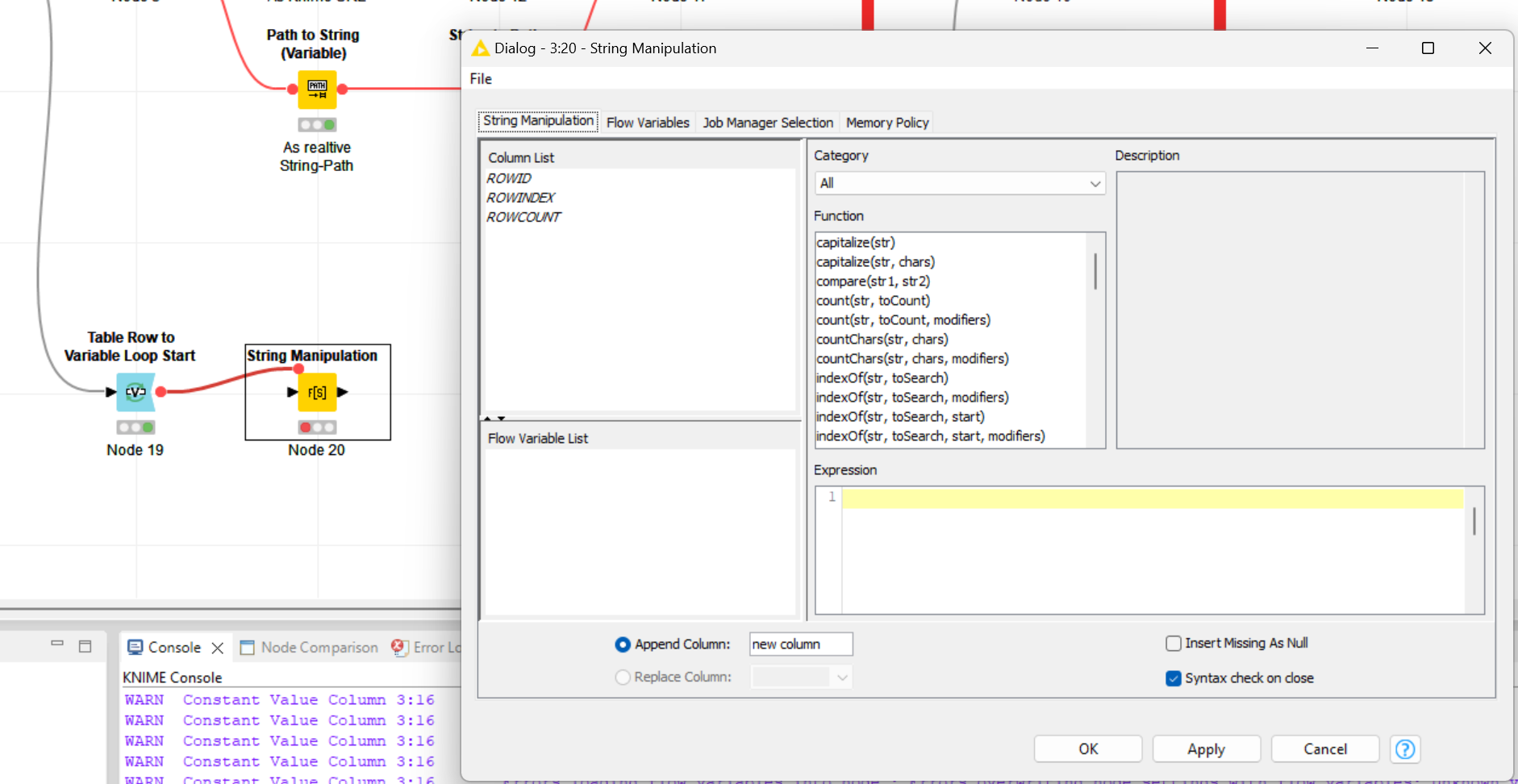
Just following up on the conversion of a Path variable, if you do have a use case requiring an individual Path flow variable to be converted, there is the Path to String (Variable) node.
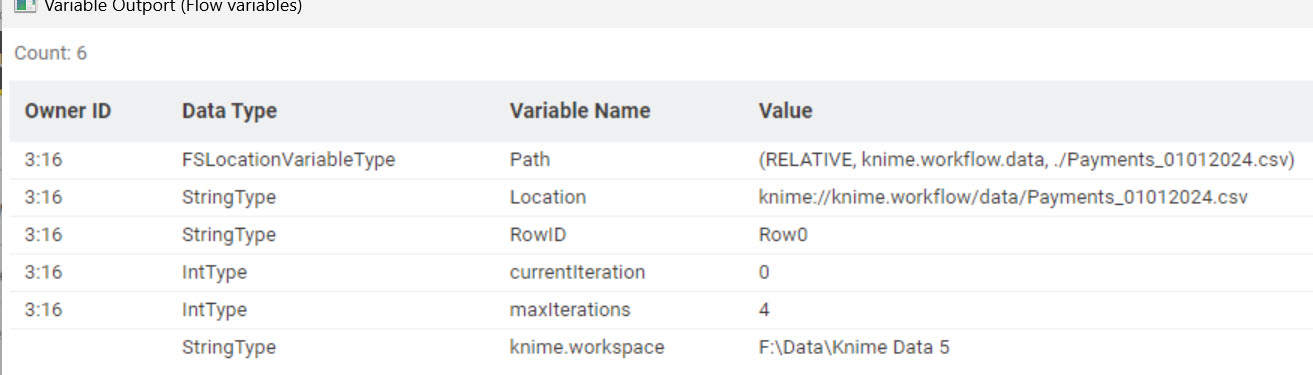
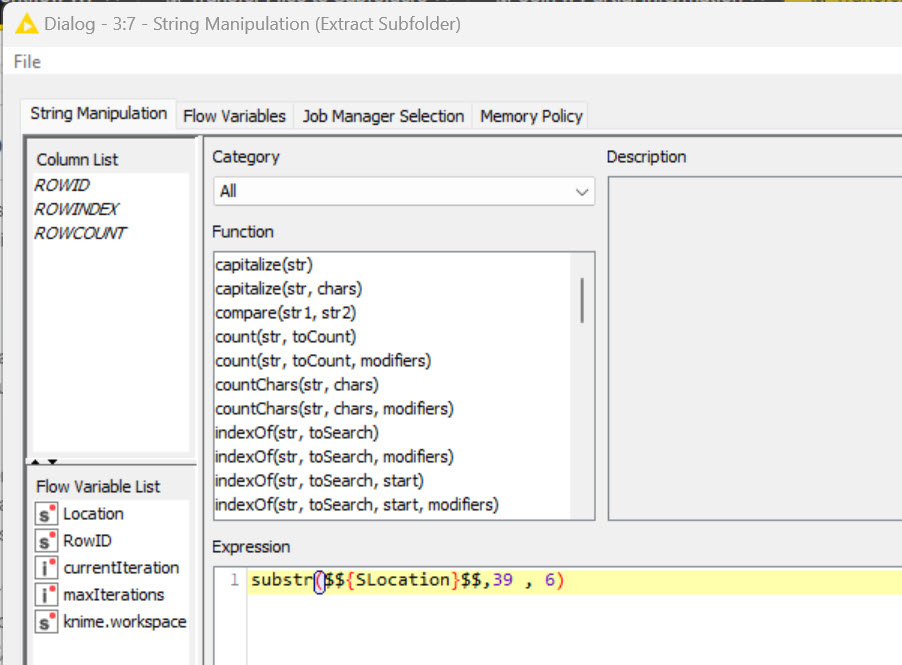
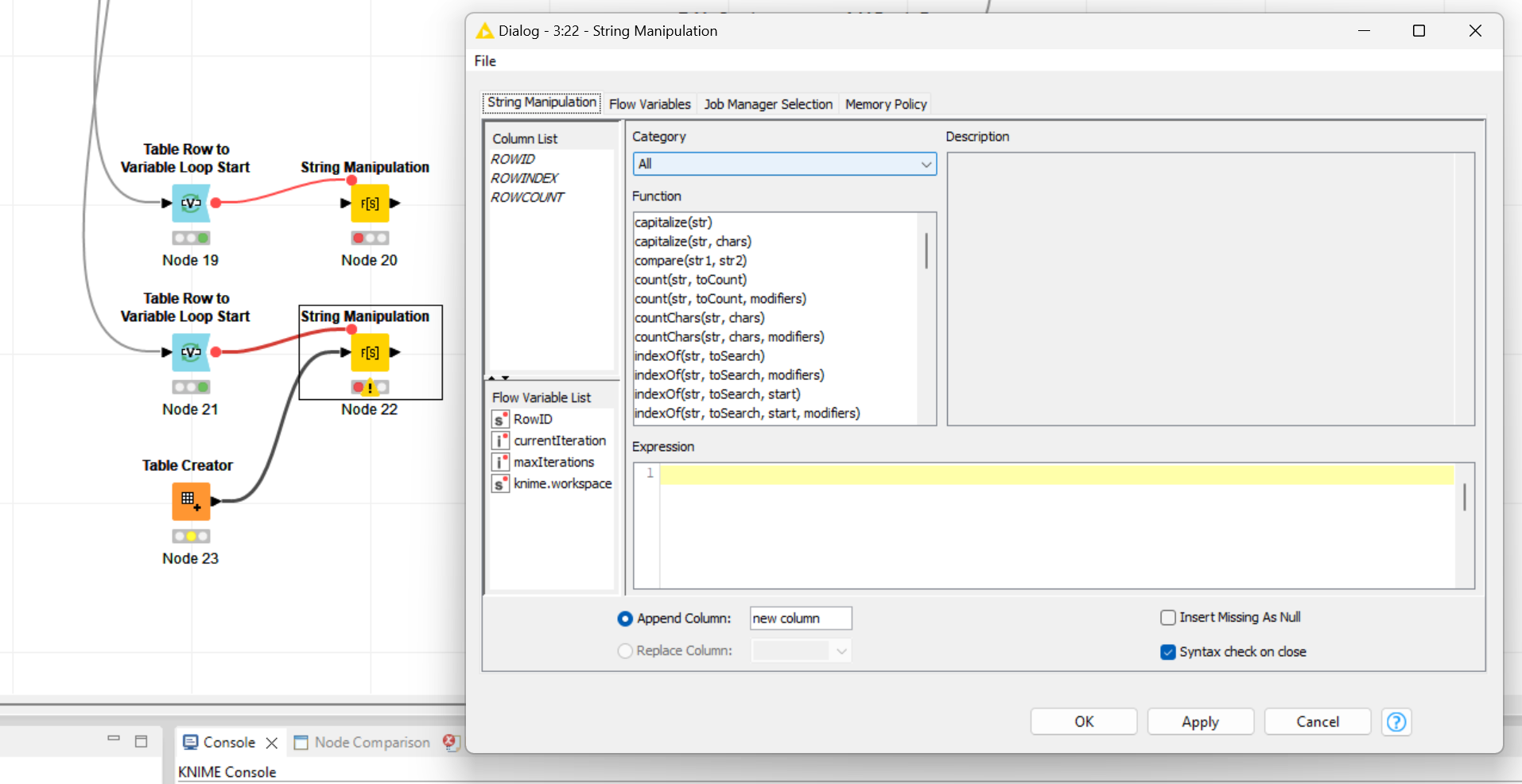
Thanks @HansS & @takbb. Today’s my 78th birthday so I’ll claim senility in my defense. The String Manipulation node doesn’t seem to recognize the string flow variable. I want to process the filenames individually because I’m renaming them to write to dynamically configured locations.
@HansS@mwiegand@takbb
I think I finally figured it out. I want to read a list of csv files with format “Payments_ddmmyyyy”. I want to extract the mmyyyy and create a folder with that name and then write the original file to the appropriate folder. I struggled but this seems to work,