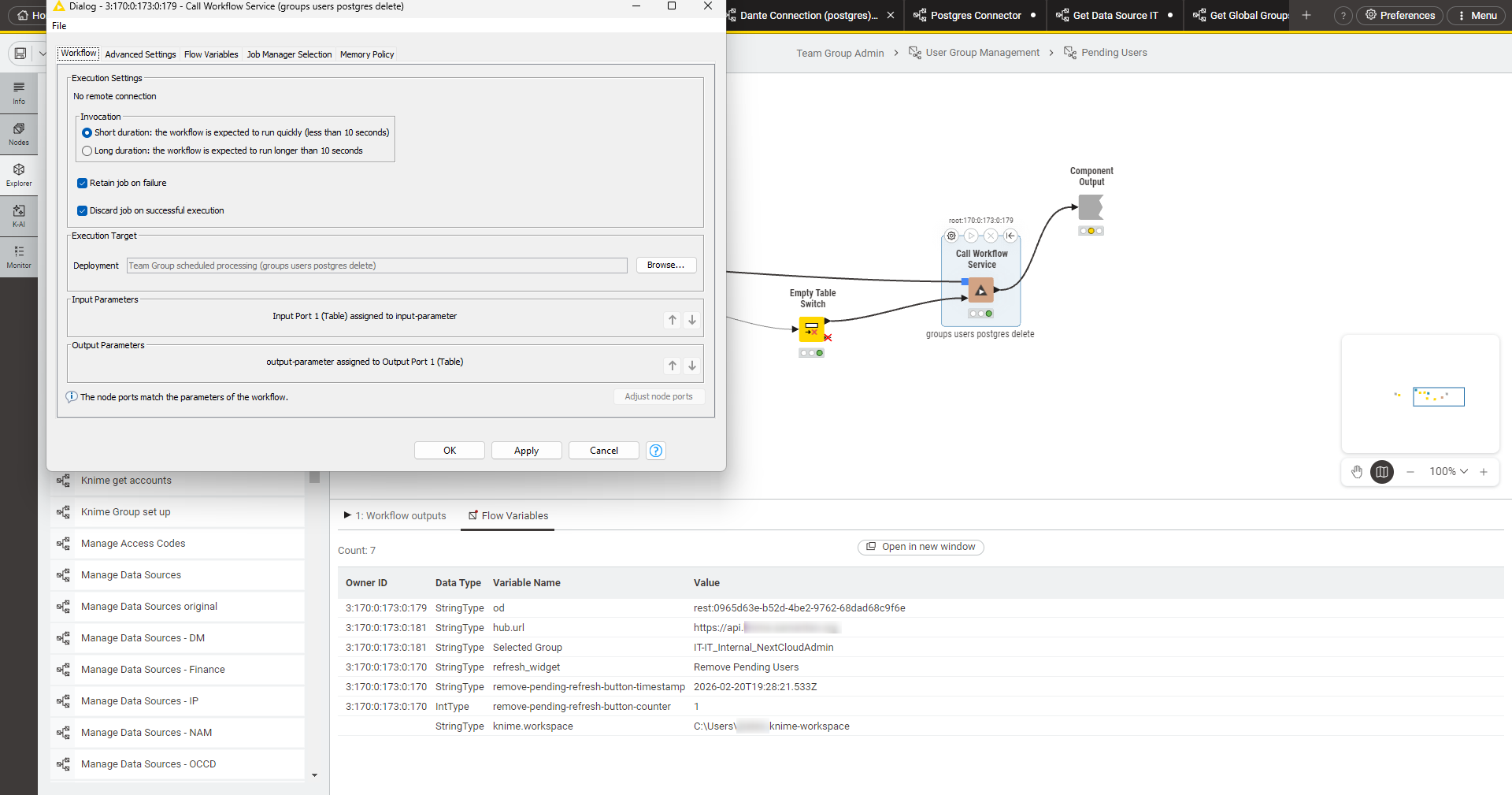
We have to lock down some of our data sources, but allow other teams access to a particular data set. We are trying to keep all our secrets managed at a team level (to avoid individual user ownership in case folks leave, etc.) We have tried to set up a workflow service in a space in our team and grant permissions to the other team to workflow service deployment and we set the service to run under the Team context (is the calling Team’s context or location of the workflow’s context?). However, we are getting a “failed 404 job not found” error when the service is called.
Are we approaching this the best way? Are there some additional settings we need to keep in mind when doing this?
I believe we need to clarify a couple things here. First does the secret have any bearing on whether this 404 job not found has any relevancy. If you remove the secret retriever temporarily do you still face this issue?
Secondly, where are you seeing this issue? Is it when running ad hoc jobs from within the team? Is it once it is created as a team-scoped deployment? Who is running the jobs and what is their association with the team?
I had a number of different services with similar names and missed setting up a couple to run as the team. I did have some trouble with API calls to the Knime API as neither the team nor the end user had permissions to do some of the tasks that we wanted the workflow services to do.
So what we have ended up with is service deployments running under the Team (rather than user) and granting the user access to the deployment via a global group. Secrets were granted Team access. This keeps the secret in the Team providing the data source without exposing it to other teams and giving them access to the rest of the data in the data source but lets other teams have the data that they need via the workflow service.
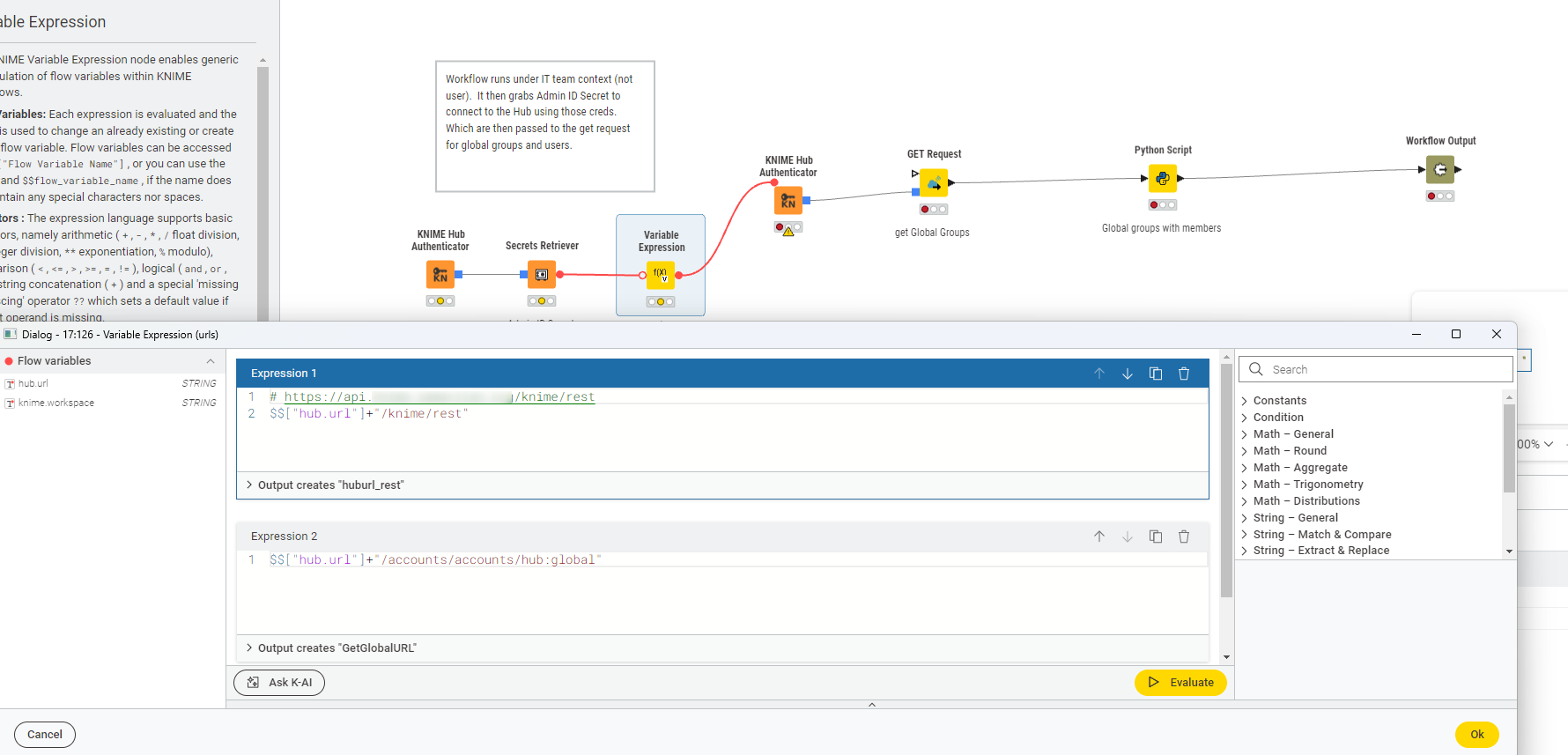
To call the API in the workflow, we created an Application ID on the account that needed to make the API call and placed that in the Secrets. We then used it to open another Hub Connector using its credentials and then made the API calls.
It sounds like you got it working. I like that approach, because sharing the service deployment with the groups of individual users gives them the permission to use their own AppID/Secrets on their own.
That does bring up an interesting point though around sharing service deployments with other teams, does that automatically allow individual users that are a part of that team have access to execute that deployment or not.
To answer one of your earlier questions the deployment owner (individual/team) is who owns the deployment.
Im going to test the setup I believe you are using and see if we get similar results.
I also would be curious what pattern you are using in your testing, or what the endpoints you are using look like? You can leave out the deployment ID from the URL that you are using to trigger the service deployment.
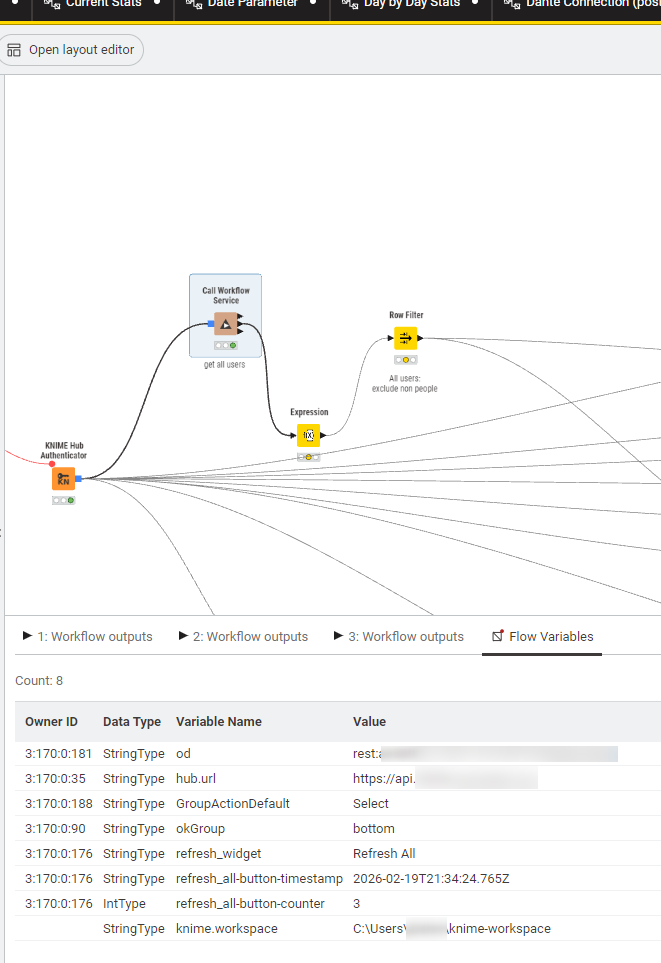
So we using the Hub Authenticator to the Call Workflow Service node. We are doing a bit of double hop as you can see in the image for the Knime API calls. I am not sure if I am answering your question.
The IT Team has permissions to the Admin ID Secret (a limited group that already has the same permissions as the admin account).
For this workflow (Data App), we been testing Team Admins from Teams without access to the IT Team. When we had the service workflow deployments running under the user context, they run into permission errors for secrets. Under the team context, they get past those. However, the team does not have admin privileges in the API, so we only get limited data back or permission denied depending on the call type. When we added step to create a new connection to the hub using the admin account, we were able to get things to work as we wanted.