Hi all,
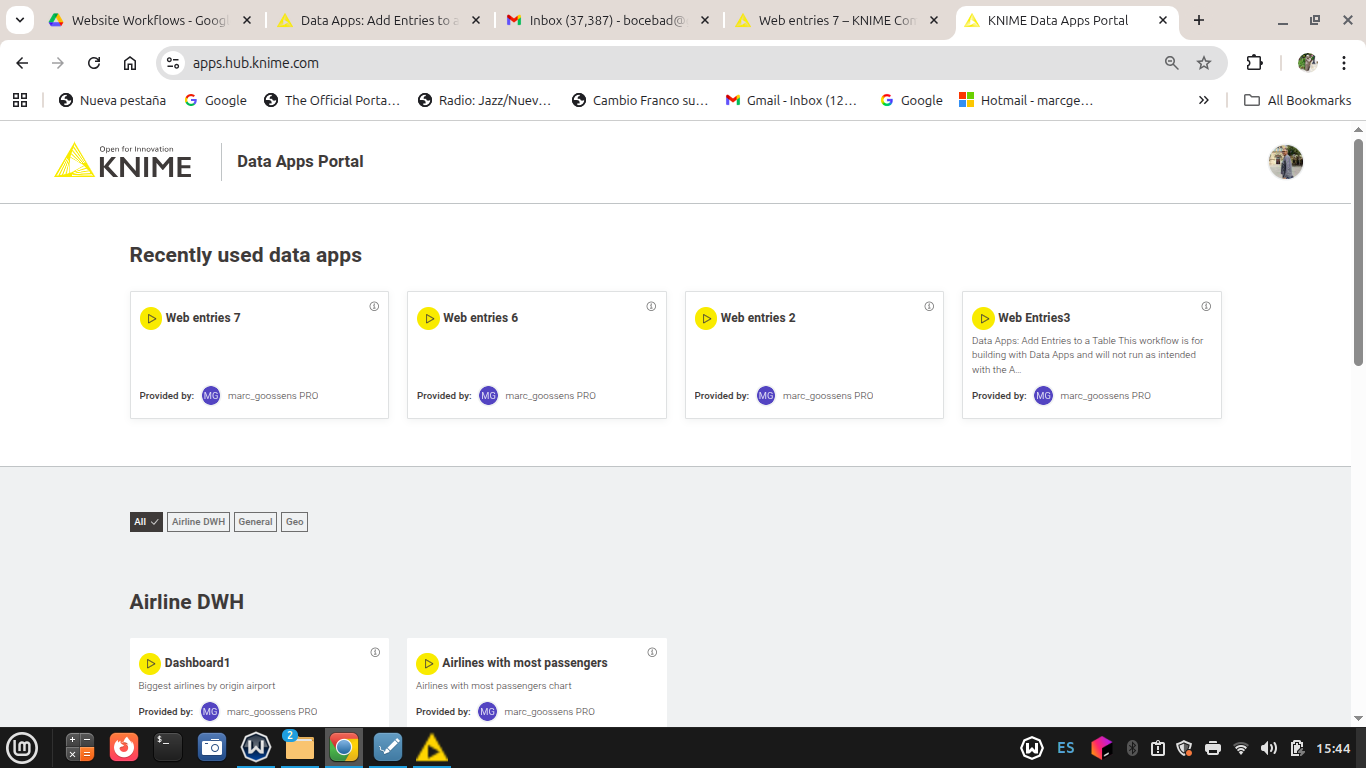
Is there a way to delete deployed Data Apps from the Data Apps portal web page ?
I did quite a lot of tests and it is getting cluttered…
Hi all,
Is there a way to delete deployed Data Apps from the Data Apps portal web page ?
I did quite a lot of tests and it is getting cluttered…
go to your workflow on the hub, scroll down a little and under the deployment section you should see the deployment. Click on the three dots on the right and delete it.
OK, As Martin pointed out, you can delete the Deployment from the KNIME Hub space.
But in some cases I have deleted the ‘main’ uploaded Workflow the data app is based on from the Hub space, and then it still appears on the Apps portal.
Maybe you will answer me ‘well, don’t do this then, always delete the Deployment first’.
But I think it would be nice if this was done automatically. The Data App won’t run anyway if the ‘underlying’ workflow is gone (Loading failed error)
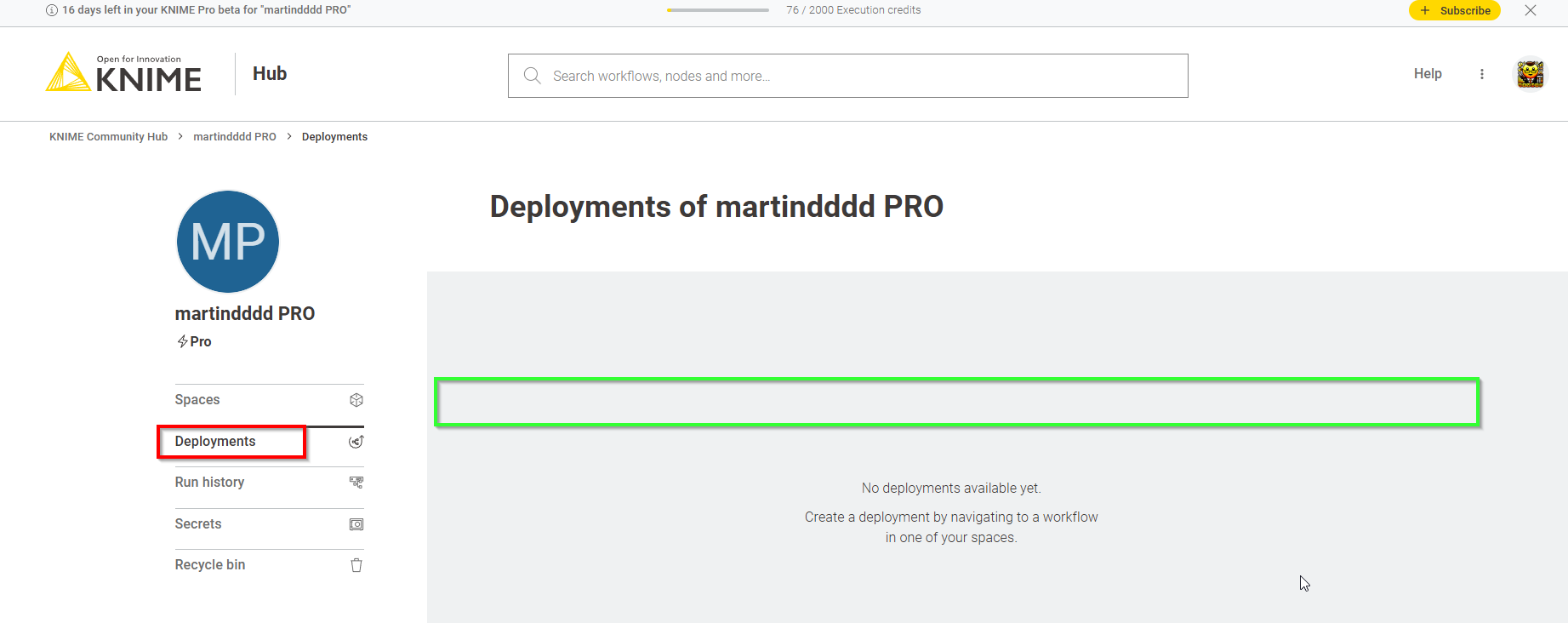
Can you go to your Pro space and check under Deployments tab?
If you can see it there you should be able to click the vertical three dots to the right and select “Delete”. Should be somewhere in the green box to the right below (don’t have anything deployed myself right now):
This topic was automatically closed 7 days after the last reply. New replies are no longer allowed.