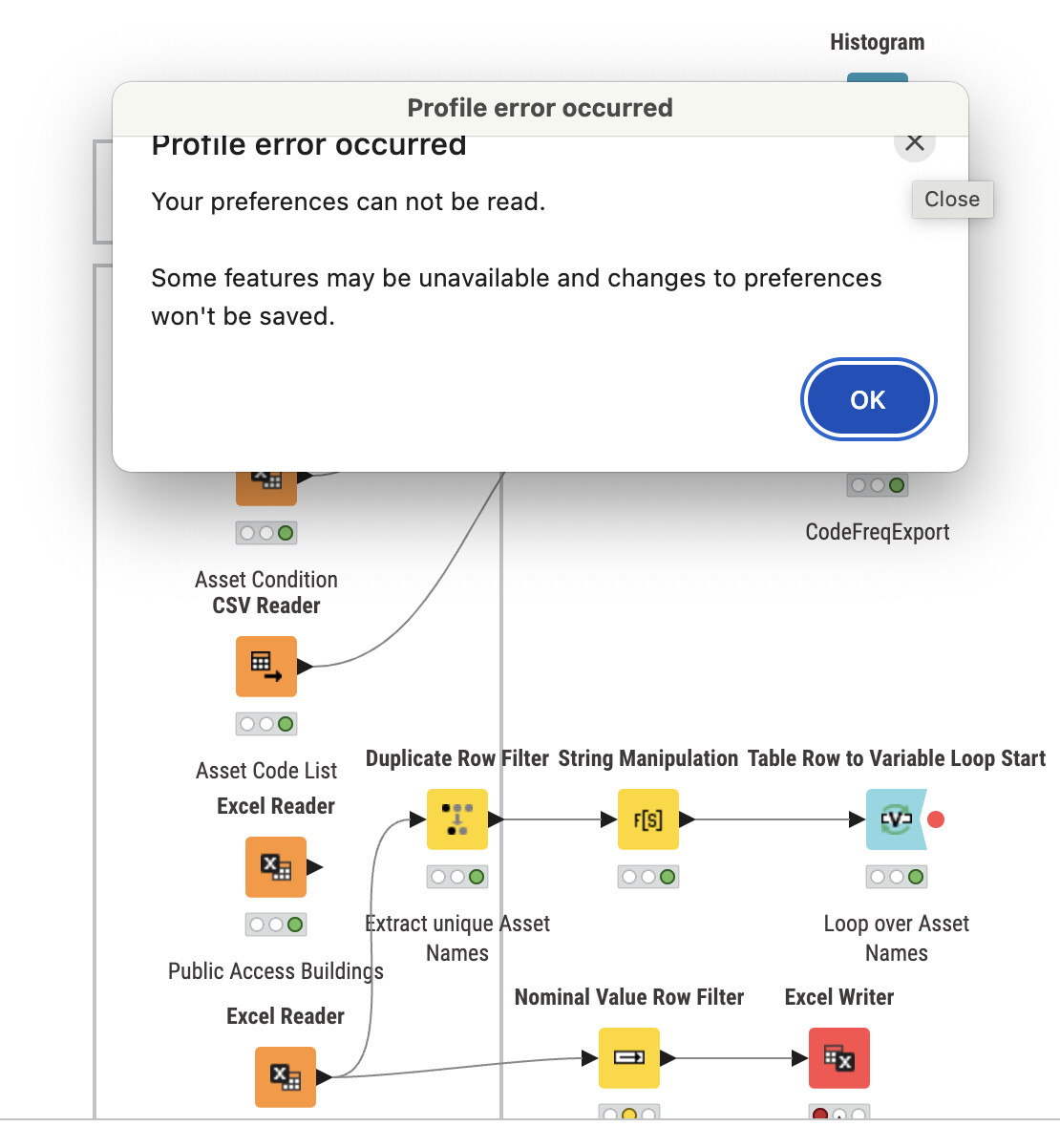
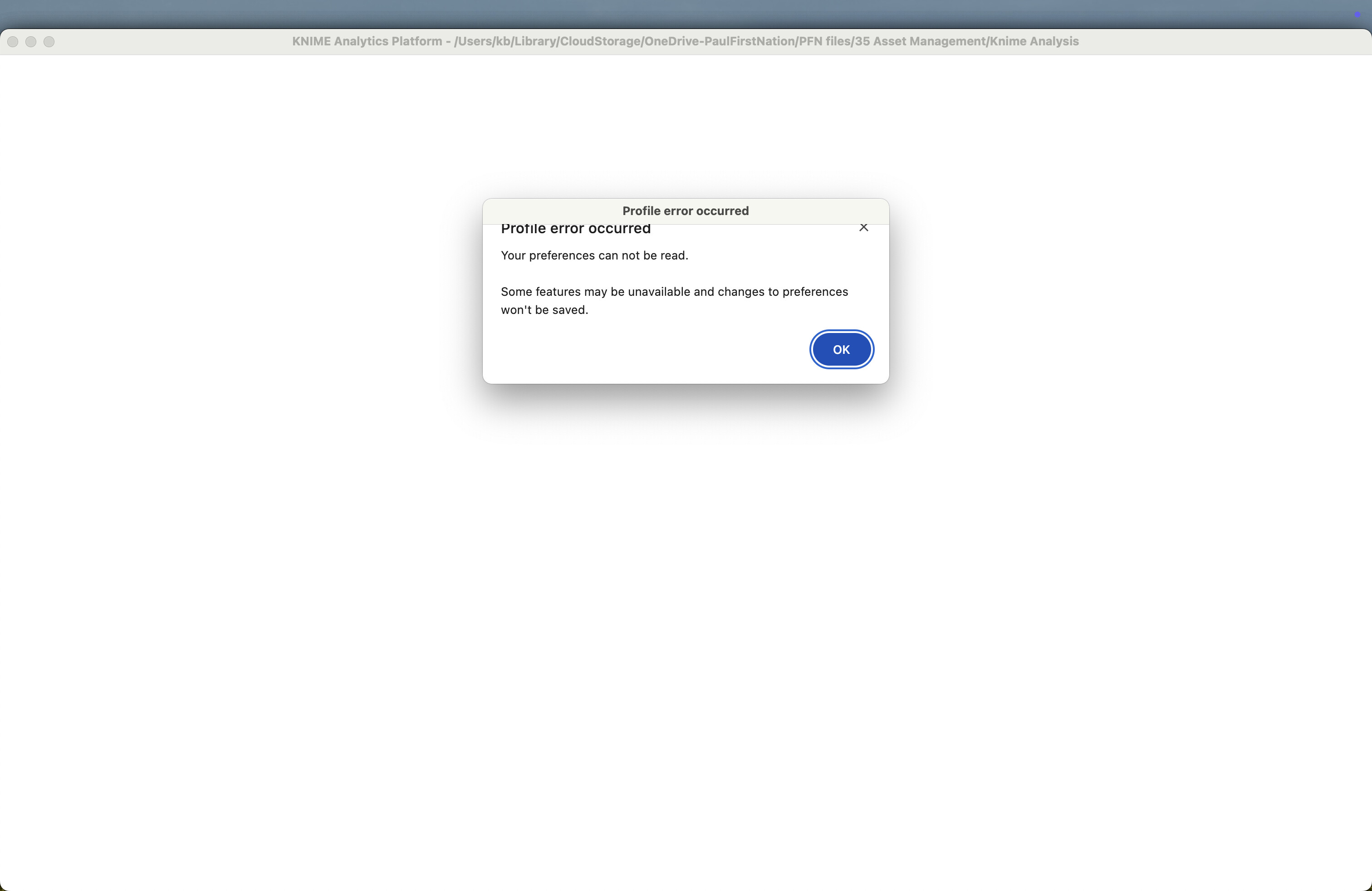
I’m a total NOOB to Knime and got the message: “Profile error occurred, Your preferences cannot be read.” Clicking OK or close makes the software crash while I can see the workflow I was working on tantalizing close behind the error message.
Can anybody advise me what I did wrong and if what I did below makes sense? Is there any other information I can provide to help diagnose this problem? I believe I have found a work around but I want to make sure I’m not doing something stupid.
Although it happened with an earlier version of Knime I updated to Knime to 5.5.2 installed on MAC OS 15.6.1 using Homebrew after which the problem persist. When I initially upgraded to the newest version of Knime I used another workspace (folder) and Knime seem to work fine but I could not initially use my earlier workflow. When I changed the workspace to the folder of the existing workflow the problem returned so I believe the problem was with a file I the folder. As I could not even start the program beyond the above screen, I could not reproduce this problem.
I understand the “preferences” are stored in the “workflowset.meta” (content below) so I renamed the file for the program to ignore it, as I understand from searching the web this file is regenerated each time the workflow is loaded but this time the file seem to be called “workflow-metadata.xml“
Thank you for looking into this issue. Deleting the file seems to be no longer working.
Behaviour slightly changed but I do not know if this is relevant. I now get the screen a shown below but instead of remaining on the screen it disappears immediately and I get the Apple crash report information.
When I deleted all “workflow.meta” and “workflow-metadata.xml” generated the las weeks, the program still crashes the same way as described before.
I also upgraded and reinstalled knime using brew but the problem persists as it does not seem to be improving things.
I started the program form the Warp (terminal window) which looks different (as I can see the program screen) but with the same popup window appears.
In the end I could restart Knime using another work folder and I was wondering what would be the best way to get back to workflows I build.
While this issue was not resolved I just recreated all my flows from scratch and so far this issue has not reoccured. For me this is no longer a problem.
I am getting exactly the same issue. Seems to happen sporadically; sometimes switching workspace or restarting solves it, other times I have to recreate entire workspaces. Very frustrating.
@JackWalton makes a good point I did not add as I was not sure it was relevant. I think the behaviour started when I was experimenting with multiple workspaces so it could be related to that aspect. A bit reluctant to test it out as it took me some time to redo all the work I “lost”.
Kindly, K