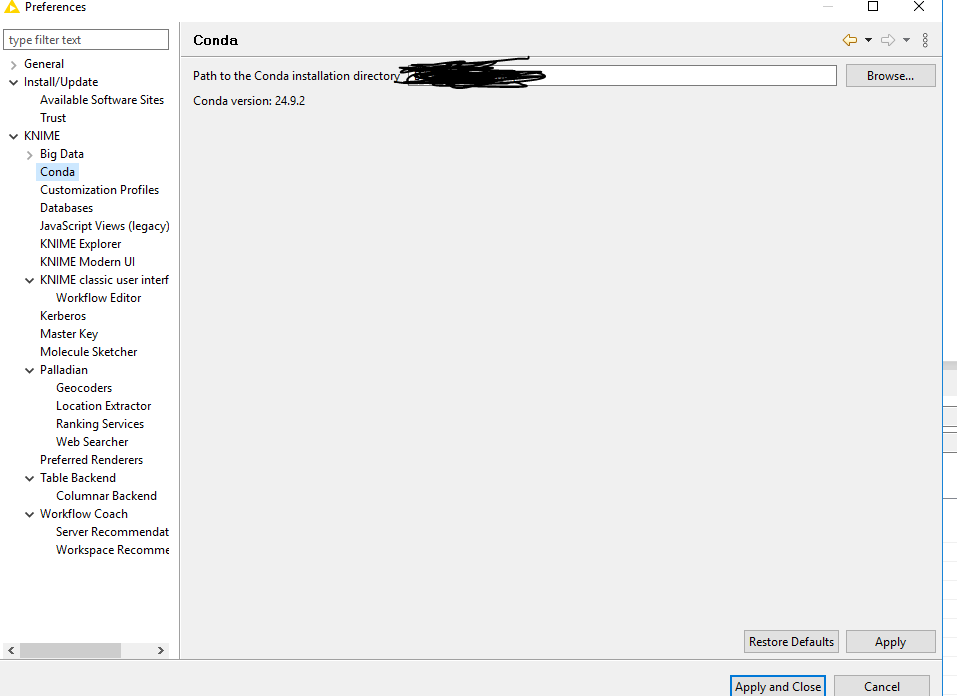
I have installed python integration, then I opened file->preferences->knime->searched “Python” → not available. Why?
Note: Ifi select conda ( file->preferences->knime->conda) ->conda version 24.9.2
Hi @Vikram_Reddy,
Welcome to the KNIME Forum!
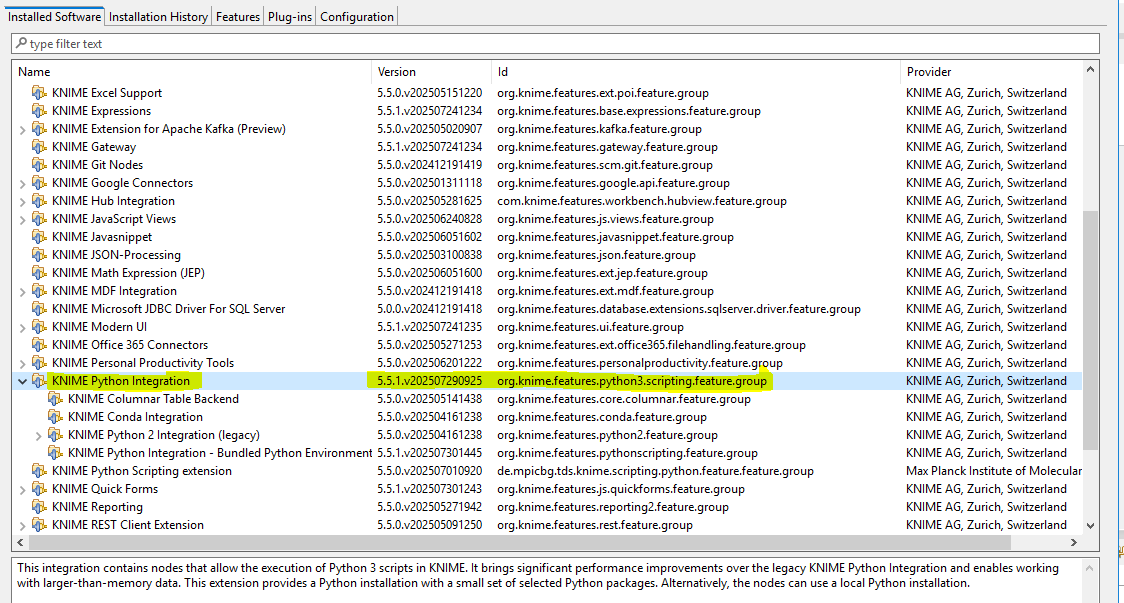
Can you check that the feature with the identifier “org.knime.features.python3.scripting.feature.group” installed successfully at “Help” → “About KNIME Analytics Platform” → “Installation Details”? It should look like this:

@bwilhelm is there a chance that for KNIME 5.6 the scripting extension ist still on version 5.5 and is not being prompted or being installed automatically. This currently might cause problems.
EDIT: OK this is the community extension. Will investigate further about my current problem (Ticket: 45290)
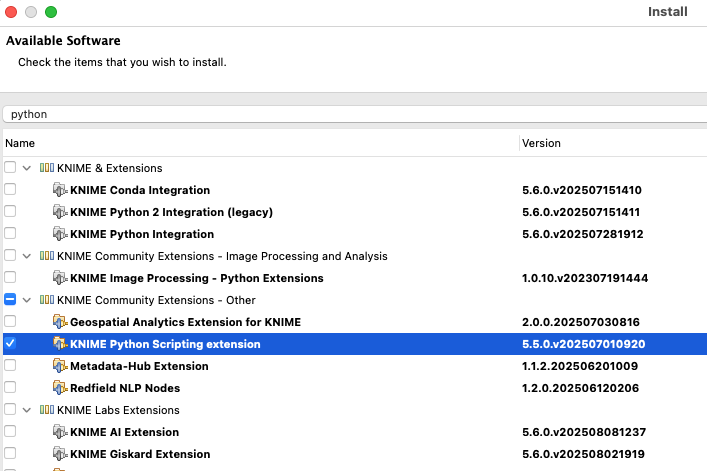
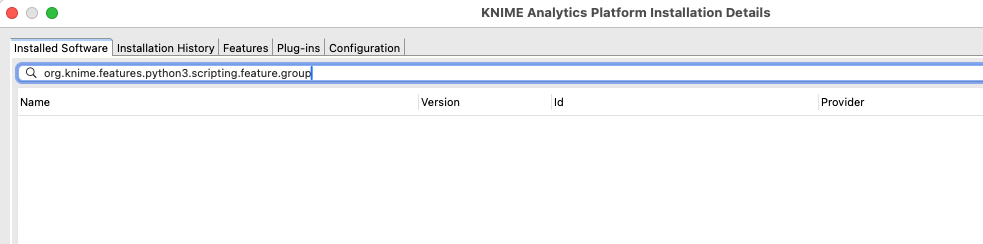
Cannot see this extension. Question would be what extension to install if this should be present (macOS / M1)
Hi @Vikram_Reddy,
Thank you for checking the installation. Since the installation state looks fine, there must be an issue activating the extension. Can you check the KNIME log (Classic UI: “View” → “Open KNIME Log”, Modern UI: “Menu” → “Show KNIME log in File Explorer”) for errors?
Hi @mlauber71,
You don’t see the integration in the “Installation Details” because the filter does not take the “Id” of the feature into account. It should show up if you filter by “python”.
after opening the log file, how to check the errors in it?
- Search for “ERROR” or “WARN”
- Search for “python” (case insensitive)
- If the log file is really long. It may contain the logs since weeks. So it might help to quite KNIME, delete or rename the file, relaunch KNIME, so you only have to log from launching KNIME