Does the ordering of rows in the data table provide any identifiable information?
If not, then just add a sequential number to each row using the counter generator.
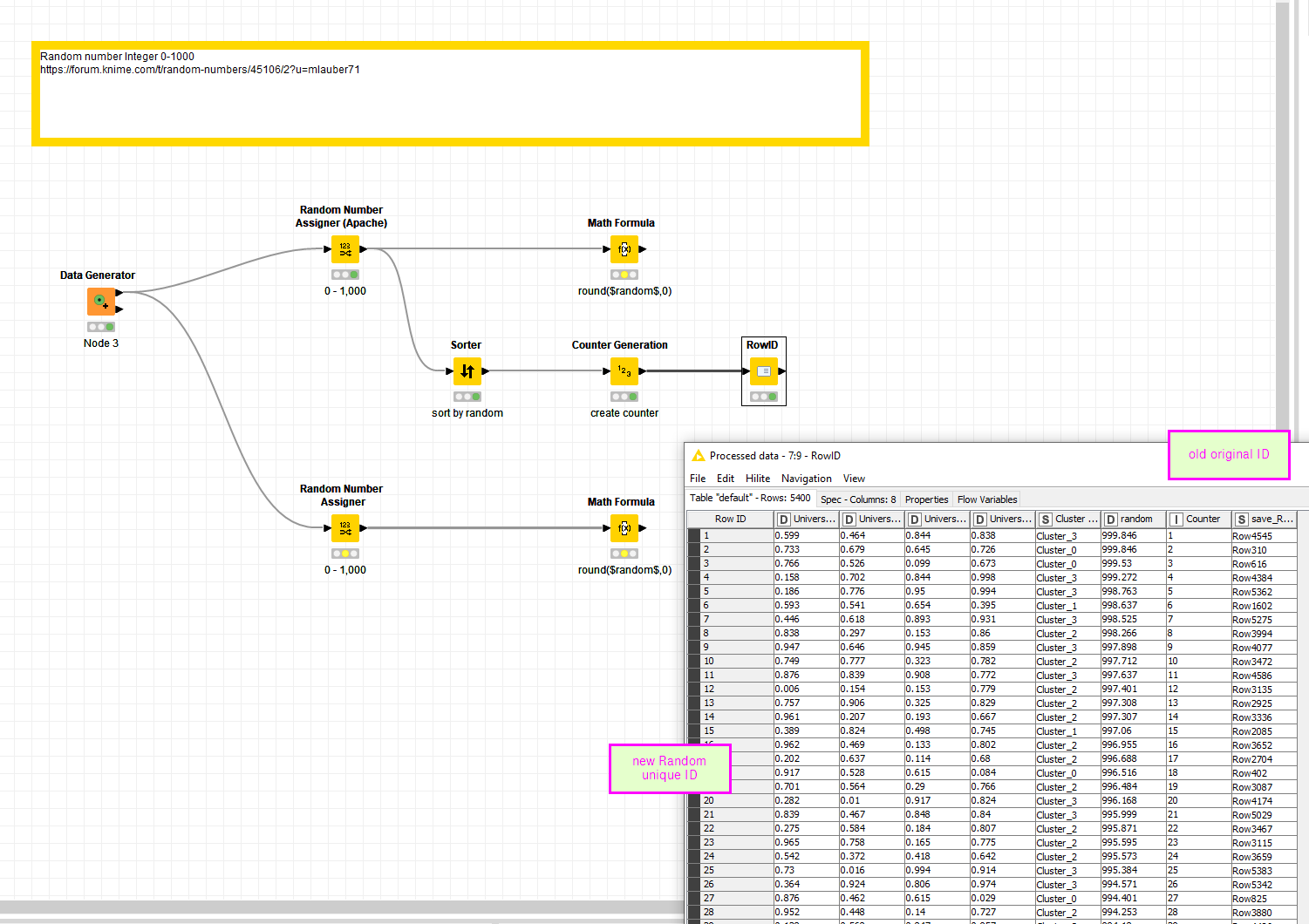
If the row ordering does provide information then you will need to resort the table:
Generate a column with a random number.
Sort the table on the random number.
Add a column with sequential numbers to each row.
If the IDs occur in several rows (e.g. for a customer or personal id). Then use a group node to create a table with unique IDs. Use one of the above methods to generate an anonymised ID. Then use a join to append the anonymised ID to the original table.
Other options include creating a one way hash on the ID (e.g. using UUIDs or MD5 checksum) to create a pseudononymised ID.
Programming convention has always been that base random functions generate a random number as a decimal (or float) between 0 and 1(exclusive of 1).
If you want an integer random number you multiply by the random number by the integer spread, take the floor to convert to an integer and add the lowest integer to get a range of integer random numbers between a (inclusive) and b (exclusive).
integer_random_number = a + floor(random() * (b - a))
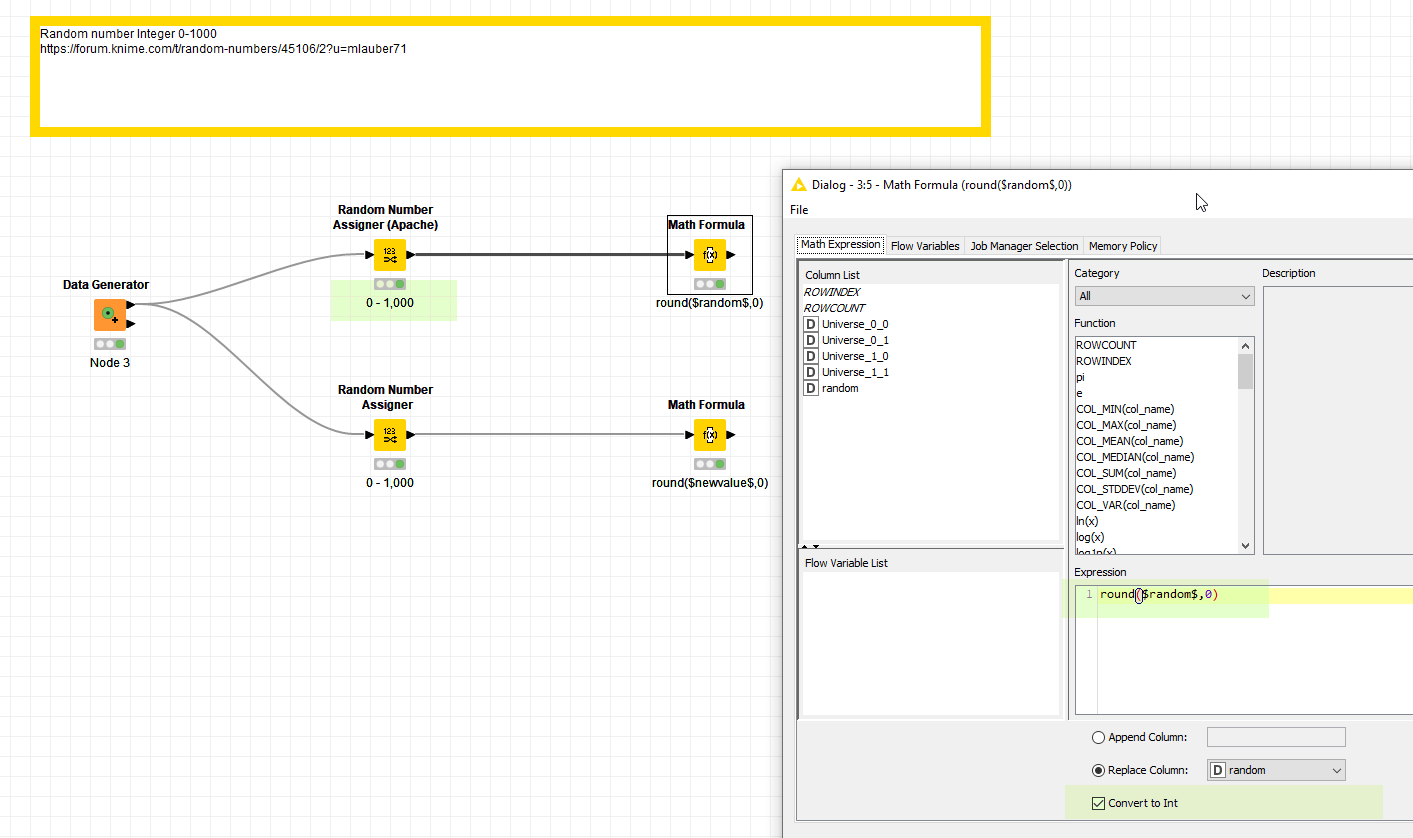
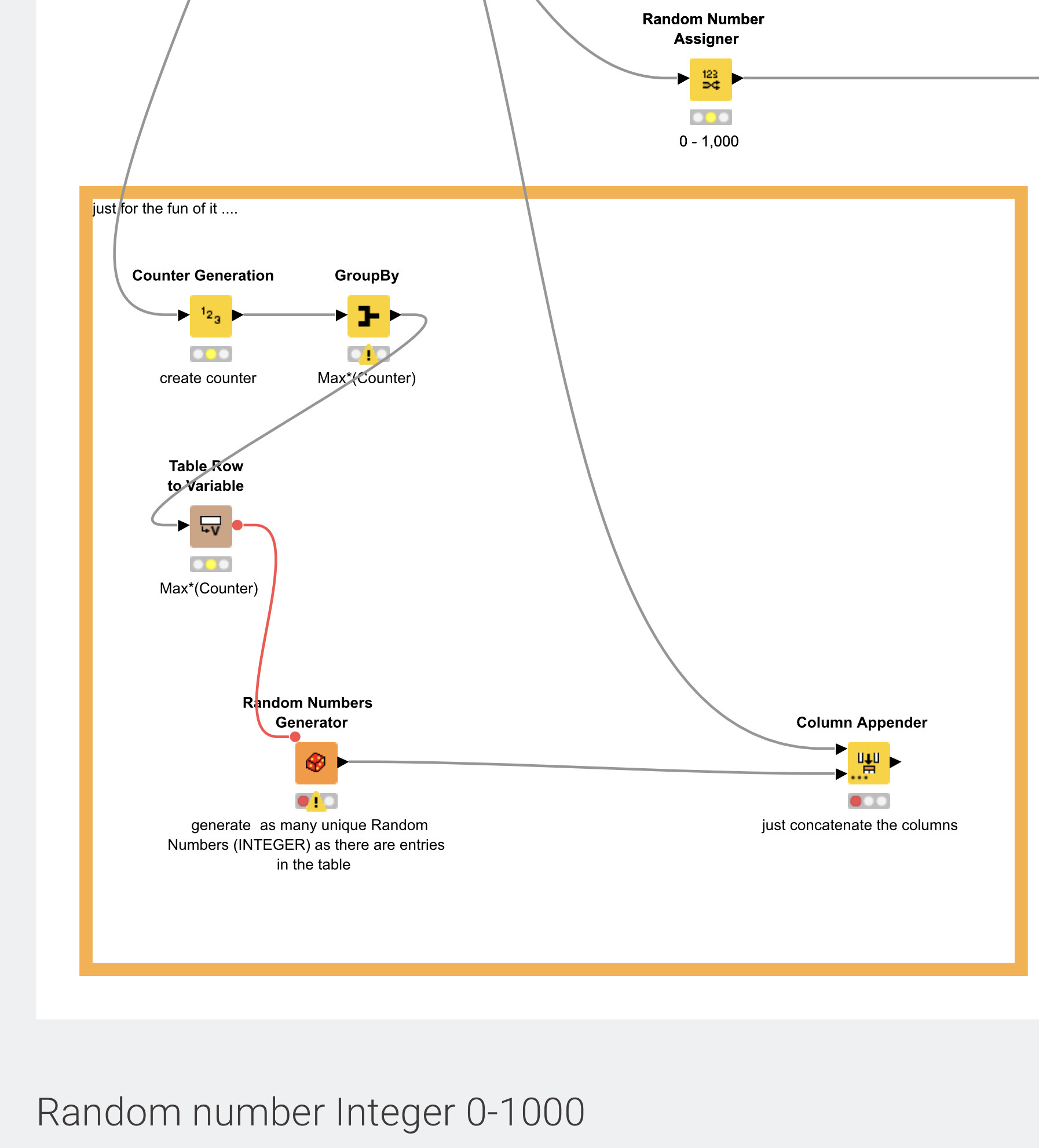
If you know the number of rows in your table you can then use that formula in a math node with b= number of rows and a=0 to generate an integer random number.
We have conventions, based on hard earned experience over many years, so that we make fewer mistakes and it is easier to share and understand each others code. It may seem frustrating at first, but becomes easier with time.
On your second point. Just generating a random identifier will not anonymise your table. You will need to sort it. In which case doing the sort first then adding a sequential number will achieve what you want.
If your existing ID field already contains unique values, then you might want to try the Anonymization node. The node runs an SHA-1 hash function on the reference field and generates a new column with a unique hexadecimal hash result for each record. One feature of potential interest is that it offers a lookup function you can keep separate from the published results, in case a justifiable need arises to be able to look up a record’s pedigree.
Example output column:
STUDENT_ID
b21465b509bf6d5b10477479376aec892a6bddf8
3cc9c7c399cf57eacb4c54ec8dc09d2818409a97
0127e961faa0186c9487b3840bd1bf2ce8bd24db
9293d91104e6c3b53925128a552b0366978ee449
802e012abf41accc14f8cda31abb85d470844a57